The issue with jetways not connecting properly to aircraft was stated to be fixed in the 1.6.11.0 release notes:
Fixed unconnected jetways
We have been monitoring reports from players where some of you are reporting that the issue is properly resolved and others are reporting that some jetways are still not working properly. For those of you still experiencing issues with jetways in the 1.6.11.0 test build, can you kindly share the following information:
What is the specific issue with the jetway? Is it too high, too low, something else?
What airport(s) are affected?
Is it a default airport or a third-party add-on airport (payware or freeware)? If it’s an add-on, which developer created it?
Whenever possible, please post a screenshot showing your specific issue.
Not directly connected to “jetway” but to the root cause / bug…. also Noolaero Docking Systems are affected (this is EDDL; Noolaero VDGS not GSX!) by the "misplacement-bug”
I think the bug affects “objects connected to the airport scenery”, as Jetways or the VDGS having internal connections to the Airport Scenery they belong to…. as there was a (undocumented) change by a/few parameters or a change in the elevation (the object placement) of the scenery or the position of the “objects” in relation to the scenery ..
Edit: There are Posts about “Static Aircraft” … maybe its the same issue, as those objects are also attached to their airports….
Can you please be more specific about the issue you are having? What exactly isn’t working? It would also be very helpful to us if you can post a screenshot of what you are experiencing.
I have deleted psocache, rolling cache, scenery indexes, wasm folder, and shader cache. I can confirm the floating jetway issue is airport specific. I’m having issues with Flightbeam KPDX v2 and iniBuilds OMAA.
I fixed my floating jetways and some texture glitches by deleting my rolling cache, scenery indexes and streamed packages.
However, as posted in the other thread, I still have missing/unresponsive jetways when arriving at destination. It works fine on departure. I’ve completed 2 flights now with the same issue.
KSFO (Flightbeam) to PHNL (iniBuilds). Departing from KSFO, the jetway connected to my aircraft fine. When I arrived to PHNL, GSX didn’t recognise that I was parked up and I couldn’t activate the services or jetway. I also couldn’t activate it via the PMDG EFB.
PHNL (iniBuilds) to KSFO (Flightbeam). Departing from PHNL, the jetway now connected fine. When I arrived to KSFO, GSX didn’t recognise again that I was parked up and no services available as it was stuck in the “teleport me there” mode. I noticed that only one of the 2 jetways at the gate was modelled - the one that was supposed to connect to my aircraft was not there (screenshot below).
I also had 2 GSX/couatl crashes today, both times it referenced a jetway fault.
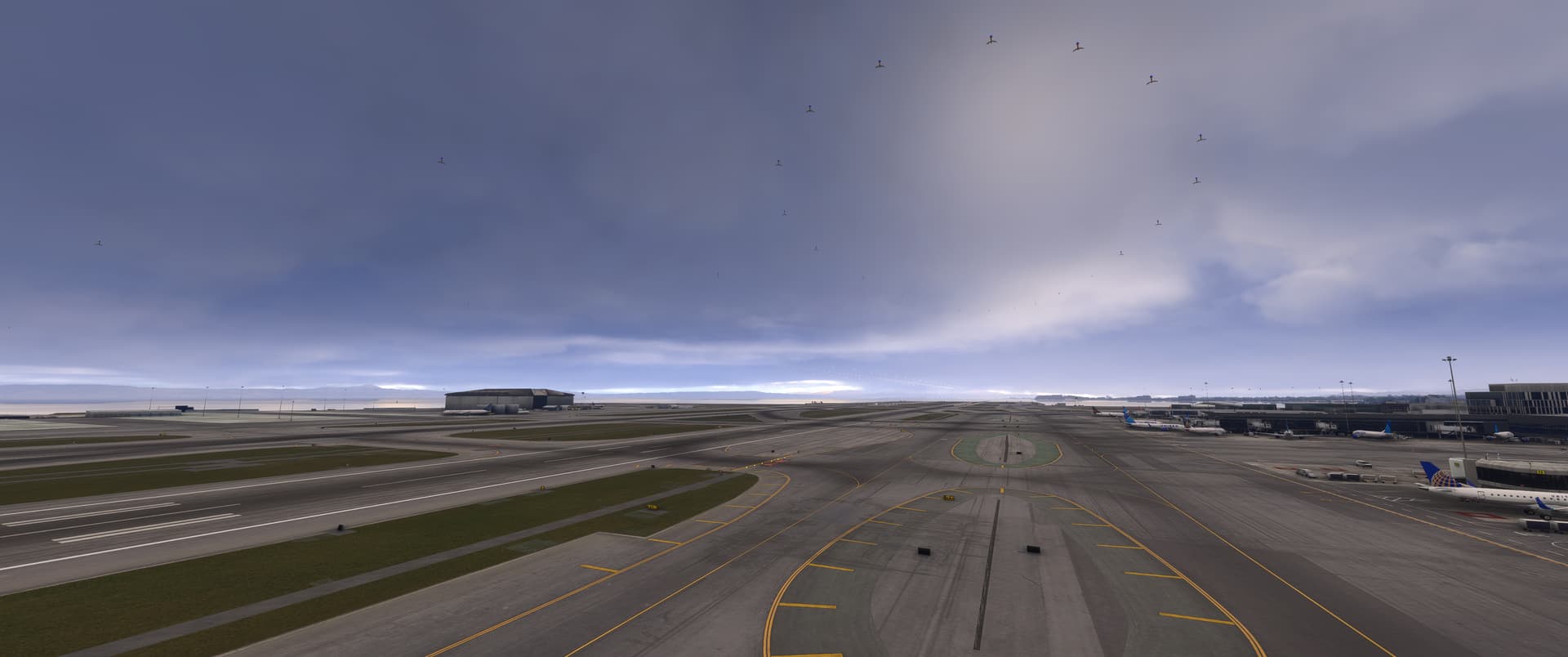
Update: After firing up the sim again and attempting to fly out of KSFO (Flightbeam), the jetways are behaving but the weird dark texture layer floating above the airport is back. I thought I had fixed this earlier by deleting the caches…
Inibuilds Heathrow the jetways have collapsed onto the ground. Xbox series X. They were fine at Tokyo Narita (Drzewiecki Design) and Haneda (world update) as well as Hong Kong (auto-gen)
As a friendly reminder, this thread is for reporting issues related to jetways in 1.6.11.0. For all other bugs/issues that are not specific to jetways, please create a new bug report in the appropriate subforum or upvote and contribute to an existing bug report if one already exists.
My separate thread on floating texture layers and other airport objects (lights, clutter) was closed as I had wrongly assumed it was fixed after a cache cleanup. As outlined in this thread, I get frequent jetway issues but also the other floating objects like runway lights, taxiway lights, airport clutter and I also get those dark texture layers floating at some airports since the latest SU4 build. I had assumed it might be linked to the floating jetway issue but if easier may I ask to reopen my separate thread: Objects floating in the air and texture glitches at arrival airport only - Sim Update 4 Beta | MSFS 2024 / Scenery & Airports - Microsoft Flight Simulator Forums