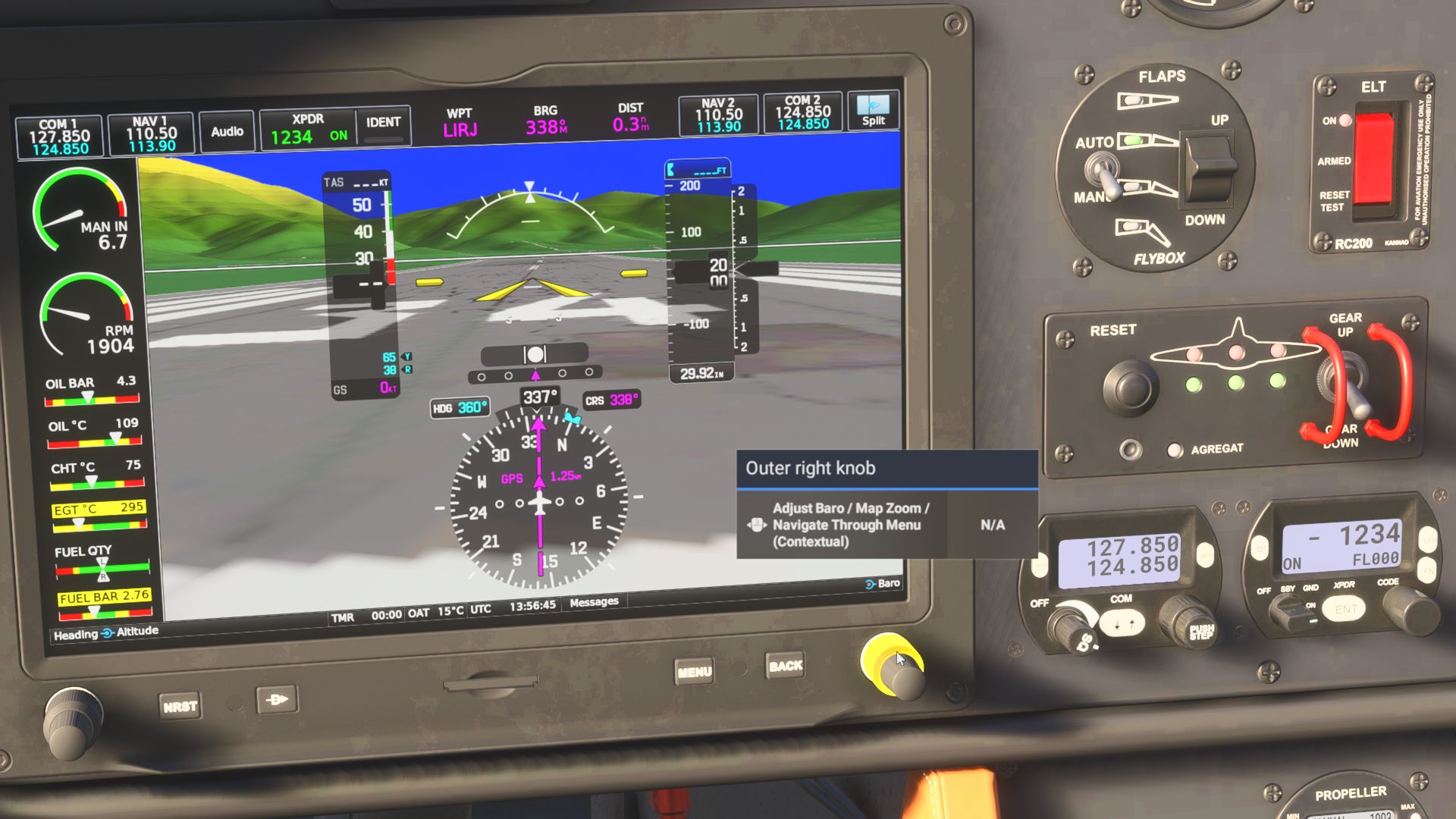
The push buttons on the inner dials left and right of the g3x touch are not programmed. The barometric pressure can not be set with the outer rh dial. It remains on 29.92. It’s easy to check this errors .
3 tags are required - add them in the tag section next to the title above:
-
One for aircraft (start typing in your aircraft name in the tag section and pick correct option)
Feel free to delete this quote section after adding your appropriate tags.
ISSUE DESCRIPTION
Description of the issue:
FREQUENCY OF ISSUE
How often does this occur for you (Example: Just once, every time on sim load, intermittently)?
REPRODUCTION STEPS
Please list clear steps you took in order to help our test team reproduce the same issue:
YOUR SETTINGS
If the issue still occurs with no mods and add-ons, please continue to report your issue. If not, please move this post to the User Support Hub.
What peripherals are you using, if relevant:
[PC Only] Are you using Developer Mode or have you made any changes to it?
[PC, MSFS 2020 Only] Are you using DX11 or DX12?
[PC Only] What GPU (Graphics Card) do you use?
[PC Only] What other relevant PC specs can you share?
7800x3d
MEDIA
Please add a screenshot or video of the issue occurring.
 When you have a dual display setup with two GDU460 modules, as on the VL-3: