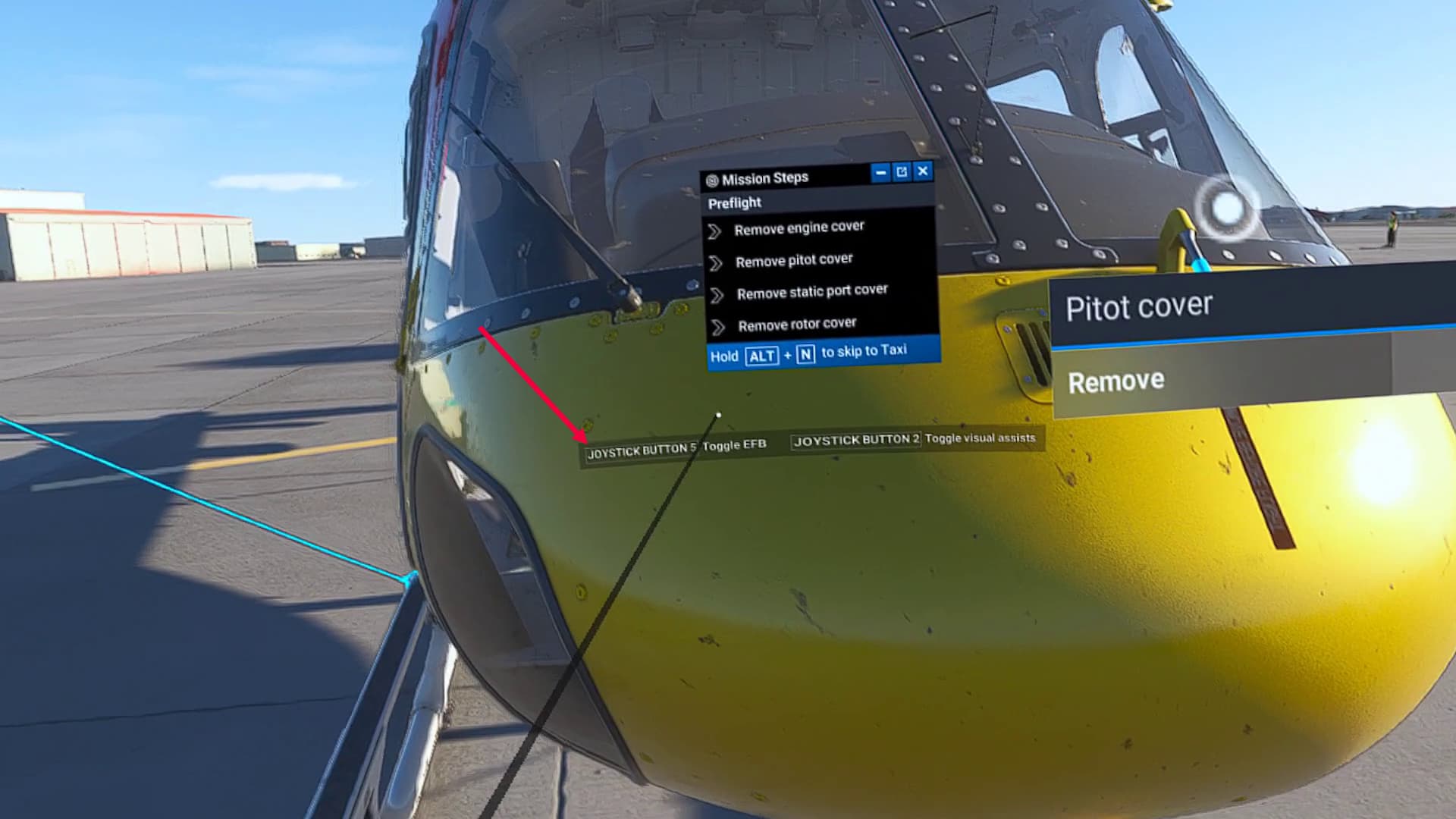
When starting a mission in career mode in VR there is a tooltip on keybinds mine reads JOYSTICK BUTTON 5 Toggle EFB JOYSTICK BUTTON 2 Toggle visual assist,
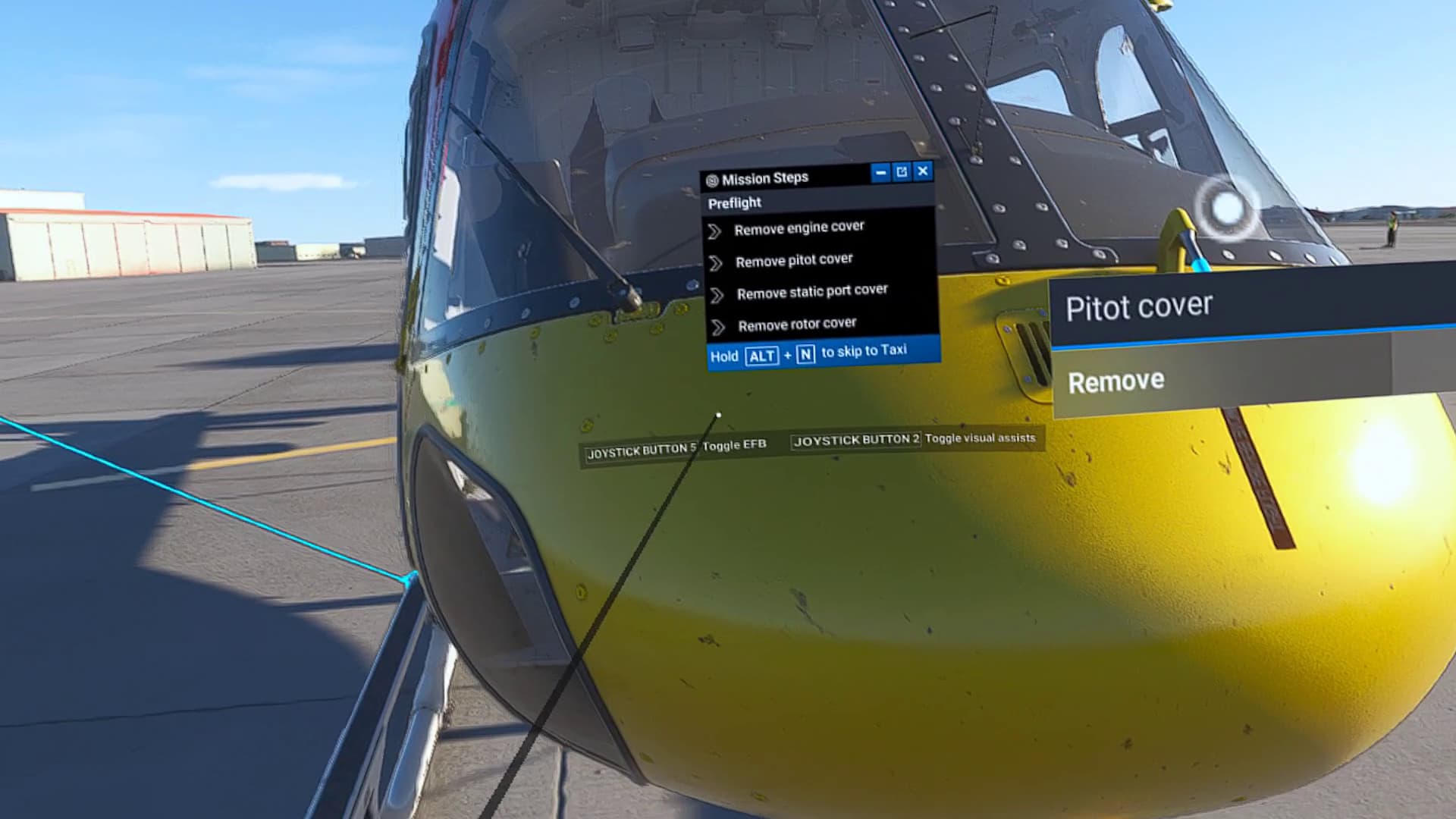
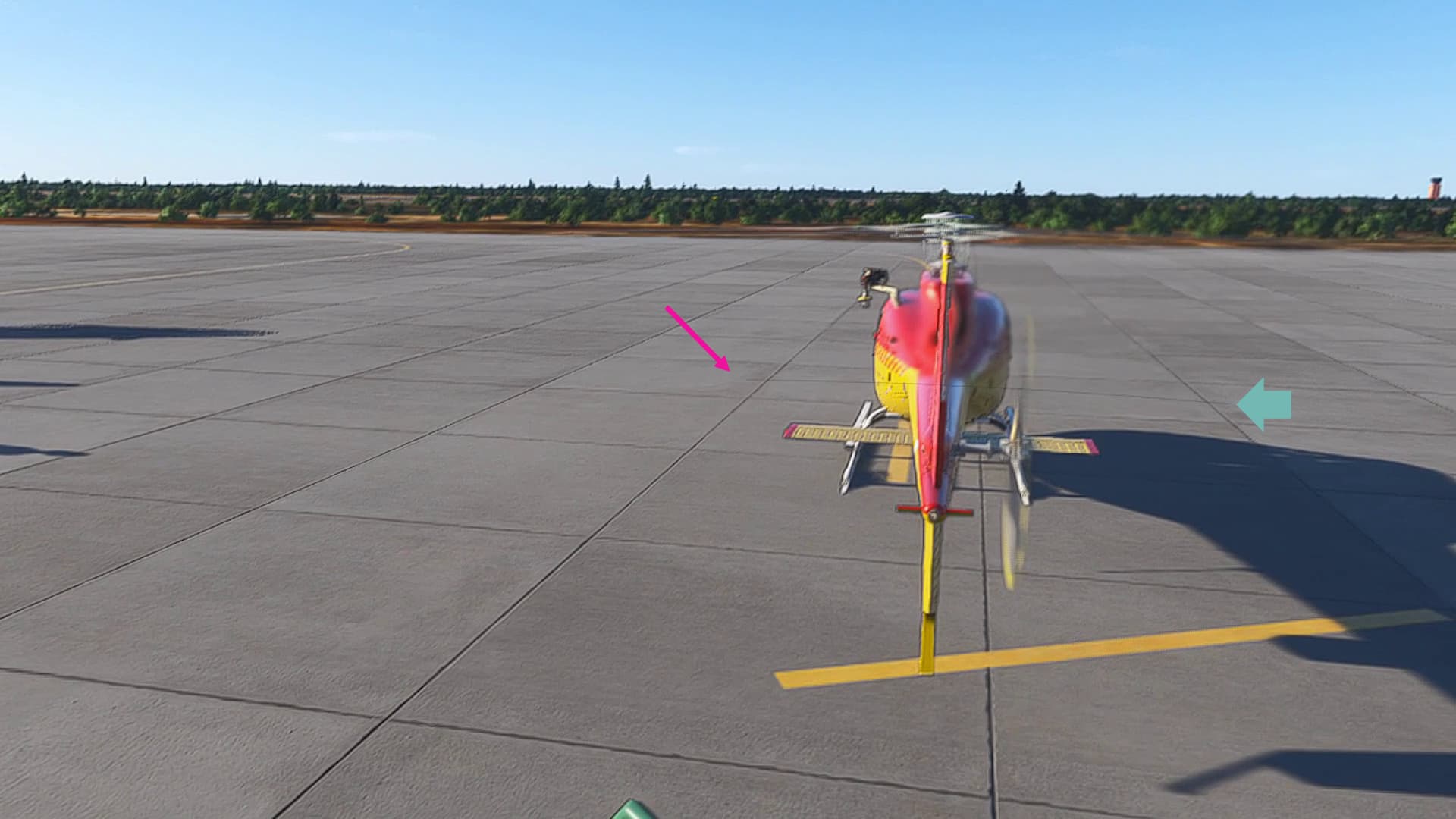
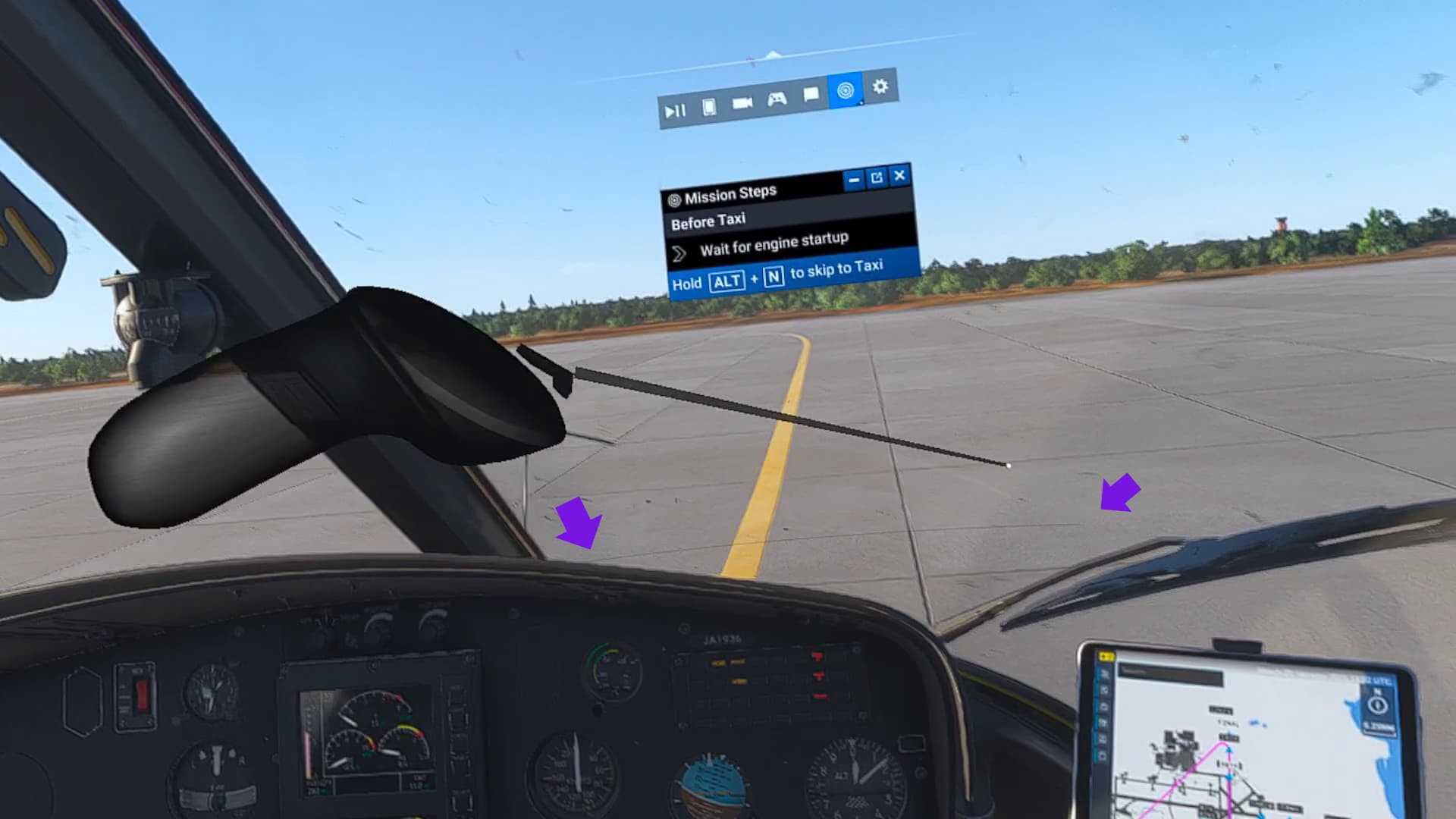
when entering the cockpit the tooltip dissapears but leaves a black thin line where the tooltip was positioned when you accessed the cockpit. this can be removed by simply pressing esc 2x to take you out then back into the game but is annoying all the same
no addons mods running
this happens 100% of the time
my headset is a meta quest 3s
DX12
Nvidia Geforce RTX4090
Operating System: Windows 11 Home 64-bit (10.0, Build 22631) (22621.ni_release.220506-1250)
Language: English (Regional Setting: English)
System Manufacturer: Gigabyte Technology Co., Ltd.
System Model: Z690 UD DDR4
BIOS: F6 (type: UEFI)
Processor: 12th Gen Intel(R) Core™ i7-12700KF (20 CPUs), ~3.6GHz
Memory: 65536MB RAM
Available OS Memory: 65378MB RAM
Page File: 17579MB used, 57526MB available
Windows Dir: C:\WINDOWS
DirectX Version: DirectX 12
DX Setup Parameters: Not found
User DPI Setting: 120 DPI (125 percent)
System DPI Setting: 96 DPI (100 percent)
DWM DPI Scaling: Enabled
Miracast: Available, no HDCP
Microsoft Graphics Hybrid: Not Supported
DirectX Database Version: 1.6.7
DxDiag Version: 10.00.22621.3527 64bit Unicode
MEDIA
Please add a screenshot or video of the issue occurring.
https://www.youtube-nocookie.com/embed/Kvk2gQtNmDU
 For anyone who wants to contribute on this issue, Click on the button below to use this template:
Do you have the same issue if you follow the OP’s steps to reproduce it?
•
Provide extra information to complete the original description of the issue:
•
If relevant, provide additional screenshots/video:
•
For anyone who wants to contribute on this issue, Click on the button below to use this template:Do you have the same issue if you follow the OP’s steps to reproduce it?
•
Provide extra information to complete the original description of the issue:
•
If relevant, provide additional screenshots/video:
•