Has anyone fixed this? Having the same issue. Lights are very bright but don’t illuminate anything
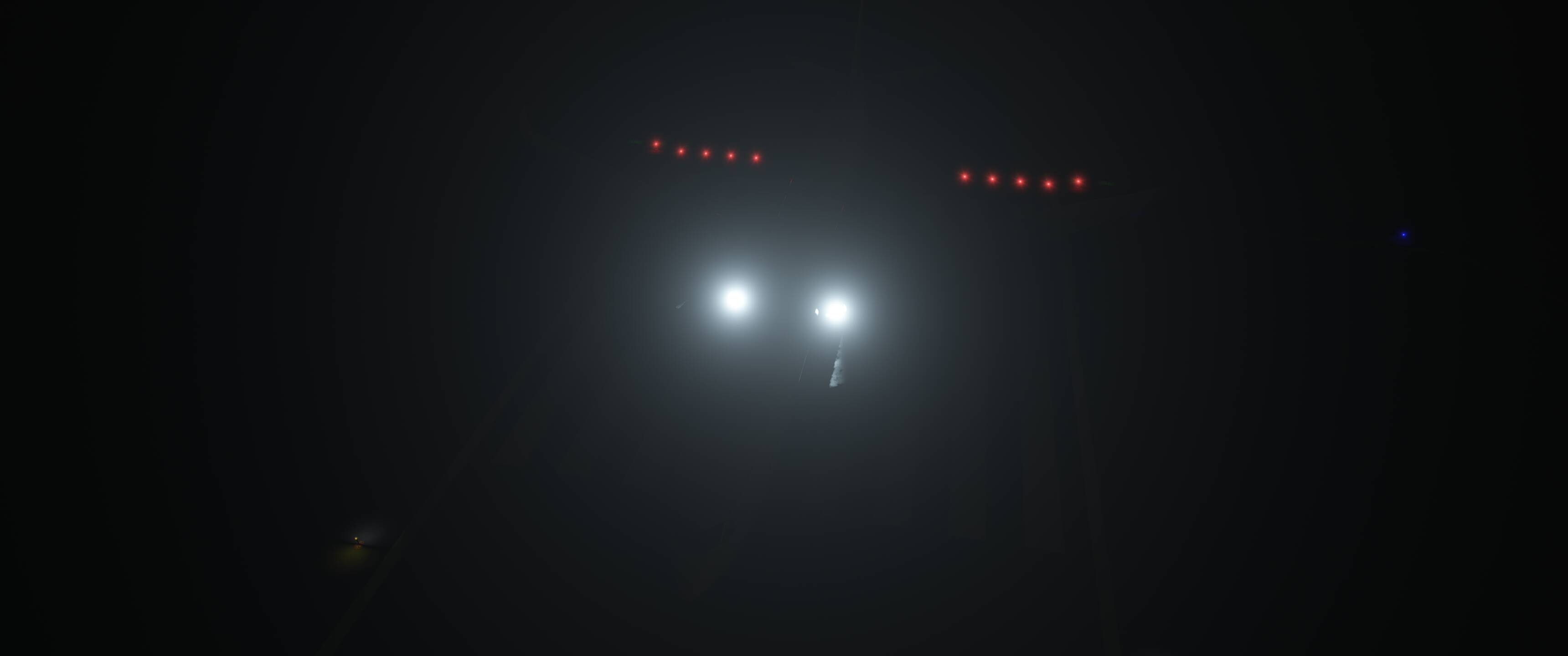
This must be a sim issue - the default 787 has the same issue - weirdly bright lighting, and no illumination of the ground.
Any help here??

That is genuinely so strange - I’ve cleared all cache, wasm etc, tried a new community folder with the _community method but the issue still persists??
I have the honeycomb alpha - ive seen a few people saying it maybe relates to that??
I’m on a 5800x3d with a 4070ti super. Nvidia is latest drivers.
It would be interesting if users that have reported the issue could comment if they are using the honeycomb alpha device.
I do have the same issue with the SWS Kodiak without running the honeycomb alpha.
Same issue with the Cessna 207. I know, there’s a separate tread for that from Jan 2025, still not fixed.
FWIW - a full reinstall fixed the light issue for me.
Not ideal.
Try disable bravo 787-8/-9 in your library
I’m having the same issue with the Citation X. The taxi and landing lights aren’t illuminating the ground. You can see the lights on. I’m also having the same with CJ4. The logo lights are on but not illuminating where it should. Same issue on the PC24. I’m wondering if its the real lights add on giving the trouble?
Moved to User Support Hub .
For the ones having this issue with 3rd party aircraft please report it directly to the corresponding developers. As a reminder:

If you can replicate the issue with 1st party aircraft, please create dedicated reports (1 per aircraft) in the Bug Reporting Hub > Aircraft & Systems making sure all your addons (Marketplace, community) are disabled and providing detailed steps to replicate.
Thank you !
Aircraft lights have been a real mess in MSFS2024, this should be a basic feature of the sim… we’re already in SU6 and it still gets neglected 
I’ve been suffering the same issue for a few weeks. This is what is happening:
ISSUE DESCRIPTION
Aircraft projected dynamic lights (Taxi and Landing lights) do not render or project onto the ground/runway surface when viewed from inside the cockpit, across multiple aircraft (both default and third-party).
Through DevMode’s Debug Lights tool, I have confirmed that the light effect itself exists and is loaded, but the Spot emitter matrix fails to initialize/render correctly upon turning on the switches.
STEPS TO REPRODUCE
-
Load any flight at night (tested with C172 stock and PMDG 777…).
-
Turn on Taxi and Landing lights from inside the cockpit.
-
Observe the runway/ground from the cockpit camera: no light cone or illumination is visible on the asphalt, although the bulb/lens texture is lit from the outside.
-
Open DevMode > Debug > Debug Lights.
-
Locate the Taxi or Landing light entry, go to Active Params > Light Attributes.
-
Manually change the light mode from Spot to Omni, then switch it back from Omni to Spot.
-
Result: The light cone immediately appears and illuminates the ground properly until the light is toggled or reset.
EXPECTED RESULT Spot light emitters should initialize and project their light cone on the ground automatically when switched on, without requiring manual attribute toggling in DevMode.
FREQUENCY 100% reproducible.
I am desperate and I don’t know where or how to fix this issue.
AIRCRAFT ISOLATION MATRIX (Tested on Build 1.8.16.0 at night):
 WORKING (Light beams project correctly on ground from cockpit view):
-
A2A Piper PA-24 Comanche
-
Fenix A320 Family (All variants)
-
iniBuilds Airbus A320neo v2 / A330-200GE / A400M / Beluga XL
-
Miltech C-17A Globemaster III
 NOT WORKING (Light bulbs lit externally, but NO light beam on ground from cockpit view):
-
Cessna 172 Skyhawk (Asobo Studio)
-
Boeing 737 MAX 8 (Asobo Studio)
-
Boeing 787-10 Dreamliner (Working Title / Asobo)
-
Boeing 747-8 Intercontinental (Working Title / Asobo)
-
Diamond DA40 NG (Asobo Studio)
-
PMDG 777 Family (All variants - uses native MSFS light attachment templates)