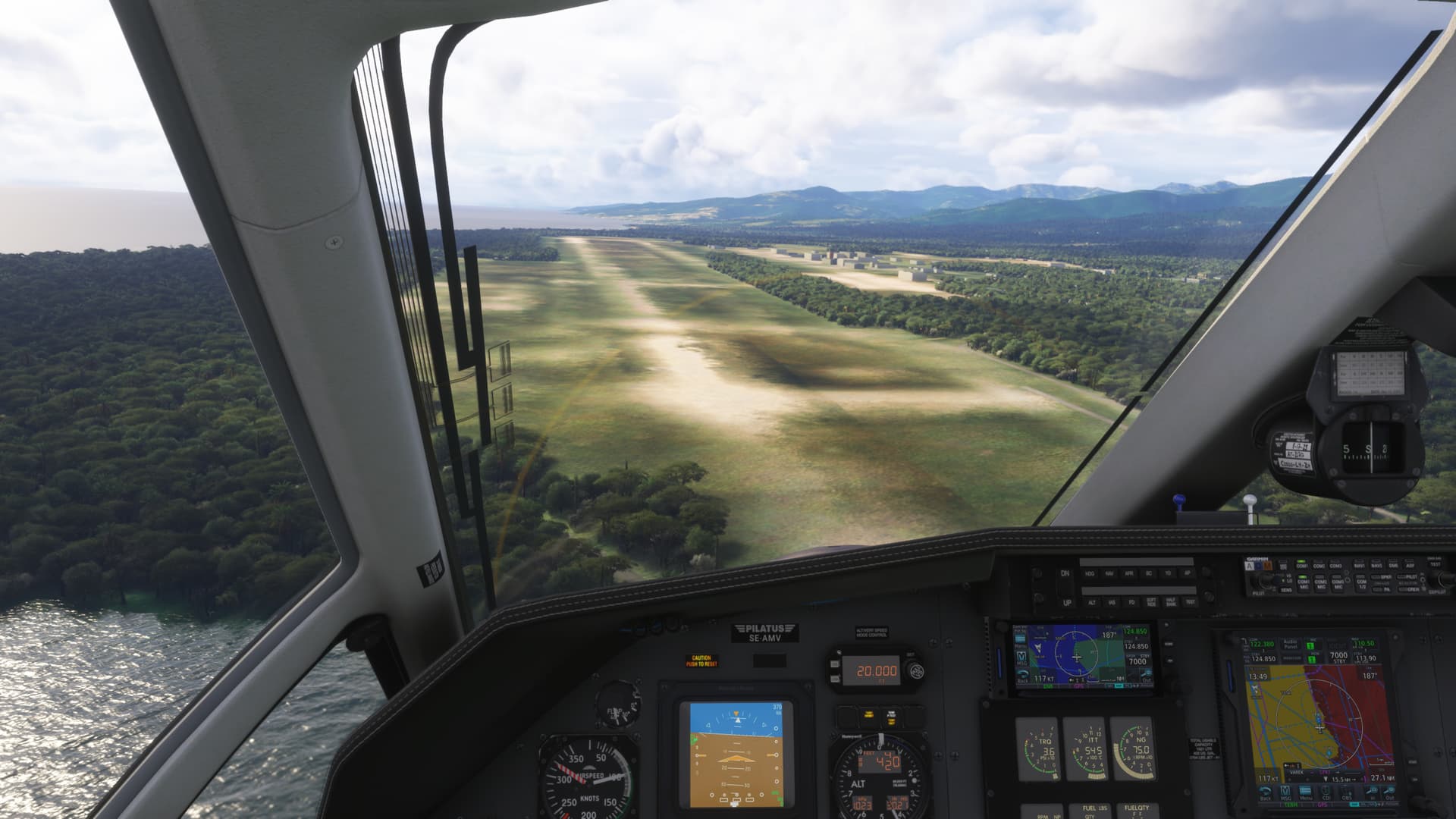
Late loading of AI aircraft and Blurry Airport Textures on Arrival - Immersion Destroying

ISSUE DESCRIPTION

Description of the issue: Whenever you taxi in after landing or if you fly over an airport, the AI aircraft load in at the last minute as shown in the attached video.

This happens if you are taxiing in after landing or overflying. It also causes major stuttering.

It is completely immersion-destroying.

Additionally, it is immersion-destroying when you do a flight and when you are on approach, the airport loads late with blurry textures.

If MSFS 2024 is going to stream content, then at the very least, the destination needs to be fully loaded, with all buildings, runways and aircraft well before final approach.

ICAO, coordinates, or specific location: Everywhere

[PC Only] Did you remove all your community mods/add-ons? If yes, are you still experiencing the issue? Yes and yes

How often does this occur for you (Example: Just once, every time on sim load, intermittently)? Always

REPRODUCTION STEPS

Please list clear steps you took in order to help our test team reproduce the same issue:

  1. Fly over airport as in video
  2. Do a flight to an airport and see late loading of blurry runway textures

YOUR SETTINGS

If the issue still occurs with no mods and add-ons, please continue to report your issue. If not, please move this post to the User Support Hub.

What peripherals are you using, if relevant:

[PC Only] Are you using Developer Mode or have you made any changes to it? No

[PC, MSFS 2020 Only] Are you using DX11 or DX12?

[PC Only] What GPU (Graphics Card) do you use? RTX 4090

[PC Only] What other relevant PC specs can you share?
7800X3D, 64 GB Ram

MEDIA

Play this video full screen to see late loading of aircraft as you overfly airport:

See this video for blurry textures on arrival:
[END OF FIRST USER REPORT]


:loudspeaker: For anyone who wants to contribute on this issue, Click on the button below to use this template:

Do you have the same issue if you follow the OP’s steps to reproduce it?
•

Provide extra information to complete the original description of the issue:
•

If relevant, provide additional screenshots/video:

•
3 Likes

I have nothing to add except this is maddening and completely agree it kills immersion.

2 Likes

Do you have the same issue if you follow the OP’s steps to reproduce it?
• Yes

Provide extra information to complete the original description of the issue:
If you fly over an airport and watch AI aircraft loading at the last minute, then make a sharp turn back over the same spot ( in a glider, for example) the aircraft has disappeared then suddenly returns. I’d assume the static object would be cached so it’s either slow to get the data from the cache, taking too long to create the object and display it or the object has an incredibly small LOD range.

If relevant, provide additional screenshots/video:

•

1 Like

Unless they do something to address this issue, I think we are stuck with this in FS2024 as it seems to be the nature of streaming.

1 Like

My first post here, and yes this is so annoying, I was testing AI at Perth airport and flying over it AI aircraft’s are popping in. It’s a draw distance issue by the looks of it. It is terrible after using fsltl on fs2020, or even the default Ai. . Also sitting on side or runway, listening to atc as you do… aircraft’s are coming in, not seeing them coming in just a sudden appereance at the start of runway and then taxxing not rolling town the runway whatsoever. Or at times a plane will touch down and continue its landing process along the taxiway, so no time to slow down on runway, but straight onto taxiway at high speed. . I have turned off AI as it’s absolutely useless and also no liveries etc, I’m quite sure I hear/read that it was 90% complete with all correct liveries, this is not the case,

3 Likes

Hi, today I made a freeflight over the Alps (LIME-LIPB-LOWI) and on approach and after landing I had blurry runways and taxiways. They improved after 5-10 mins.
Needs fixing

2 Likes

Same issue here for very late popping up aircraft.

1 Like

Bummer. It also happens on locally installed airports inside the community folder with a high end system with ultra settings. The runway textures are incredibly low res until like 10 seconds after touchdown.

1 Like

Hello Folks,

I do have (I think) the same problem.

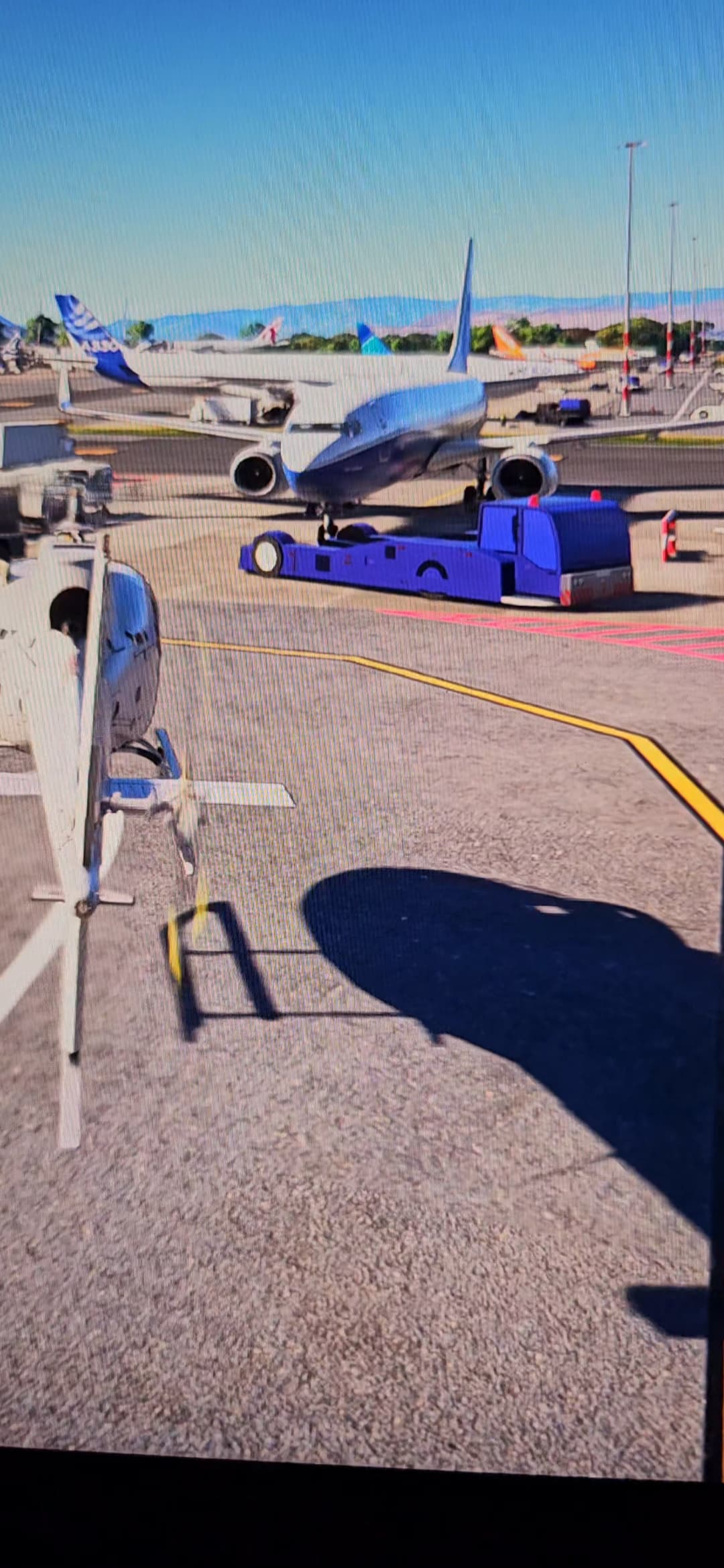
Please have a look at enclosed picture.

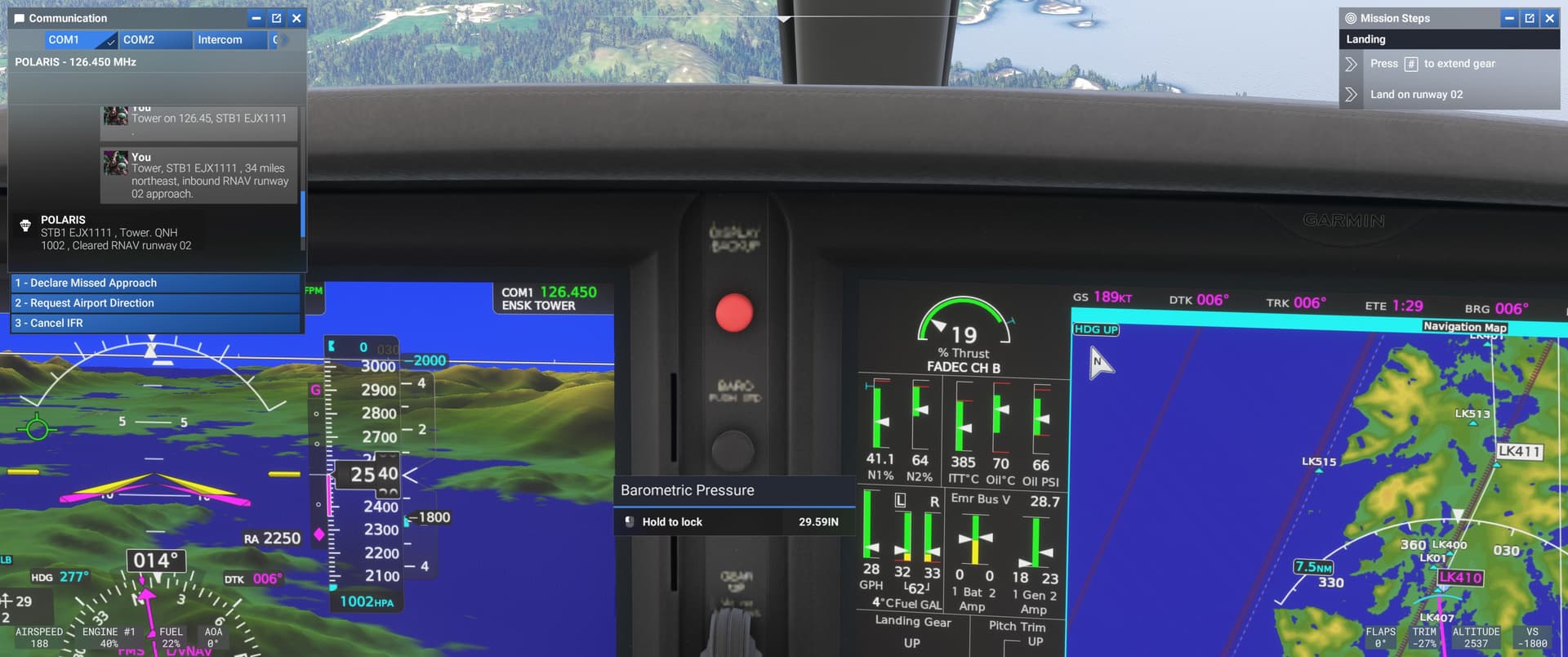
Airport Vehicles and also AI planes are looking boxy and less detailed when only a few meters away. When coming really close to the vehicle the actual correct model loads in. When moving away just a few meters again… well it does not look good.

This cannot be correct?

Any ideas to fix?

4080 Laptop GPU
250 mbits internet
I9 14900 processor
32 GB ram

LODs set to max

Thanks for your help.

Do you have the same issue if you follow the OP’s steps to reproduce it?
• Yes

Provide extra information to complete the original description of the issue:
• Compared to MSFS2020 AI traffic is missing contrails too.

If relevant, provide additional screenshots/video:

•

I joined the “club” of late loading textures about ten days ago.
I did a complete round trip from Munich to Nairobi. Everything was fine. LOD was still kind of questionable but at least the textures during the approach and landing.

Then, the weekend before christmas, it started. I did a flight from Munich to Dusseldorf. No textures during final approach and landing! Ok, could be a server hiccup was my initial thought. Then I tried a flight from Stuttgart to Munich. Again, no textures during final approach and landing. Every single flight thereafter endend with landings without textures. I did around 10 test flights throughout the FS-Sim-World. I tried to work on the LOD-Settings, emptied my cache. Nothing worked! Which is kind of frustrating.

Using the template below will greatly help the team reproduce the issue and ease the process of fixing it. Before posting, search for an existing report. If you are not sure it’s a bug, please first report in User Support Hub.

2 tags are required - add them in the tag section next to the title above:

Feel free to delete this quote section after adding your appropriate tags.


ISSUE DESCRIPTION

Description of the issue:

When I come in to land at an airport I haven’t flown into previously I find the runway completely blurry with no detail. It is still being streamed in as I land. This is the most critical phase of flight and I can’t see any runway lights, lines, or detail, just low res blurry textures. The runway textures seem to load in last, even after the airport buildings. I often find that the runway only comes (streams) into full detail when I’m on an exit ramp.

This doesn’t seem to matter whether it is 3rd party or not.

I realize that many 3rd party airports will eventually be available to store and access locally, but what about the default airports that aren’t? I can see soft runway textures on most airports I fly into that have not been used before / cached already.

Why not give us an option to (or even better have FS2024 do this by default) pre-cache a destination airport during the flight or ahead of a flight or at least well ahead of landing. Why only stream it in as we are on final right when we need it to be fully loaded the most?

This to me is a fundamental issue/flaw with the current FS2024 streaming methodology and needs tweaked to pre cache destination airports ahead of time. {FEATURE REQUEST}

Note: my rolling cache is currently set at 128GB, makes no difference for airports I have yet to fly into so are not pre-cached.

[PC Only] Did you remove all your community mods/add-ons? If yes, are you still experiencing the issue? YES

FREQUENCY OF ISSUE

How often does this occur for you (Example: Just once, every time on sim load, intermittently)? Every time I fly into an airport that I haven’t streamed before and isn’t pre-cached or stored locally

REPRODUCTION STEPS

Please list clear steps you took in order to help our test team reproduce the same issue:

  1. Fly into any airport that isn’t stored or pre cached locally
  2. Watch when runway textures are streamed/loaded in (late)

YOUR SETTINGS

If the issue still occurs with no mods and add-ons, please continue to report your issue. If not, please move this post to the User Support Hub.

What peripherals are you using, if relevant: N/A

[PC Only] Are you using Developer Mode or have you made any changes to it? No

[PC, MSFS 2020 Only] Are you using DX11 or DX12?

[PC Only] Many issues may be due to an outdated graphics card. Please state your Graphics Card Driver Manufacturer (NVIDIA, Intel, AMD) and Version: 3090, driver: 566.36

[PC Only] What other relevant PC specs can you share? Slowish 30MBPS ADSL broadband, 64GB RAM, 5950X, Win 11 Pro 24H2

MEDIA

Please add a screenshot or video of the issue occurring.
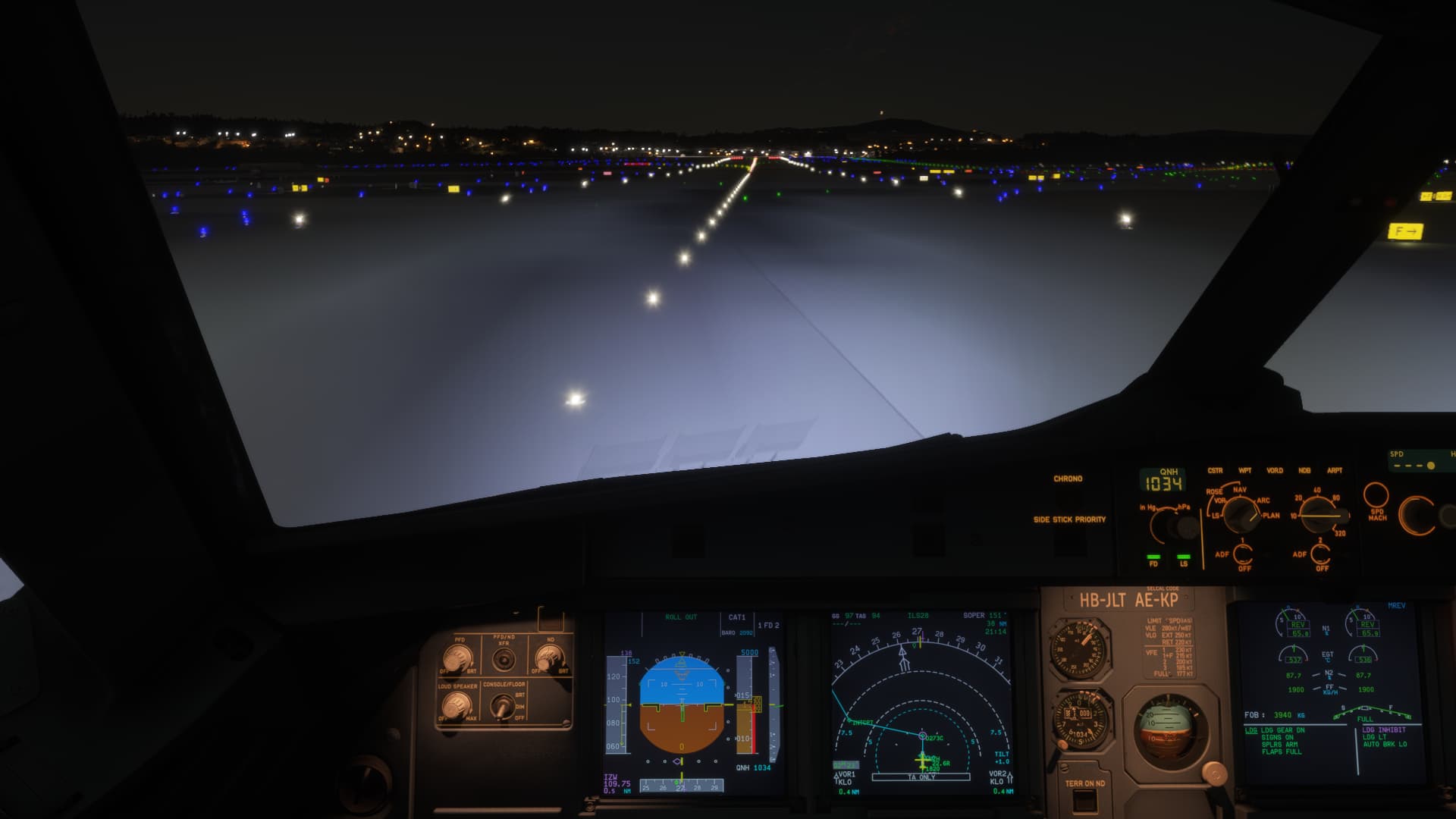
KMIA(streamed) R30. This is typical, but quite bad. Maybe due to streaming of Miami PG on approach ahead of airport. But why isn’t the airport pre-cached already?
This example was after a 2hr (3hrs including setup) flight with ample time for pre-caching the destination airport had that been a sim option.

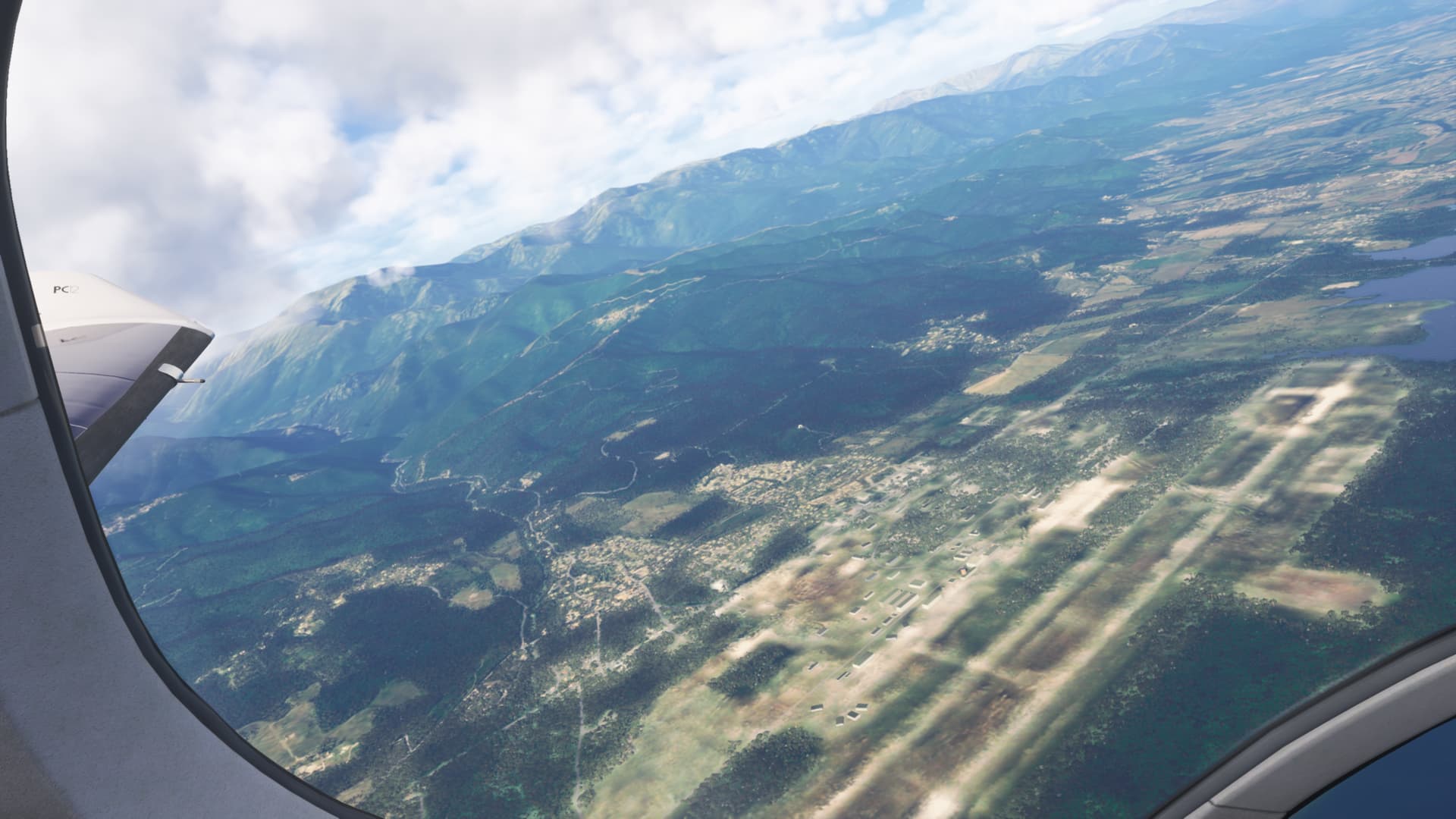
LEZL (streamed). Airport buildings all clear and present. Runway (I’ve just exited after landing) all blurry and still loading (streaming) in.

[END OF FIRST USER REPORT]


:loudspeaker: For anyone who wants to contribute on this issue, Click on the button below to use this template:

Do you have the same issue if you follow the OP’s steps to reproduce it?
•

Provide extra information to complete the original description of the issue:
•

If relevant, provide additional screenshots/video:
•
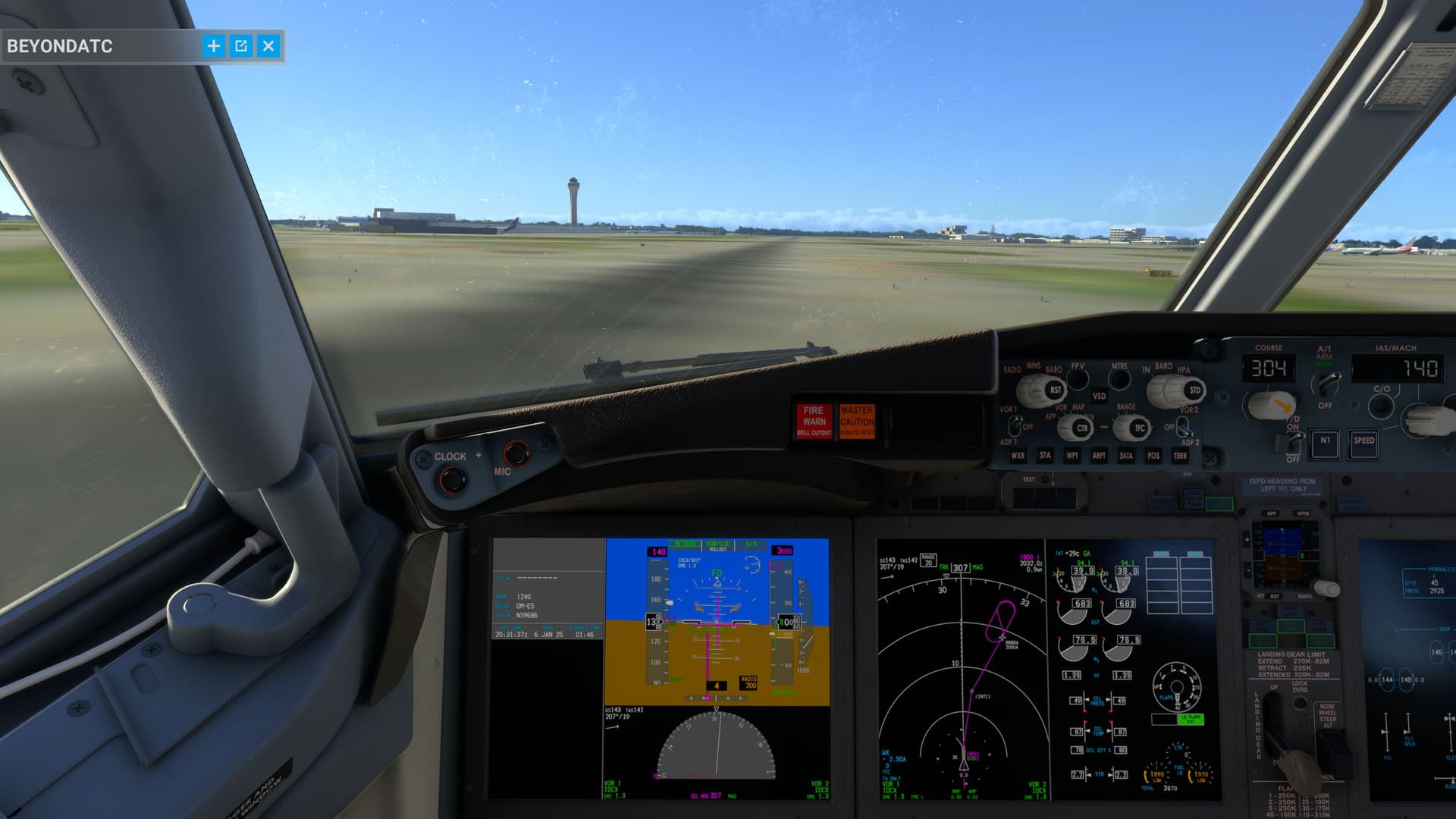
yes, happening to me also.

I would understand if it only happens when I go somewhere for the 1st time, while the “Bandwith too low…” Error is active.
But it also happens when it is not.

Wondering if it is really only the streaming, or if there are other issues as well.

Today i had this:


Used this plane for many hours, and zoom in like that all the time.
You would think it is cached.
Yet suddenly i get an low res blurry version where you can’t remotely read a single label.
The 2 hours before it was always fine, the 1h after it was fine again, but for 2min it looked like ****.

Using the template below will greatly help the team reproduce the issue and ease the process of fixing it. Before posting, search for an existing report. If you are not sure it’s a bug, please first report in User Support Hub.

2 tags are required - add them in the tag section next to the title above:

Feel free to delete this quote section after adding your appropriate tags.


ISSUE DESCRIPTION

Description of the issue:

ICAO, coordinates, or specific location: EDDF LSZH EGLL EIDW

[PC Only] Did you remove all your community mods/add-ons? If yes, are you still experiencing the issue? Yes, after a complete reinstall the issue is still repeatable

FREQUENCY OF ISSUE

How often does this occur for you (Example: Just once, every time on sim load, intermittently)? Every landing

REPRODUCTION STEPS

Please list clear steps you took in order to help our test team reproduce the same issue:

  1. Uninstall entire simulator
  2. Uninstall certain mods
  3. Reinstall affected sceneries

YOUR SETTINGS

If the issue still occurs with no mods and add-ons, please continue to report your issue. If not, please move this post to the User Support Hub.

What peripherals are you using, if relevant:

[PC Only] Are you using Developer Mode or have you made any changes to it? No use of developer mode

[PC, MSFS 2020 Only] Are you using DX11 or DX12? DX12

[PC Only] What GPU (Graphics Card) do you use? 4080SUPER

[PC Only] What other relevant PC specs can you share? 780X3D 64GB DDR5

MEDIA

[END OF FIRST USER REPORT]


:loudspeaker: For anyone who wants to contribute on this issue, Click on the button below to use this template:

Do you have the same issue if you follow the OP’s steps to reproduce it?
•

Provide extra information to complete the original description of the issue:
•

If relevant, provide additional screenshots/video:
•
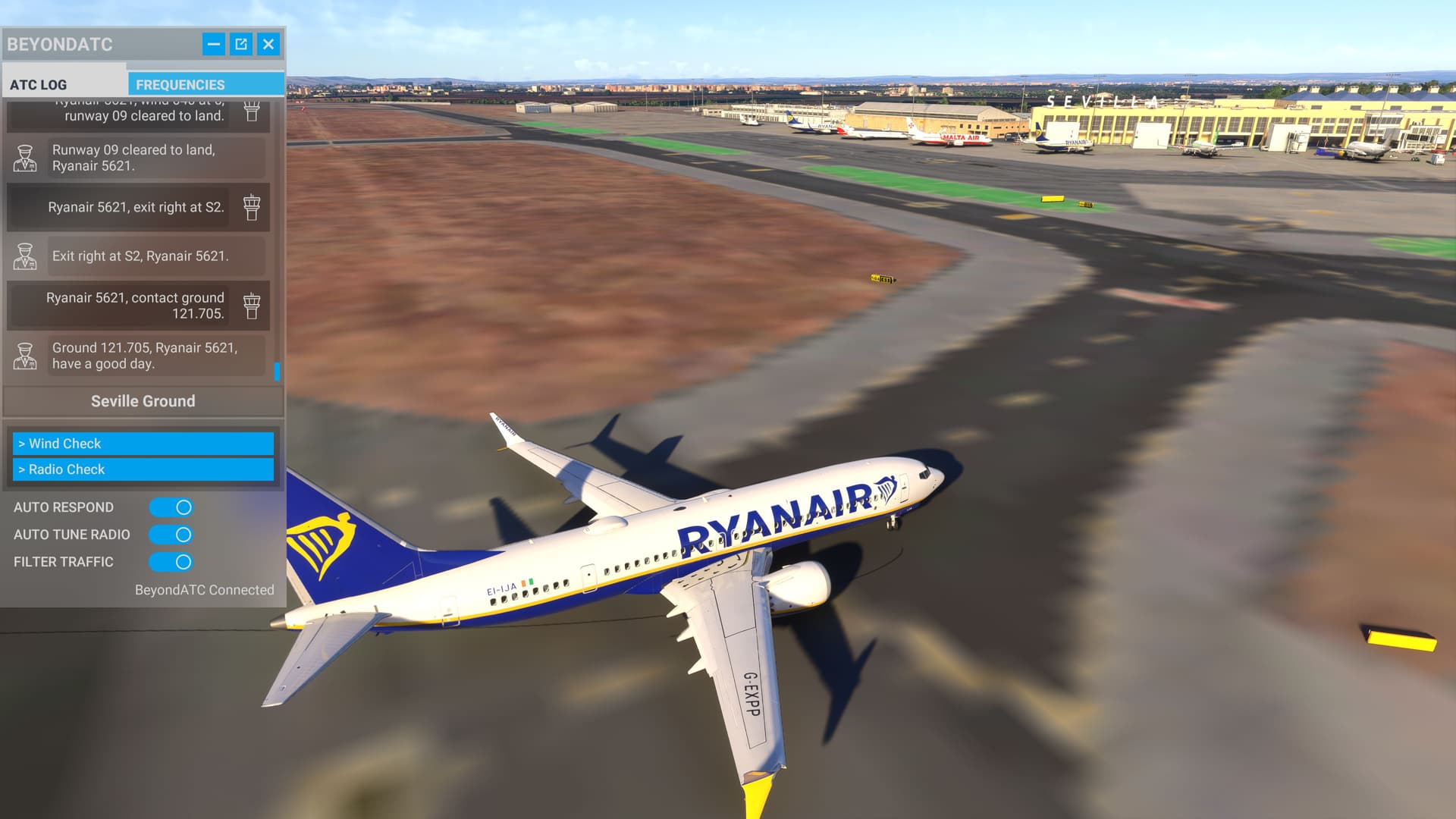
Tried a flight from NICE to Corsica, airport did not load in on approoach, restarting flight and starting from airport did load the airport.


Now I know it’s not just me. Which scenery are you using?

All default, obviously not the airplane but scenary is just standard MSFS LFMN and default LFKJ, in other words streamed from default scenary.

I can‘t spawn into Nice. I don’t know if g it’s the scenery or the spawning issue everyone has been talking about after the latest beta versions.

Its all kinds of stuff mate, just had a crash to desktop when pressing “send to avionics”…absolutely incredible, it is getting worse with every beta…time to take a rest from this…

Yep, after the latest beta: two flights, two CTDs. Very, very frustrating. First flight A 350 from EDDF to KIAD, after 3 hours - CTD. Second try from LFMN (first time loading the scenery worked) to EDDF, after 45 minutes - CTD. Both situations had nothing in common.

I give up for today.

Edit: I think in my case the Inibuilds A 350 update is causing my problems. Back in the Fenix everything is working as it should.