Latest update does not reconize the Hotas 4 bindings on playstation and items are undefined

ISSUE DESCRIPTION

The latest update does not recognise the Hotas 4 bindings, keeps giving the message that a new device was noticed but this message can not be clicked.

Now I can not fly using the Hotas or customise airplanes (even the DualSense Controller from Sony does not work in every screen, e.g. the Configuration screen)
Apparently this was mentioned in the very very long list of items in the release notes, if you can find it

This is especially a problem because this was mentioned during Beta testing. Why was this build released on Playstation like this?

FREQUENCY OF ISSUE

Realy?

REPRODUCTION STEPS

Please list clear steps you took in order to help our test team reproduce the same issue:

Just boot

YOUR SETTINGS?

n.a.

MEDIA

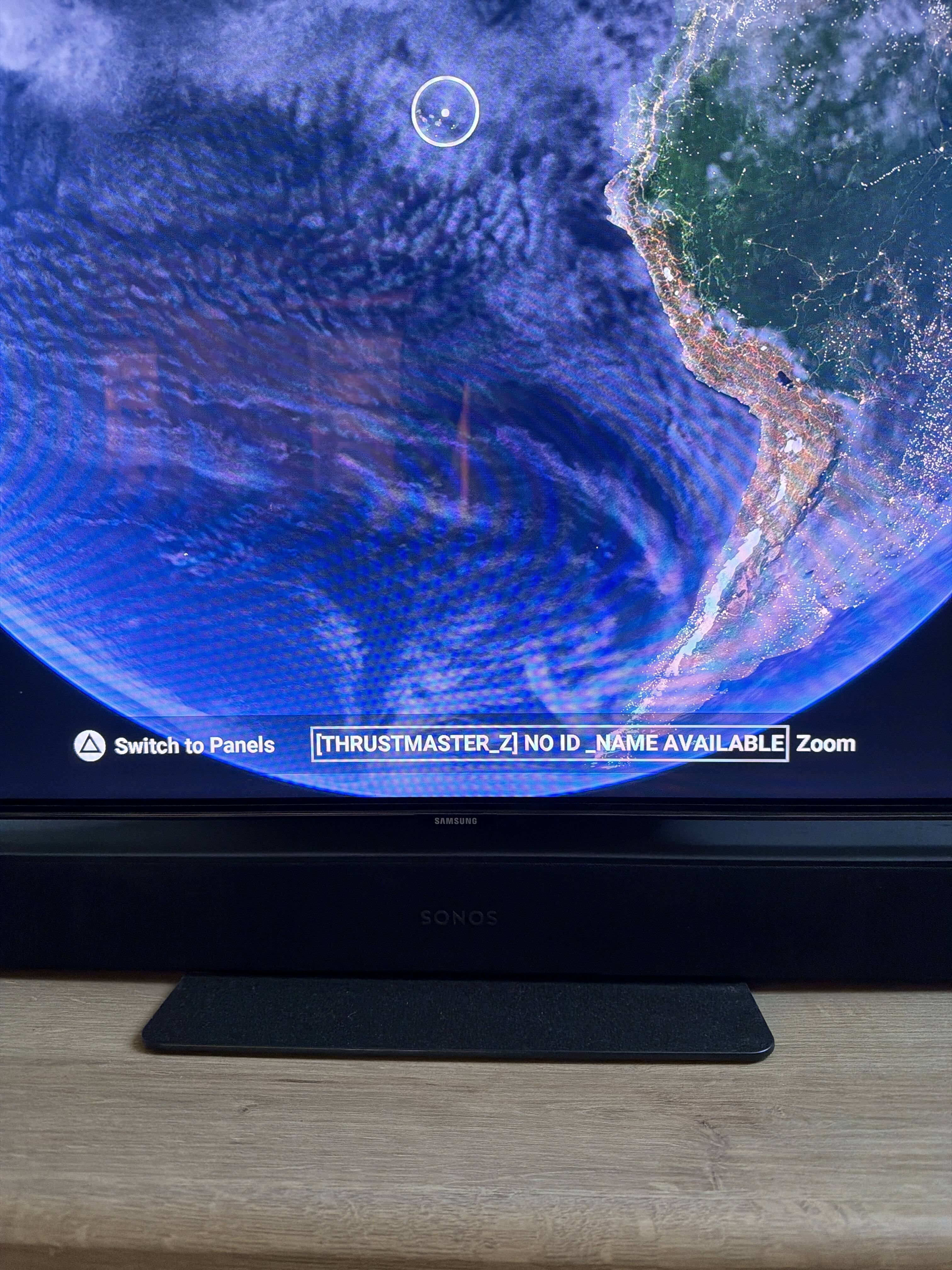
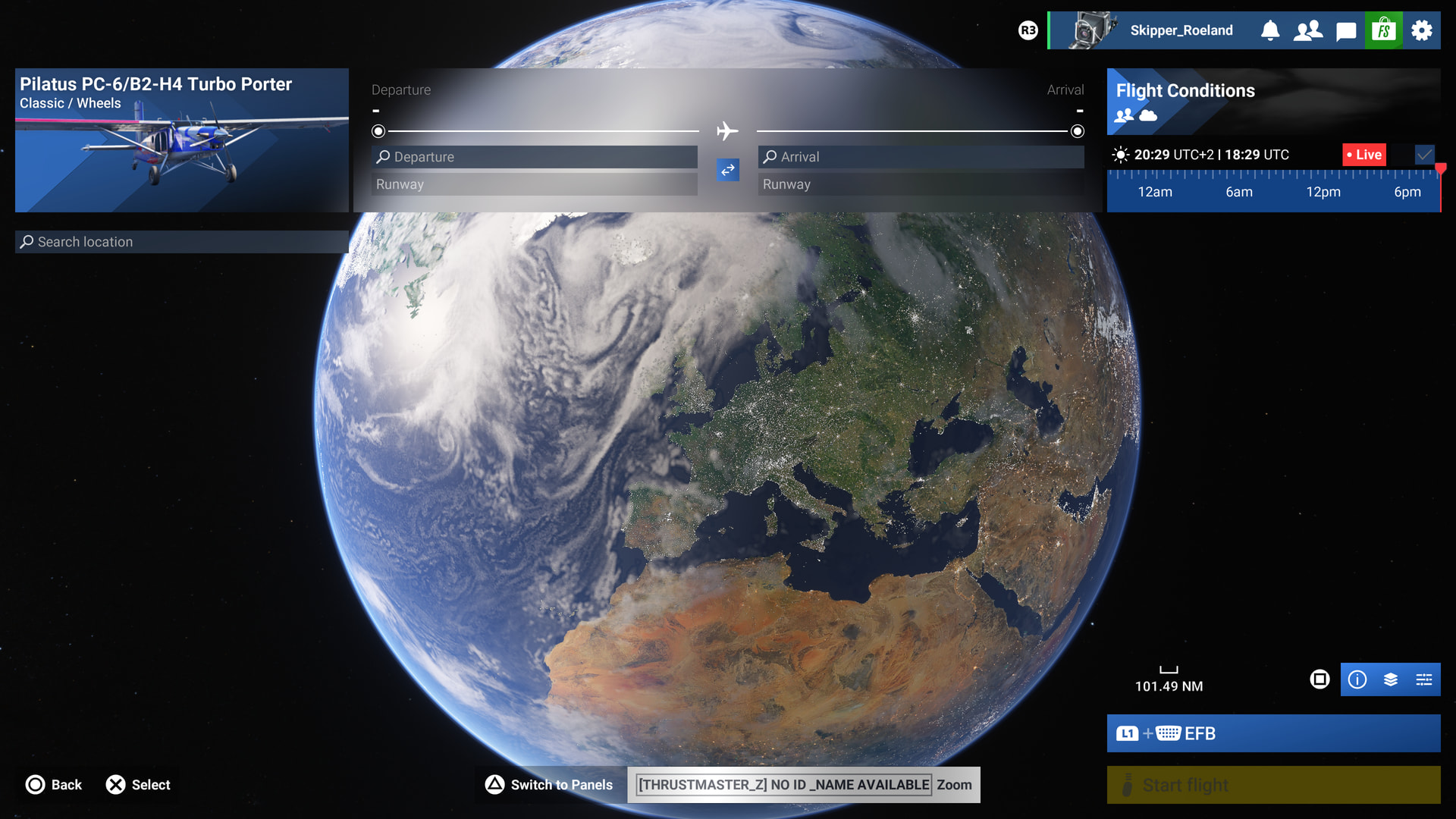
A new device is available, but I find no way to actually click on the field with the message, not with a DualSense Controller, not with a mouse, not with the Hotas 4
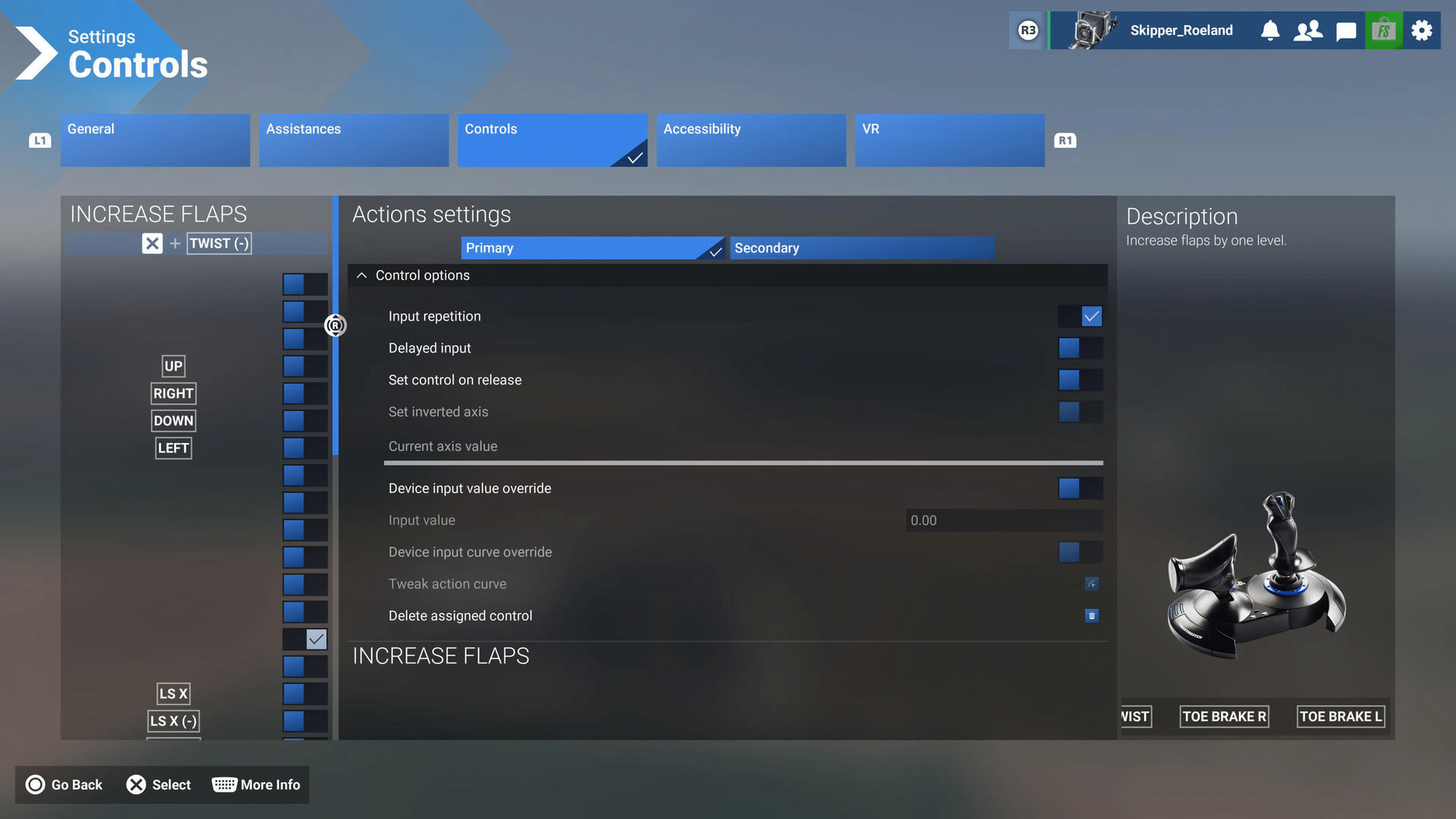
This is wat is now recognised under the Hotas 4
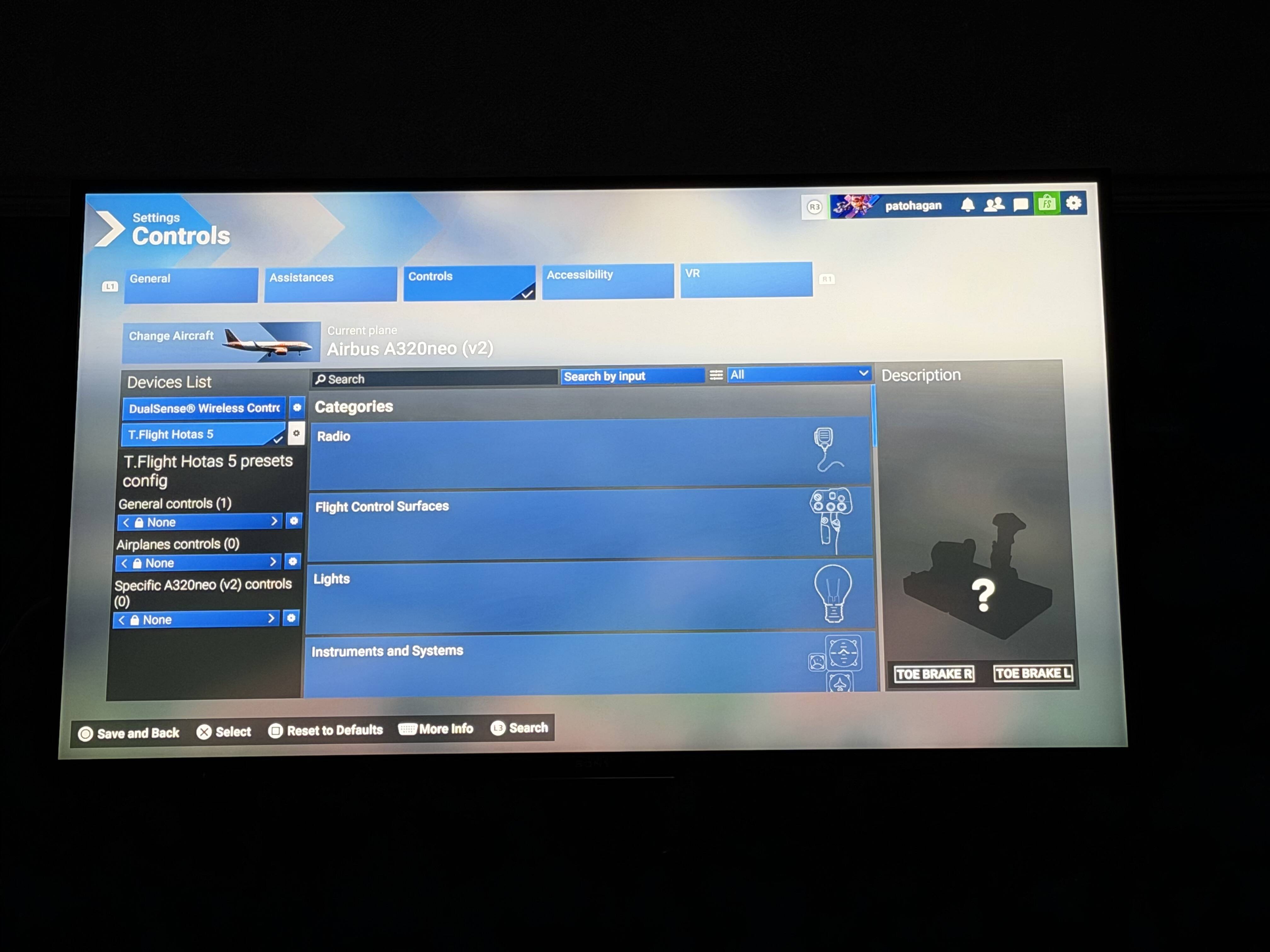
The names of the bindings are new to me and not all Hotas & Throttle buttons are available.
None of my existing settings is recognised (they always where after a re-install or update, the Hotas 4 mentioned here is probably not the right one.
Not very user friendly to show no button names in this config screen
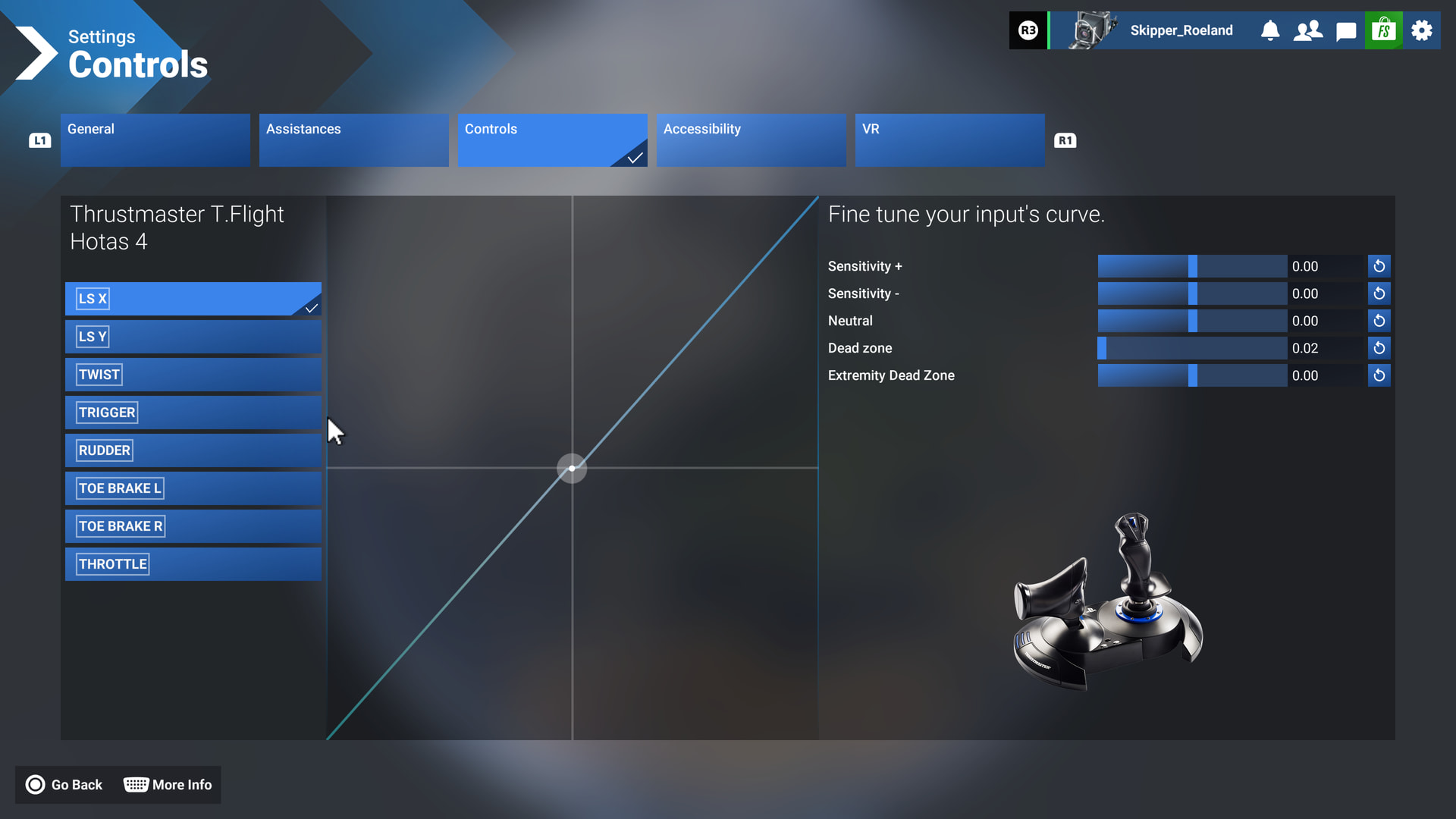
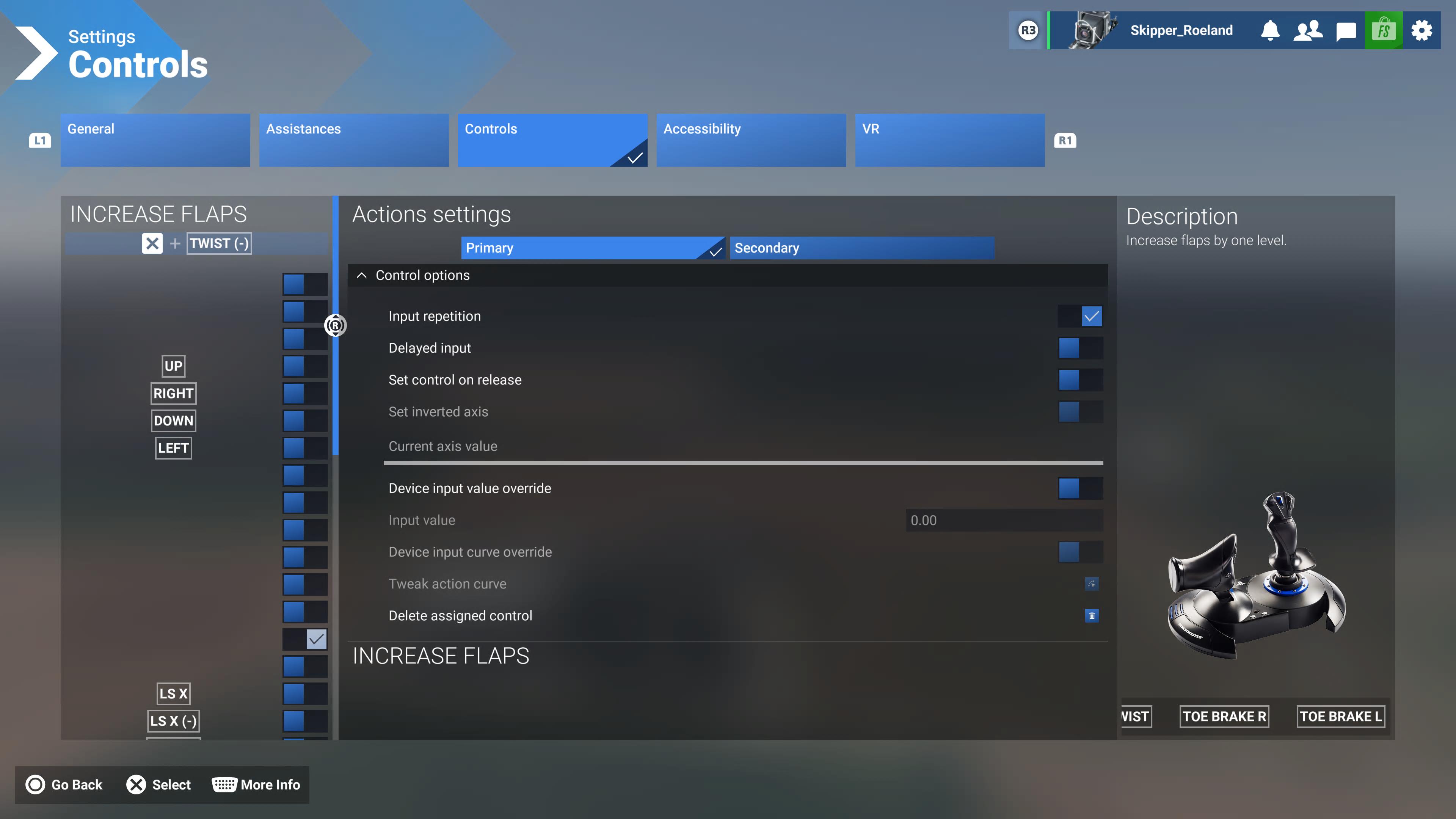
The previous builds had that nicely defined:

Hello folks,

This is a documented change in the release notes. In SU6, we updated to the latest SDK version from Thrustmaster. Unfortunately, previous custom input profiles are not compatible, so you will have to re-create your custom profiles.

  • On PlayStation 5, T.Flight Hotas 4 and T.Flight Hotas 5 (PS4 compatibility mode) default profiles have been adapted to the recently integrated Thrustmaster SDK.
  • With this change in SDK, other Thrustmaster peripherals are now not read as T.Flight Hotas 4 anymore. However custom input profiles from versions previous to SU6 aren’t compatible.

Thanks,
MSFS Team

1 Like

but even the default profile dosent work…
The only way, my HOTAS 5 get to work is, to set him in HOTAS 4 mode… great job,… not.

I get that. Only, just mentioning it in a release note does not solve the whole issue, does it?
Not even mentioning the fact that on Playstation, we can not save / load config settings, so everything is lost forever. Thanks for all the work …

I have a big issue with this:

Not even considering it assigned something to ‘Twist(-)’, whatever that may be …
But all these empty button names, do you think that is normal? Just because you mentioned something in the release notes?

All the names of the buttons are changed or empty. Not ok. I should at least be able to select the right button, not have to guess.

Compare it with the previous situation:

I think this is not ok, something is very wrong here. You could not be bothered to put some meaningful names to the buttons?
We players on Playstation are not taken serious IMHO.

Most users play using the Hotas, not a DualSence controller, I think. You just ruined our gameplay. How am I supposed to re-bind my Hotas? Just by guessing? Because the usual method of clicking on a config, like ‘lower flaps’ or something like that, and then using a button to let the system recognise that button does not work either (it invents all sort of weird combo’s, inventing extra buttons like a R1 looking like the screenshot, as in the old version, + another R1, no idea where that came from etc.), everything has to be assigned by hand to blind buttons. We have to map them ourselves, remember the position etc. Is that not your job, as developers, to create a meaningful interface?

If you can’t support the Playstation platform, please just say so, then we know where we stand. This is ridiculous. Any way for me to re-install the previous build? Not on PS5, i think. We are stuck with this nonsence.

So buying a Hotas 5 is no option either. How are we supposed to play this game on PS5?

Although I agree that it would be nice to have default settings, what you have shown is totally normal for assigning your buttons. If you click the “More Info” button it tells you what each section is and does, the blank labels are normal for an action assigned to an Axis, try picking a different input, say the gear button and there will then be a choice you can pick from.

ISSUE DESCRIPTION

Description of the issue: T Flight Hotas 5 not working at all after Sim Update 6 on PS5

FREQUENCY OF ISSUE

How often does this occur for you - Everytime I load the sim on PS5

REPRODUCTION STEPS

Please list clear steps you took in order to help our test team reproduce the same issue:

  1. Load MSFS 2024 on PS5

  2. Connect T Flight Hotas 5

  3. Start any flight controller not working at all

YOUR SETTINGS

T Flight Hotas 5

MEDIA

Please add a screenshot or video of the issue occurring.

I spoke about this during Sim Update 6 Beta and believed the issue would be sorted I am very disappointed that my joystick is now inoperative.

ISSUE DESCRIPTION

Description of the issue: T Flight Hotas 5 not working at all after Sim Update 6 on PS5

FREQUENCY OF ISSUE

How often does this occur for you - Everytime I load the sim on PS5

REPRODUCTION STEPS

Please list clear steps you took in order to help our test team reproduce the same issue:

  1. Load MSFS 2024 on PS5

  2. Connect T Flight Hotas 5

  3. Start any flight controller not working at all

YOUR SETTINGS

T Flight Hotas 5

MEDIA

Please add a screenshot or video of the issue occurring.

I spoke about this during Sim Update 6 Beta and believed the issue would be sorted I am very disappointed that my joystick is now inoperative.

That’s fine, but why does Hotas 5 not have anything assigned by default?

Absolutely ridiculous, I saw the release notes and thought hopefully they have not messed up my bindings and setting because I have painfully fine tuned it iver weeks.

Loaded in to find out no they have not messed up my it up, they completely bend me over and nothing is working, no presets . Look I don’t know maybe I missed something but I bought a flight some game and on ps5 with the pedals and hotas 5 as it should be plug and play. I can’t be bothered solving an IT puzzle.

To say I am angry and annoyed is putting it super mildly.

1 star review until they can fix their problems

I managed to get it working by switching my HOTAS 5 to PS4 compatibility mode (blue) and changing the profile to something other than “None”.

You’re right, it wasn’t a plug-and-play situation this time around.

Mate, I will try it now, been trying everything even though I said I can’t be bothered, manually mapping, restart ps5, clear cache and rebuild database, you name it . It’s just so annoying and I am not a spring chicken anymore rhat just instantly know these technical things ha ha

If it works,you’re a legend. Just such a shame that we even have to deal with this nonsense.

the HOTAS 5 works,… but you have to set him in HOTAS 4 mode…

Press end hold the Mode Button, until the Light is flashing, than select with the button till it flashes Blue.

But i cant belive that they release SU 6 with this mayor well knowing Bug from the Beta.

The HOTAS 5 has default Settings with SU 5.1 and works in the HOTAs 5 Mode.
With SU6 now, the only way to keep it working is, to switch in HOTAS 4 Mode, in the normal HOTAS 5 mode, i cant even assign buttons.

I can get over redoing all my custom bindings one time. But in the interface I now constantly see [THRUSTMASTER_Z] NO ID_NAME AVAILABLE where a thrustmaster button should have been displayed.

Hoping this specific part will get fixed. @SeedyL3205

I also have the HOTAS 5 on PS5.

Then why where all buttons nicely named in the previous builds? Don’t tell me that it was impossible to create a nice user friendly screen here, IMHO this is sloppy programming, a rushed job.

Now:

Previous builds:

So, I re-assigned all buttons, by hand. First I created a small list with what position has what button in the blank list (on the left). With that I re-assigned everything. 73 keybindings.
No pbm and it is mentioned in the very very long release notes somewhere, if you can find it.
But the fact that the interface is so messy with no-names on the screen and the ‘new thrustmaster’ message in dev language instead of a user-friendly text, that indicated for me a sloppy job by the console developers in the team

By the way, assigning buttons in the usual way, where you let the system recognise your pressed buttons or axis, does not work reliably and comes up with the strangest combinations …

Now I have all stuff configured, I can concentrate on the good stuff.

I play on PSVR
The graphics have improved significantly, I can now actually read dials and gauges on the dashboards while flying without having to focus my view every time. The outside world looks better too.

Let’s see how all the other changes work out.

Eu tenho o Hotas 4 e estou enfrentando o mesmo problema, além da manete de potencia estar invertida, quando eu empurro para acelerar a aeronave, ela reduz a potencia e vice-versa, efetuei todos os testes possiveis e cheguei a criar uma conta secundária no meu console e nada resolveu.