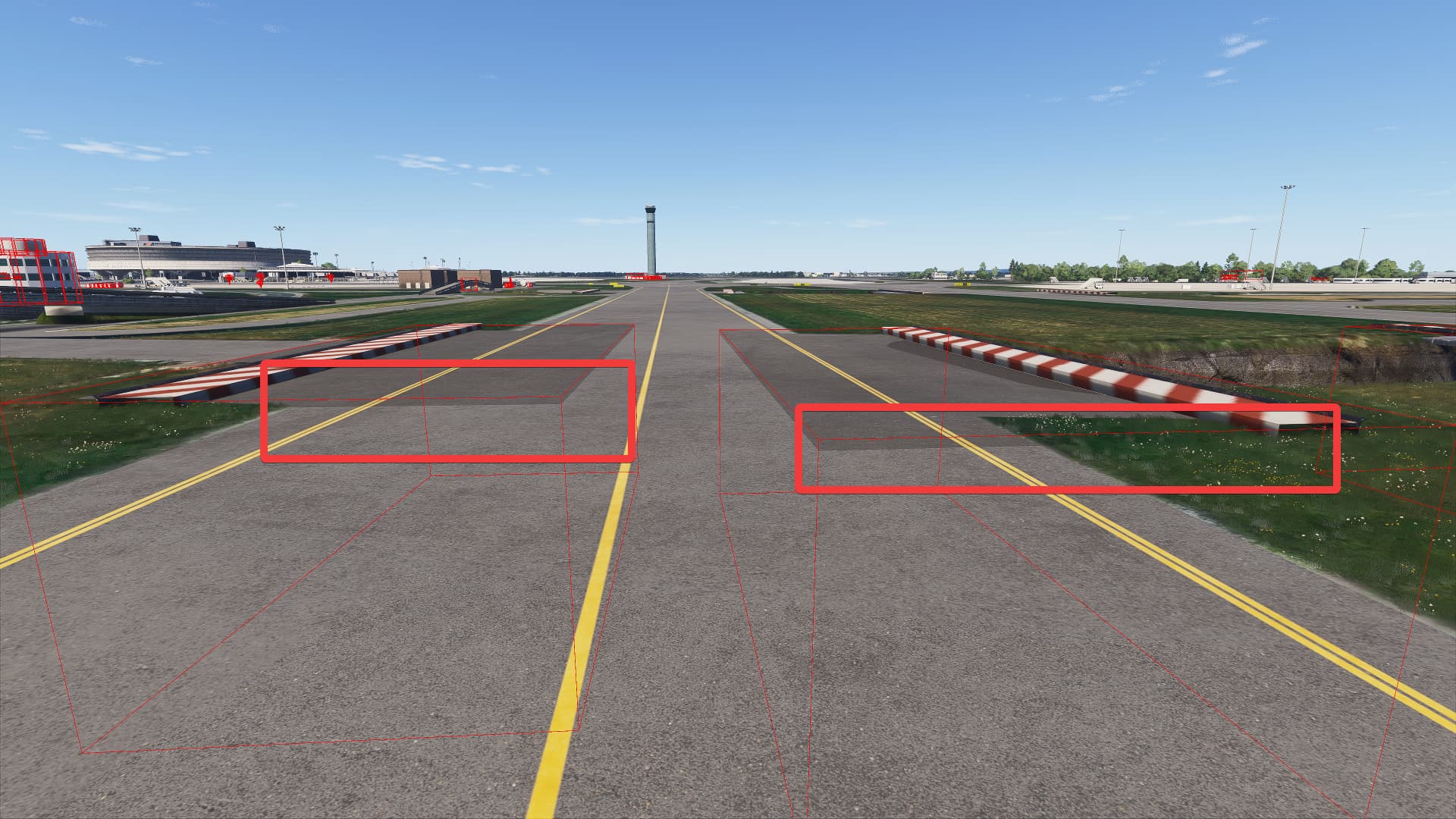
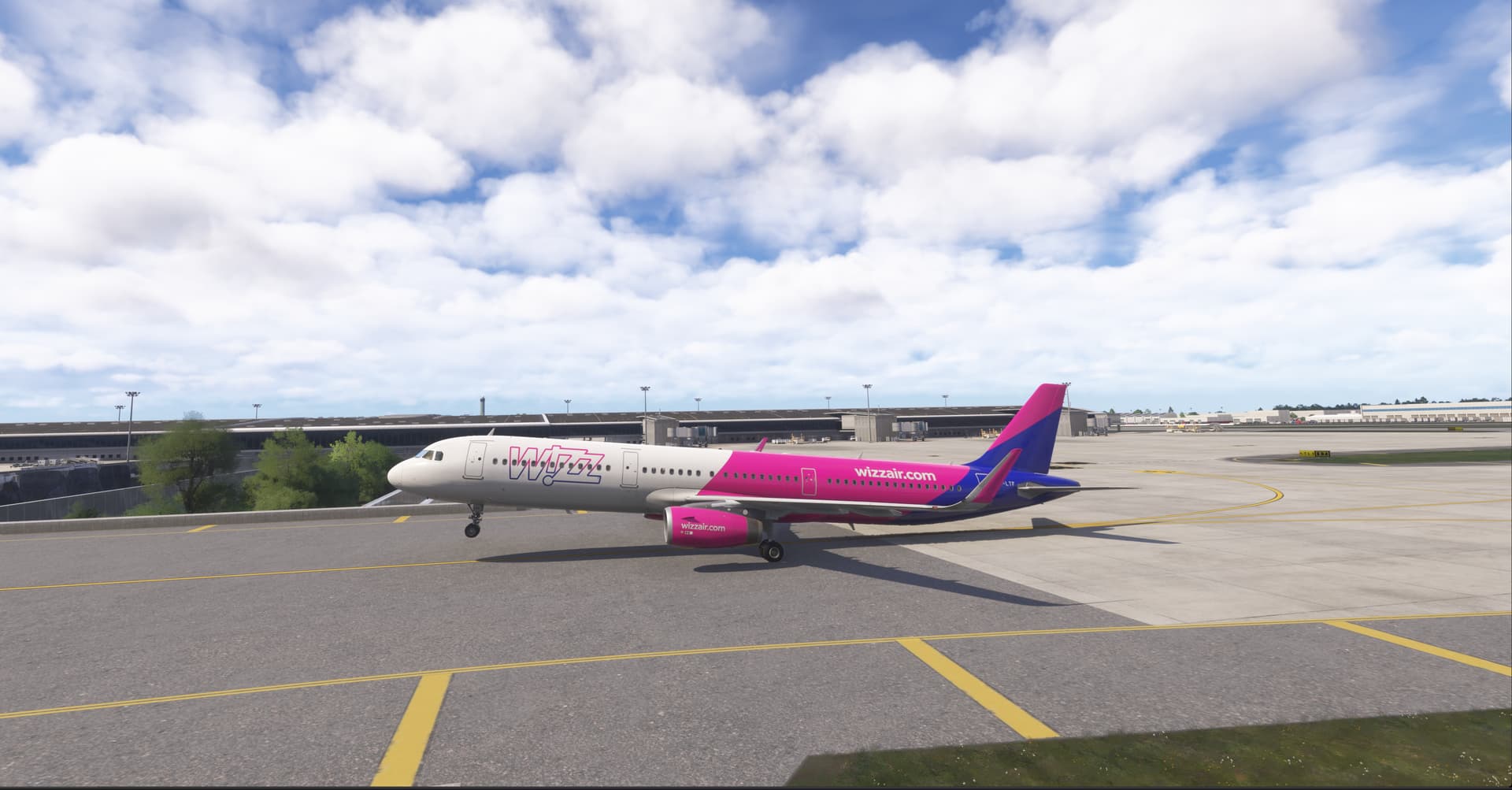
LFPG colision on taxiway E

:wave: Thank you for using the Bug section, using templates provided will greatly help the team reproducing the issue and ease the process of fixing it.

Are you using Developer Mode or made changes in it?

No

Have you disabled/removed all your mods and addons?

Yes

Brief description of the issue:

Collision happens when taxiing eastward on taxiway E at LFPG

Provide Screenshot(s)/video(s) of the issue encountered:

Just before the collision:

Error message:
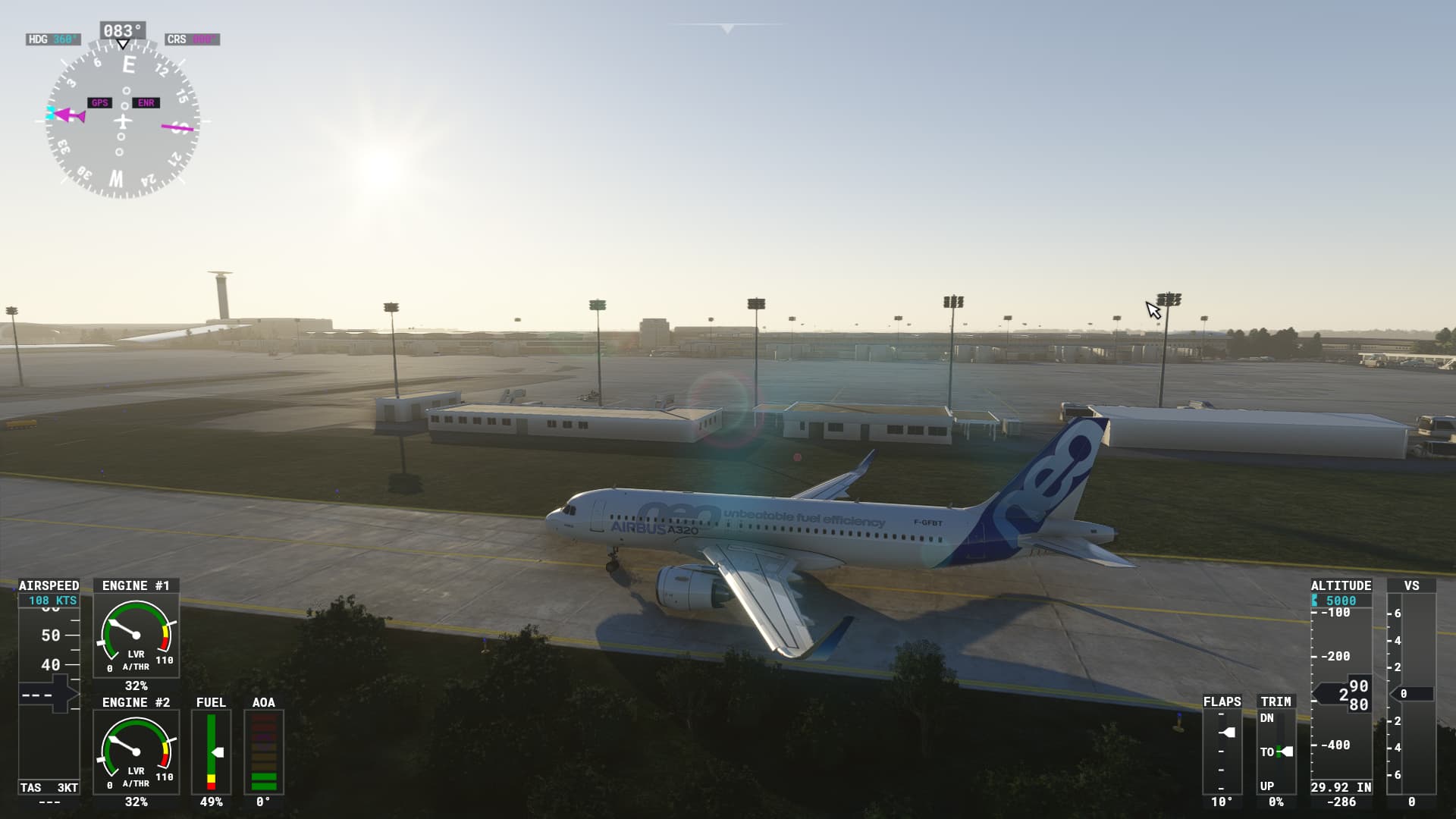
ICAO or coordinates (DevMode > Options > Display position)

LFPG

Detailed steps to reproduce the issue encountered:

Taxi eastward on taxiway E at LFPG, collision happens abeam of stand B5

PC specs and/or peripheral set up if relevant:

Build Version # when you first started experiencing this issue:


:loudspeaker: For anyone who wants to contribute on this issue, Click on the button below to use this template:

Do you have the same issue if you follow the OP’s steps to reproduce it?

Provide extra information to complete the original description of the issue:

If relevant, provide additional screenshots/video:
Opened ZenDesk issue 183143 which is already closed as solved although the issue is still there …

1 Like

Had the same thing happen to me taxiing with the Fenix A320 on E. I had even downloaded the elevation fix mod on flightsim.to hoping that this would be fixed by it. Nope. Crashed into the invisible wall.

Do you have the same issue if you follow the OP’s steps to reproduce it?

i do

Provide extra information to complete the original description of the issue:

Also happens at taxiway Q

If relevant, provide additional screenshots/video:

Hi,
I noticed invisible objects on taxiway N and Q, I’ve never be able to eliminate them, they are not linked to terraforming errors.
this airport is not finished
there is no ground marking or wrong marking
terraforming is awfull
aprons and grass limits are messy
apron lights misplaced or missing
many, many things to correct. But not much happen.
it’s a pity because buildings and elements of scenery looks good, a few updates slightly inproved the scenery but…

only chance for us is to wait for upcoming payware from SLH Sim Designs or taxi2gates.

Do you have the same issue if you follow the OP’s steps to reproduce it?

Yes

Provide extra information to complete the original description of the issue:

The taxiway seems to be on two levels : when you’re taxiing on this taxiway, your plane just drop as if it was falling…

If relevant, provide additional screenshots/video:

[Don’t have, sorry…]

Do you have the same issue if you follow the OP’s steps to reproduce it?

Provide extra information to complete the original description of the issue:

If relevant, provide additional screenshots/video:

also crash on taxiway E going west about TB2

Still not solved as of today. Crashed on something invisible on taxiway E today.

This just happened to me as well a few minutes ago. I was using the Fokker 28 so i really don’t believe it was an issue with being too large for the taxiway.

Just happened to me too.
Using A320 from Flybywire

I will try with another aircraft to check if I manage to detect where the collision precisely occurs

Hi,
The issue happened to me too, in FS2024, with the Fenix A320.
So i tried another flight, but by taking the taxiway G3, and it happened again, just after the bridge above the road, before TB1 (intersection with F).
I believe it’s due to the trees next to the taxiways that collided with the wings of the aircraft.
Also, the bridge over the road is bumpy as hell.
This airport contains too many issues that should have been fixed manyyears ago yest, it’s realy a shame!

I am using FS2024 SU2 stable and this issue is still there as of today. I am providing some information regarding this so you could hopefully resolve this issue quickly!

The issue with Taxiway E just before turning right to taxiway F is a big inconvenience for widebody aircraft like the A350, A380 or B777 sim planes, especially if you don’t forget to tiller your aircraft left of the taxiway. I unfortunately cannot park widebodies at LFPG Terminal 2 anymore (Gates B, D and F) due to this issue. Only workaround is either using the gates at other terminals like Terminal S3 and S4 (they can use Taxiway B or Q).

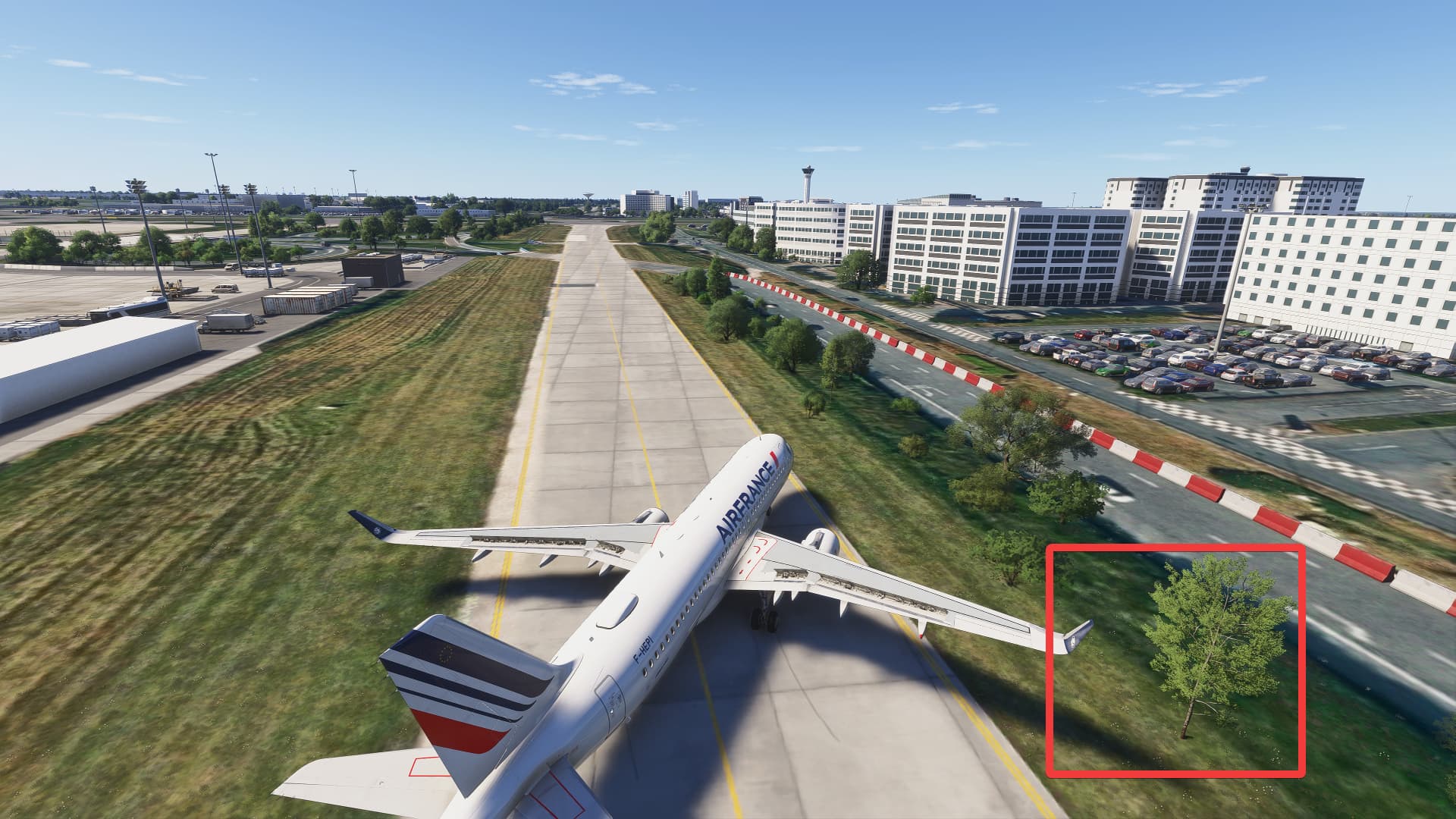
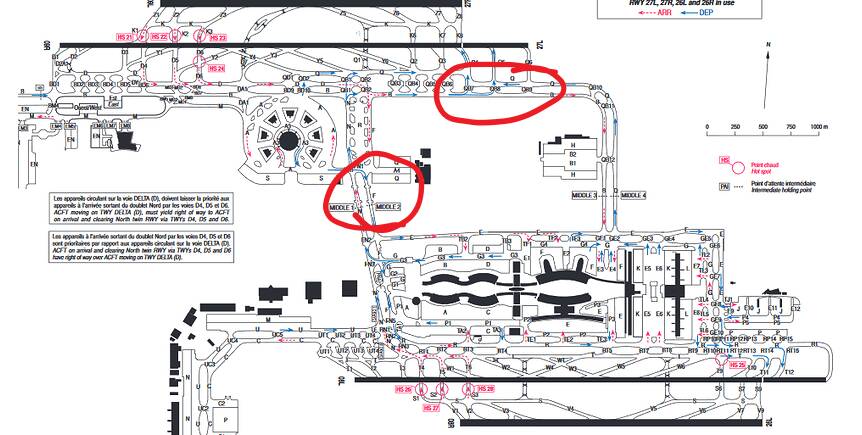
These are the specific trees in Taxiway E causing the issues when using widebodies

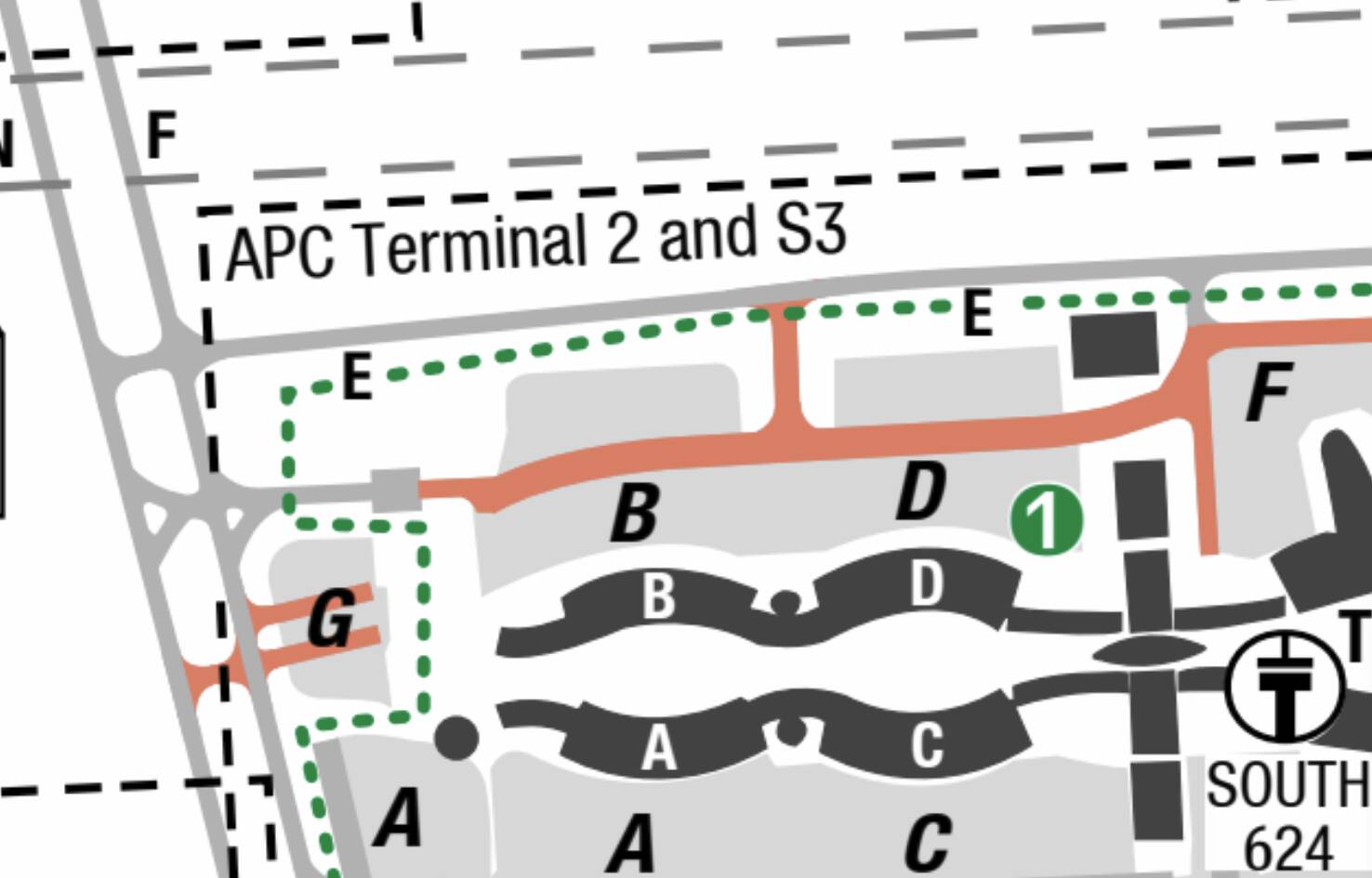
This is where is located in the FS24 Kneeboard charts of LFPG

Hopefully this information is enough for you guys to probably remove those unnecessary trees from this region of LFPG in future SUs! Thanks very much!

Exact thing happened to me today using the Fenix A320 in FS2024 while taxiing on E. What a terrible bug – it even happened when I turned crash realism to 0 somehow

There are many issues on this airport which is unusable at the moment due to big collision blocks specially on bridges which are the worst.

After investigating in developer mode, this is what I’ve found:

  1. Taxi E & G3 : Trees aside taxi which collide with tail plane. These trees does not exist in reality and must be removed. (Removing them with an exclusion rectangle work but has side effects on close traffic road)

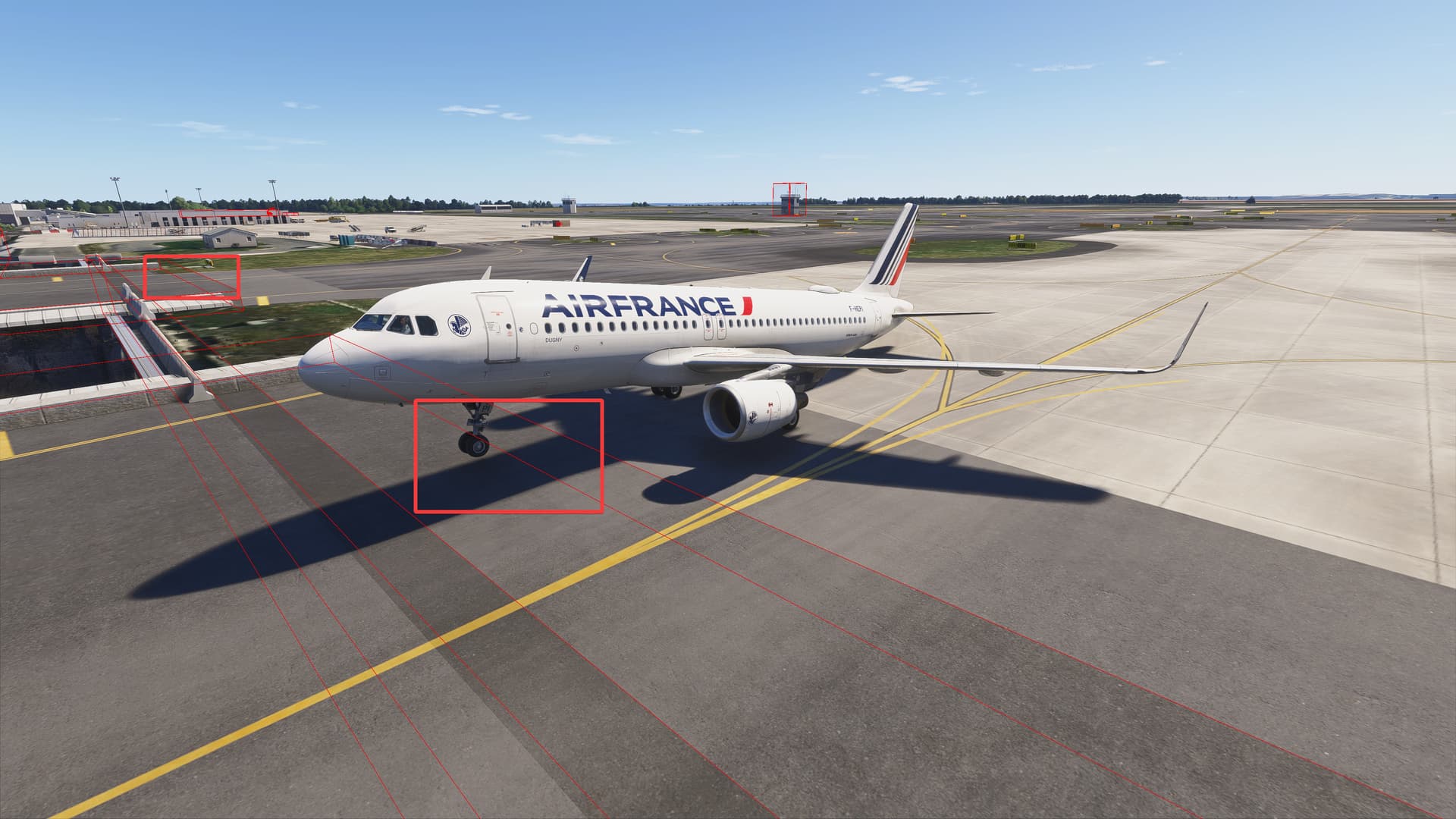
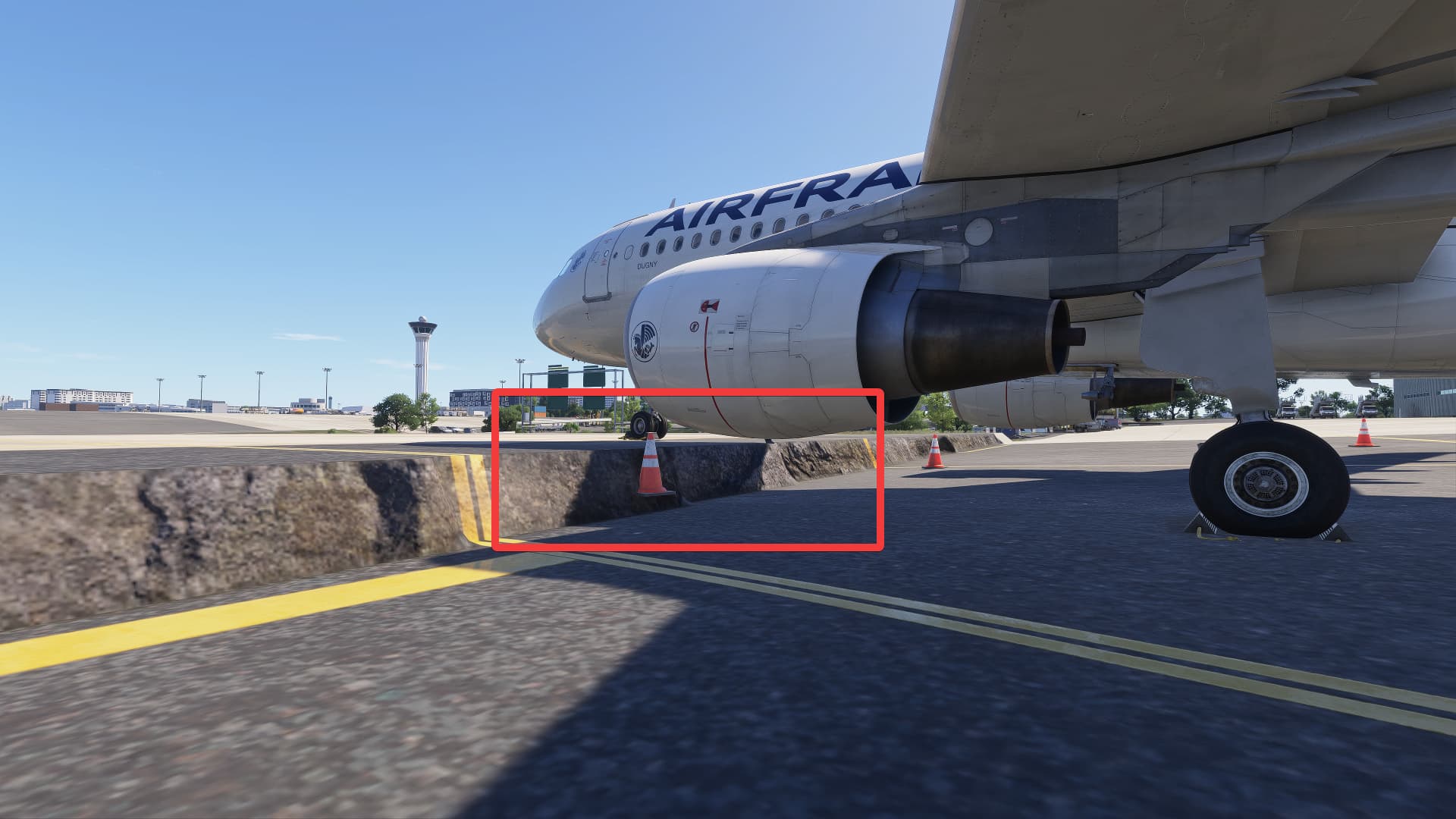
  1. Taxi bridges E/G/E5/E6/Q/B/N/F/D : All these bridges have their mesh above the ground which block us to pass them. (I didn’t take all screenshot but just an example of one, same issue for all)

  2. Taxi bridge A : wrong ground elevation

  3. Taxi side bridges N/F/Q/B : All bridges for tunnel road traffic tunnel have their mesh above the ground which create a step to pass them. (I didn’t take all screenshot but just an example of one, same issue for all)

I don’t understand how it has not been detected by Asobo during testing, it’s obvious to see and pretty easy to fix on their scenary since it’s a lot of mesh collision box to correct.


and bridges are broken too

But for now what working is: Copy LFPG from MSFS2020 and install fix from flightsimto

Asobo, please fix this already.

Still not fixed as of SU4. Incredible given the amount of feedback quality and details provided and this airport scenery is regressing worse and worse by every SU. Some taxiways now are unusable as they have elevation issues where you either get stuck or flat instantaneously…

1 Like

I agree with you although some improvements have been introduced with the SU4 such as the visible or invisible steps or cliffs that are now solved. It remains the trees/bushes problem along taxiways G3 and E but also around the Terminal 1 along taxiway A3. I can’t figure out why such simple modifications has not yet been made. Moreover I noticed recently that some bushes have been removed on the edge of taxiway G3 near stand B24 ( just after the bridge ). But only there!
In the SU4 Release Notes (8th Dec 2025) about LFPG it is stated :
Gaya fixed LFPG – Charles de Gaulle Airport (v2.2.2):
Fixed: Bespoke buildings not lined up correctly with aerial footprints.
Fixed: Jetway does not connect to aircraft at Gate K1.
Fixed: collision problem blocks taxi at Charles-De-Gaulle.

We will all agree that the Gate K1 jetway was a major issue that had to be solved right away but the “fixed collision problem taxi…” is unfortunately almost a fairy tale. At least we now that Asobo has outsourced the modification to Gaya Studios but for what result? Furthermore I cannot find any Gaya v2.2.2 in my Library (PD version). I have the Asobo 6.25.0 version for LFPG and the airport file has been modified on the 7th of December. It’s really apalling to have such a mess at this airport.