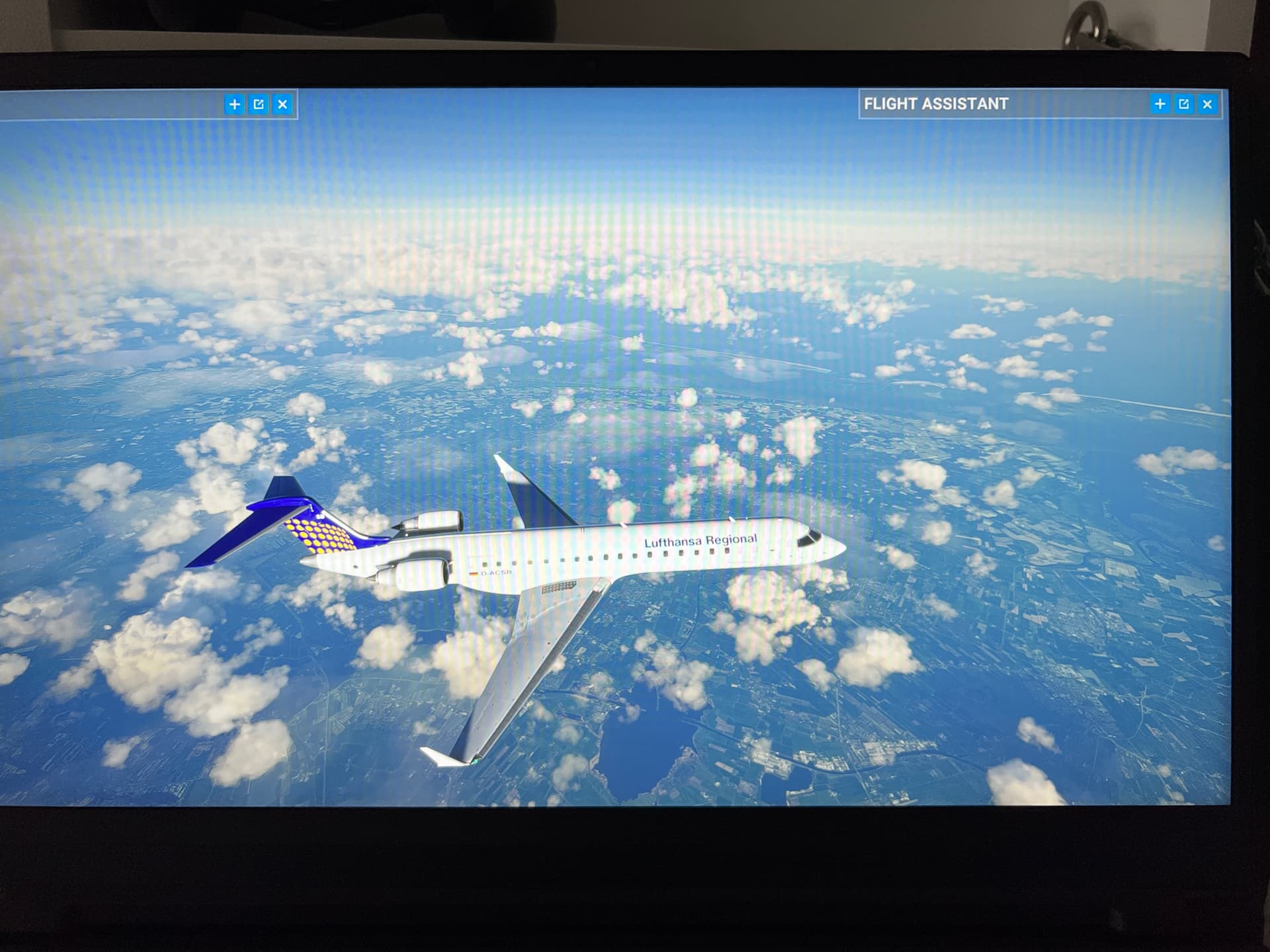
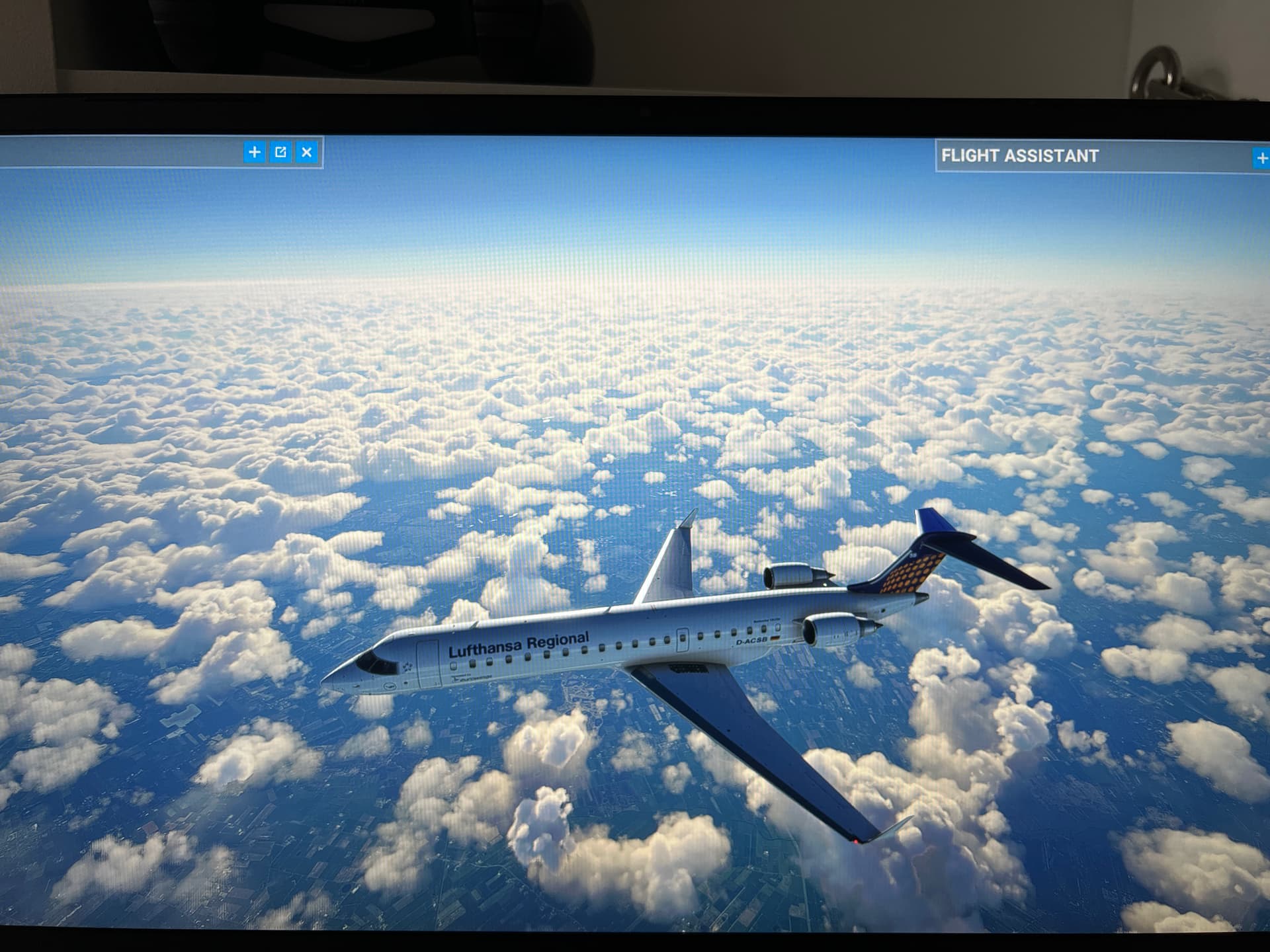
Pfff despite corrct metar … atis is OFF and still wrong rny assigned
What a mess
A mess indeed. I think all we can do now is hope it’s an issue server side and that the devs can rectify it.
Give it some time for download mania to end. Hopefully it will be looking good. Until then you can have fun trying the new features in custom weather!
I must say … the GENERAL idea is good
Yeah absolutely, the way it’s been described to blend the METAR data with meteoblue definitely was the next logical step forward. I just don’t understand why I am seeing such inaccurate weather in so many locations this morning, unless as I say the server is still being buggy. I’ve seen this in the past so it well could be that.
It’s dark here so cloud coverage is hard to gauge but temps and baro was correct at least. It definitely lags behind.
Called AWOS: 0855z 280/06 VIS 9 FEW 300 OC 3500 -01c/-01c ALT 29.95 REMARKS: DENSITY ALTITUDE -300
Reported by MSFS: 0800Z 285/7 VIS 2 SNOW 1700 OC -1C/1C 29.96
Clearly MSFS lags behind by an hour, not good.
My reply from the team:
"Thank you for your message. I’ve seen this morning that the team is aware of the issue.
The new weather system with METAR being merged with our Meteoblue system might be the reason. I will have more information today."
wcoesel
November 19, 2021, 9:16am
28
i really really wished they open up the weather for third party devs.
I wonder if they will make it update more often instead of every hour and hopefully be more accurate?
Real AWOS: 0908z 260/04 vis 8 oc 3500 -1c/-1c alt 29.95 rmk -300
MSFS: 0900z 285/10 vis 9 oc 1700 -1c/1c alt 29.95
Sorry, just throwing the current METAR comparison in at the bottom of my post.
OMG
the word ALTIMETER is spelled !!!
And they use MICROSOFT for the “M”
What an amateurish programming
Its completely weird
Ekbi shows overcast in metar … also flightradar.
I am lost ( i like how the weather LOOKS now though )
Have a look at this comparison:
Real world METAR:
EETN 211020Z 34005KT 310V010 9999 OVC020 03/M02 Q0996 NOSIG
The wind is exactly as in the METAR, good you would think, problem is that there is 10 degrees magnetic variation here and the METAR wind direction is TRUE, not MAGnetic.
Visibility nothing to comment on, no haze, mist, fog this time.
Not overcast, not a 2000 ft (above ground) either, rather at 1000 ft MSL.
Temperature at ground level is correct.
QNH (converted from hPa to inHg) is correct.
Moments later, updated METAR:
EETN 211050Z 35007KT 330V030 8000 -SHRASN SCT017CB BKN026 02/M01 Q0997 NOSIG
The wind again exactly matches the METAR, magnetic variation not taken into account.
As can be seen in the screenshot the visibility as far less than the reported 8000 m.
-SHRASN is present in the sim.
The first cloud base is around 1600 ft which is 1500 ft above ground, there is not second BKN layer at 2600 ft above ground.
Temperature and QNH are correct.
At 2600 ft above ground, right where the broken layer is supposed to start there is nothing. Instead its where the clouds tops are. I saw some “CBs” with tops a little higher but not more than a few thousand feet. I think everybody can agree, this is not what SCT017CB and BKN026 looks like:
The ATIS meanwhile:
Wind 341 / 12, visibility 5, broken at 1300 ft, temperature 2, dewpoint 10, QNH 29.44.
Wind direction is correct and takes into account magnetic variation of 9E! Unfortunately the actual wind in the sim does not. Although it should be rounded to the nearest 10 degrees.
Wind speed is wrong, no idea where 12 kts comes from.
Visibility 5, 5 what? I assume statute miles which would correspond to 8 km.
Broken altitude 1300 ft does not match the METAR, nor the weather in the sim.
Temperature and QNH correct.
Dewpoint cannot be higher than the temperature.
I really don’t understand the ATIS issue, it could literally just read the real world METAR to you when in live weather with one little change being magnetic variation applied to wind direction. Otherwise the METAR and ATIS are usually refreshed at the exact same time and contain the same info. I wouldn’t even matter that the ATIS doesn’t exactly match the weather in the sim 100%, neither do the real world METAR and ATIS match actual weather conditions in the real world.
Next I just selected a random airport up North somewhere (Resolute Bay - CYRB) which should have a magnetic variation of 25W, yet the wind exactly mimics the METAR. So I’m afraid Asobo is directly copying the wind from the METAR without taking magnetic variation into account.
Manual weather menu uses km/h instead of kts, why? First of all I have hybrid system selected, and when using metric system m/s would be used, not km/h… When using manual weather the ATIS is broken? It keeps reporting the live weather…
Maybe we can do a couple more comparisons like this to find out where it is going wrong.
To avoid having this post closed, I confirm issue with METAR reported in that thread has not been fixed.