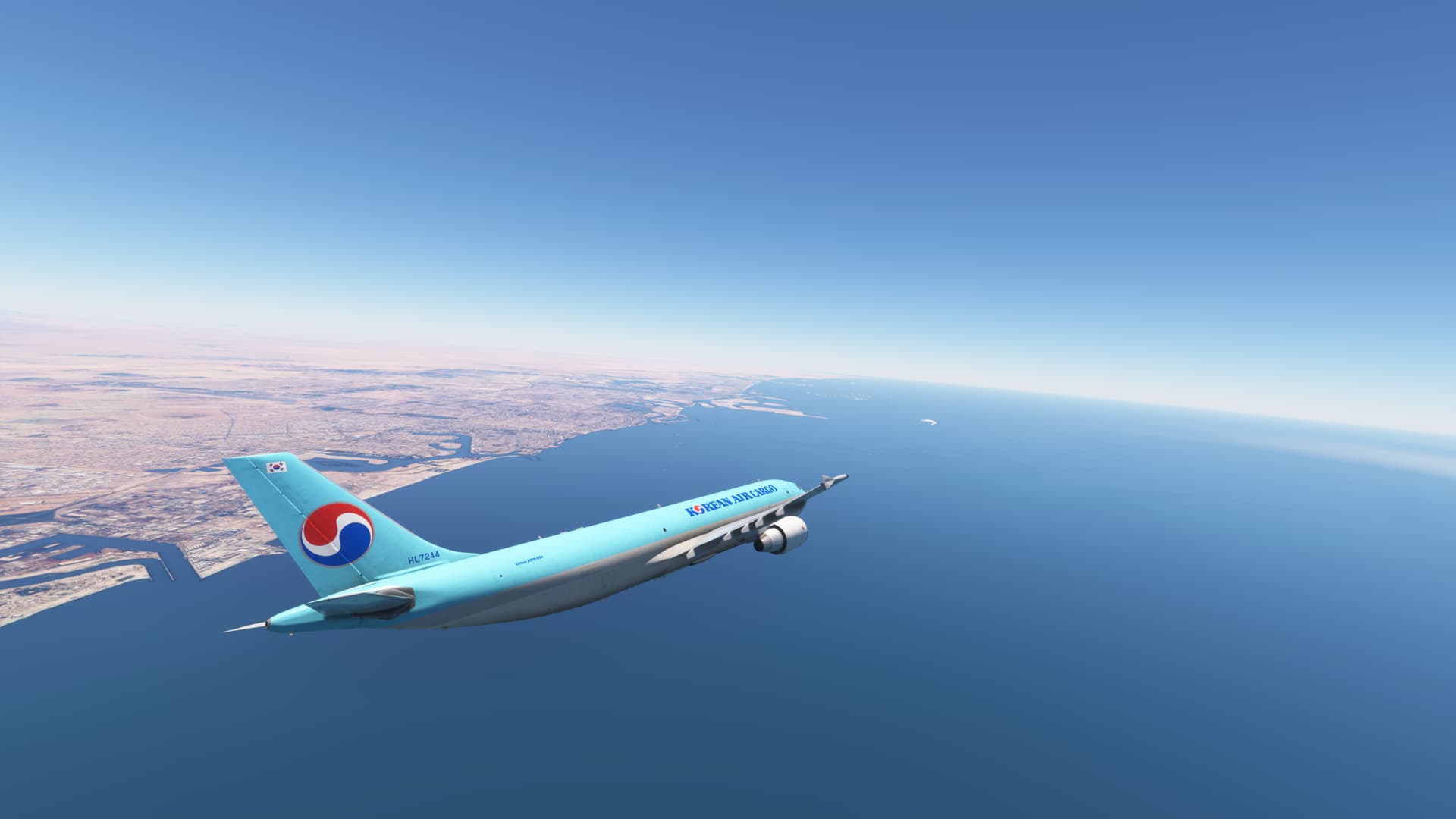
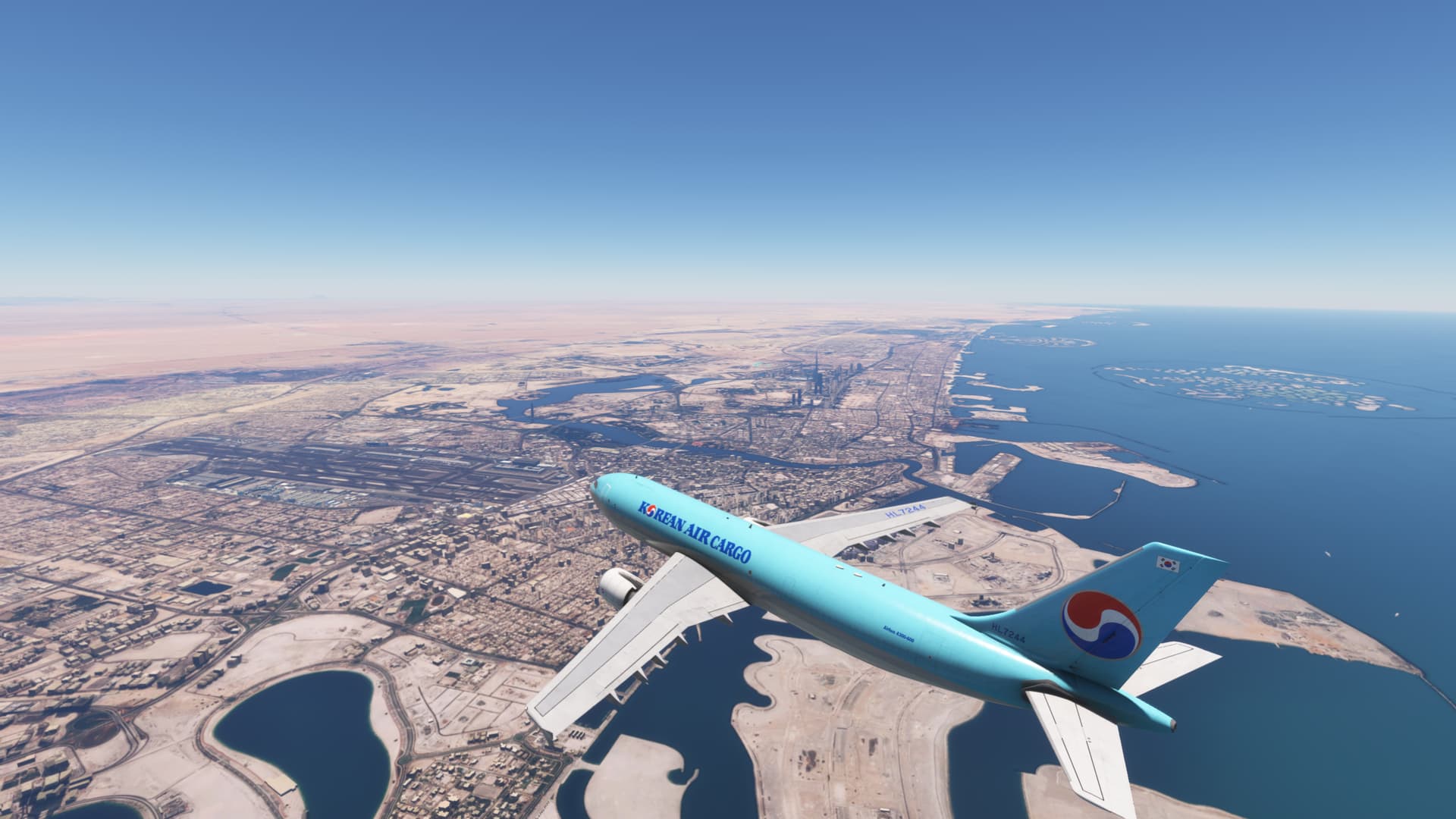
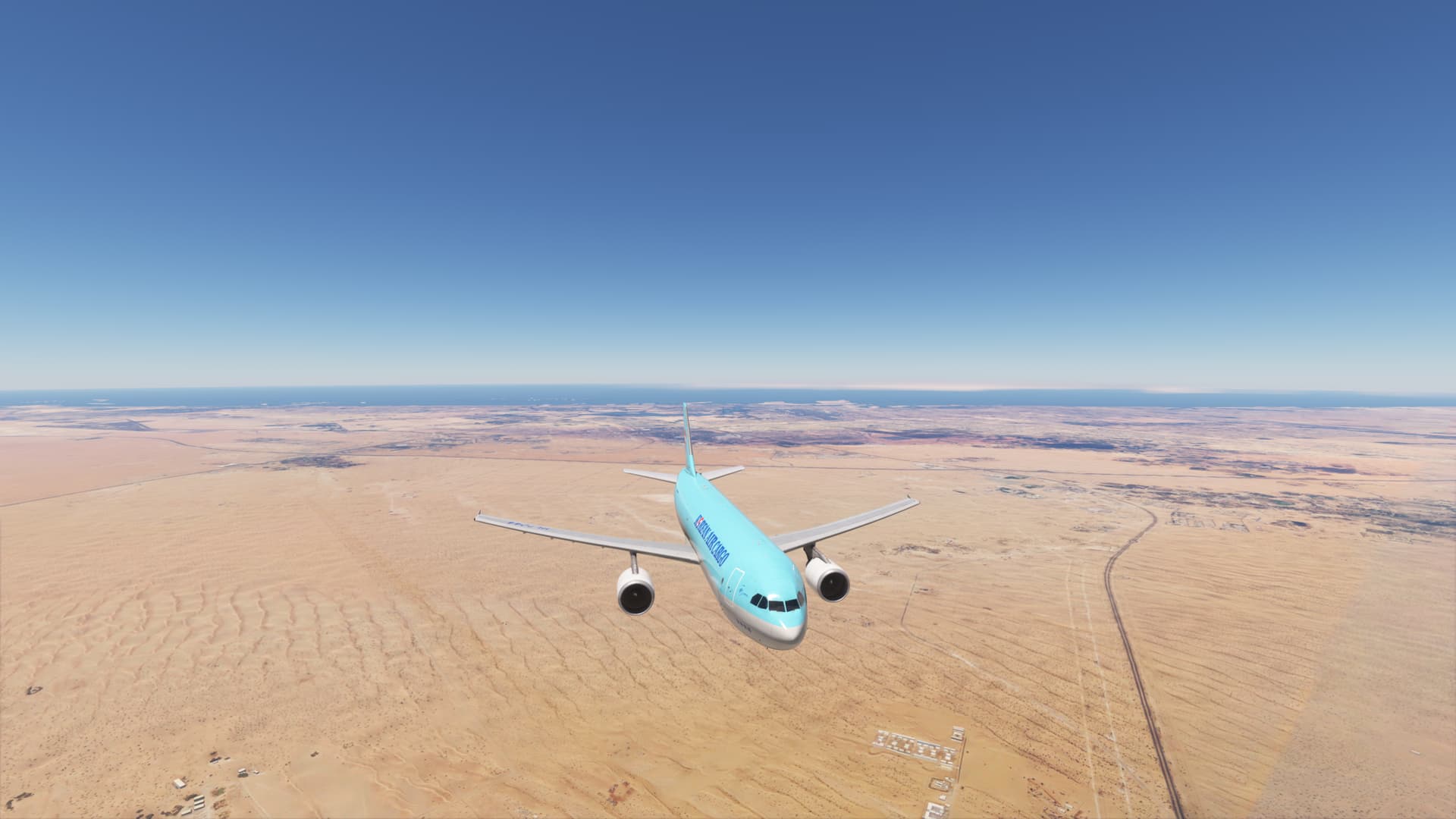
I’ve not done anything since the last time I loaded in to MSFS, however there was an update and now the LOD is absolutely lacking again, my slider is set to 300 so a city Skyline should load in from a relatively far distance, however, here I’m approaching Dubai and it’s all just flat… NOOOOOO, Monica…
1 Like
Console or pc? PC has been horrible since they started tweaking with the xbox settings. They really need to go back and fix PC with any fixes they come for console. That should just be a standard practice.
1 Like
PC here, I bet it’s the update that they pushed during the week, did a flight last weekend and it was fine, 1 week later and 1 update later, screwed up LOD, really can only be 1 thing, unless the FWS414 broke the LOD because that’s the only other thing I updated, lol
2 Likes
I am seeing the same thing. I have done a few flights from KDEN to KDAL and back the other way after the latest update. The DFW area still looks horrible. And the city of Dallas did not even show up until I was almost on top of it turning onto final for KDAL. I took off from KDEN and Denver never did show up as I flew fairly close to it. I am very disapointed. I am also on PC. Store version.
1 Like
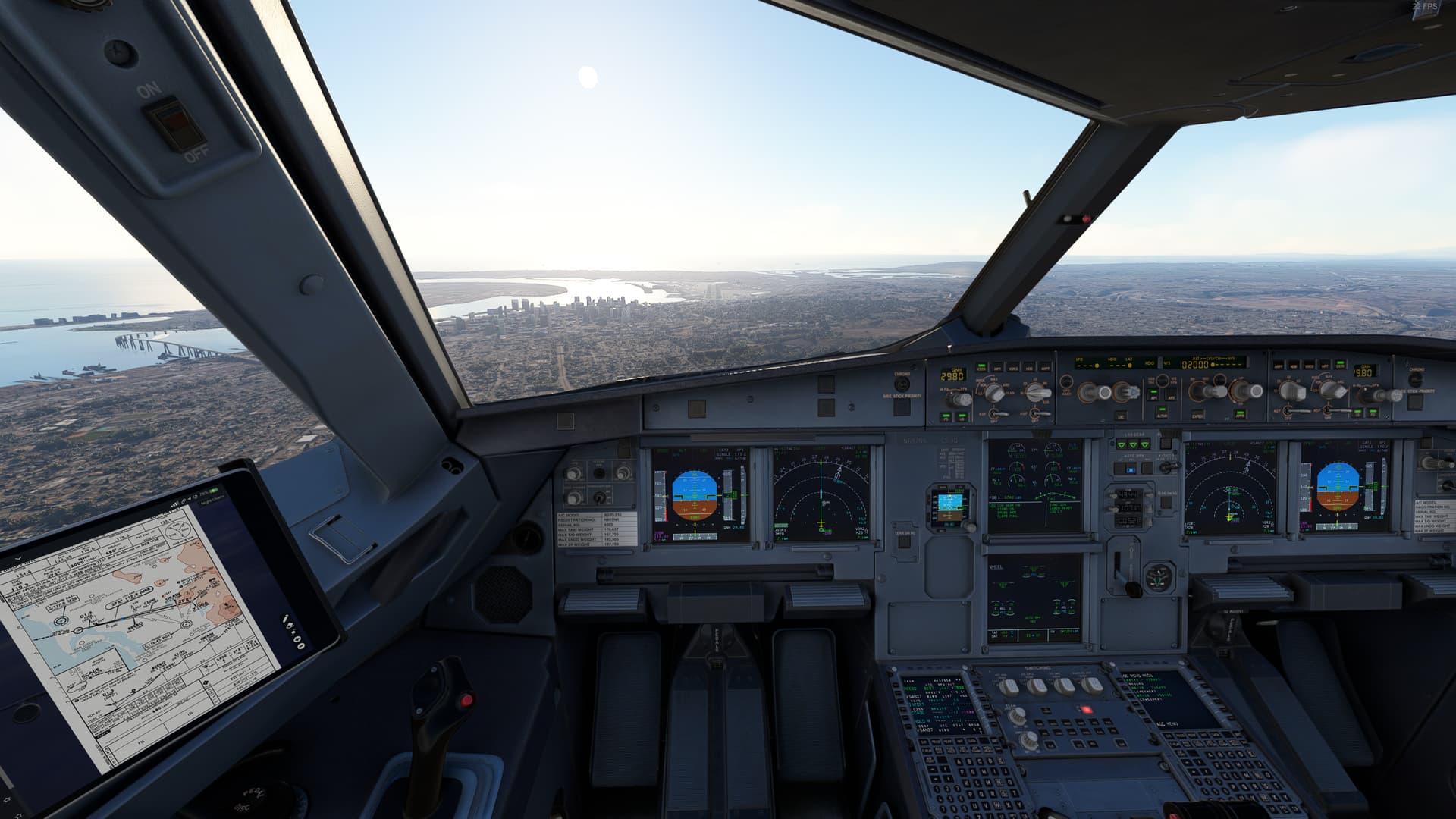
Since about Su5 The view distance has been getting worse and worse along with FPS. the photo doesnt do it justice with how bad it actually is. the trees and buildings look HORRIBLE with really bad aliasing… 2-3 miles in the distance is always super grainy and sometimes cant even see the runway. For example when im flying into vegas I literally cant see the runway its so grainy and blurry. not to mention my fps has dropped by 10-20 withtin just the past few updates alone. I honestly dont know what to do as my computer isnt that bad tbh. yeah it has low vram and a semi outdated cpu the gpu is still decent as I have an RTX2060 6GB, i5-11400F, 32GB of ram. FPS though isnt a big concern for me as im mainly focused on visuals. I would like to see if anyone can help me get that grainy look 2-3 miles ahead gone and make the ground textures less blurry in general.
5 Likes
Yikes, yeah that doesn’t look at all how it could look, there is defo something up, here’s to hoping Asobo can push a fix soon
My LOD is at 100 and has never looked the best even compared to other people with 100 LOD but this is literally unplayable atp
Hello everyone, I have this problem too, especially in the FLL area, or HWO airport, the LOD Mesh is blurry and you can see how the terrain textures are loading in big squares, I have a high-end PC, also since the update that the sim is opening in window mode, I have a big stutter when I’m on final rwy36 SEQM about 500 AGL.
This is so annoying.
1 Like
This topic was automatically closed 365 days after the last reply. New replies are no longer allowed.