ISSUE DESCRIPTION
Description of the issue: LOD culling makes the 3D models for the nav lights etc disappear, but it also takes away the light source entirely when they unload.
FREQUENCY OF ISSUE
How often does this occur for you (Example: Just once, every time on sim load, intermittently)? Every time
REPRODUCTION STEPS
Please list clear steps you took in order to help our test team reproduce the same issue:
-
Zoom into aircraft, see nav lights (static and blinking)
-
Zoom out
-
Notice both the 3D model of the light disappears (no problem) but also the light source disappears (big problem)
YOUR SETTINGS
If the issue still occurs with no mods and add-ons, please continue to report your issue. If not, please move this post to the User Support Hub.
What peripherals are you using, if relevant: not relevant
[PC Only] Are you using Developer Mode or have you made any changes to it? No
[PC, MSFS 2020 Only] Are you using DX11 or DX12?
[PC Only] What GPU (Graphics Card) do you use? 9070XT
[PC Only] What other relevant PC specs can you share? 9850X3D, 48GB of RAM
MEDIA
Please add a screenshot or video of the issue occurring.
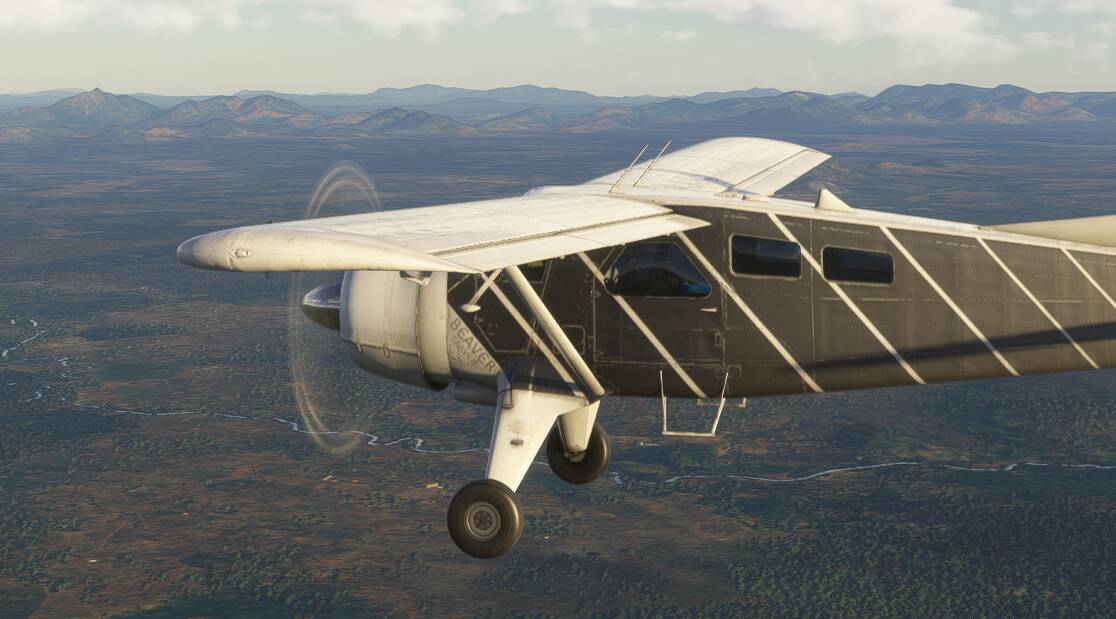
Example from the DHC-2 Beaver
Zoomed in;
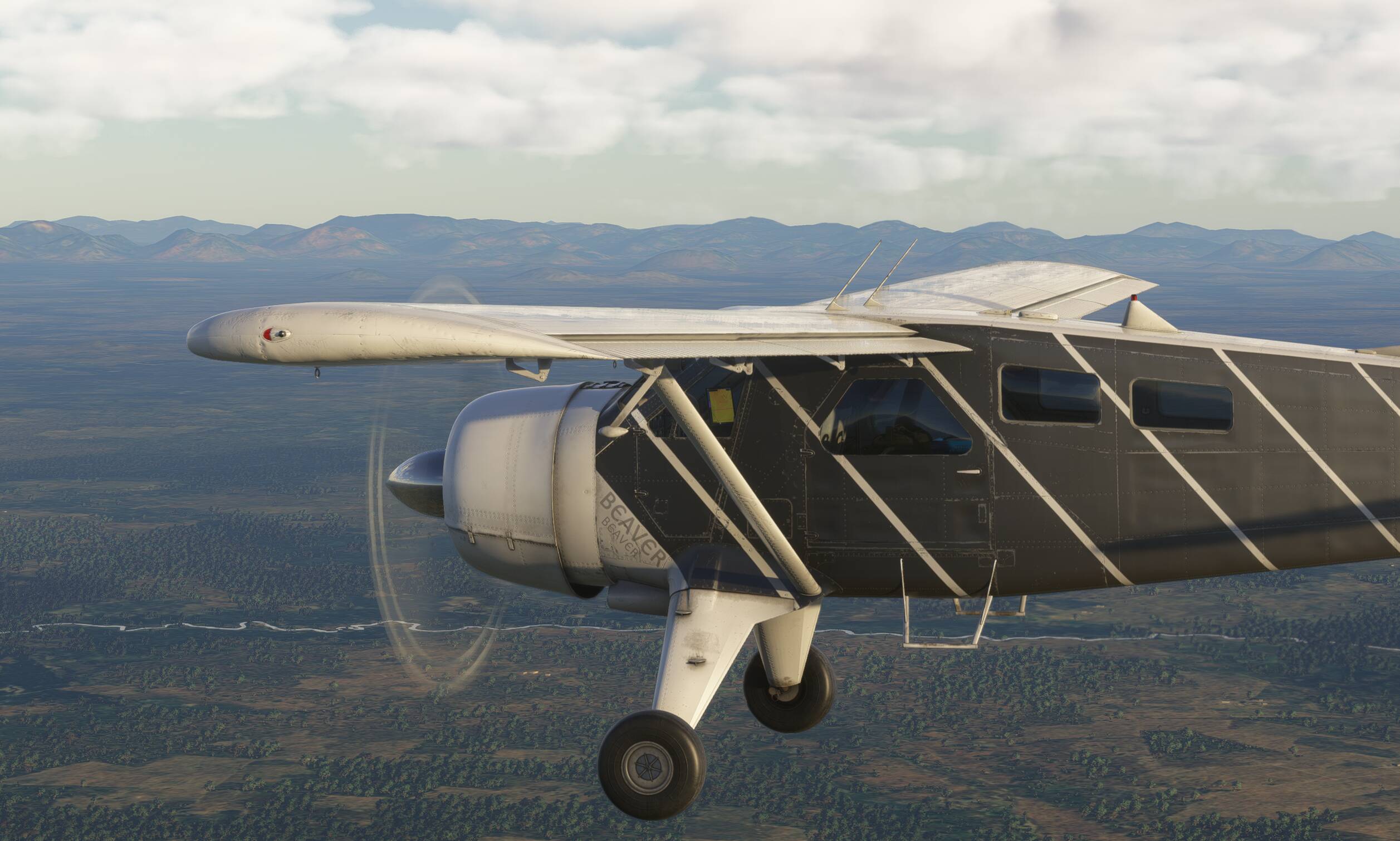
Zoomed out just a little bit;