Post SU5 the airports object LOD on objects,taxiway signs and other airport clutter have so low drawdistance it just pop in view on final. This happens on all airports both default and 3 party. Its a total imersion breaker and no settings fixes it. Yes i have stated this before but i dont give up before i see this is logged.
1 Like
if they fix this kiind of things, performance will decrease, so i dont think they will fix it, till they improve the overall performance of the sim
An other thread related to LOD got 486 votes and went from “coming in SU8” to “not planned”, so good luck with this.
I agree.
1 Like
Title edited to be more clear at Topic Level.
No. Those small things will not impact performance. And if it would, just give us the slider in settings to increase drawdistance. Easy. Everybody wins. The object lod and scenery lod settings we have now dont make any difference to those things i mentioned.
1 Like
Have you changed the LOD settings in usercfg.opt file? There are a couple of them in there. Object and terrain. I have mine set to 4 and 3 respectively and dont have popins at airports. Still have occasional late drawing in on cliffs / bldgs from time to time, but only when my network connections is a bit borked, or maybes its the servers ( no 100% way to tell).
would setting object lod to 4 (or higher) make the windsock appear from further away than the ~300ft it does now?
These two are sitting on the ground at airports.
Settings are Ultra hdr on and raytracing set on
Nvidia control panel setting on ultra quality
Cy* 442 color 8 bit
and the machine in an i7-6 16 gigs ram, 1080 ti 10 gigs of ram running at 4k.
Object lod if set over 3 may slow you down to much it does for me here. But I can push terrain lod to 5 and suffer only minimal 1-2 fps loss.
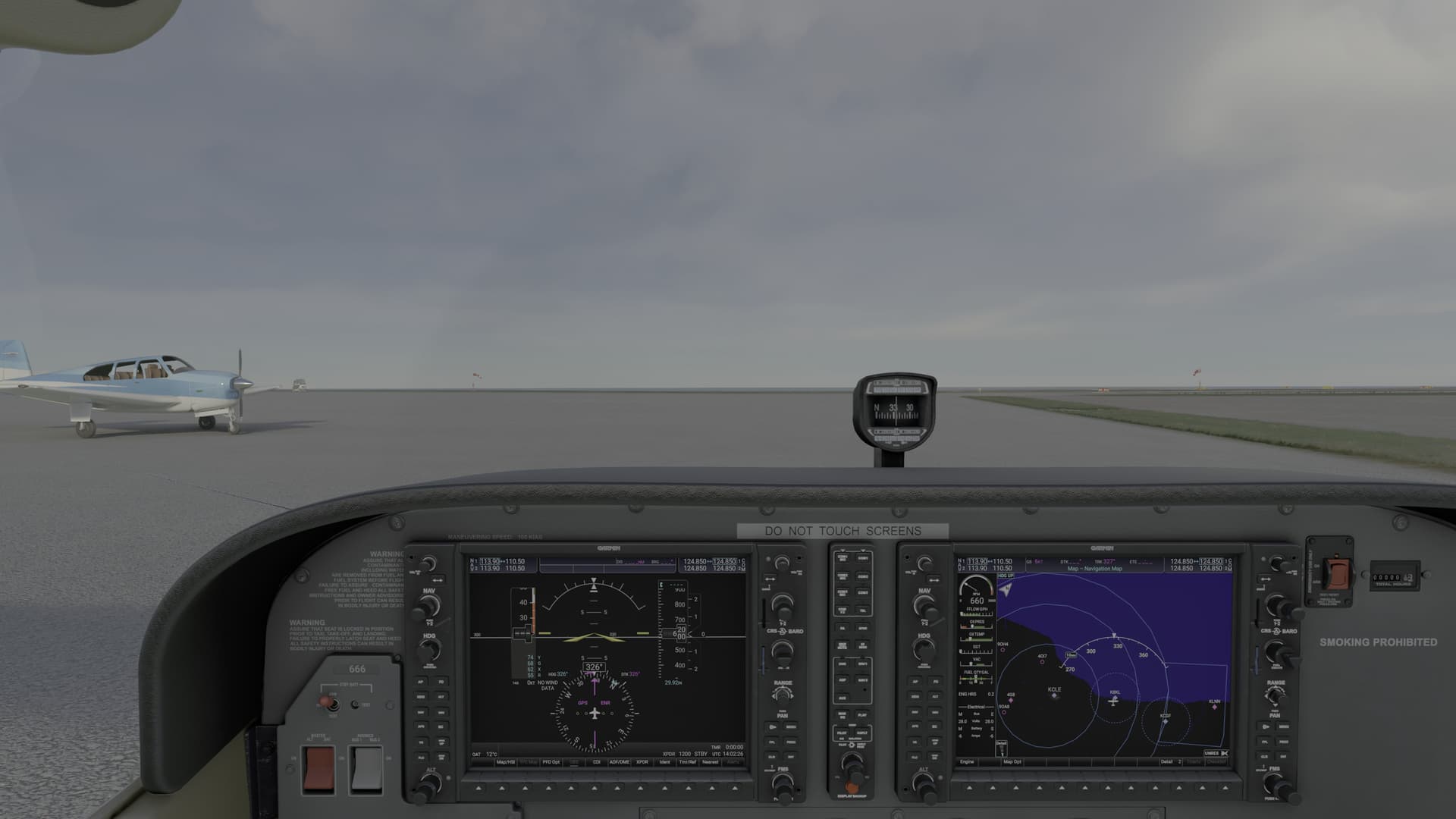

Ive tried to set object lod to 8.000 in the user.cfg. Make no difference on taxiway signs and the other things i mention. Its apperantly hardcoded in the sim to be that way.
1 Like
I have this problem in SU16, do you? 