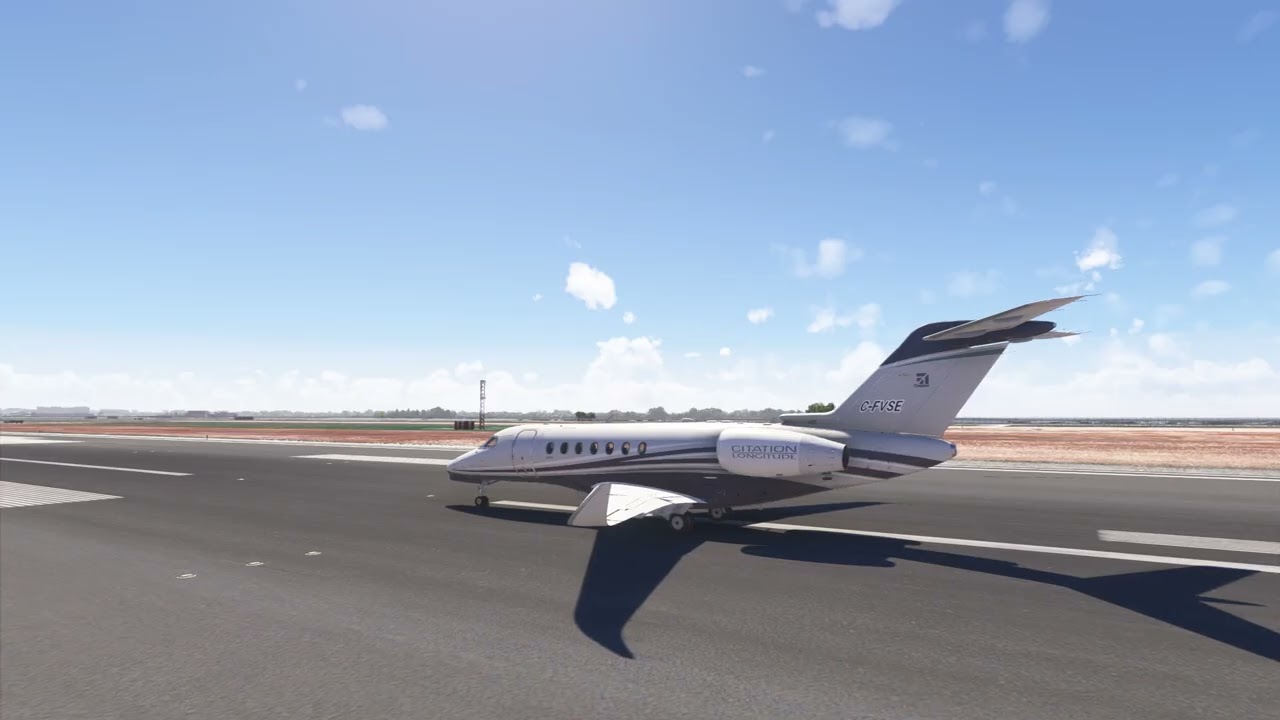
Longitude- Reverse Thrust Very Very Weak (Or Non-existent)

:wave: Thank you for using the Bug section, using templates provided will greatly help the team reproducing the issue and ease the process of fixing it.

Are you using Developer Mode or made changes in it?

No

Have you disabled/removed all your mods and addons?

Yes

Brief description of the issue:

Reverse thrust engages, buckets come out, rev thrust handles and throttle levers animate correctly, sound from engines roars, gauges indicate Reverse is active (text) and engines are producing thrust (needle indication). But, there is no reverse thrust acting on the Aircraft; it is not slowing down the Aircraft. Very, very ineffective, or possibly not making any difference at all.

Provide Screenshot(s)/video(s) of the issue encountered:

Detailed steps to reproduce the issue encountered:

Engage Reversers.

PC specs and/or peripheral set up if relevant:

N/A

Build Version # when you first started experiencing this issue:

With the update we just got 1.30.12.0 (from yesterday).


:loudspeaker: For anyone who wants to contribute on this issue, Click on the button below to use this template:

Do you have the same issue if you follow the OP’s steps to reproduce it?

Provide extra information to complete the original description of the issue:

If relevant, provide additional screenshots/video:

1 Like

Do you have the same issue if you follow the OP’s steps to reproduce it?

Yes
Provide extra information to complete the original description of the issue:

N/A

If relevant, provide additional screenshots/video:

N/A

3 Likes

Same here, erratic.

1 Like

same inconsistent since update. Enginer 2 wont work and throttle would not kick in the engine..

3 Likes

Same here with TCA Officers Pack Hardware

1 Like

Do you have the same issue if you follow the OP’s steps to reproduce it?

Yes

Provide extra information to complete the original description of the issue:

Reverse throttle worked perfectly before the latest update AAU1.

If relevant, provide additional screenshots/video:

1 Like

Auto-throttle will disconnect, nor does the FMS pick up the ILS approaches. I receive an error message “GPS is only for guidance only.”

Very strange that some report that Reverse Thrust is slowing the plane just fine. While for others, there is no slowing at all.

Hoping someone can assist here… I’m a beginner at using debug info to troubleshoot or look into potential issues.

I still see very little effect of reverse thrust on the Longitude.

Checking Dev Mode Debug info on the Aircraft/Engines, I’m only seeing -553 pounds of thrust from each engine during max reverse. Not sure what the expected values are, but that seems really low to me. That’s with reverse thrust fully engaged after 10 seconds of ramp-up time.

Other observations:
The Throttle shows -24/100 during maximum reverse. When I go full throttle in non-reverse mode, I get 85/100 (I do get 100/100 in the CJ4 so I don’t think it’s a throttle calibration issue).

Total thrust of engines= -5.9/100.

I’ll attach a screenshot taken at maximum reverse thrust after 10 seconds of engaged time.

Thanks in advance for any input, thoughts, etc.

1 Like

I too find it very very weak.

2 Likes

same here. It still doesn’t work. It deploys and makes the noise and visual effect but it does not decelerate
Thanks!

ISSUE DESCRIPTION

Description of the issue:

The thrust reversers activate and you can increase N1 but they have absolutely no effect in slowing the plane. While stationary you can activate the thrust reversers and the plane remains motionless.

You can deploy the thrust reversers and move forward. You can taxi with the thrust reversers fully deployed.

Are there no simmers on staff at Asobo that test these models?

If applicable, which aircraft is experiencing this issue:

Cessna Citation Longitude

[PC Only] Did you remove all your community mods/add-ons? If yes, are you still experiencing the issue?

Yes

FREQUENCY OF ISSUE

How often does this occur for you (Example: Just once, every time on sim load, intermittently)?

All the time

REPRODUCTION STEPS

Please list clear steps you took in order to help our test team reproduce the same issue:

  1. Fly the plane
  2. Activate reverse thrust

YOUR SETTINGS

If the issue still occurs with no mods and add-ons, please continue to report your issue. If not, please move this post to the User Support Hub.

What peripherals are you using, if relevant:

Thrustmaster Boeing.

[PC Only] Are you using Developer Mode or have you made any changes to it?

No

[PC, MSFS 2020 Only] Are you using DX11 or DX12?

[PC Only] What GPU (Graphics Card) do you use?

NVIDIA 4070

[PC Only] What other relevant PC specs can you share?

Latest I7 desktop

MEDIA


2 Likes

TR doesn’t work at all. You can taxi with the TR fully deployed, People claiming that TR works are just being confused by the strong brakes.

2 Likes

I agree.

Longitude reverse thrust was stronger in MSFS 2020. In 2020, if taxiing forward, rev thrust would stop the plane and then slowly move it backwards. Even then, there were complaints it wasn’t strong enough, discussed on the Working Title Discord: Working Title Simulations

In MSFS 2024, I noticed that it seemed like there was no reverse thrust at all.
I wanted to check the engine settings, tried to open the Aircraft Debug menu for it via Dev Mode but it “errors out” saying it’s encrypted. So I couldn’t get to the engine settings.

I hope this is one of the things that will be corrected. If the aircraft is unencrypted, we can adjust settings ourselves.

1 Like

ISSUE DESCRIPTION

This is a months old problem that still has not been fixed or addressed by Asobo.

The thrust reversers will not move the plane backward from a standstill and will not slow the plane

If applicable, which aircraft is experiencing this issue:

Cessna Citation Longitude

[PC Only] Did you remove all your community mods/add-ons? If yes, are you still experiencing the issue?

FREQUENCY OF ISSUE

100% of the time

REPRODUCTION STEPS

Fly the plane

YOUR SETTINGS

If the issue still occurs with no mods and add-ons, please continue to report your issue. If not, please move this post to the User Support Hub.

What peripherals are you using, if relevant:

Thrustmaster Boeing Throttles

[PC Only] Are you using Developer Mode or have you made any changes to it?

No

MEDIA

[END OF FIRST USER REPORT]

I am also having this issue. The Longitude is at a complete stop with the parking brake and toe brakes released. Max reverser is applied and the plane doesn’t move. I experienced this in MSFS 2020 and am having the same issue in 2024. Hopefully they fix this soon because I like to back away from the little guy trying to push my plane back. (I’ll do it myself thank you.)

Do you have the same issue if you follow the OP’s steps to reproduce it?

Yes
Provide extra information to complete the original description of the issue:

If relevant, provide additional screenshots/video:
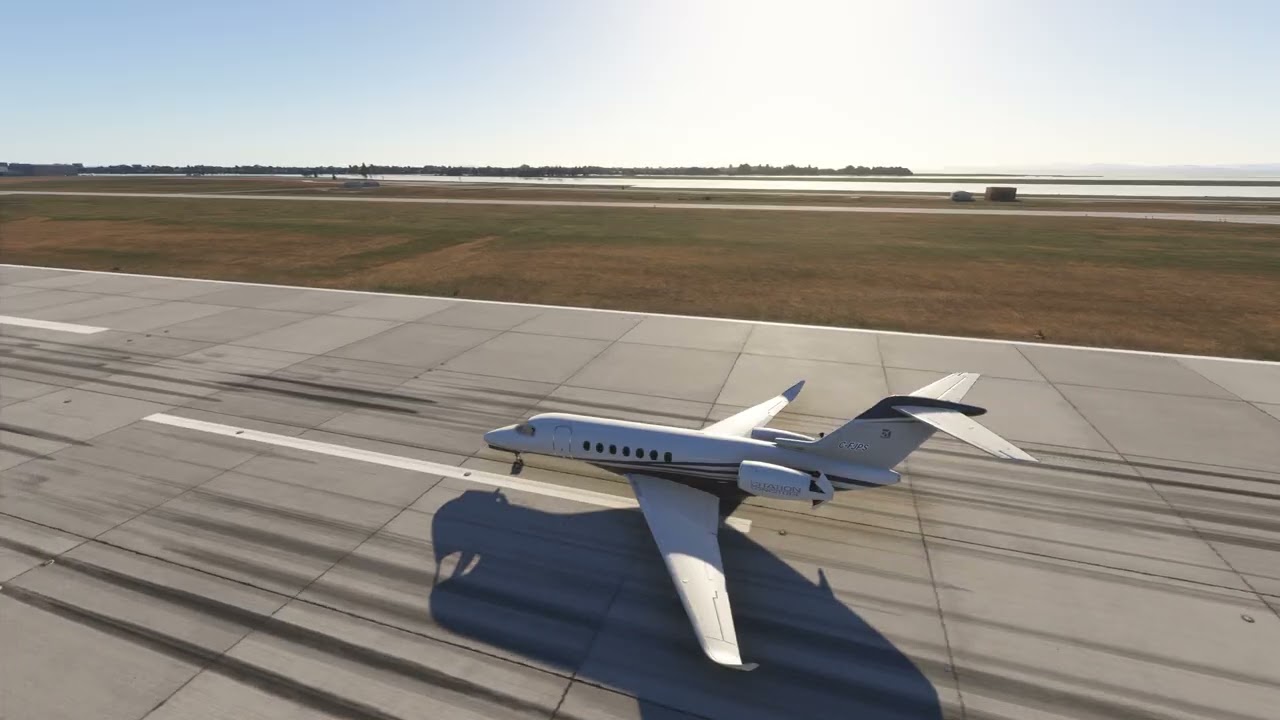
I’ve been noticing the same issue in FS2020. Activating reverse thrust opens the cans on the engines, but does nothing else. There’s no increase in engine noise nor decrease in speed.

1 Like

I have the same issue. Longitude reverse thrust not working. Tested in FS2024.

1 Like

It doesn’t work for me either, no effect, no noise

1 Like