Thought I’d give the PCL a go while I can trial it for up to 14 days & compare it with my current Quest 3 set up.
Received my PCL yesterday so today got chance to get it out of the box & set it up. Set up was very straight forward with Pimax play & connected to MSFS2020 no problem at all. Thing is I can’t help feel a little disappointed in this headset & was so looking forward to trying it out & comparing it with my Quest 3.
The PCL I’m finding very uncomfortable to wear in fact 10mins max & the bridge of my nose is in agony. With the headset adjusted via the top head strap & rear head strap the base of the lenses sit on top of my nose so my nose is bearing all the weight. Surely there’s a way of making this more comfortable?
The face foam padding seems way to thin & over wide so I can see light reflection bleeding in form the left & right onto the lenses. In relation to the above item there seems to be a lack of adjustment in the headset & is definitely not a one face fits all type of thing.
Biggest disappointment though is the visual clarity in the sim. Can’t say I can see much difference at all comparing it to my Quest 3 using Ultra setting in VD yes the colours are more vibrant in the PCL but to be honest that’s about it & hard pushed to notice any difference in fact I’d say its a tad blurry. Also while in the sim its a bit juddery when moving head left or right as thought there is a black edge of the screen catching up when moving left or right. Settings in the Pimax play are all default. I have a 4070ti super & AMD 7800x3d
Will try and tweak settings in Pimax play to get better balance of performance & clarity so if any current PCL users can advise that would be appreciated. At the moment I’m leaning towards sending it back for a refund and sticking with my Quest 3 as its just way too uncomfortable.
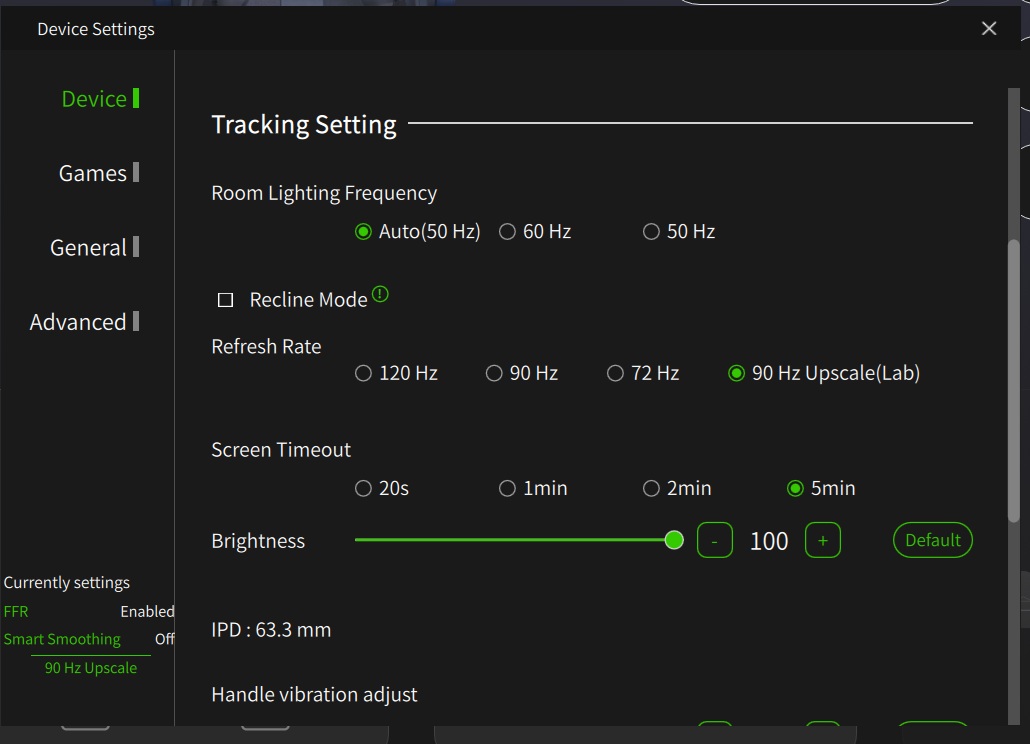
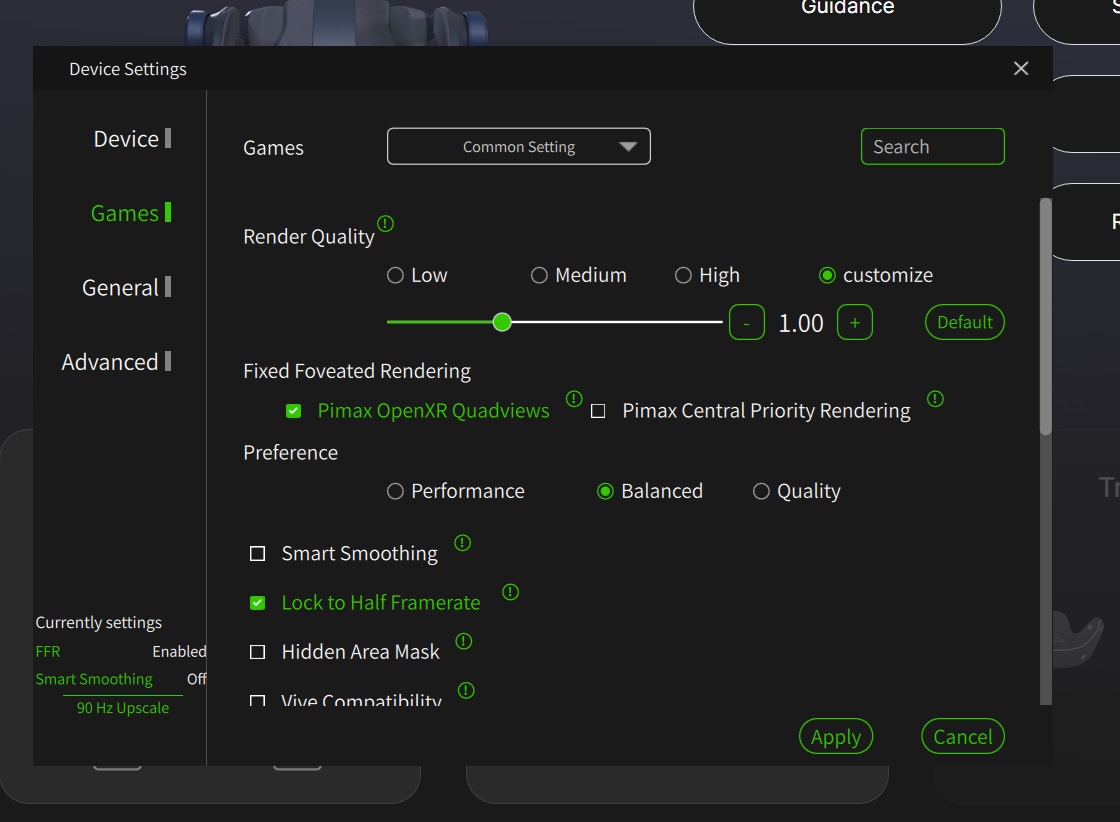
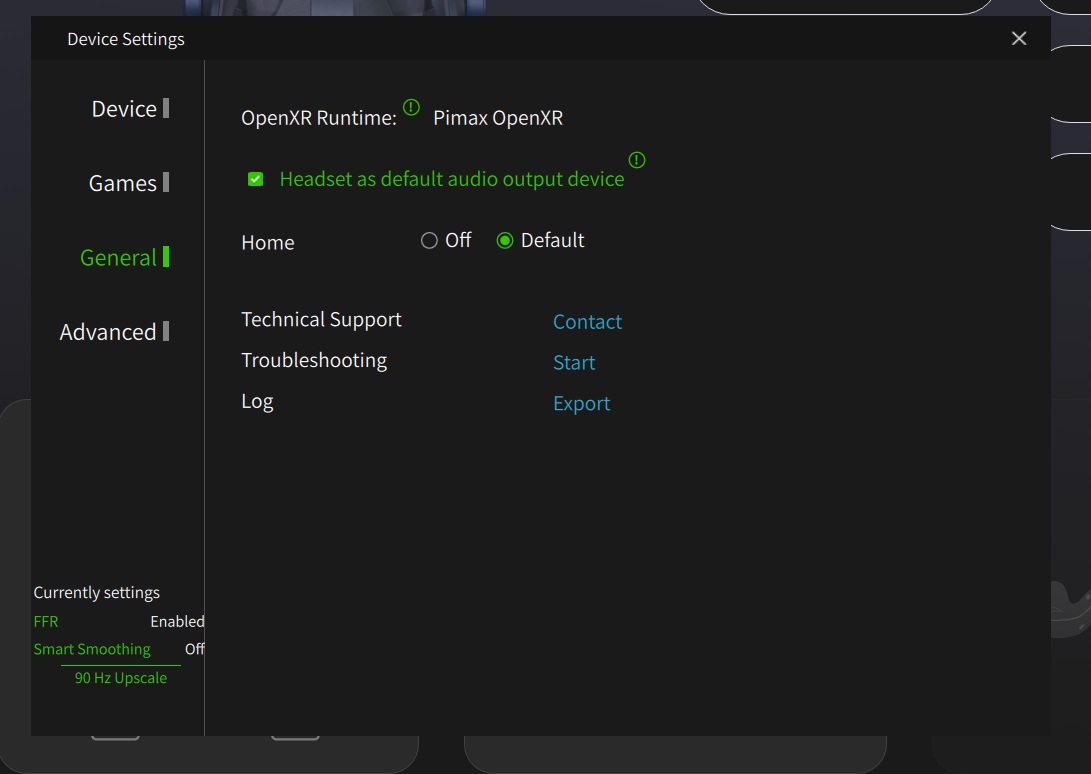
Post your PimaxPlay settings screenshot, then we may be able to provide advice on clarity. I assume you are not reducing resolution in the OpenXR Toolkit (using it is purely optional).
Are your lenses OK?
Think the dealbreaker for me is how uncomfortable it is. I thought the Quest 3 was bad enough out of the box but this is on a different level. Just finding it un wearable really & like I say think there’s not much between them on image quality. not to my eyes anyway.
As to clarity, do you need reading glasses for close work? The Crystal has a closer focusing distance than the Q3 and some people need either corrective lenses or reading glasses to get a crisp image (I do). You should also notice a much reduced, almost invisible, screen door effect.
Regarding comfort, yes the stock set-up is awful. I too use an Apache top strap that takes the load of my nose and also positions the headset in the sweet spot, so my Crystal OG is fine to wear for extended periods now. Reasonable price too.
I Only need glasses for distance. I think I’d stick with it but it just doesn’t sit right and I’ve followed the instructions on how to fit it on my head.
I position the back pad so it is just very slightly sitting on the back of my head just when it starts to curve towards the neck and then tighten the adjuster.
The only issue here is then the screen housing is then sitting on my face at an angle so I can virtually get may fingers underneath or I can see my room floor if I look down. It’s that far off my face along bottom edge. I can also get my fingers in at the sides the gap is that big.
If I place the screen first squarely on my face first and then adjust the rear and top strap the bottom edge of the lenses are sitting right on the bridge of my nose which soon becomes very painful. The lenses are a lost right against my eyes so if you did wear glasses they would touch the lenses.
The thing is in my mind it’s just not fit for purpose and there is no way I’m spending more money on items to see if it makes it more comfortable.
Looking at the rear pad strap and the images I’ve seen on how to fit on the back of your head it’s as though the arms of the strap need to swivel lower but mine hits stops so it can’t, go any lower for it to sit as they say it should. As mentioned above fitting as they say only then tilts the front at a strange tilted angle on your face which doesn’t feel right.
Right, I’ve spent most of today getting the headset to sit comfortable on my head & making strap & rear support adjustments as required. My first impressions when first trying it on out of the box was very disappointing finding it very uncomfortable indeed. However a bit of messing about with it seems just about bearable as it is.
Yes I’m aware of the studioform items which as this is an anniversary edition pimax will be posting out the blue coloured paddings.
Anyway my questions is now that I’ve got it sitting correctly & flying in both 2020 & 2024 I can’t help notice how blurry the cockpit text looks. I would say my quest 3 gives a much better reading of the text on the cockpit dials etc than the PCL.
If I stare straight ahead & squint my eyes slightly I can just make out the text on the switches etc but that’s not ideal.
Also I’ve noticed when I pan my head to look left or right there is what seems like a kind of motion blur to the view I’m seeing. I’ve adjusted my IPD & adjusted resolution settings along with sharpening etc but nothing seems to get rid of the blurriness. I’m still within my 14 day refund window so I’m not sure if this is the way the PCL is or if I have faulty lenses, Thing is I’m not finding it a major step up from my current quest 3 headset at the moment although the colours are better but the blurriness of the cockpit is not good.
Advice appreciated
Sounds like bad lenses - and there are a lot of those around. Your best bet is to get in touch with Pimax support. I don’t know if Calvin/QuorraPimax is a member here, but he deals with PR etc and helps people unable to get the result they expected and he’s usually very good at it.
Use their support ticket system - usually you will get an automated response initially and then someone will respond again to your specific issue. Some people said they waited quite a while for decent lenses - mine were posted out quite quickly and I had them in about 3 weeks. The replacements were perfect.
So: Make a support ticket out on their site (you need a support account I think)
If you don’t get anywhere within a few days, look for QuorraPimax/Calvin - if he’s not here he is on the Pimax Reddit most days and always responds to calls for his attention.
*btw they have said that if you have a tech issue with your headset, the trial period gets extended accordingly.
I just found Calvin here: @CalvinPimax can you help this guy?
Thanks for that fella will look into it. Now I’ve kinda got it to sit comfortably I’m just a bit disappointed with what I see in the cockpit with regards to the text etc as mentioned as there’s definitely blurriness there and a motion blur when looking left and right.
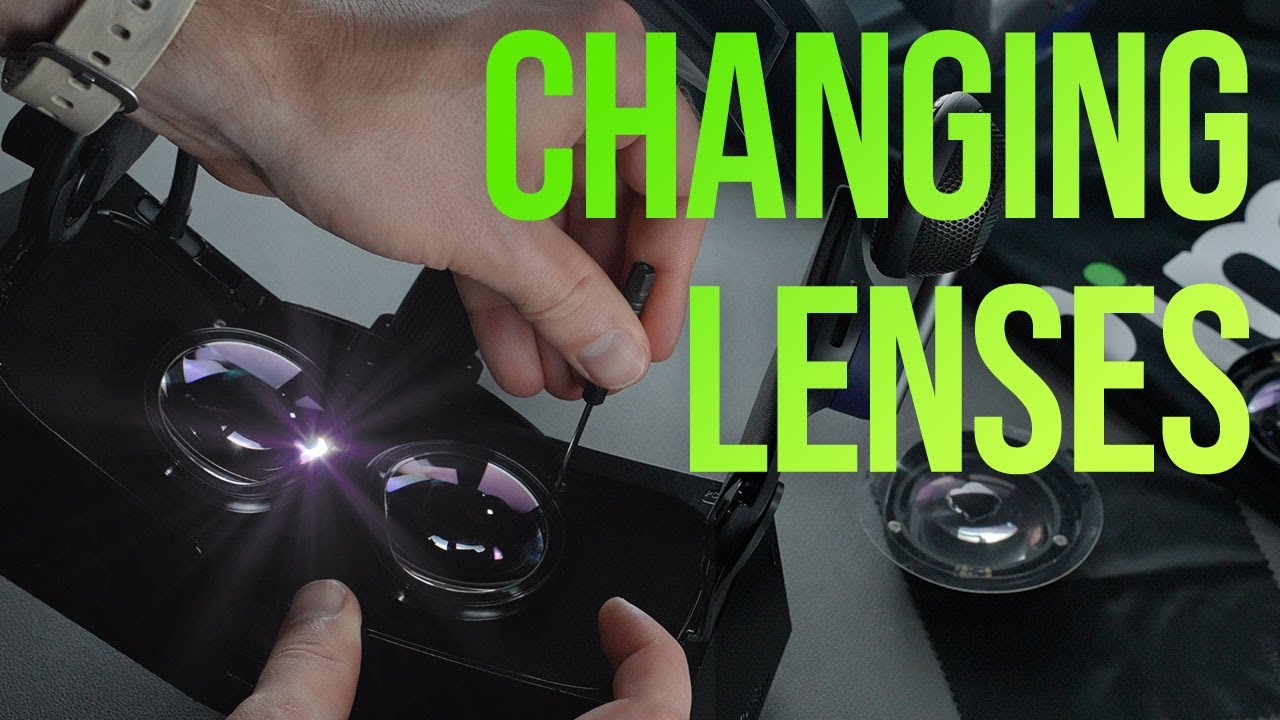
How easy are the lenses to change? As I assume they just send you replacements?
Glad you got it sorted (hopefully) and thanks to Calvin - I knew you’d help if you could. It’s good to have someone so dedicated and who can be relied upon.