I don’t know why but my fps is hanging around at 30-50 Fps. I have a RX6800 paired with a Ryzen 5 7600, 32gb 6000mhz ram running 1080p Ultra. My GPU usage hangs peaks at 80% and drops to 50%, mostly staying somewhere in between those ranges and my CPU usage hangs at around 20-40%. VRAM usage is at 10-12gb and RAM usage is at 14-18GB I don’t have v sync or any fps limiter and Drivers are up to date. If i lower the LOD to 10 i get around a 5-10 fps boost but that’s not much. If i hit escape, my fps immediately jumps to 150-300. So I don’t know what the issue is here. Also have gotten a few crashes in the spawn of 24 hours but I just installed the game today. Thanks for any help!
welcome to Microsoft Flight Simulator.
All jokes aside, you need to play around with settings a bit to find a balance that works for you.
Don’t fall for the FPS trap. I can’t tell you what I run because I haven’t checked it in months. All I know is I can run any aircraft I want with any scenery I want and not have stutters or CTD’s so I don’t care about FPS. Now that you’ve made me think about it, I may check later just to see.
To get good performance in MSFS can be quite complicated, all settings affect in a different way.
I find it somehow interesting to get the sweet spot with every SU. 14 at the moment being the latest.
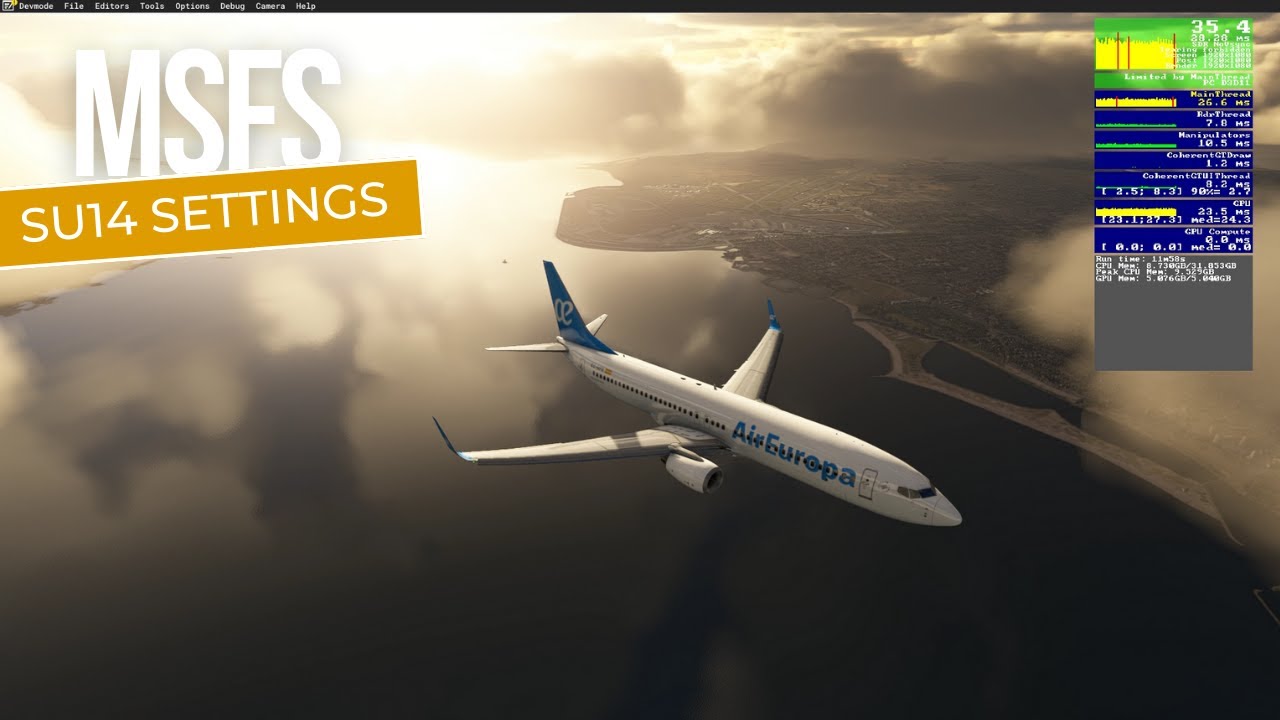
Lot of people found my videos useful and got a boost from it. Make sure you take pictures of your current settings so you can always go back in case.
Link to SU 12 and 13 are in the description in case your still at older SU.
Hope it helps! And spend more time flying instead of moving sliders!
-Bram
SkyLane
1 Like
You have a very good system but you are only running it at 1080p - like running a sports car on bicycle tires you’re not going to get the best out of your PC. It may sound crazy but try to bump up your resolution to 1440p or even 4k if you can. I used to have a Ryzen 5900x paired with a RX6800 and I easily did 4k with the sim at 40-60fps. My cpu/gpu would run very well at those resolutions at higher utilization than you are seeing with mostly ultra settings in the sim.
As @KevinSull mentioned above, just play around with your settings - there are a lot of MSFS tuning videos out there to guide you. The latest AMD Adrenalin driver v24.1.1 includes AFMF frame generation which is a game changer and can literally double your fps. Make sure you read the release notes to understand what you need to do to double your frames.
Other key parameters I found that make the most difference are:
- FSR 2
- TLOD
- OLOD
- Volumetric clouds
- Turn down AI traffic to less than 30%
Turn on development mode and then turn on Debug->FPS counter using the menus at top left of your screen. You will get a small window in the upper right hand corner of your screen that will show your fps (not including frame gen doubling) and other numbers. In general, as you tune your parameters you want to balance out the mainthread (cpu) with the GPU frame times and green is always good!
Good luck!
1 Like