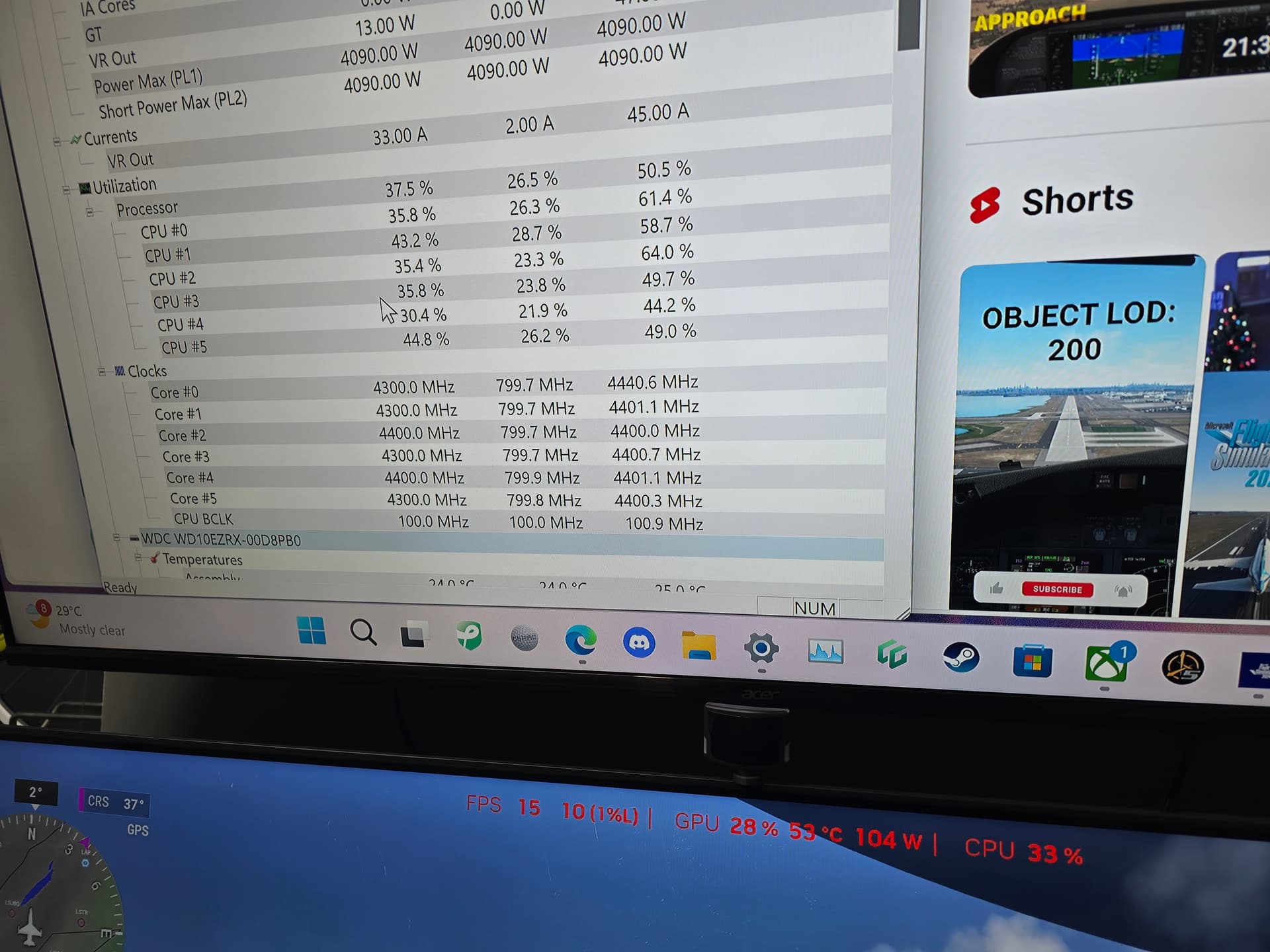
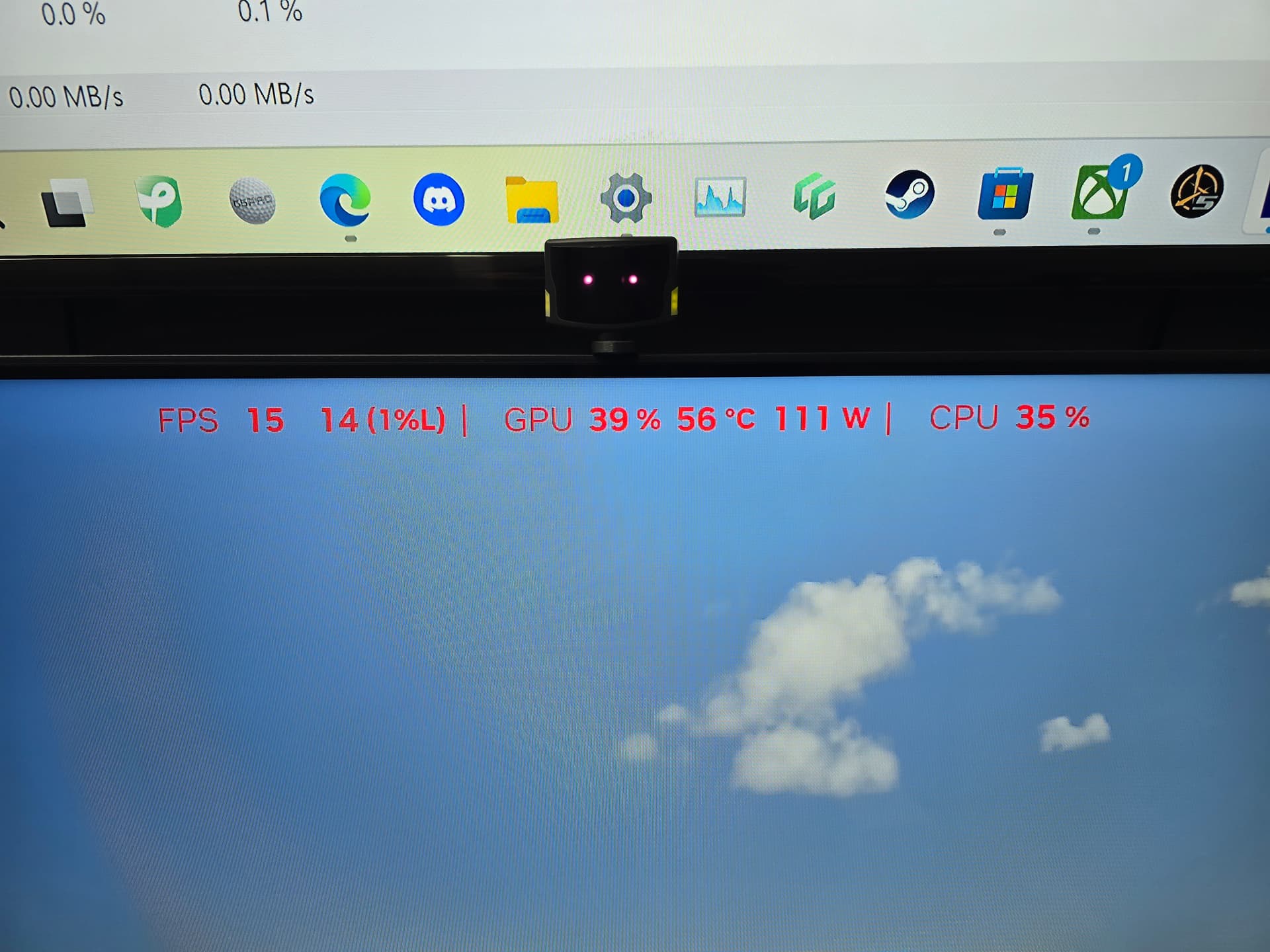
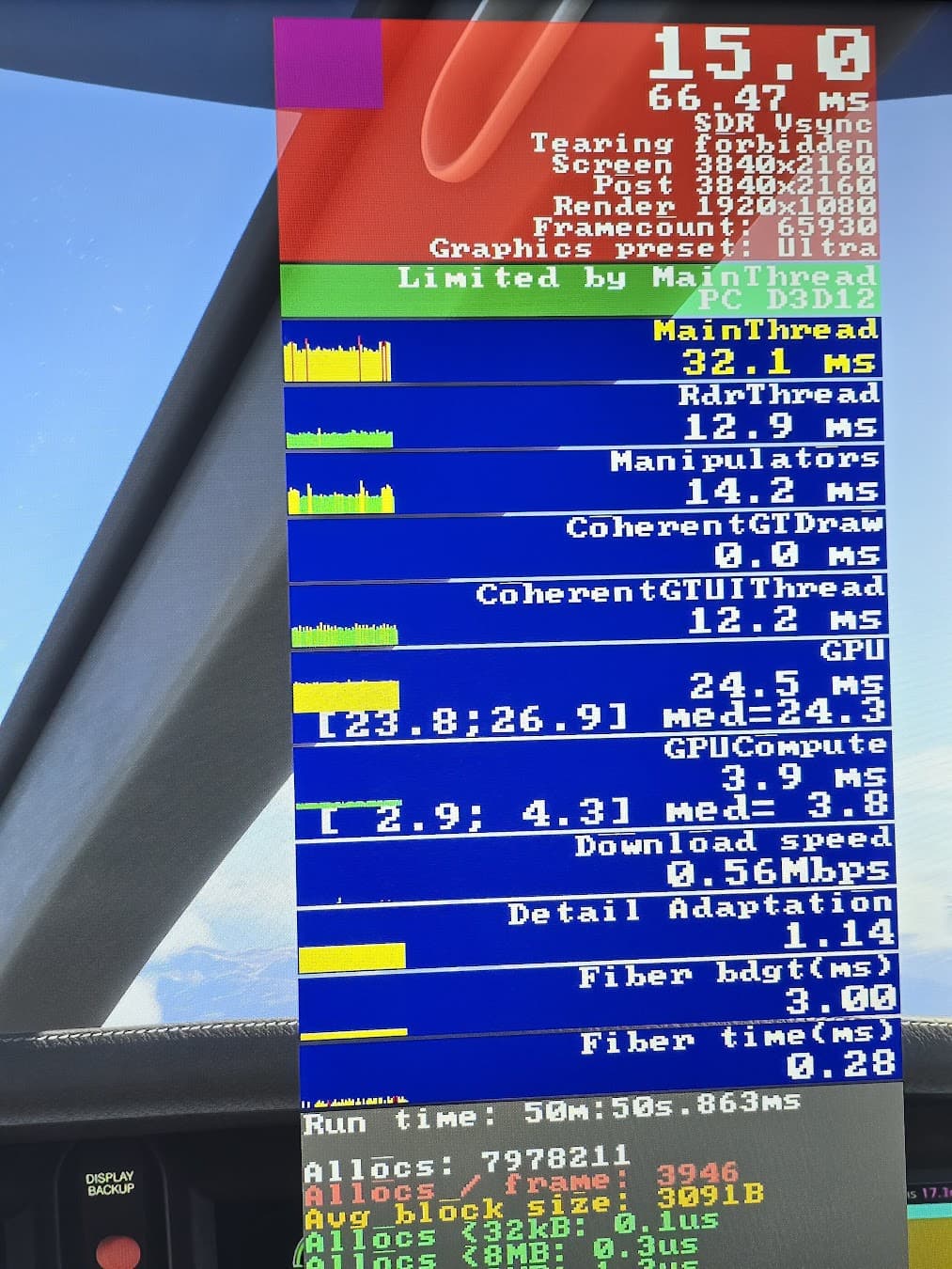
I know that overal CPU usage should not be taken into account and each core should be seen, but have a look at this. 15fps throughout the flight and these are the kind of CPU and GPU usages I see. It’s an old 9600k with a 3080ti. Waiting for my 9800x3d to arrive to start my new build, but this is still strange.
The resolution your graphics card is rendering. On my set-up all 3 lines are 3840x2160. Perhaps you have 4k set-up in the PC but the graphics card or monitor is limited to a lower output?
The render resolution is only half your screen resolution because you are likely using DLSS Balanced, which renders at 50%.
What concerns me however is that your graphics preset is Ultra, which is too high for your stated system specs. Try the high, or even the medium, preset for much better results with your hardware.
Yes, I realise that. Just trying to understand what the figures mean. So, this means that I am not getting 4K on the screen? I hope so because I was hoping for a clearer view of the flight controls, so if this is not 4k then it will be better with my new system
You are getting 4K on your screen, but that’s after it has been up-scaled from 1920x1080. If you want true 4K then set DLSS to DLAA or use TAA. I warn you however that either of these two will likely reduce FPS significantly and, because they are GPU related, will not improve when you upgrade your CPU.
As I said before, you need to turn your graphics settings down to either high or medium because ultra is likely what is currently choking your system.
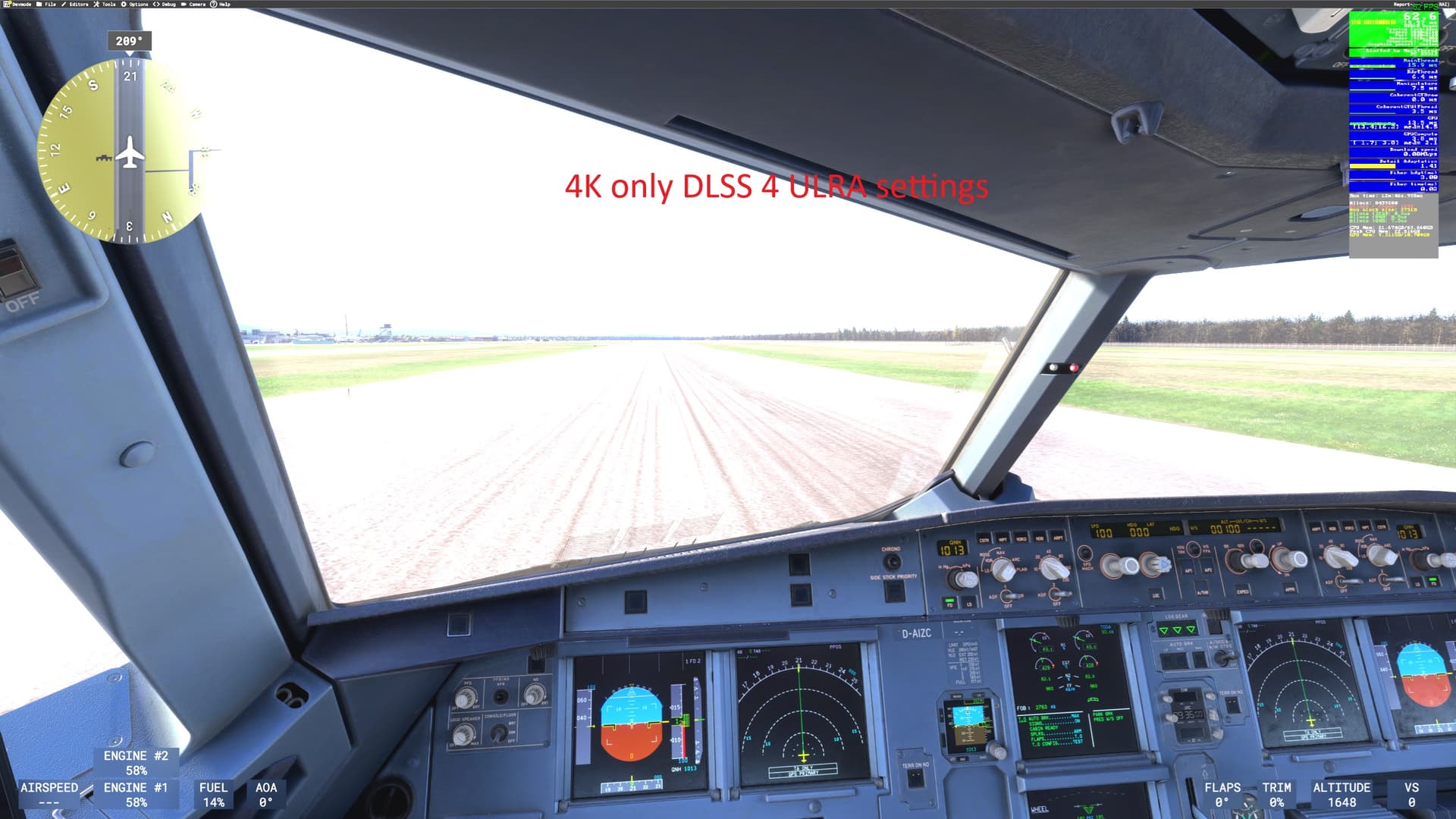
Yes, you can get 50FPS or more DLSS 4 with 9800X3D and 3080Ti in 4K .
Du you know the DLSS to FSR3 Mod?
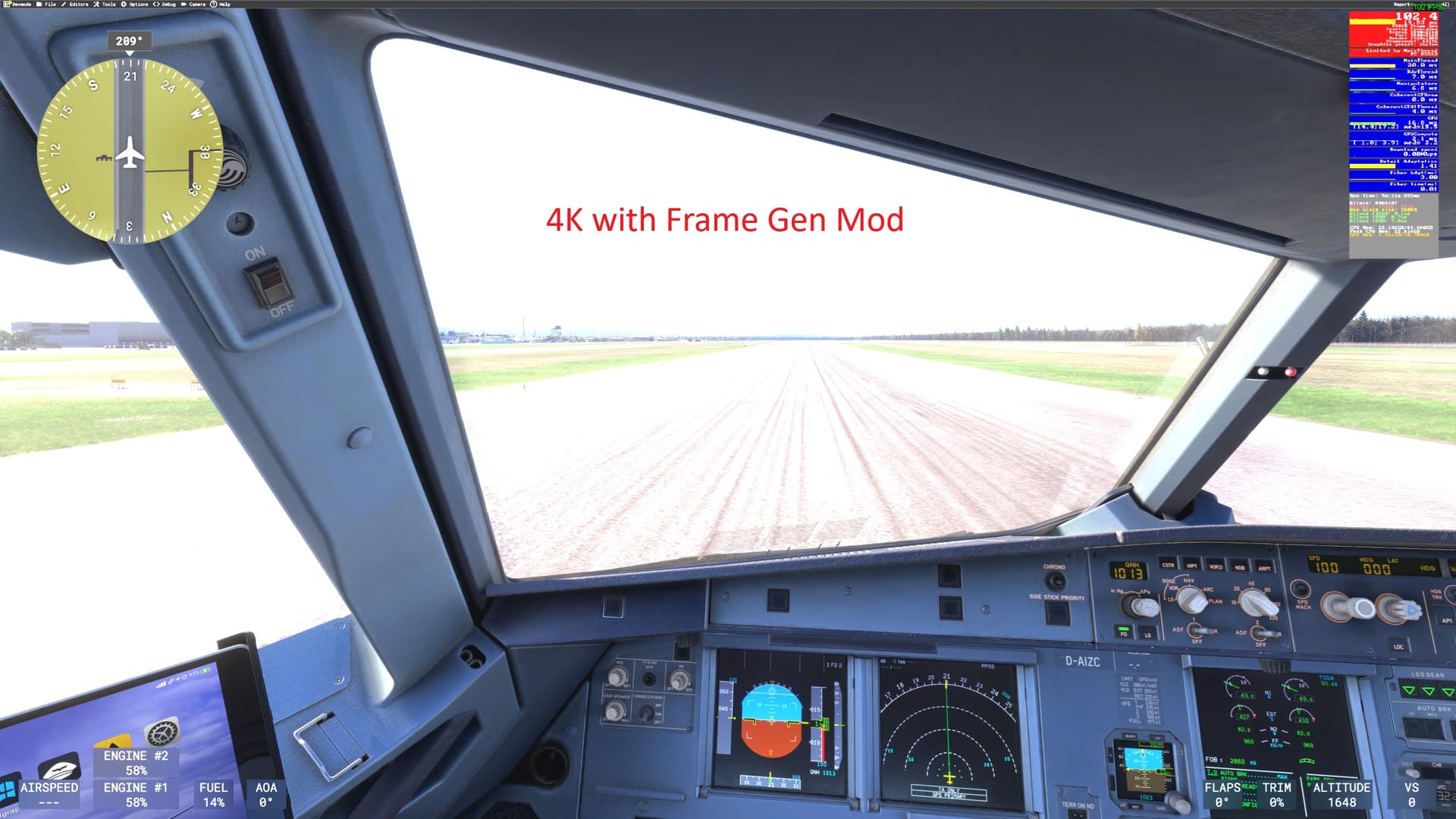
You can get Framgeneration for your 3080Ti RTX!I have over 100FPS with my 3080Ti in Ultra.
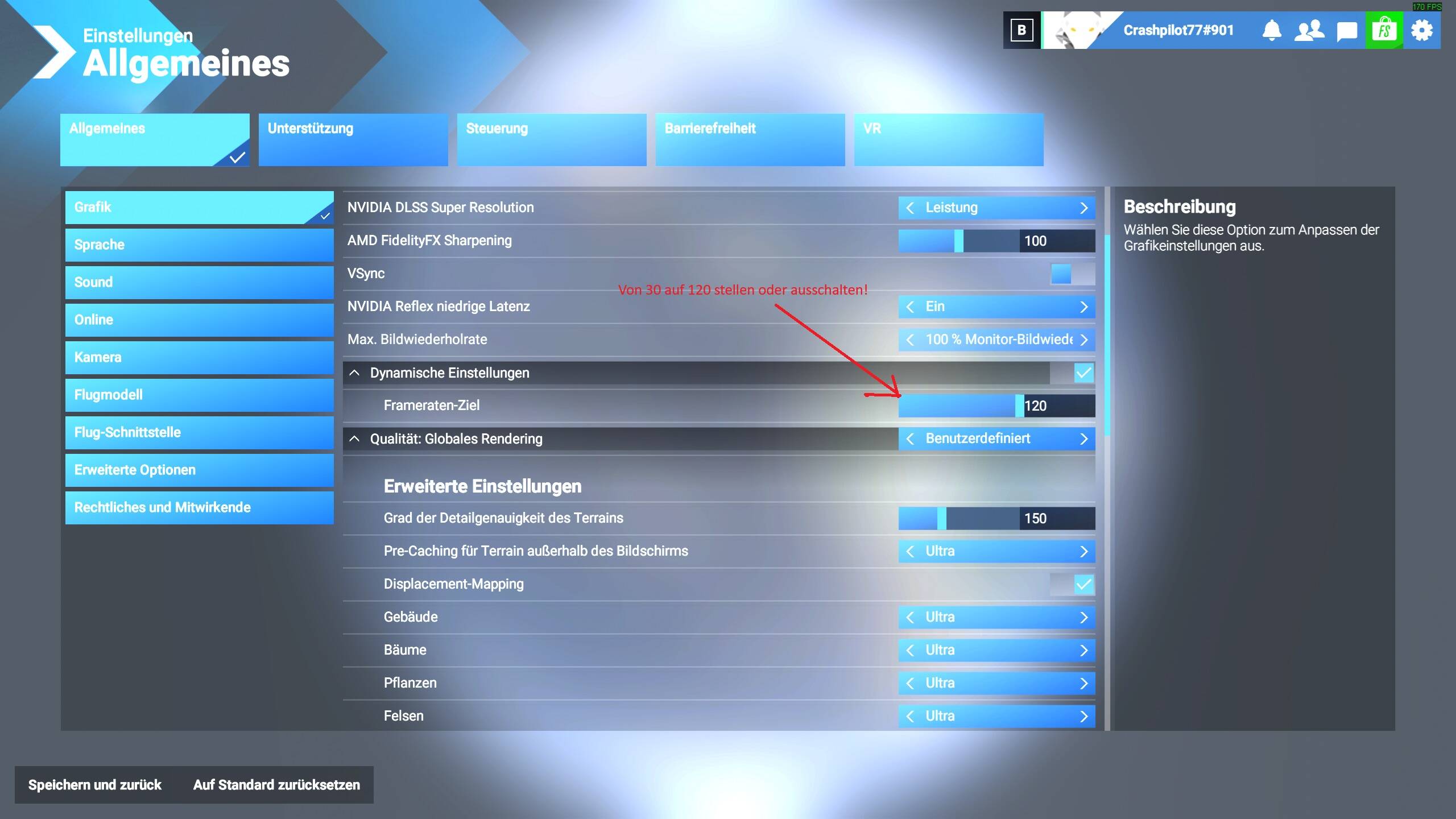
For MSFS 2024, the RTX 3080 is not powerful enough for smooth flying in 4K resolution. In the game settings, please select 2K resolution, enable V-Sync, and set the frame rate limit to either 33% or 50%.
Additionally, install GPU-Z, launch it after installation, and take a screenshot of the open GPU-Z window. Please attach the screenshot in your response.
I wouldn’t necessarily point the finger at the 7900xtx as the sim is not very efficient in general with multiple monitors (and this is documented going back over the years across many threads in this forum). There are trade offs when using multiple monitors and that’s why I went with ONE 55” Oled TV.
This sim is complicated enough to dial in one monitor let alone more than one !
Unfortunately, an 850W PSU isn’t enough to safely run an RTX 5090 along with the rest of your system. For example, I have an RTX 4090 and use a 1300W PSU because I also have multiple drives, a high-end motherboard, and a powerful CPU. You probably don’t need a full 1300W, but a PSU for the 5090 should definitely be at least 1000W.



 !
!