Meta Quest 3 + Virtual Desktop – semi-transparent cockpit, please help

Hi,
When connecting through Virtual Desktop, I’m getting a “semi-transparent” effect in MSFS 2024 – mostly in dark areas. Whenever there are shadows or dark colors, I can see my surroundings (desk, monitor, keyboard) bleeding through (watch a short video below).

It used to work perfectly before. Maybe I accidentally enabled something? Please help.

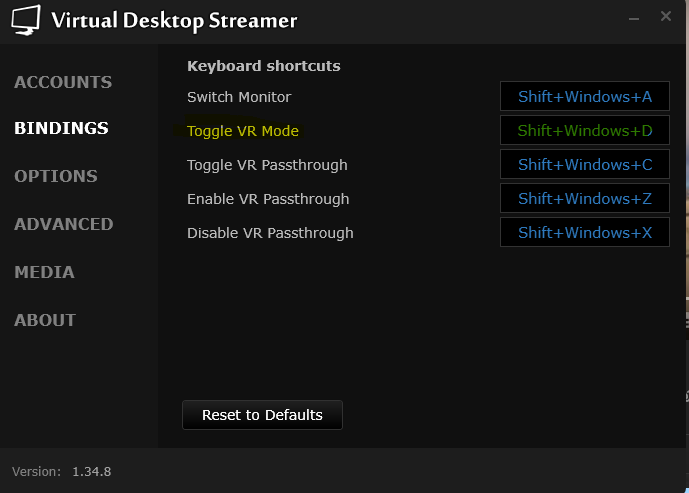
Perhaps you have switched to monitor mode without realising it. Try switching to VR mode (Shift+Windows+D). The option is highlighted in the screenshot.

Thanks @fjcaneda for your answer.
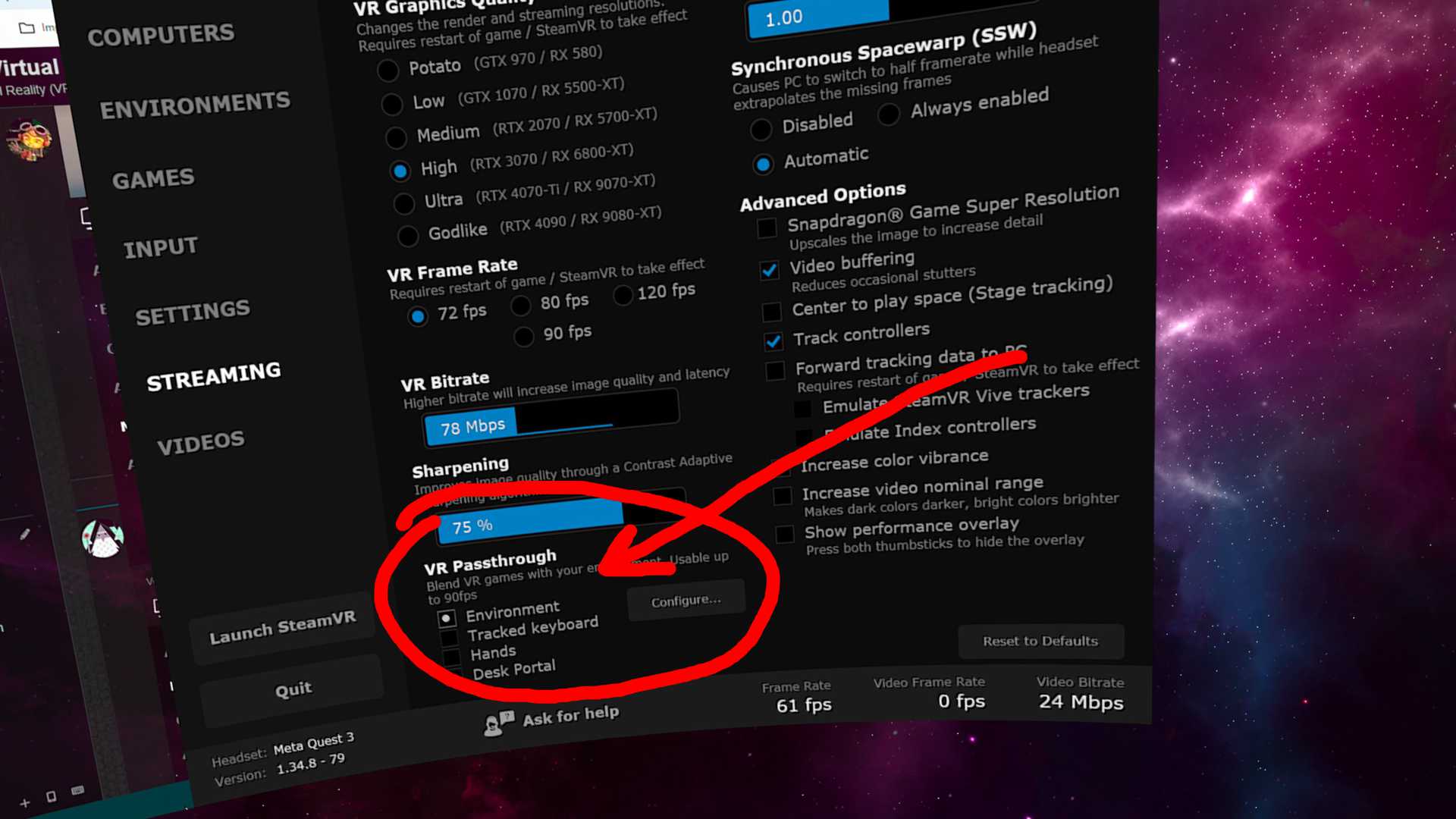
I found that in Virtual Desktop VR Passthrough was enabled (see a screenshot). I have no idea why it was enabled maybe I occasionally switched it on…

1 Like