We strive to get it on marketplace ASAP! However, we cannot give any timeframes at the moment I’m afraid.
thats great news. hopefully that will benefit other users who find MP cheaper than other portals. I have, though, bought already and not regretting even a bit since I can happily consider the additional expenditure as token of appreciation or tip from my side while the dev themselves get more share of the product sale through these portals i believe
Checked with inibuilds, the manual should be in the community folder once downloaded.
Thanks. Found it earlier in the day. Got printed and binded as well
Will be a day one buy for me as soon as it appears on the marketplace!
Video by Corvus! Mi-2 Hoplite Troop Deployment in the rain 
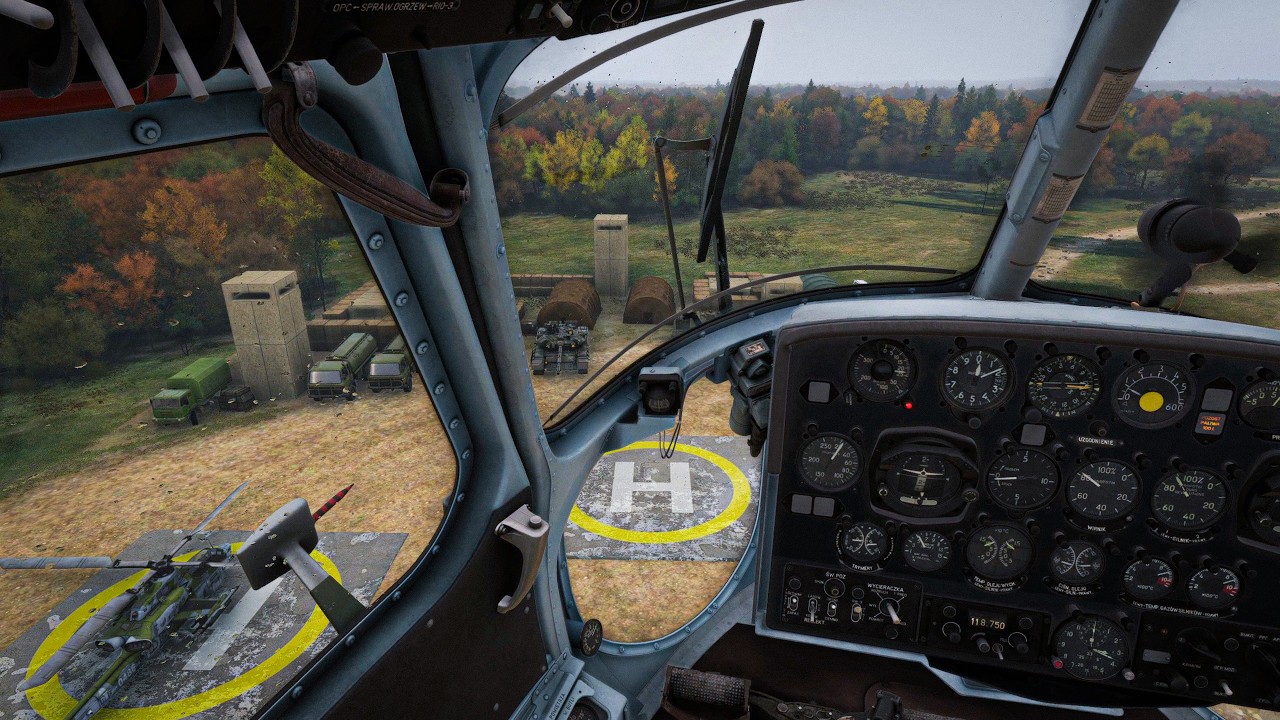
Just picked this up for some African oil ops! I can’t for the life of me have it start cold & dark though, always starts ready to fly. Is there something I am missing?
I also wanted to ask this. Forgot earlier
Are you selecting a helipad as your spawn point? MSFS currently does not allow cold & dark starts at helipads. The workaround is to select a point slighty offset from the helipad as a custom spawn point, and select ‘On the ground, ready for startup.’ (Or whatever the option is…I don’t have it in front of me.)
Hello! Thank you for reaching out! Great choice of scenery!
We are developing a series of instruction videos for Mi-2 operation that will gradually introduce the community to the helicopter as it’s quite different in handling compared to Western helicopters.
The videos will help you:
- Learn the cockpit and controls
- Understand the main systems
- Start the helicopter correctly
- Master hovering and basic control
- Learn takeoffs and landings
- Build confidence in normal flight
- Gradually move on to more advanced techniques
In the meantime we can suggest a Cold start video made by our Beta tester DM Szkoła Latania. Please let us know if it helps!
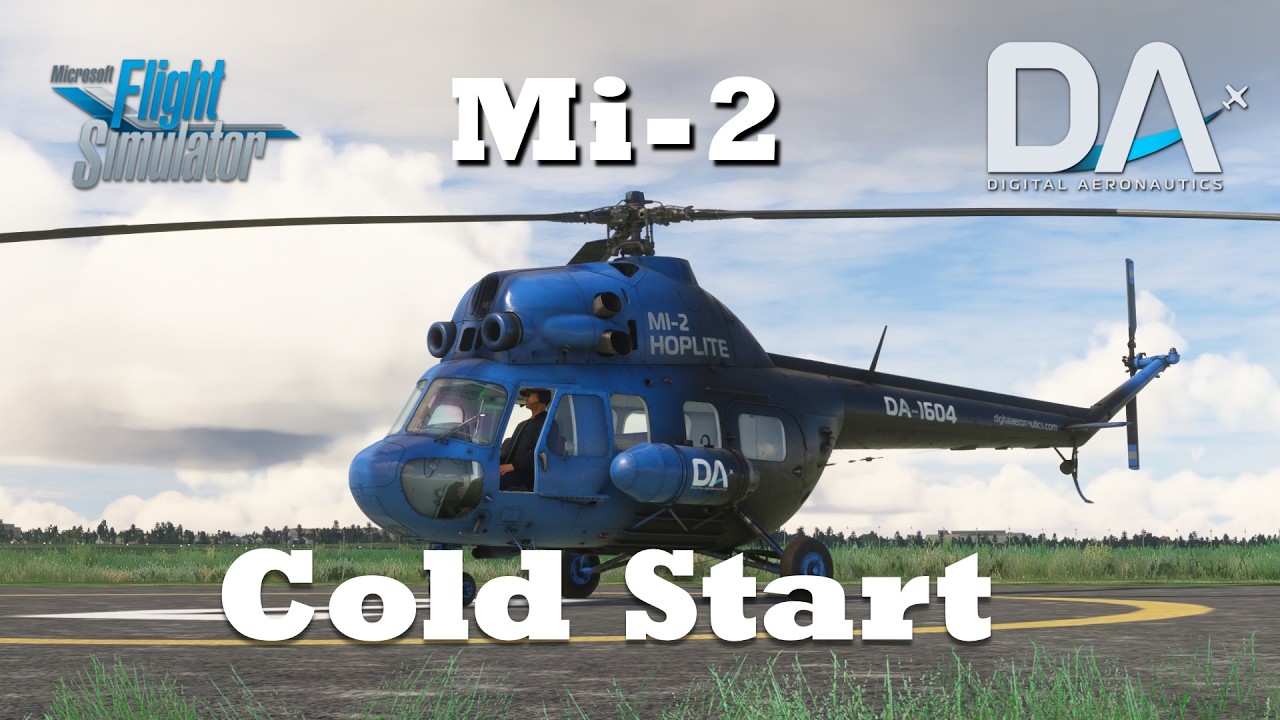

Thank you, very nice.
But I’d rather hear the cockpit sounds instead of music. Want to hear what sound something makes when switched on. I think a training video like this would be nicer with no music.


 IT’S OFFICIAL. Mi-2 IS NOW AVAILABLE IN MSFS-2020 MARKETPLACE!
After a long wait, Mi-2 has officially landed in the Microsoft Flight Simulator 2020 Marketplace for PC!
This release marks an important milestone for Digital Aeronautics and our journey as a developer. Your enthusiasm, valuable feedback, and continued support have played an important role in shaping our very first project, and we’re proud to share this achievement with MSFS Community!
And this is just the beginning! Mi-2 still has a long way to go in the Marketplace:
 Adapting Mi-2 for MSFS-2024 Marketplace, of course!
 Further performance optimization to ensure a smooth and enjoyable experience on Xbox and PlayStation.
 Preparing the groundwork for Career Mode compatibility, opening the door to the many Mi-2 variants and modifications as per announced Roadmap.
We’re committed to improving the Mi-2 step by step, and we’re excited about what lies ahead. Thank you for your patience, feedback, and continued support!
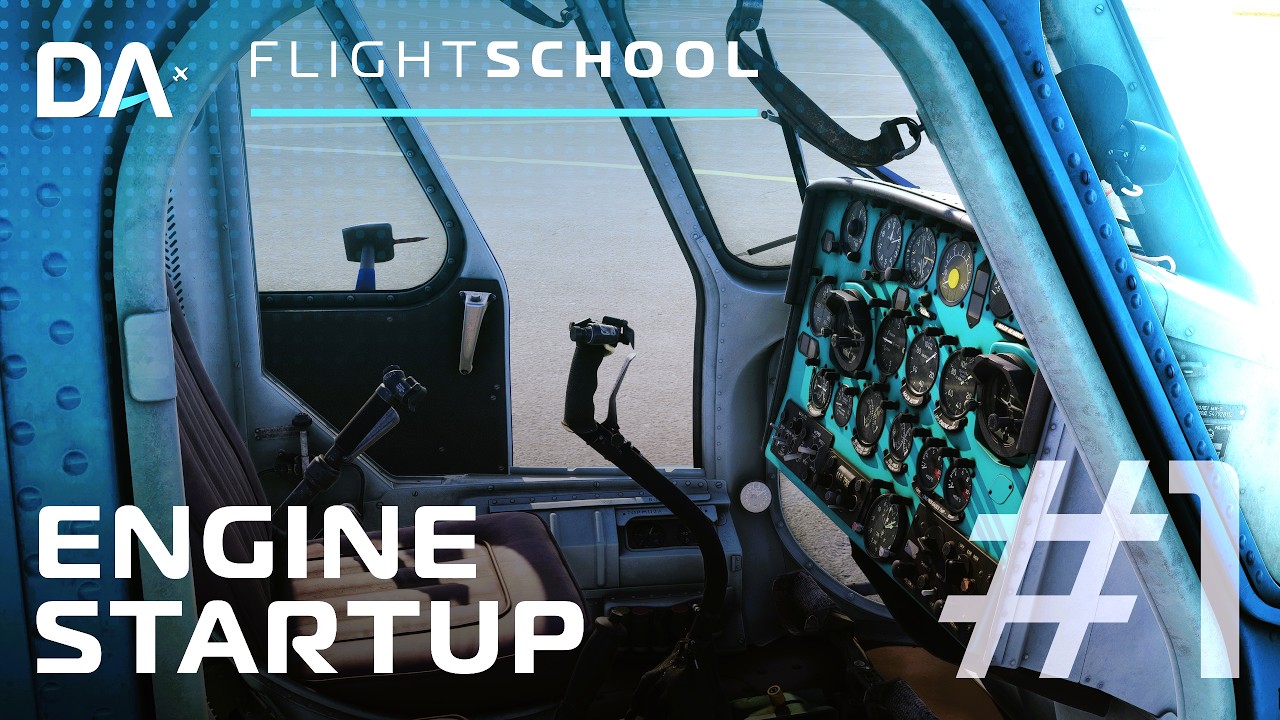
Mi-2 Flight School. Episode 1: Starting the Helicopter
 The first episode of Mi-2 Flight School is here!
Starting a helicopter for the first time can seem complicated, especially if you’re new to helicopter flying. In this first Mi-2 Flight School episode, Digital Aeronautics guides you through the startup procedure step by step, making it easy for beginners to follow along, understand the essentials, and prepare for their first flight.
 In this first episode, we’ll guide you through the Mi-2 startup procedure, explaining the essential steps to help you understand what to do and why it matters.
 This tutorial is designed especially for beginners. You don’t need prior experience with the Mi-2. Just follow along, take your time, and learn step by step.
Our goal is to help you build confidence, understand the helicopter, and enjoy the learning process from the very beginning.
Ready to bring the Mi-2 to life? Let’s get started!
 Stay tuned for the next Mi-2 Flight School episodes, where we’ll continue exploring the helicopter and gradually move on to the next steps in your flight training.

We are happy to share the details of update v 1.2.1 that is coming to you this week!
This update is focused on correcting the bugs reported after release of v 1.2.0 as well as integration with SU7!
 Changelog v 1.2.1
 Compatibility and Cockpit
- Fixed the black screen issue on the integrated EFB tablet in Sim Update 7.
- Restored the nose landing gear steering animation across all levels of detail (LOD).
- Fixed the nose wheel’s return to the centered position.
- Updated materials and textures for instrument backlighting; corrected cockpit lighting assignments.
- Fixed interaction zones for the course alignment buttons and navigation light (ANO) controls.
- Adjusted the positioning of the intercom (SPU) sound source.
Controls
- Fixed an issue where the middle position of three-way switches was skipped when using the mouse scroll wheel.
- Resolved an issue where controls would remain “stuck” after canceling an automatic engine start or shutdown sequence.
- Fixed the handling of sequential commands for engaging and disengaging the main rotor brake.
- Improved control of individual engine levers via keyboard and external controllers.
- Fixed the handling of parking brake commands, including cases where the command is changed while the handle is in motion.
Electrical System
- Refined the power logic for 115V and 36V circuits, converter operation, and switching to backup power sources, in accordance with the helicopter’s technical documentation.
- Fixed the operation of the “115 V FAILURE” and “36 V FAILURE” warning indicators.
- Adjusted the logic for the switching relays boxes (KPR-1 and KPR-9 units), including activation delays, fault latching, and reset conditions.
- Corrected the dependency of control circuits on their respective circuit breakers.
- Fixed the automatic engagement of the generator when the anti-icing system or windshield heating is activated.
- Fully discharged batteries no longer provide power to the onboard electrical system.
- Fixed the lockout and reset logic for DC generators.
- Resolved an issue where the load from the primary fire warning system was being counted twice.
Anti-Icing System
- Fixed the automatic activation of the anti-icing system (AIS) triggered by icing detection.
- Adjusted the conditions for maintaining and deactivating the system.
- Corrected the heating sequence for individual sections in both manual and automatic modes.
- Fixed the operation of the section current monitoring switch.
- Improved handling of power loss and restoration.
- Enhanced the reliability of AIS synchronization with the simulator.
Engines, Pneumatic System, and Doors
- Fixed the start-sequence interlock that prevented engine ignition when gas generator RPM is at 20% or higher.
- Fixed the reset logic for the start button timer.
- Eliminated residual calculated oil pressure readings when the engine is shut down.
- Fixed pressure calculations while charging the brake line.
- Fixed the automatic unlocking of the rear-left door during passenger boarding.
- Fixed assignment of door opening positions to the simulator.
Instruments and Radio Communications
- Fixed the operation of the ADF (Automatic Direction Finder) modes: “КОМП.” “АНТ.” and “РАМ.”
- Fixed the display of “Baklan-20” radio channels ending in .025, .050, and .075.
- Fixed the behavior of the RW-3 (radio altimeter) during power loss and restoration.
- Adjusted the end-of-scale ranges on variometers.
- Fixed timekeeping and needle movement for the АЧС-1 (aircraft clock).
- Eliminated the dependency of the time-setting speed on the frame rate.
Lighting, Sound, and Effects
- Fixed the control of landing lights, taxi lights, navigation lights (ANO), and beacons via assigned commands.
- Resolved an issue where external lights would spontaneously toggle back to their previous state.
- Fixed the operation of the navigation light (ANO) coding button.
- Adjusted how electrical equipment sounds vary based on voltage levels. Fixed an issue where the camera would return to its original position after vibration ceased.
- Fixed the control of smoke effects and signal flares.
Stability and Configuration
- Resolved a memory leak in the WASM module.
- Optimized data exchange with the simulator.
- Improved handling of long-duration frames and module unloading.
- Corrected initial equipment states when loading on the runway, while taxiing, or in flight.
- Fixed settings for radio communications, payload stations, cameras, and helicopter module configurations.

 Digital Aeronautics × Just Flight: Expanding Our Distribution
At Digital Aeronautics, we believe that developing great products is only part of building a successful studio. Making our creations accessible to a wider audience is just as important.
As most of you know since 2024, we have been working towards becoming an official Microsoft Flight Simulator Partner by applying for the Partner Program. While this process remains unresolved, we have continued to explore alternative ways to make our product available to more enthusiasts from the Community.
We are pleased to acknowledge Just Flight for helping us bring the Mi-2 to the Microsoft Flight Simulator 2020 Marketplace. Their support has opened an important distribution channel for our product and represents another step forward for Digital Aeronautics.
We would like to sincerely thank Just Flight team for their support and look forward to continuing our partnership.
Will the MI-2 also release on the Xbox 2020 marketplace ? 
I have Mi2 from Simmarket.Am I correct in saying when an update comes out I don’t need to also redownload all the separate liveries issued with the update?
Were I to buy this for 2020, will a discount be available for the 2024 version should I choose to upgrade?