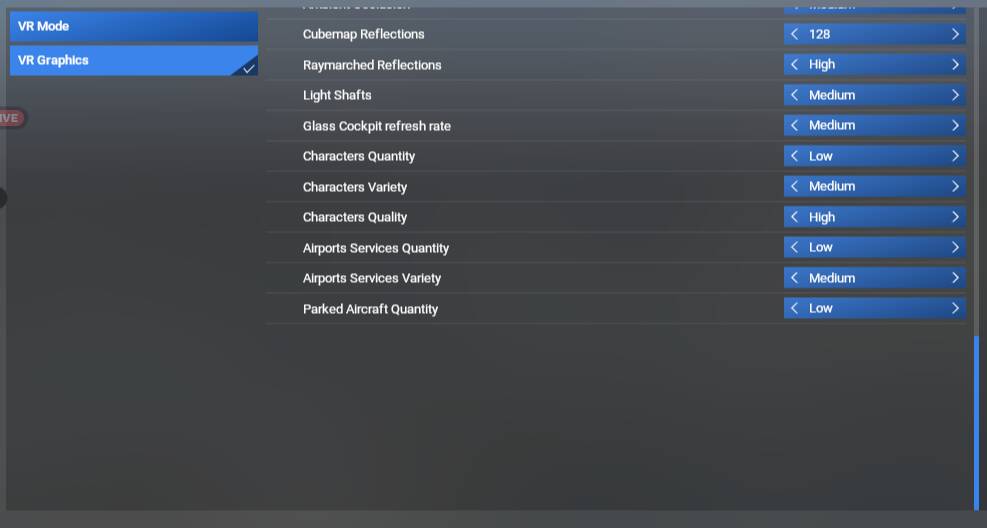
In MSFS2024 for PC, after SU3, I am missing several graphics settings related to traffic density (airport, road, fauna). There are settings for Characters and Airport Services, then nothing. As a result I cannot disable parked aircraft traffic.
FREQUENCY OF ISSUE
How often does this occur for you (Example: Just once, every time on sim load, intermittently)?
Every time
REPRODUCTION STEPS
Please list clear steps you took in order to help our test team reproduce the same issue:
Load up sim
Go to graphics > global rendering quality, scroll to the bottom
YOUR SETTINGS
If the issue still occurs with no mods and add-ons, please continue to report your issue. If not, please move this post to the User Support Hub.
What peripherals are you using:
[PC Only] Are you using Developer Mode or have you made any changes to it?
No
MEDIA
Please add a screenshot or video of the issue occurring.
Settings as they should look (sent by a friend also on SU3):
Hey I have the same issue it accured after SU3 update. I remember when i started the game and it was updating that i had a crash and then i started it again and the update resumed since then the settings are missing ive tried literally any known trick..
I can confirm my UserCfg.opt had all of the same settings/lines as you posted, they just werent visible in the game menu settings, and even changing them in the .opt file didnt do anything (for example, setting all to 0, still a ton of parked aircraft)
For some reason after a few restarts, yesterday the options were back in the game. No idea, but this is resolved for me at least.
I’m glad that the options have reappeared for you - It’s most odd that the settings were in the .opt file but not visible. We’ll leave this bug topic open in case other experience the issue in future.
All I can think is the other day the sim did crash while on 7% Activating VFS Packages but since then I have definitely been in and toggled the Aircraft Traffic things as the workaround for making multiplayer aircraft appear as the correct models, so it WAS working since the crash. Now all of a sudden this!
Mine actually got worse now on next reboot!! Parked Aircraft also missing now.
EDIT: 2 hours later:
And randomly, it’s all come back now. It happened on the same boot up of the sim where one extra was missing (I mean next time I opened settings, they were all there) so I really don’t understand.
EDIT (again):
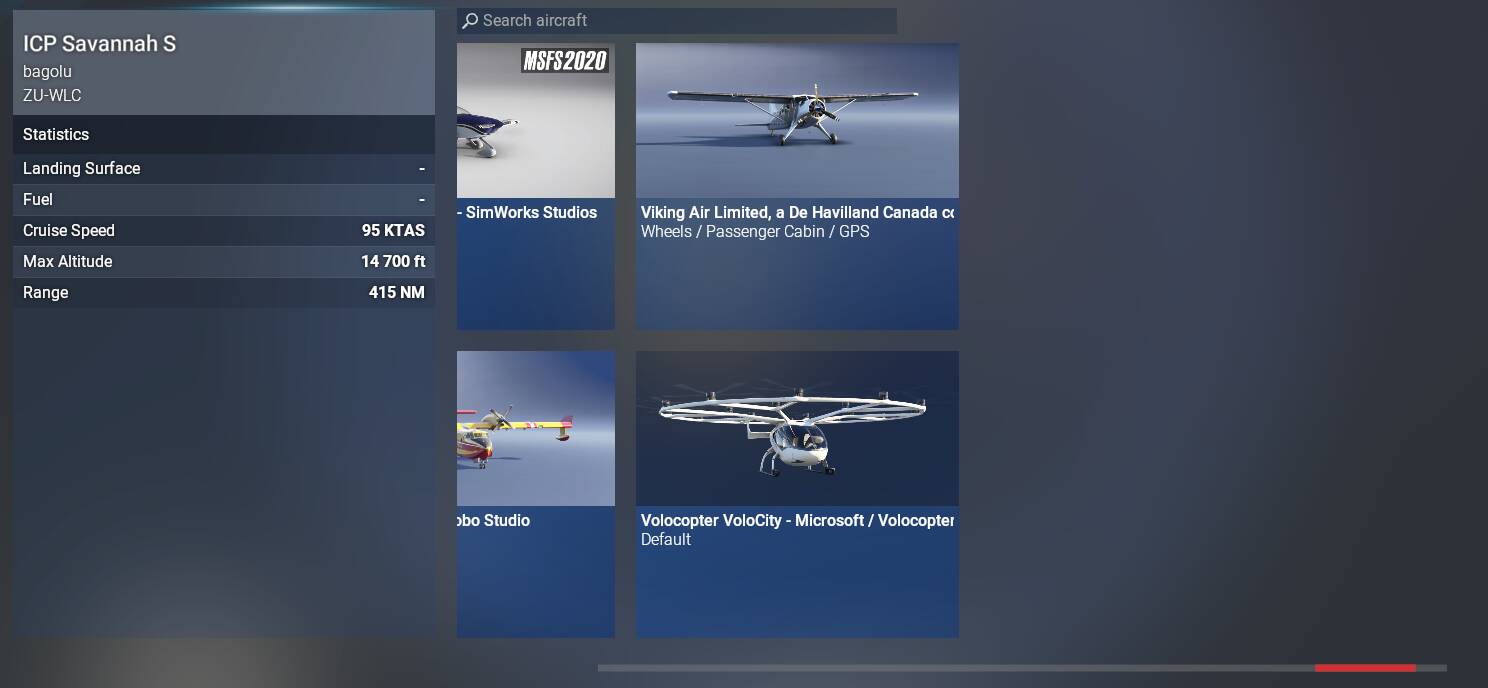
Noticed some of my planes in the hangar screen missing too. Even after the settings had revived. Anything after “P” was missing. Rebooted and they are all visible again. Something weird going on!
I have sth similar but worse. I don’t have “Graphics“ menu at all, also after I click on “Free Flight“ nothing happens. Tried removing *CCC rolling cache, as well as WASM caches. Also tried starting FS2024 with empty Community folder.
Not sure what caused it. Before the issue occured I had played without errors, then maybe week later I updated ini builds A350 and Fenix to latest versions and after starting the FS2024 I could not open “Free Flight” menu. So frustrating…