Missing planes (longitude, Cessna 152 aerobat)

1 tag is required - add them in the tag section next to the title above:

  • One for platform (ms-store, steam, xbox , or xcloud)

  • One for aircraft if related (start typing in your aircraft name in the tag section and pick correct option)

Feel free to delete this quote section after adding your appropriate tags.

ISSUE DESCRIPTION

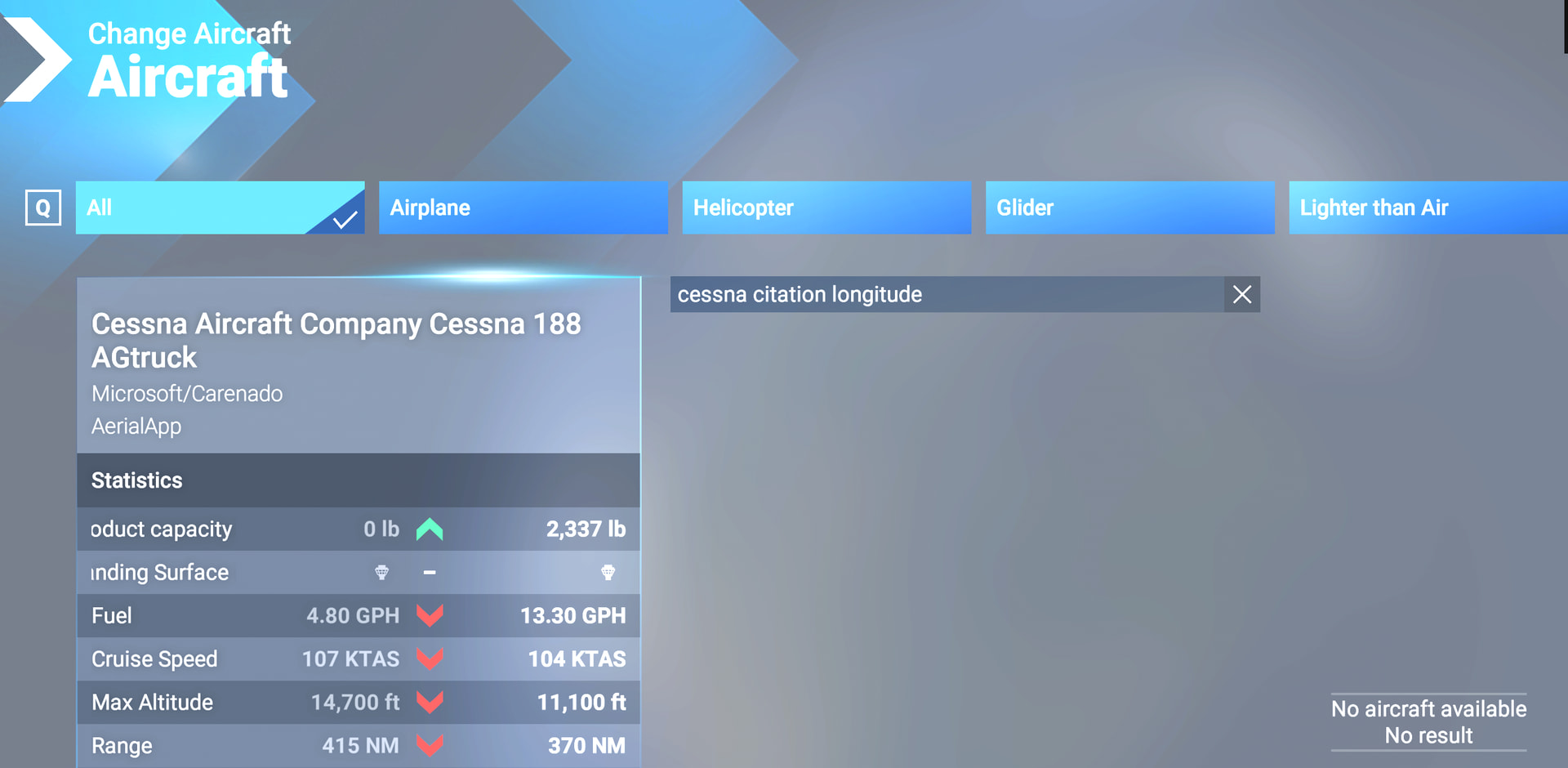
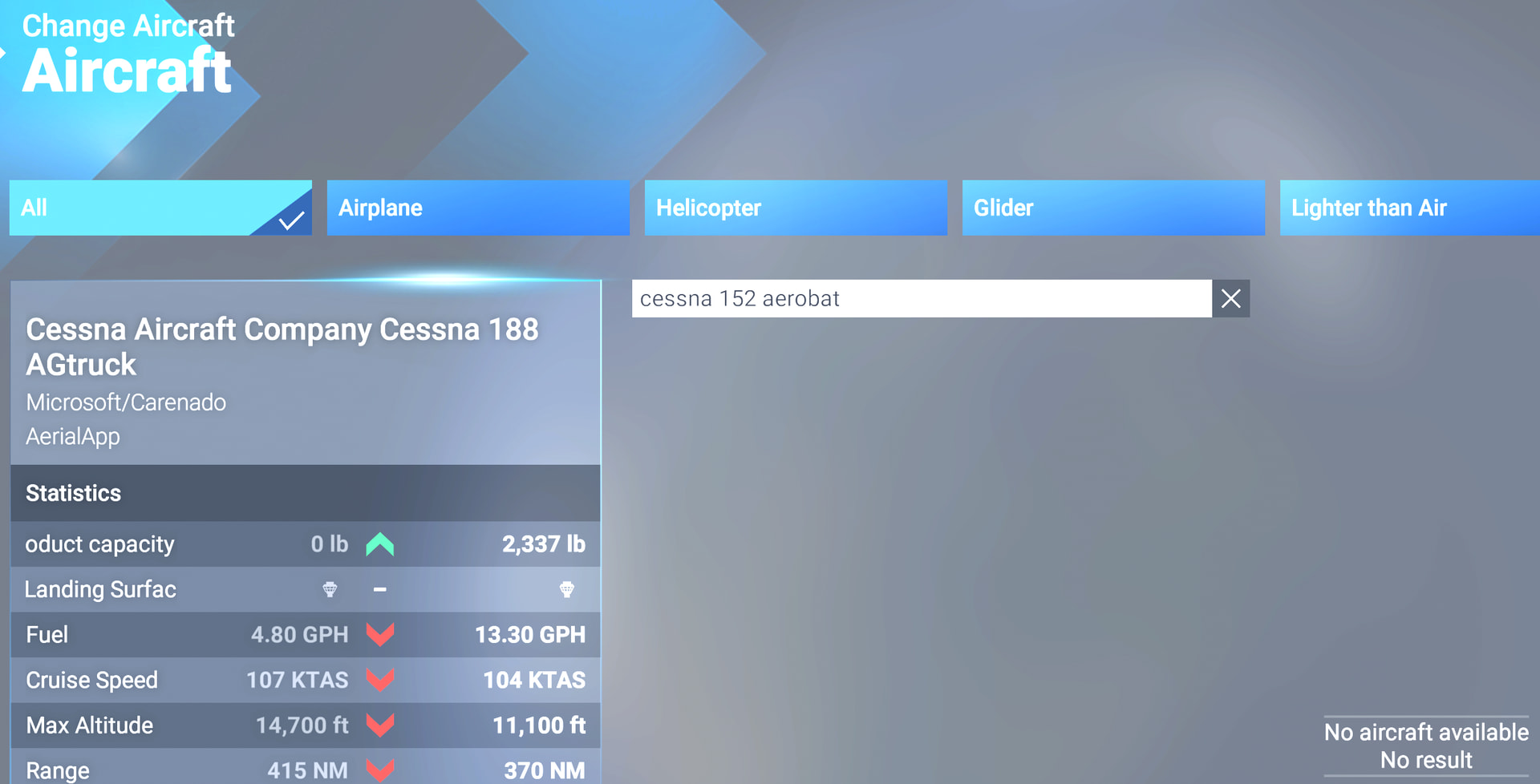
Description of the issue:When searching for the Cessna Longitude and the Cessna 152 Aerobat, they do not appear in my list of aircraft.

FREQUENCY OF ISSUE

every time on sim load

REPRODUCTION STEPS

Please list clear steps you took in order to help our test team reproduce the same issue:

  1. open a clean install msfs2024

  2. search longitude aircraft

YOUR SETTINGS

If the issue still occurs with no mods and add-ons, please continue to report your issue. If not, please move this post to the User Support Hub.

What peripherals are you using:

[PC Only] Are you using Developer Mode or have you made any changes to it?

[PC Only] What GPU (Graphics Card) do you use?

[PC Only] What other relevant PC specs can you share?

MEDIA

Can Repro:

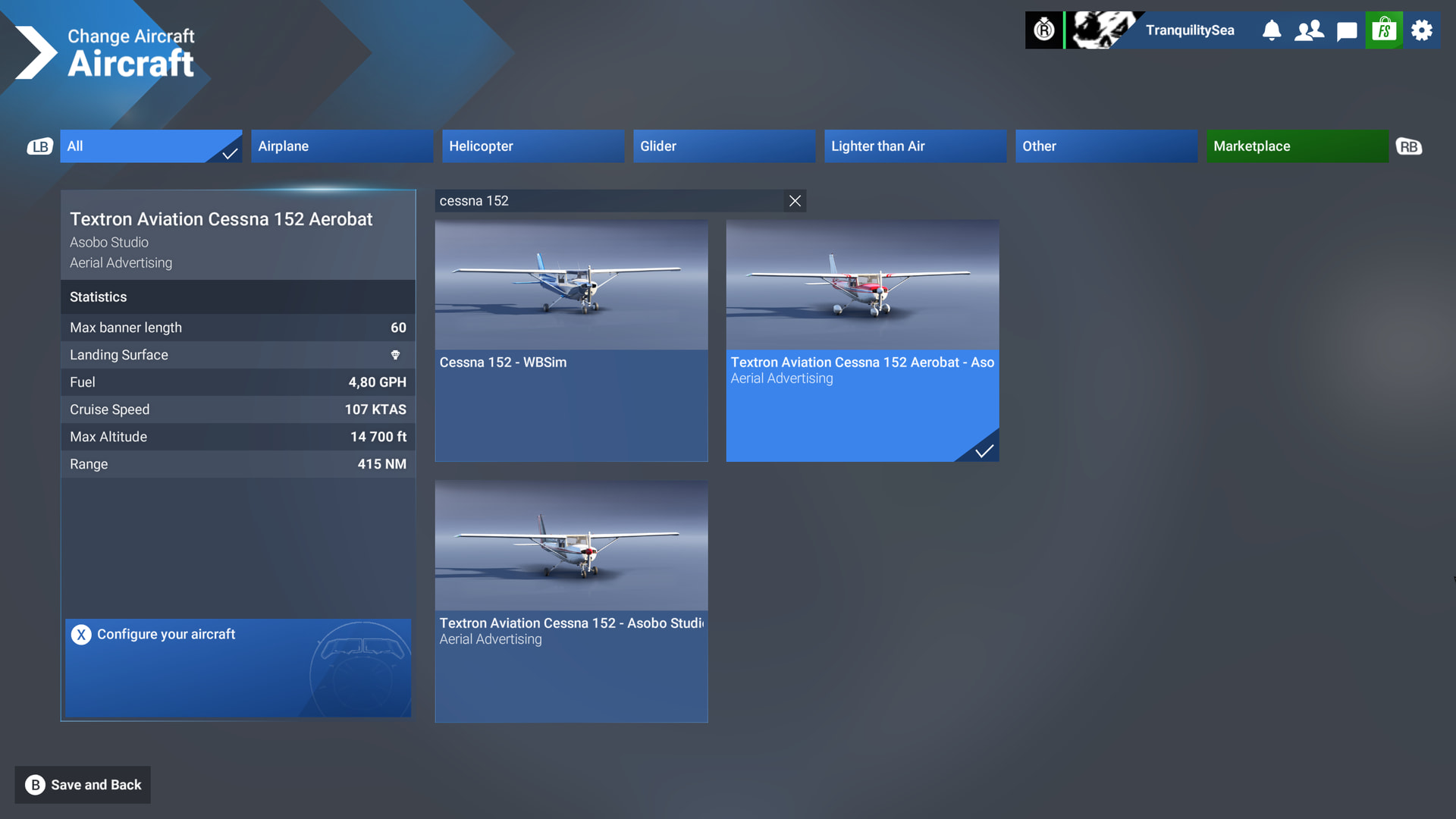
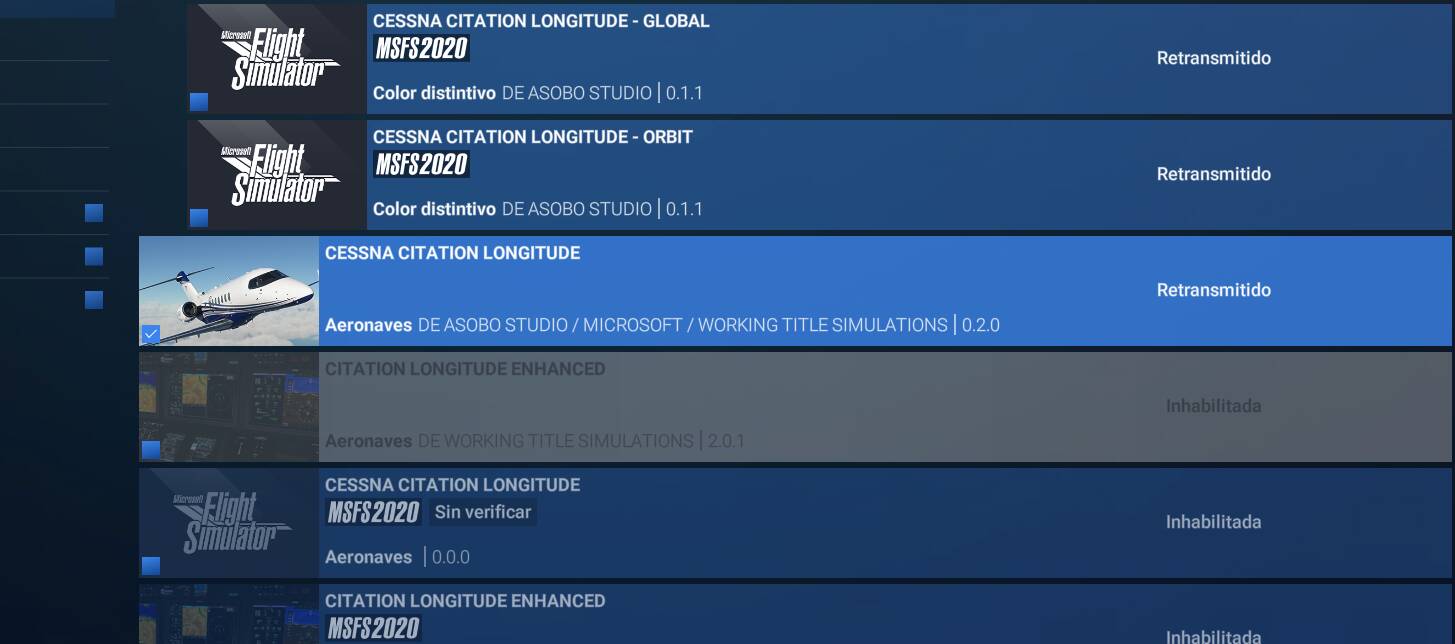
I also appear to be missing the both the Cessna Longitude and Cessna 152 Aerobat in the aircraft selection page in free flight, though both are shown as streamed in My Library:

( I do have the default Cessna 152, though).

I also can reproduce this issue - I have both the Longitude and 152 Aerobat showing in My Library but are not selectable in Free Flight.

I will add my vote.

The 152 Aerobat is showing for me. I have the Deluxe Edition (Steam) so don’t have the Longitude.

Edit: Sorry, didn’t notice this was about SU7 Beta, I’m on SU6. Please disregard.

I can select the Longitude, however, there is no cabin, the cockpit is a very old render, no ipad. Avionics do not turn on. Unusable. It is in there, but not the proper version. Also we could download aircraft up until this update.

Cessna Longitude is listed in Marketplace but cannot be selected for aircraft.

On X Box X with SU7, both Aerobat and default appear in the aircraft selection screen but I dont know if I can select the Aerobat. I came here to report an issue with te default/advertising version.

Ill try to remember to check on selectability of Aerobat and Longitude.

EDIT(next day) - both planes are in the aircraft selction menu and both can be loaded but neither work for a variety of reasons (C152 has no animations but has some actions but turning fuel on is not one of them – Longitude can be started with CTRL-E but doesnt appear very functional to me - I dont fly that plane so maybe its me)

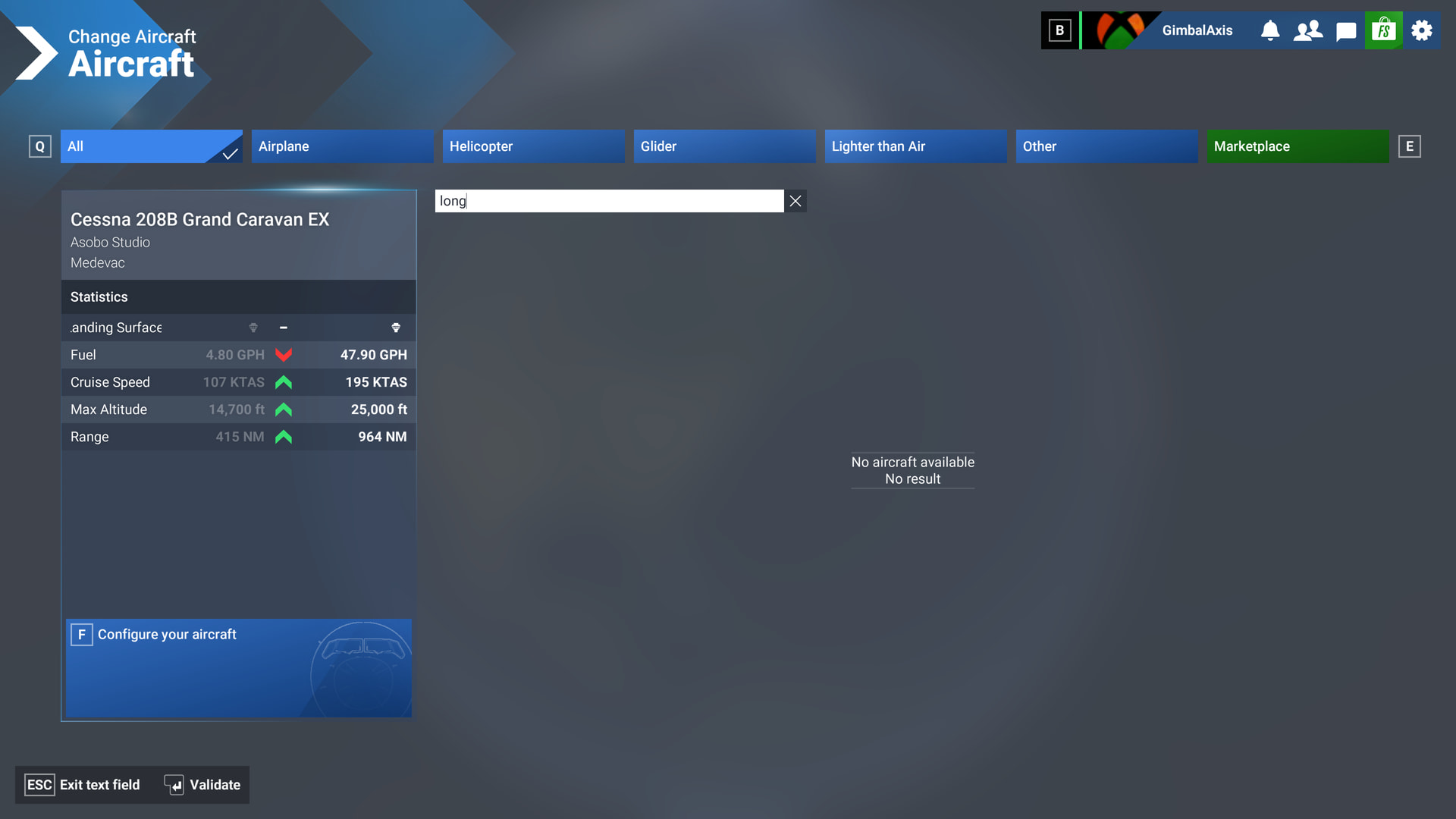
Hey this is messed up. The Longitude shows in My Library, but is NOT found when choosing an aircraft.

There is a recent post about Microsoft messing up entitlements in everyone’s accounts… they had better sort this out pretty quickly, I should think.

I hope the Community Managers have informed Microsoft… ?

Longitude shows in My Library

… but not when I try to select it to fly

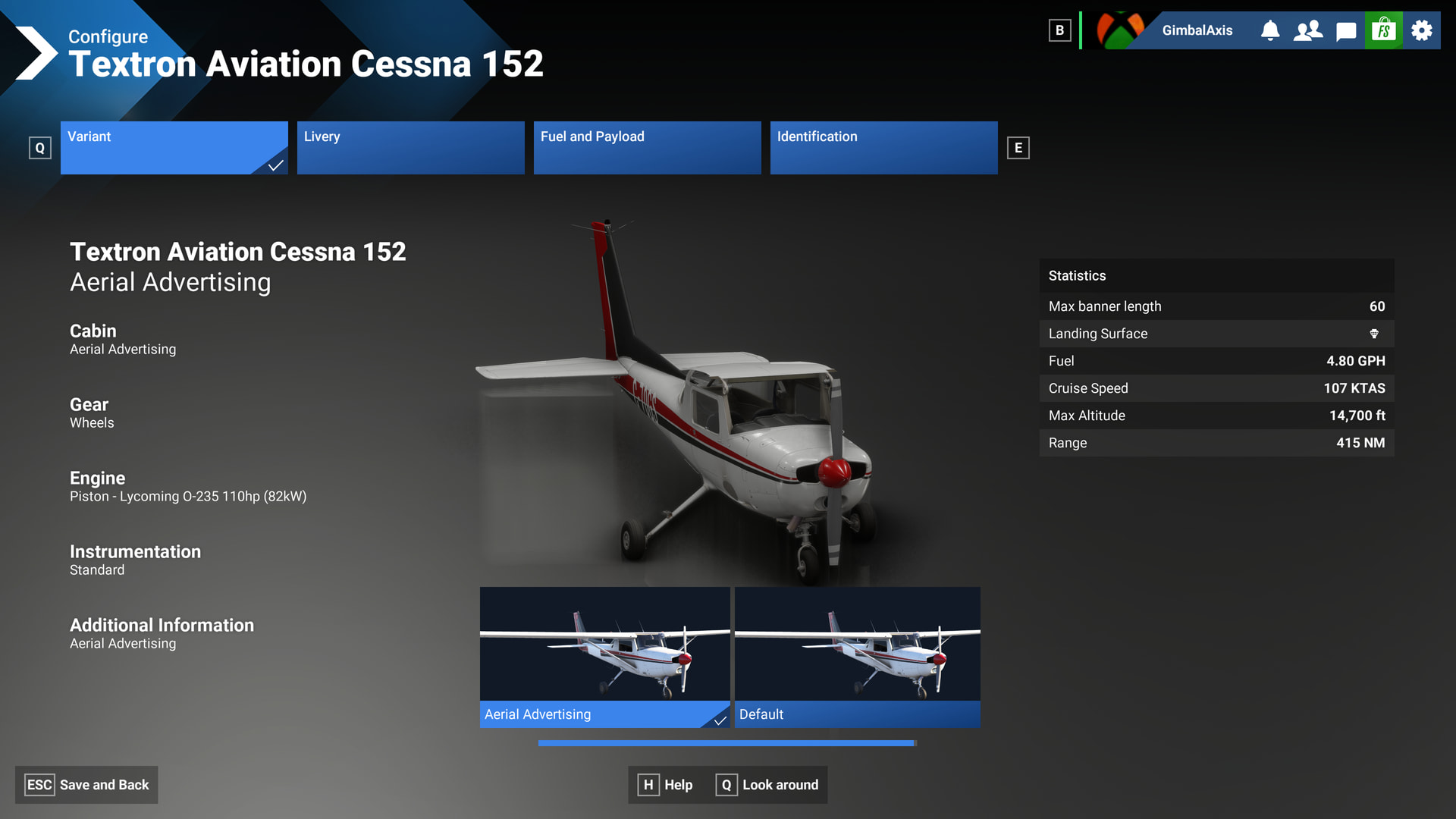
Strangely, the C152 is there, but it took a LOOOONG time to load, and in the aircraft selection screen it never loaded the windows.

This is the regular 152, not the Aerobat.

Kind regards,
sebastian

Yes, the screenshot shows what was the default selection, I just captured the very slow load in. I was able to load the C152 default, and load in to the sim, but it took a while.

But the Longitude was simply not available to select.

Thank you for the bug report.

We have created an internal ticket to see if our team already has this logged, and if not they will attempt to reproduce the issue and create a new bug report. This item is now marked as feedback-logged. If there is an existing bug report or one is created, we will move this thread to bug-logged.
4 Likes

fixed in 1.9.12.0

Fixed for me with the 1.9.12.0 update.

1.9.12.0 seems to have resolved the issue with these aircraft.