Yeah that’s probably because they might have tested it and not have just caught the right time including a day-to-night transition. If I load my sim at night or do a night-to-night flight, everything is alright too.
I might be wrong here but if my graphic settings would be the issue, why do I have full and working lighting when I start my flight at night?
As I arrived at dark airports previously, I have closed the sim, reloaded it at just this airport and everything was ok.
Do you have the same issue if you follow the OP’s steps to reproduce it?
• It’s maybe because I’m more frequently landing during nights in the winter that I’ve noticed this just recently, but have never encountered it before since release of 2020.
Provide extra information to complete the original description of the issue:
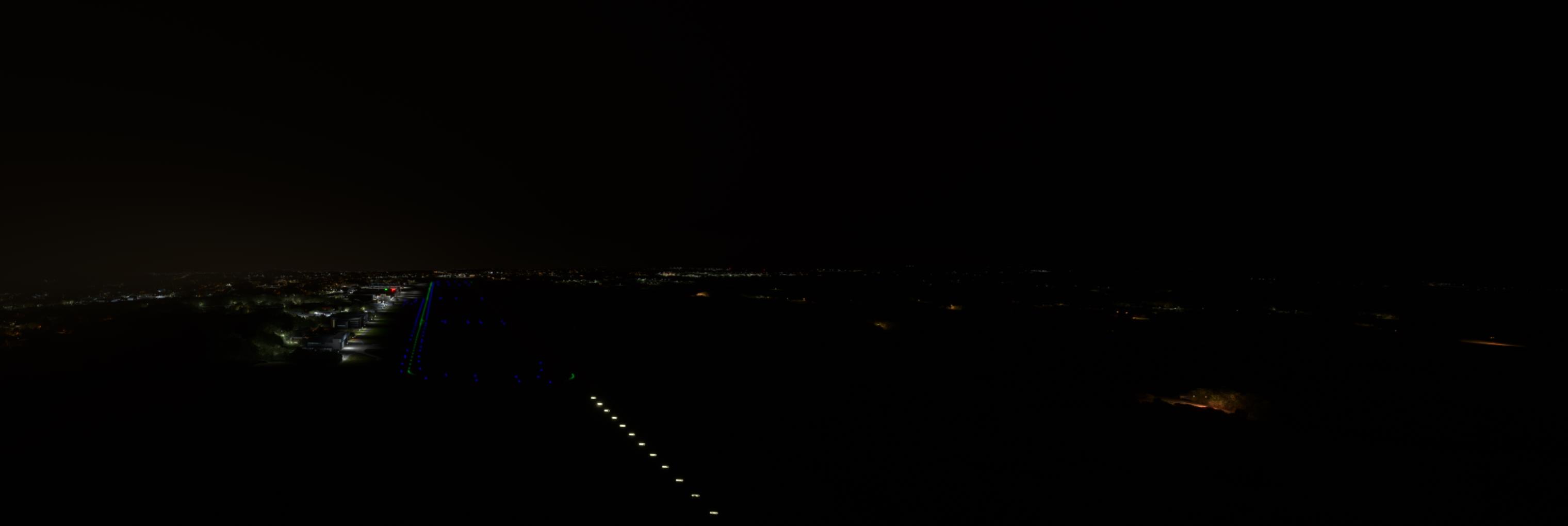
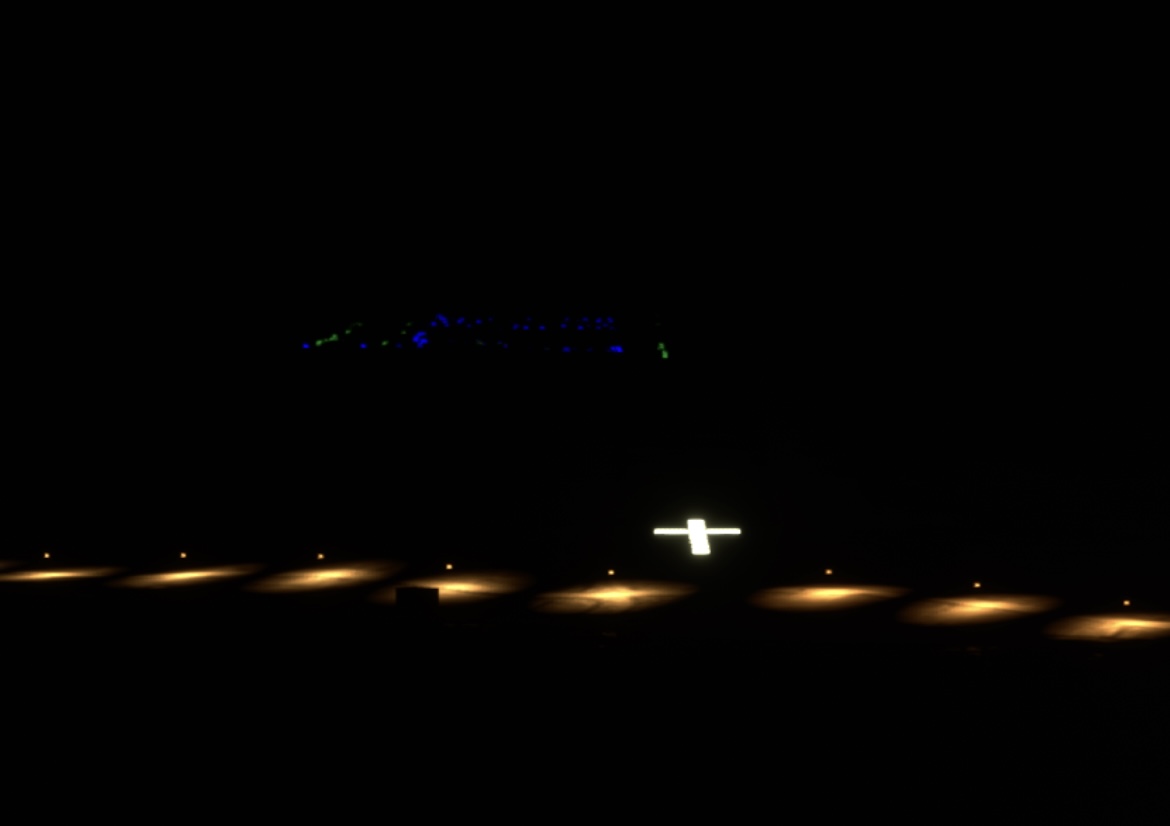
• MSFS 2020: I notice approach lighting systems partially missing when taking off also during night, and flights really aren’t as long (1-2 hrs). It’s not that night lights don’t work at all upon approach, but they are patchiliy and selectively missing. Runway edge lights work, but only from a certain point onwards (see screenshots), where approach lights work, the edge lights don’t etc… there’s always a component missing. I suspect there is a terrain altitude glitch and the lights are underground, where airports aren’t entirely level (no airport is).
Examples provided concern payware airports only, so yes, my addons are inherently still in the community folder:
EDDF (Aerosoft)
EIDW (MKStudios)
EFHK (Justsim)
It’s worth mentioning that there are no such issues if the same airport is the departure airport (see EDDF below).
Just installed latest NVidia driver 566.36, but also didn’t work under 560.94
All sceneries are updated to latest version to my knowledge.
Addons used (examples):
GSX and Couatl, AddonLinker, Navigraph and Simlink, FSLTL, FSRealistic,
Latest addon: RealTurb CAT areas global V2
Peripherals: Thrustmaster Airbus stick and throttle console
Latest night landing w/o issues: SEP 16 2024 into KDTW (iniBuilds)
If relevant, provide additional screenshots/video:
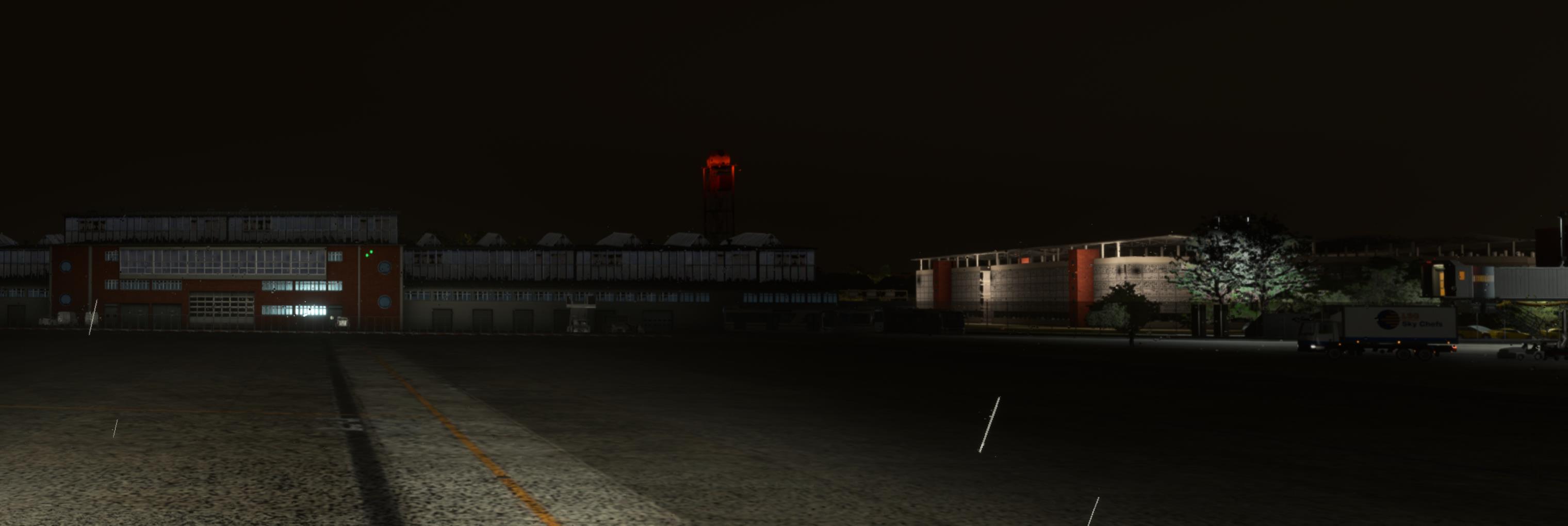
EFHK (Justsim), no lighting up to this point:

EIDW (MKStusios):

EDDF (Aerosoft):

EDDF (Aerosoft) but as departure airport & outside camera

Ok that’s strange. I’ve completed like 10 day-to-night flights using the workaround of initially starting the flight in darkness and then setting it in-sim to daylight and flying into the night and all of them were without any issues.

I re-created the whole flight LOWW-EDDV. This time with OFF SCREEN TERRAIN CACHING and TERRAIN VECTOR DATA set to high (where before it was low), next to others, but those might be relevant enough to add more variety in elevation and not let airports approach lights partly sink into the ground.
When I update my (NVidia) graphics driver, it always wipes everything to super low settings in the sim. This seems to be the culprit for me. Hope this helps, and hope this lasts…

Hello,
if it can help others i had the same issue over and over again. The solution that i found worked for me is i turned PHOTOGRAMETRY OFF. Since then i can enjoy night flights again.
Hopes this helped
cheers
Hey, since I have this issue too (still, my workaround with starting the sim at night and then setting time to daylight when I’m already in the aicraft didn’t work) and I have photogrammetry turned off ever since as it caused hughe FPS drops in the past, I can report that photogrammetry=OFF does not resolve this issue, at least on my side.
Had the same issue couple days ago despite using my workaround…
Approach lights and Taxiway lights ok, but runway remained completely dark.
The terrain LOD (Level of Detail) should be at least set to 80. Increase other terrain-related settings as well, even at the expense of FPS loss. Hope this helps!
Unfortunately that’s not something we can adjust on Xbox.
Unfortunately, TLOD>80 does not eliminate this issue for me as I’ve set my TLOD to 100 and still having this issue.
Off Screen Terrain Caching and Terrain Vector Data is set to HIGH on my System too.
I think there’s two separate issues with runway lights… you had the issue of partially missing or disappearing lights or lights floating in the air or sunken in the ground. I had this issue too a couple years ago but got rid of it.
The problem in this thread has a different cause… lights don’t disappear or are just partially visible, but they are missing completely. You can see, taxiway lights and approach lights are visible, but something tells the sim “don’t show runway lights”.
I have hoped that the original reason was the day-to-night transition and I could have lived with the workaround to start the sim at night, set it to daylight and then fly into nighttime, but unfortunately this does not (completely?) eliminate this issue. I don’t even know if this reduces the number of times this happens. I did 11 flights using this workaround but on the 12th flight, this issue appeared again.
Really sucks to not be able to simulate complete aircraft rotations from 06:00 local to 22:00 local…
There’s one more thing I wanna try: When starting a flight, I teleport to the destination airport and see if lights are present. If they are but are missing as soon as I complete the whole flight in real time, we at least know that this issue comes over time… but… I guess that’s something we already know, right?
At least I haven’t had it a single time that runway lights are missing at departure…
Edit:
Aaaaaaaaaaaaah sheet there’s an issue when inspecting a destination airport first and then going back to the departure airport: you won’t hit your desired departure stand or gate exactly, since “teleport” only brings you back to the airport and not to your gate an slew mode is so sensitive, you cant place yourself accurate… you’ll always end up a few meters left or right of your stand…
Issue still present and still an issue at ENSB despite Asobo claiming it to be fixed as they couldnt reproduce. Shoddy work.
The photo below is directly overhead DTNH in Tunisia. This is a full scale international airport. Something isnt right - this happened after a 3h flight from EGGD, and the issue was reproduced with a Pitts loading into free flight above DTNH.
Please check this!
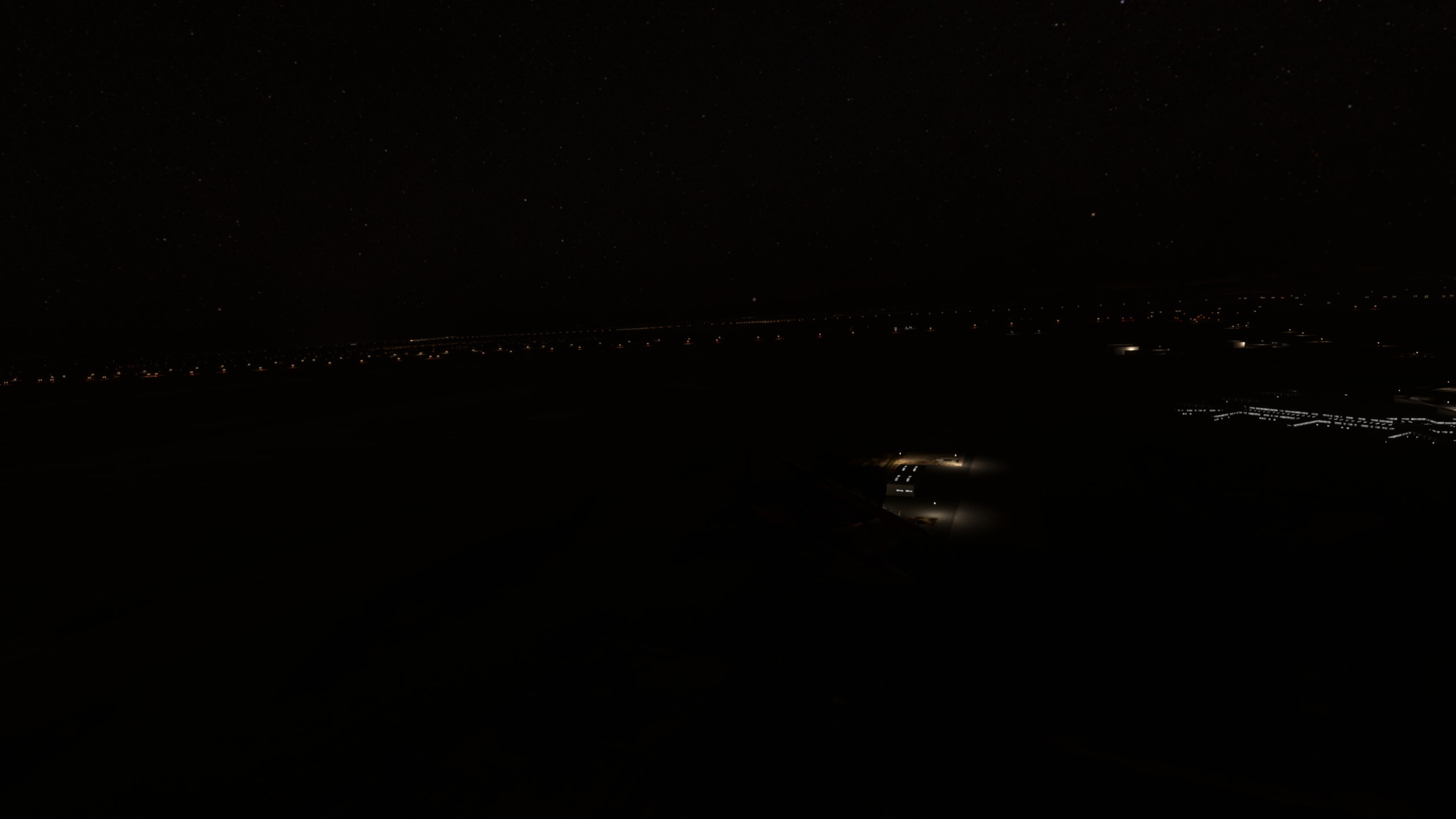
Issue with ENSB is definitely still present in 2020. Flying into ENSB from another airport will have no runway lights–just the ALS lights.
I’ve tried a number of things and simply can’t find a solution to this.
As far as I could tell, it’s a RAM issue. As such, series S is much more badly affected than series X. The problem is that runway lights and PAPI lights change depending on what angle you look at them from making them dynamic lighting which needs RAM headroom to work. I found that Norway and the UK are among the worst affected areas and concluded that this was due to the number of airports all with runway lights and all transmitting METAR data which prompts frequent weather changes. Having live weather off helps but the reason the developers have a hard time replicating this is that you need an off the shelf Xbox and you need to fly a complex airliners on a long (over 2 hours on series S and over 8 hours but not always on series X) route. Simply loading in at an airport or flying from one 100 miles away doesn’t cut it. And the exact route matters - before I upgraded from the series S, I took to flying in southern US states and Mexico as the low population density and few tower controller airports made it possible
However with all that said, on SU16 beta I’ve found a huge improvement in this issue thanks to the memory optimisations
Hello,
i have the same Problem.
But for me it seams it is after one of the last updates.
I dont think its any setting or something on our PC’s.
It must be on Asobo Side
Hello,
today i had it again, no Runway Lights but Taxilights are on.
It seams it has anything to do with the actual QNH. It seams always if its very high ( today 1026)
the Runway Lights are ABOVE the Runway it seams.
Also some of the green Taxilights are above the Taxiway.
See attached Pictures.
Are there any Solution, since its really annoying ?
I still have deleted the Rolling Cache and the Rolling Cache is always off here .
Oh…i am using MSFS2020…sorry