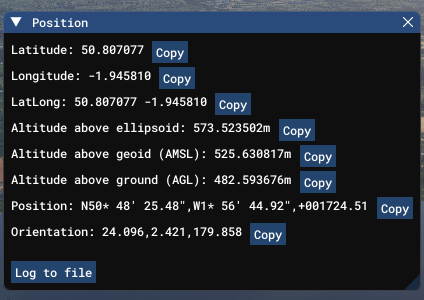
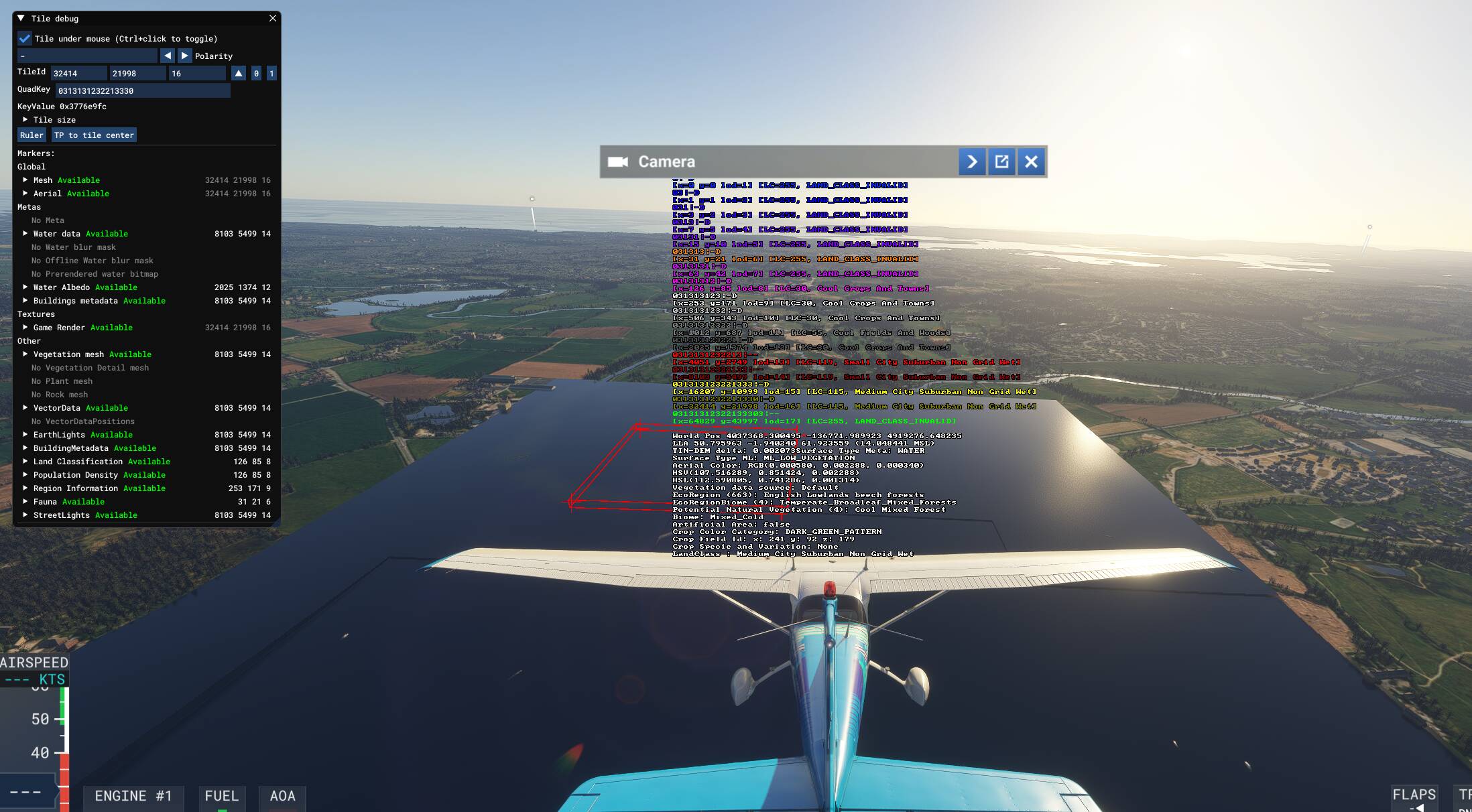
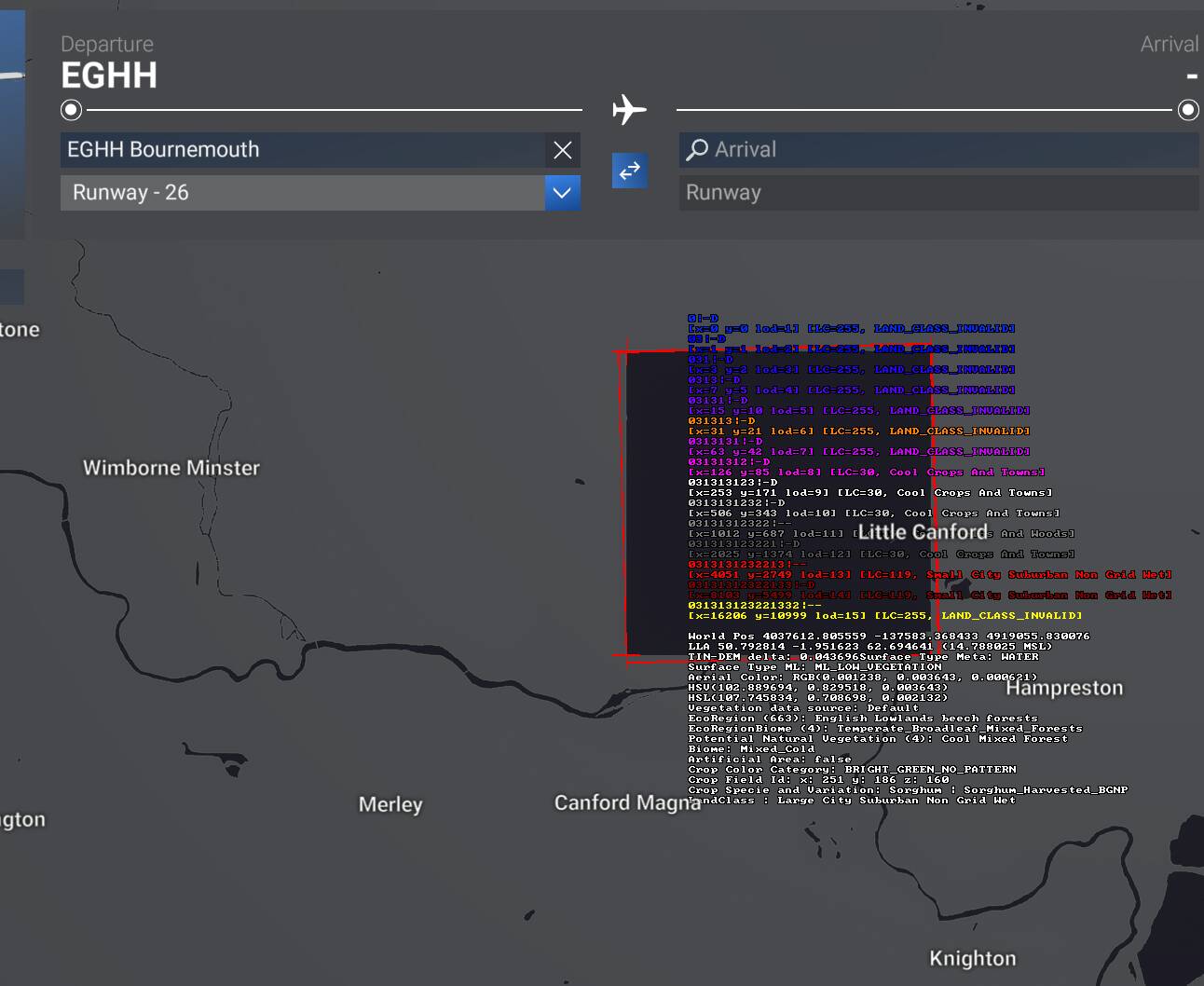
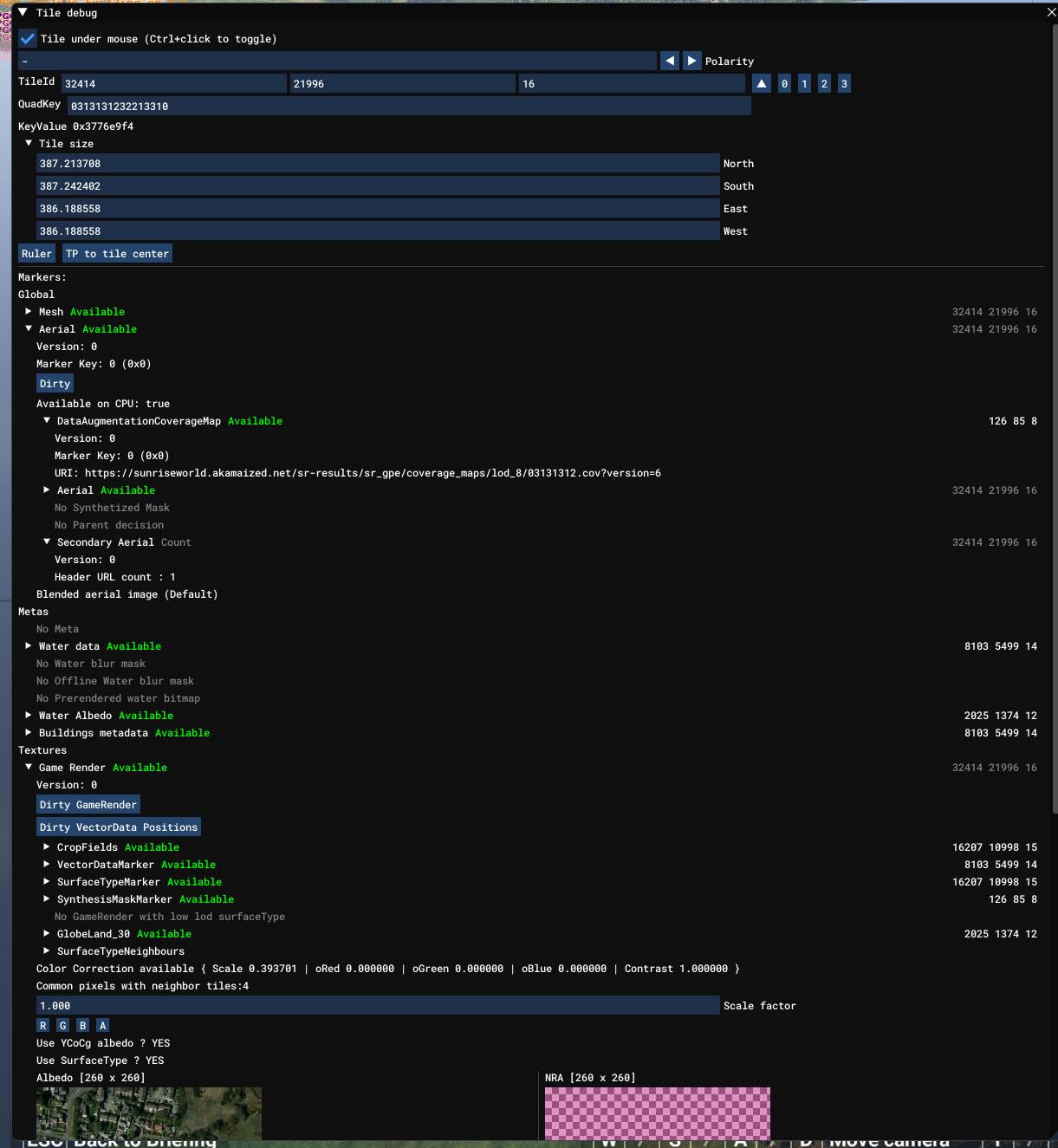
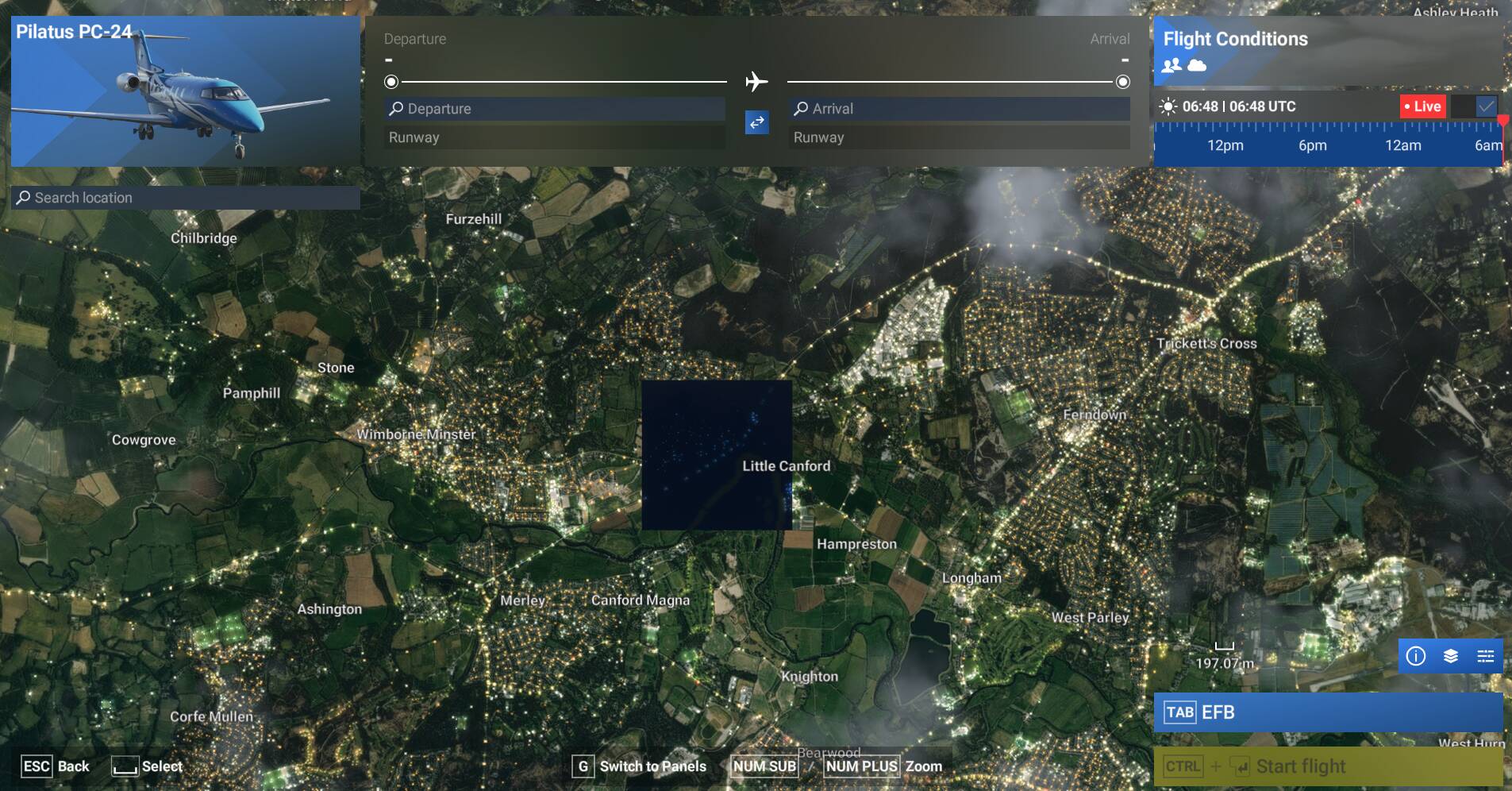
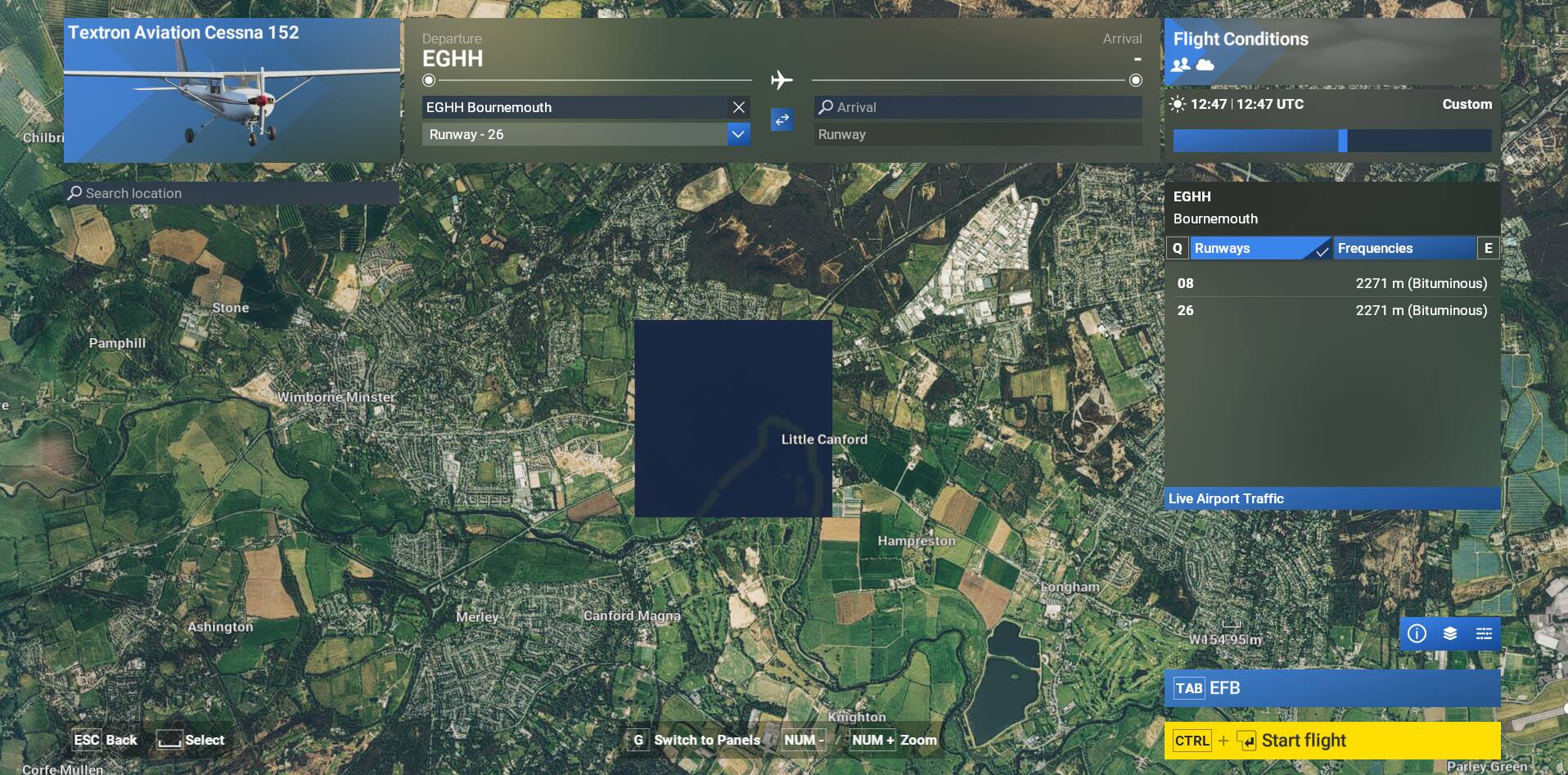
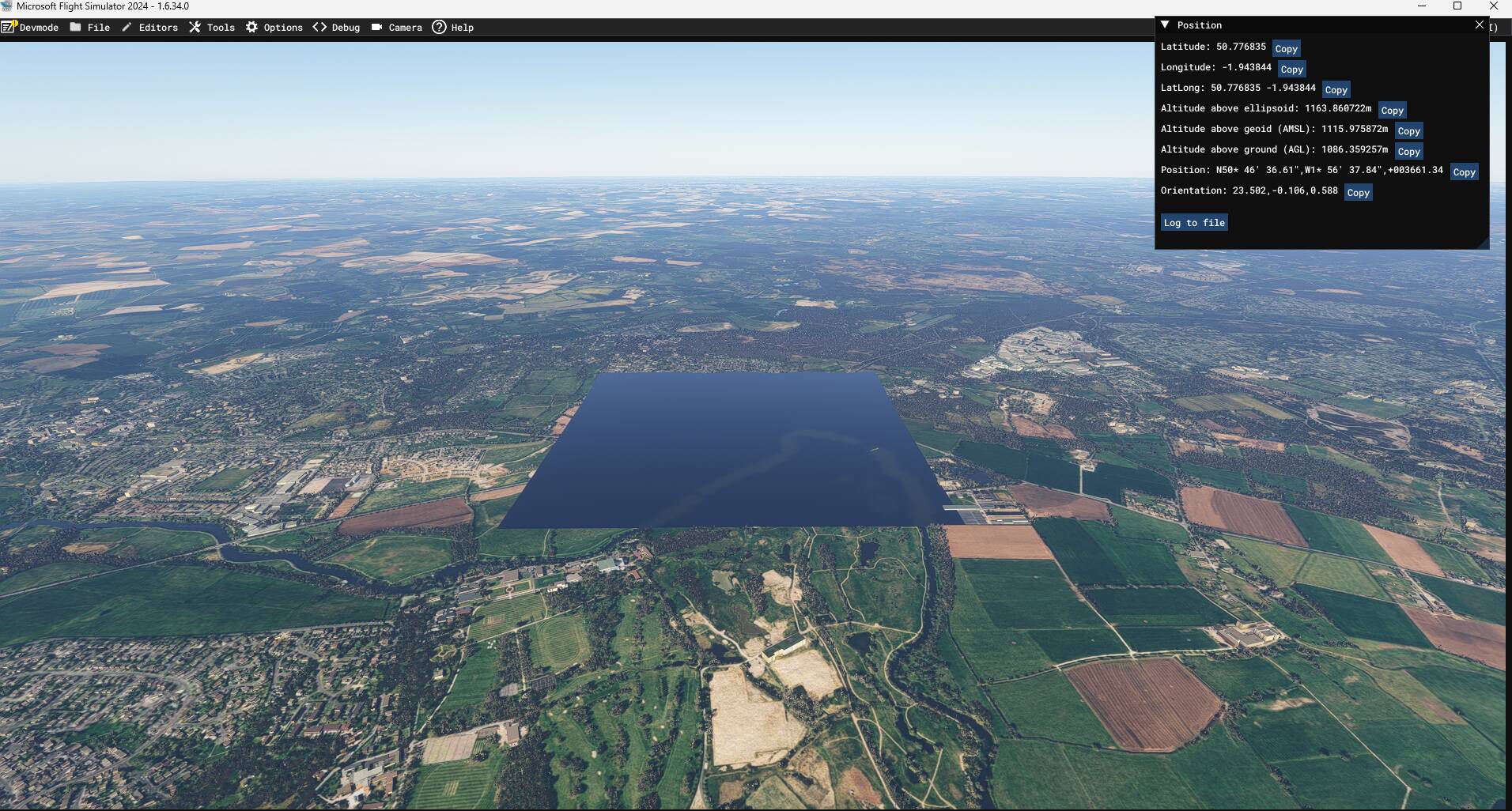
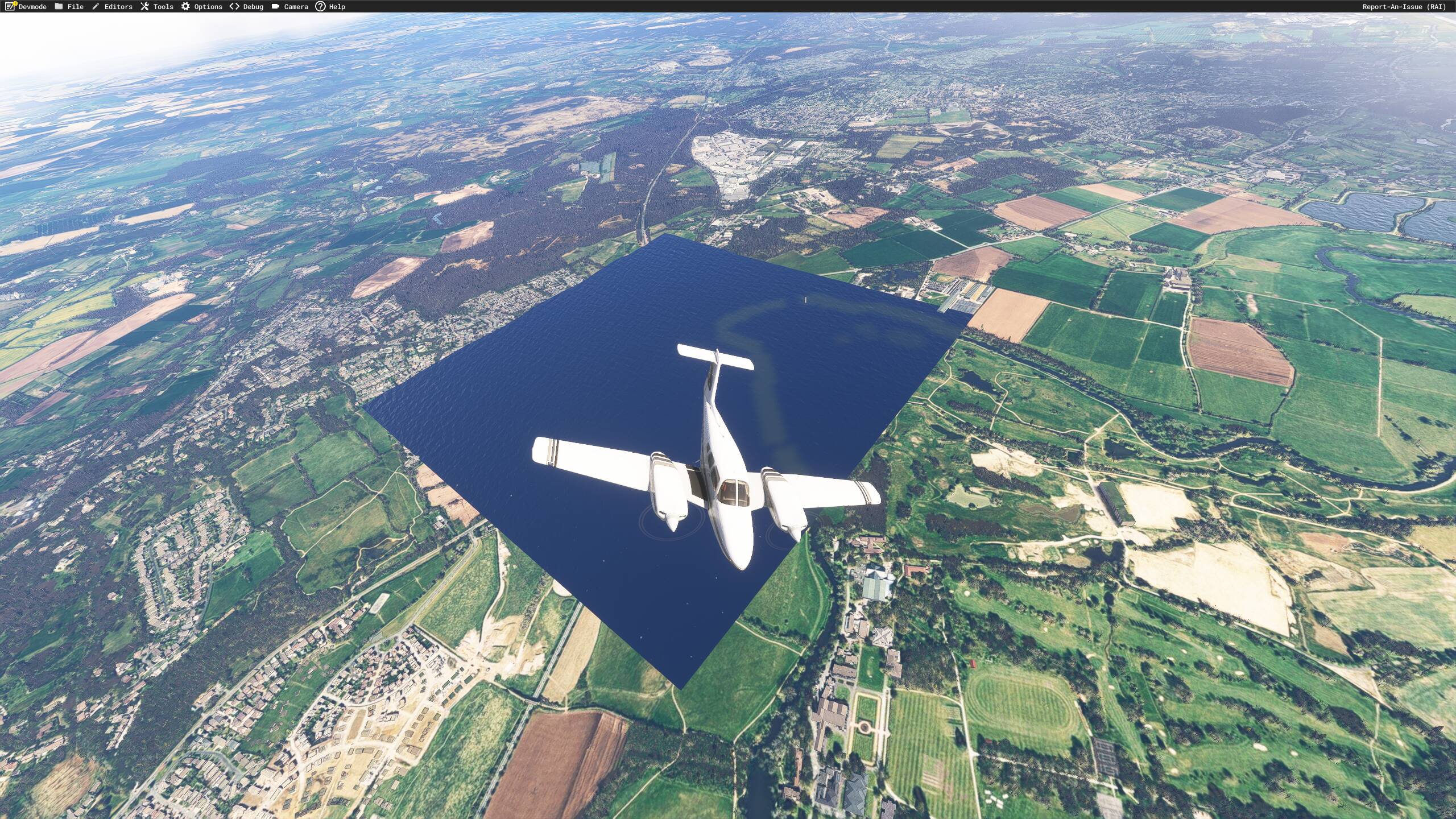
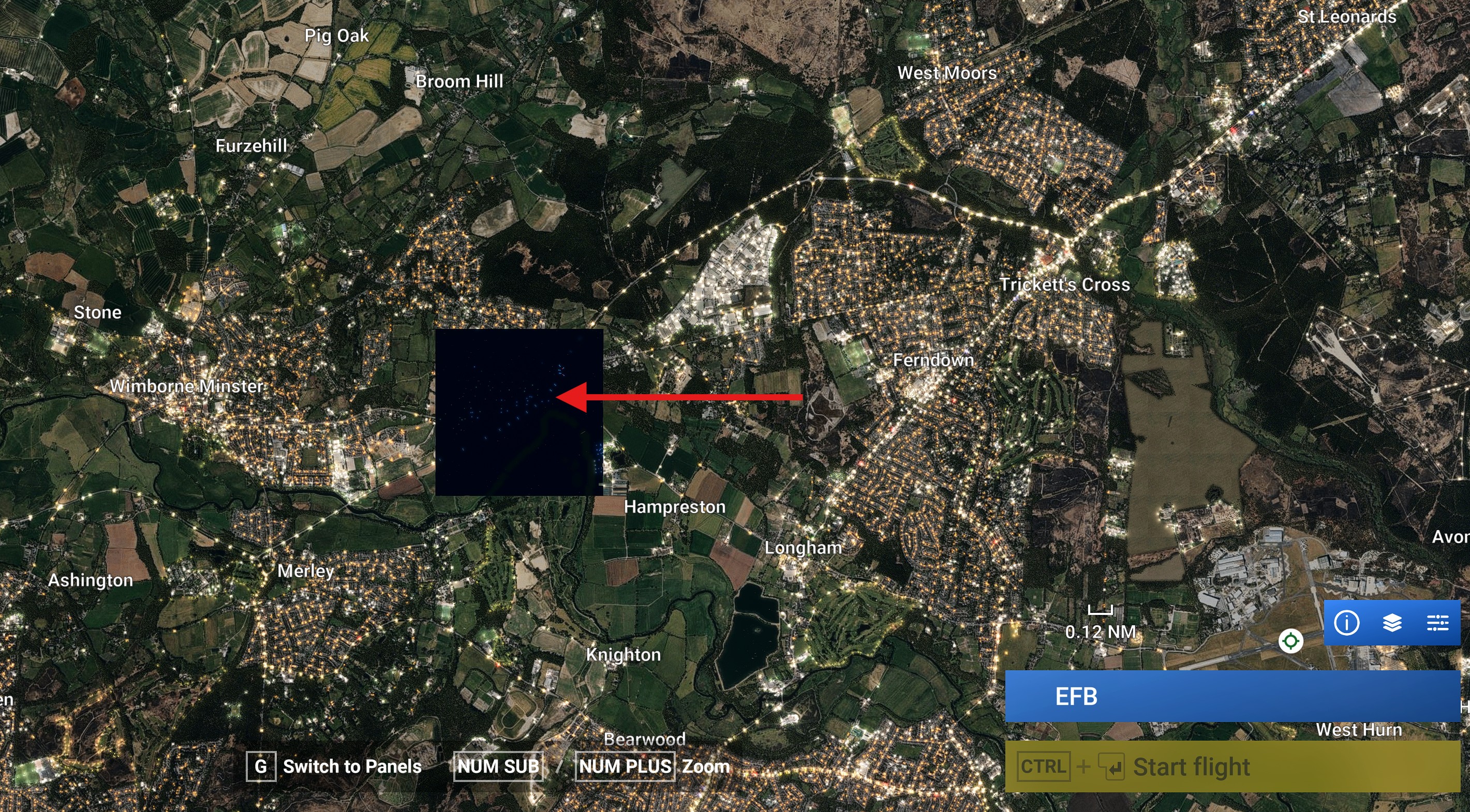
Description of the issue: When Flying VFR close to UK Airport EGHH ( Bournemouth) there are a group of scenery tiles that are now displaying incorrectly.
Same issue here. I have managed a temporary fix by creating a scenery package in DevMode and applying an ‘Exclude Water’ polygon over the top of it (you can also add back in the river in the original tile manually).
Thankyou for taking the time to take a look at this issue. My concern this is such a small issue with a tile it will not be fixed, even if it is a simple fix.
Does anyone understand how such a error can occur, I would have thought it would be an automated process. Be good it someone could provide some indication of the root cause and if there is any chance of a perm fix.
We have created an internal ticket to see if our team already has this logged, and if not they will attempt to reproduce the issue and create a new bug report. This item is now marked as feedback-logged. If there is an existing bug report or one is created, we will move this thread to bug-logged.
I am new to this forum, so hello to everyone please forgive any mistakes.
The problem I have is very similar to you guys, except I have an area that has no scenery tile at all, just a big square swimming pool. The area is about 2 miles N/W of EGHH ( Bournemouth International Airport) in the Ferndown/ West Moors area of Dorset in the UK.
I have tried clearing the rolling cache, both shader caches and removed everything from both community folders, but to no avail. I have a 150 Mb/s LAN Network connection that has no issues and although I have not flown the entire area of Northern Europe, I have not seen this anywhere else.
AMD B850 Gaming Plus MOBO - PCI Express 5.0 - AMD Ryzen 7 9850X 3D Processor with liquid cooling.
AMD Radeon RX 9070 XT 16GB GPU - 32 GB DDR5 Memory - 27 inch Acer Nitro Monitor at 2560x1440 resolution and 180 Hz via display port - W11 Pro 25H2.
Wired Lan with average download speed at 150 Mb/s and no date restrictions.
MSFS 2024 Steam - all scenery addons removed, all files verified on Steam. I have tried it with photogrammetry on and off, but to no avail.
As you can see from the images, I have a fairly good system and have no other issues in any way regarding sim performance, just this missing tile….
I also have MSFS 2020 Steam and have no problem with any scenery as far as I know. Any help on sorting this would be greatly appreciated, many thanks for your time,
Many thanks for moving my post to where it should be, I am glad to see that it is not just my system playing up, as you say it is only a small issue, but will it ever get fixed, I guess we will have to wait and see, and now thanks to you guys, I know how to create a bug report properly,
Just updated to SU5, still this has not fixed my issue of a large blue tile just west of EGHH. Can anyone else say if they have fixed this issue. Thanks.
Just searched the word “Bournemouth” as I too just seen this in 2024 SU5. Not sure if it was a perfect square but spotted it in the distance as I flew west at sunset and thought I would check it out. Knew it was a problem and wrong when I seen traffic driving through the water. Just cleared my cache and restarted but guessing from other comments that will not work. Not aware of seeing this before in this area.
Thanks for confirming you see this missing tile also, really frustrating for me as is on my VFR flight from Compton Abbas down to Bournemouth Airport. This has been marked as bug logged but no indication of who or when is is likely to be resolved. I appreciate the devs probably have bigger issues on the to do list, just wish there was someway of getting these lower priority bugs actually fixed. I am from this local area and the missing tile simply covers normal road roundabout nothing of special interest.
Just uploaded the latest beta Sim Update 6 Beta - 1.8.10.0 and my issue with this specific tile located near EGHH has been fixed, thankyou to the beta team for resolving this issue. Hopefully when this beta closes and the RC is updated we can check again and close this ticket.