Please tag your post with #pc and/or #xbox.
pc
Are you on Steam or Microsoft Store version?
Microsoft Store Version
Do you have any add-ons in your Community folder? If yes, please remove and retest before posting.
Yes
Are you using Developer Mode or made changes in it?
No
Brief description of the issue:
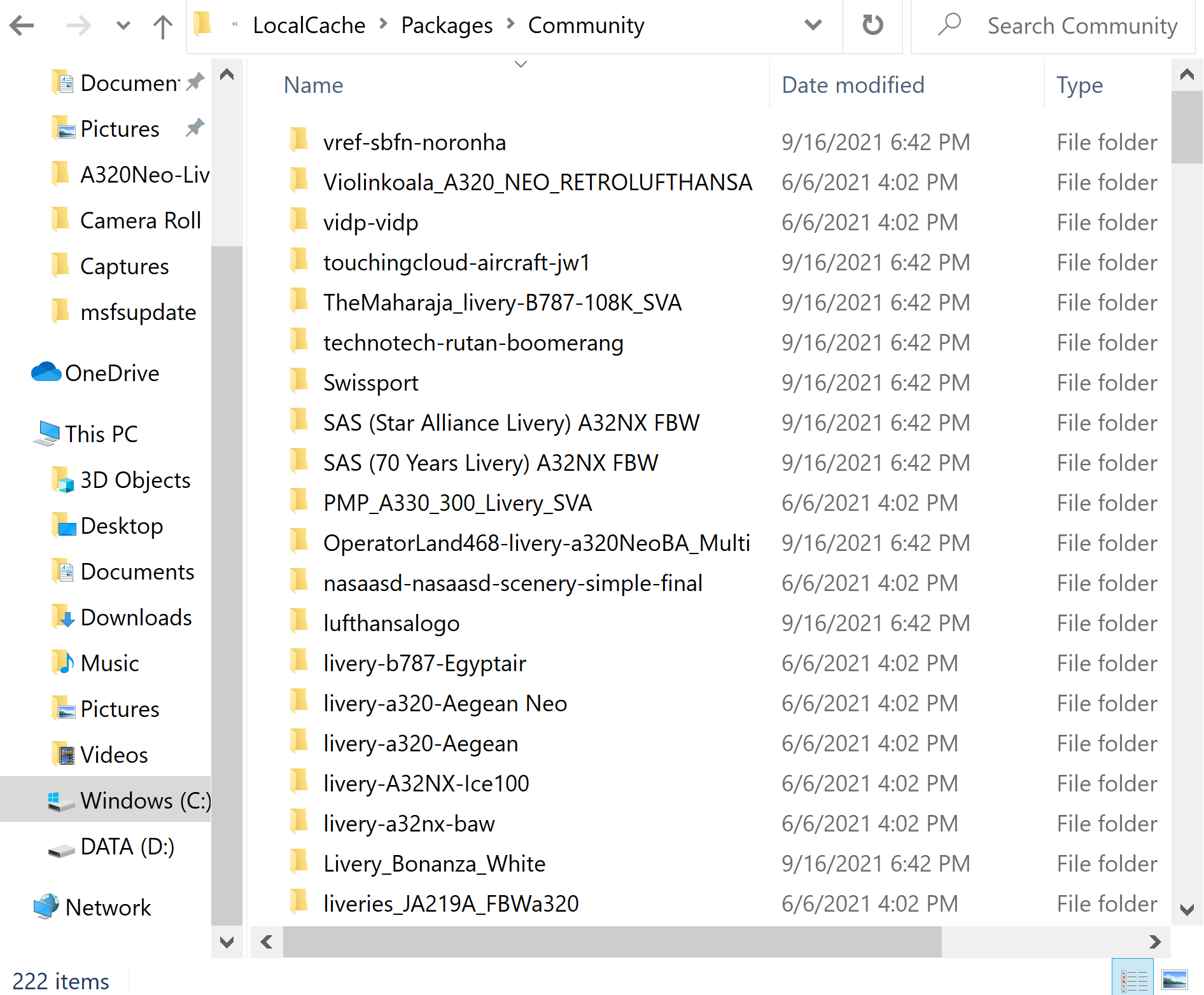
After downloading the recent hotfix and opening MSFS, none of my mods were appearing in the sim EXCEPT the fbw a32nx. Other than that, all my airports, aircraft, liveries, etc are all gone even though they are in the community folder
Provide Screenshot(s)/video(s) of the issue encountered:
I can’t screenshot something that isn’t appearing, so here’s my community folder instead
Detail steps to reproduce the issue encountered:
1)install msfs hotfix
2) open msfs
PC specs for those who want to assist (if not entered in your profile)
Build Version # when you first started experiencing this issue:
1.19.9.0
Are you on the Steam or Microsoft Store version?
Microsoft Store
Did you submit this to Zendesk? If so, what is your ticket #?
yes, ticket number is 126319