My mouse was working fine with no problems, but suddenly I am no longer able to scan the cockpit or scenery using the same mouse. I did not do anything different, or make any new changes, it just stopped working. I have a connected mouse from Logitech G903SE and everything seems to be working fine except the ability to scan by holding the right button and moving the mouse. I have a separate Bluetooth mouse and while it connects with no problems, it too, cannot scan the cockpit or scenery. I currently have the mouse connected to a series of USB plugs connected to a USB plug on my computer and this had been working fine until recently. I’ve tried connect the mouse directly to a solo USB plug, but without success. I tried disconnecting the mouse and starting MSFS 24, then connecting after MSFS 24 is up and running, but again, no success. I have a Dell 8950, i9-12900K, 64 GB Ram, Nvidia RTX 3080 TI (12GB), and Windows 11. I’ve run out of ideas to try as nothing seems to work. Has anybody had the same problem and been able to fix it. Makes it difficult to fly and look around if the mouse is not working.
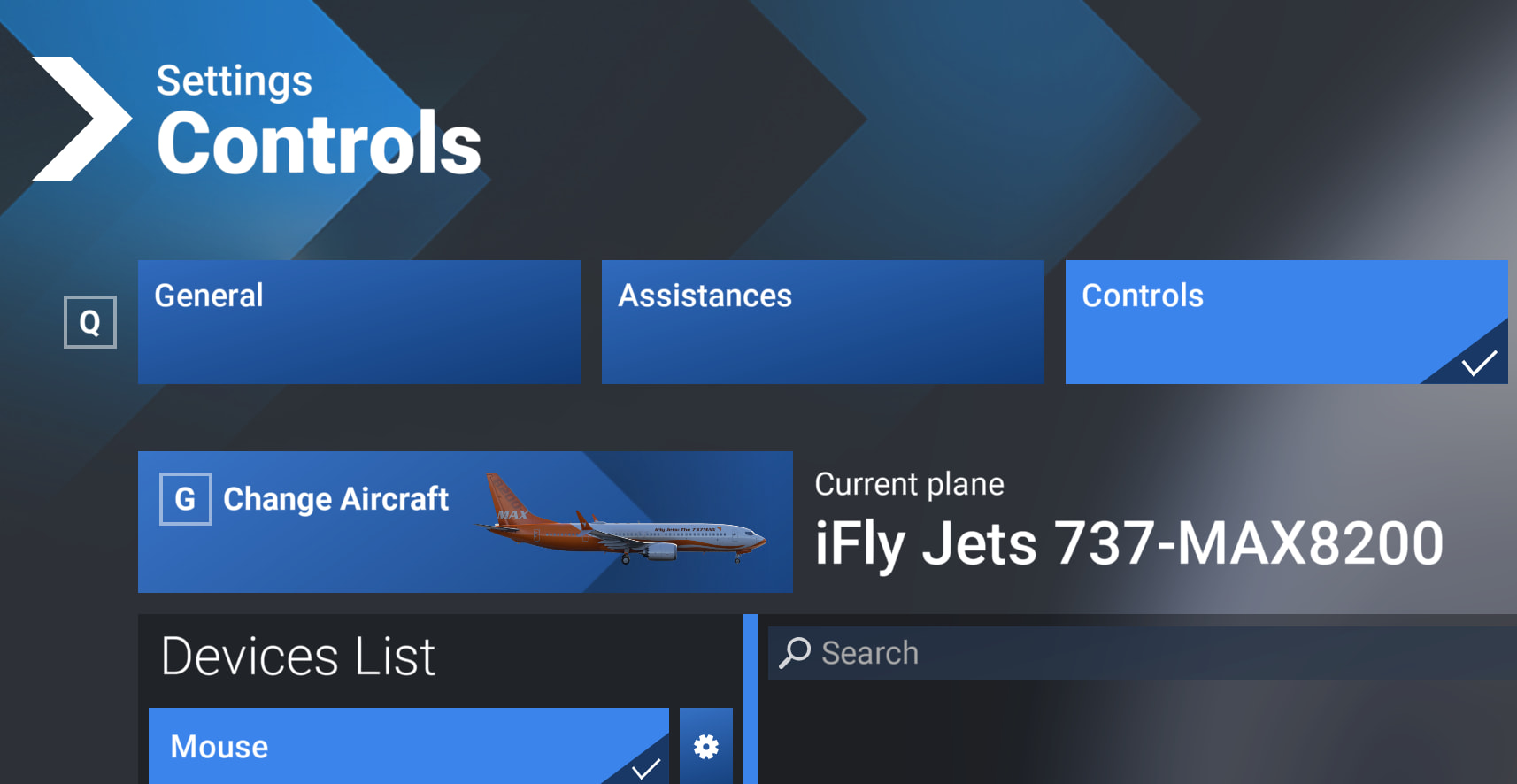
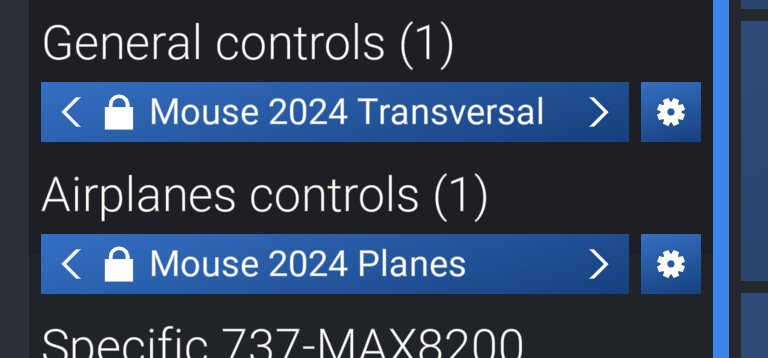
Thanks for the suggestion, but I did exactly as shown and still, no change at all, could not scroll. I currently have a Thrustmaster Hotas One for Airplane controls and have to select that if I want to use that control. If I select Mouse 2024 Transversal, then I cannot select anything other than the Mouse for Airplane Controls and that will not allow me to scroll. If I select Hotas for the Airplane Controls, then I cannot select Mouse 2024 under General controls as the Hotas is the only selection. And I still cannot scroll. No matter what I try, I just seem to be going around in circles. There has to be a switch someplace that I am missing and hopefully somebody out there has seen the same thing and figured where the mystery switch is located, or just simply a workaround to get the scroll working again.