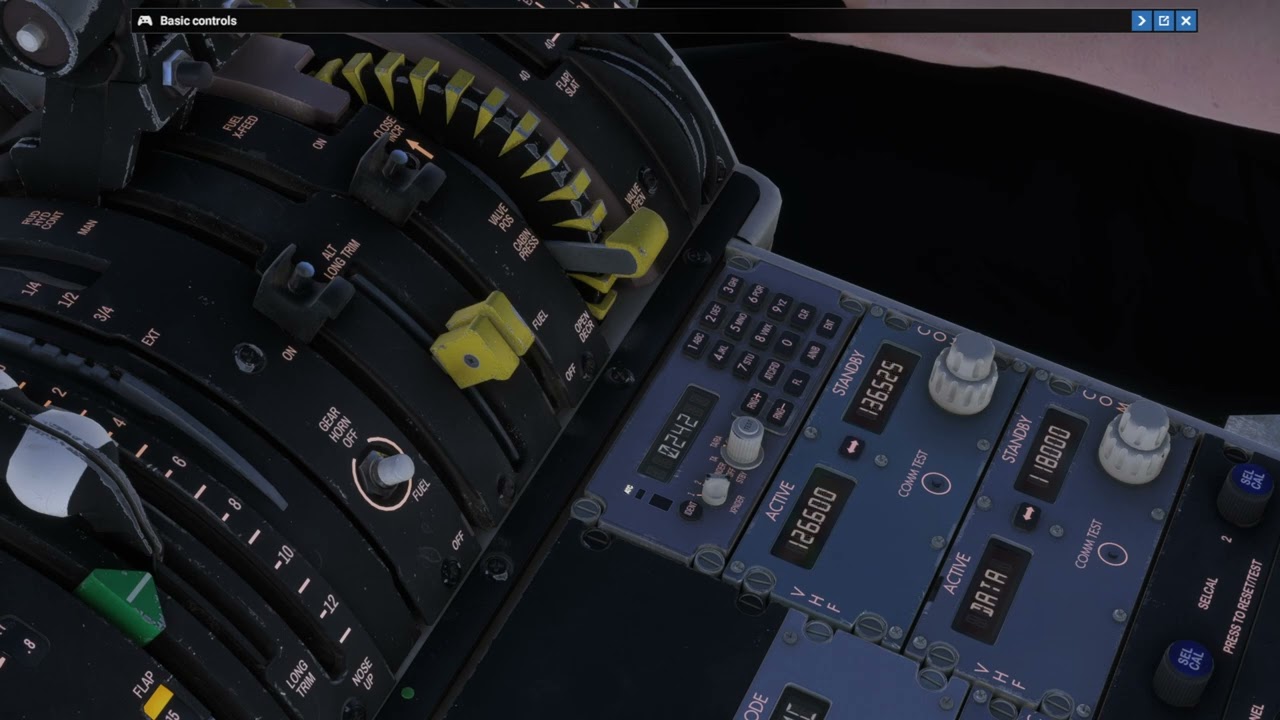
When setting a frequency using the scroll wheel, the left mouse button is subsequently blocked. After a certain period, the left mouse button becomes functional again. This is the same in Legacy and Lock modes. However, if the Com Standby/Active button is pressed using the scroll wheel instead of the left mouse button while in the aircraft, it works.
Same problem for me in the 737 800 PMDG sometime the frequency panel freeze completely. I have to exit the flight and come back to make it work again. very annoying when on IVAO.
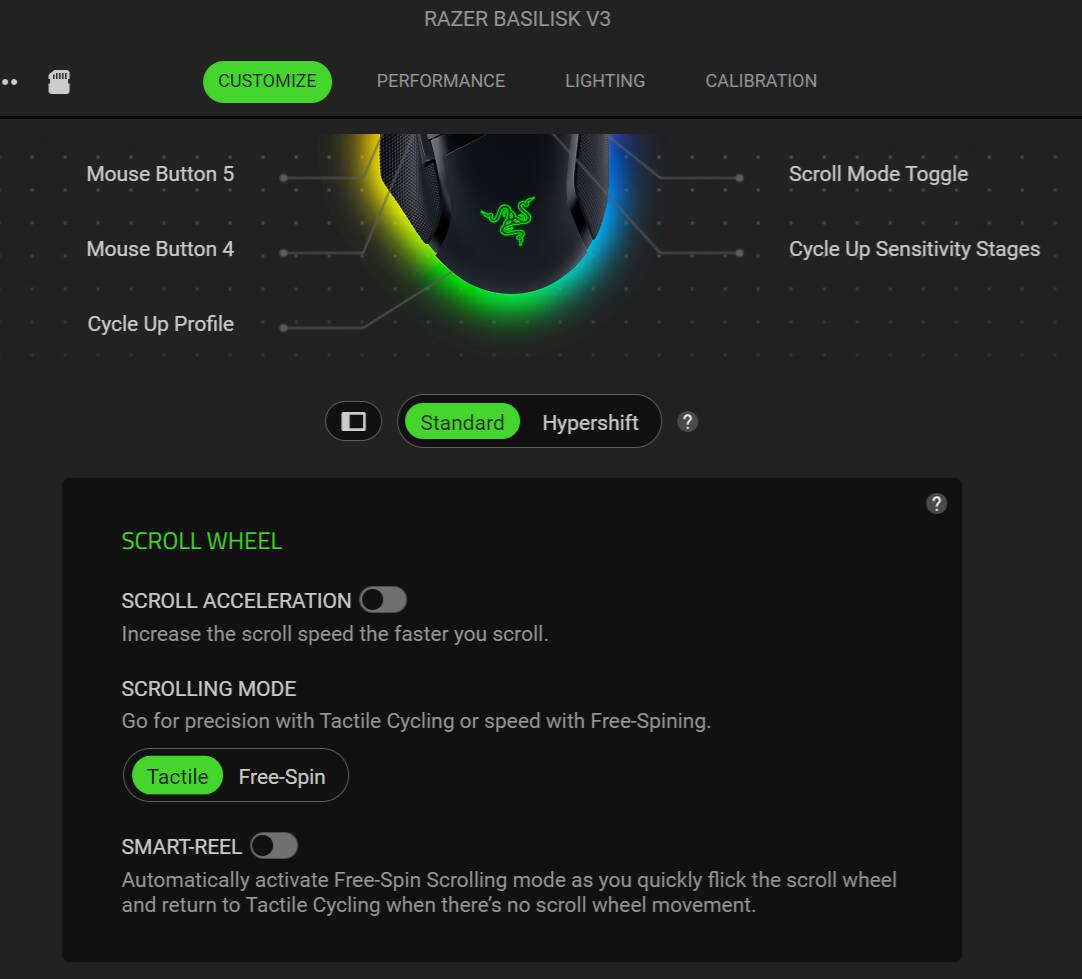
This behavior is indeed going on for me too. Non-VR. The longer I use the fast-scrolling mouse-wheel, the longer it takes for the left mouse button to resume working. (e.g. setting minima for a high elevation airport) Scrolling the wheel click-by-click instead of my mouse’s click-less fast-scroll feature does not trigger it for me.
For me, the right click doesn’t help. I have to wait until it “catches up” and then I can begin left clicking again. I’m using a wired razer mouse FWIW
Are you using a Logitech mouse? Check your scroll wheel settings before anything else — this fixed it completely for me after months of lockups.
MX Master and similar wheels auto-shift into free-spin when you flick them hard, which floods the sim with more scroll events than it can process. The mouse goes dead while the sim works through the backlog.
In Logi Options+, add an app profile for Flight Simulator and set:
SmartShift: OFF
Scroll wheel mode: fixed ratchet
Smooth scrolling: OFF
Lockup gone. If knob turning feels slow in ratchet mode, hold Shift while scrolling for double steps.
Went to go set minimums today for Denver… oooof, what a pain when trying to click afterwards. This is driving me nuts. My left click went inactive for like two minutes