Hey all,
I am trying to make room on my storage for the new sim. I wanted to copy the contents of my Community Folder to another drive via addon linker or sim link, so I created a folder there entitled FS Community Backup and tried to copy and paste everything that was in my normal Community folder. I just kept getting “Your organization does not allow you to place this file here.” … for each and every file. In addition my packages folder has a locked symbol. The only account is my personal one, not my work one. I had to delete the sim and now I have to reninstall everything to try and get it to work. Am I doing something wrong or might anyone have a suggested workaround? I watched every youtube tutorial, nothing works. Thanks in advance.
Please zip all files and folders from the “community” folder and then move the zipped file to a different drive or partition.
You are likely having permission issues because at some point you decided to move or install the MSFS launcher in a different folder, drive or partition instead of the default folder.
1 Like
How do I move the MSFS launcher to the correct folder so the lock goes away? Also do I copy and paste the zip folders or cut and paste it?
Early in FS2020 days, the default installer was deep inside Windows’ normally-locked file structure at
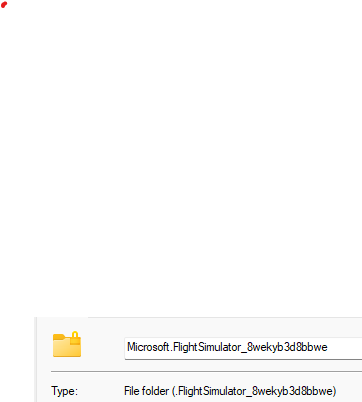
C:\Users[Your User Name]\AppData\Local\Packages\Microsoft.FlightSimulator_8wekyb3d8bbwe\LocalCache\Packages
That was causing both permissions issues, as well as “file length too long” issues, especially for people with long Windows local account names.
The problem was ubiquitous across many MS Store/XBox App installed programs. To work around this, MS added the ability to move your installs and set custom installation locations in the MS Store and XBox app via a “Manage Installation” context menu option. Even before this, however, you were always able to install to a custom location at the MSFS update splash screen.
In any case, the solution is to install the sim to a custom folder that you, as the computer user, have full control and permissions over, not a folder deep inside Windows AppData folder structure.
1 Like
Pack whole community folder and move the packed folder wherever you want.
A better option…
This topic was automatically closed 365 days after the last reply. New replies are no longer allowed.