Hi Everybody,
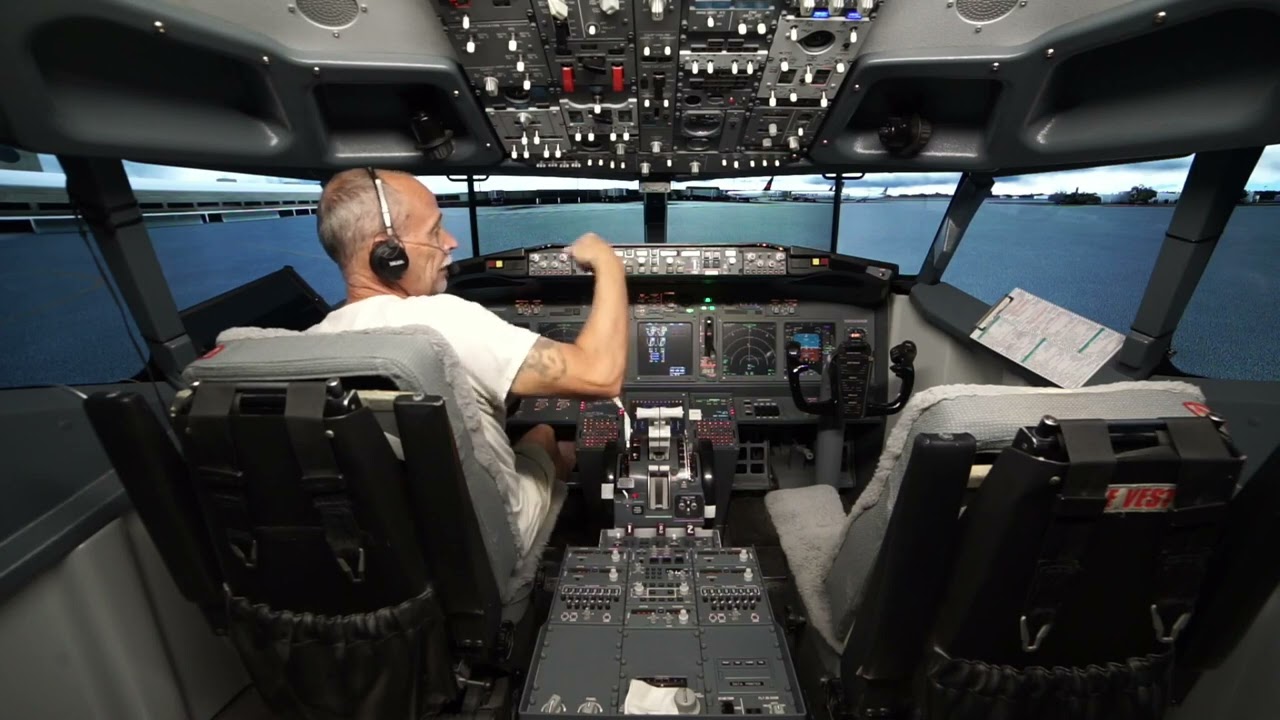
MS2020 stutters reduced by adding an additional experimental screen, how is this possible?
Is there anyone here that can explain why adding an additional experimental screen thereby increasing the workload of my hardware would make for a smoother view? This make no sense to me whatsoever.
Thanks
1 Like
Never tried it myself but I imagine it’s because your system is more in balance with the GPU having to drive the extra screen, taking load off the main CPU so you are not getting the main thread spikes as often.
See how it bears up in heavier scenery before celebrating too much!
It’s just the way MSFS is sadly.
You have a second PC running all that hardware which just interfaces with MSFS somehow? I know I watched your setup video but probably didn’t really understand how that works together.
EDIT: you may find your max frames per second is lower this way but it’s still enough to be smooth and not bother you — and certainly less noticeable than actual stutters. What is/was your target FPS? What are you achieving there now?
Hi,
I would agree that I was hitting my limit as far as VRAM, CPU/GPU “IF” the stutters happened on all three visuals. But it only happens on the center screen.
I can make the setup stutter due to lack of memory, then ALL three visuals stutter, not just one screen.
Thanks
1 Like