MSFS 2020 1.39.12 (Steam) — night sky is too bright and the star layer reads as dense “noise” after SU16
- Version: 1.39.12.0, Steam buildid 21580682
- Platform: PC / Steam, Windows 11 25H2 26200.9974
- GPU: RTX 5060 Laptop 8 GB, driver 591.91, no TDR/WHEA events, temperatures normal
- Graphics: 2560x1600 SDR (HDR off), TAA, render scale 100%
Description
Since Sim Update 16 the night sky is clearly brighter than before, and the star layer renders as a very dense field of small, blurry dots that reads as visual noise instead of stars. It is most obvious at dusk and during high-altitude night cruise. It reproduces with an empty Community folder, so it is not caused by add-ons.
Reproduction
- Rename/empty the Community folder to isolate add-ons.
- Free flight, any aircraft, over a dark landmass away from large cities.
- In-sim time 22:00–23:00 local, weather preset Clear skies.
- Climb to FL350–FL410, external camera with the sky filling the frame.
Expected: near-black night sky with a modest number of small, sharp stars (as it looked before SU16).
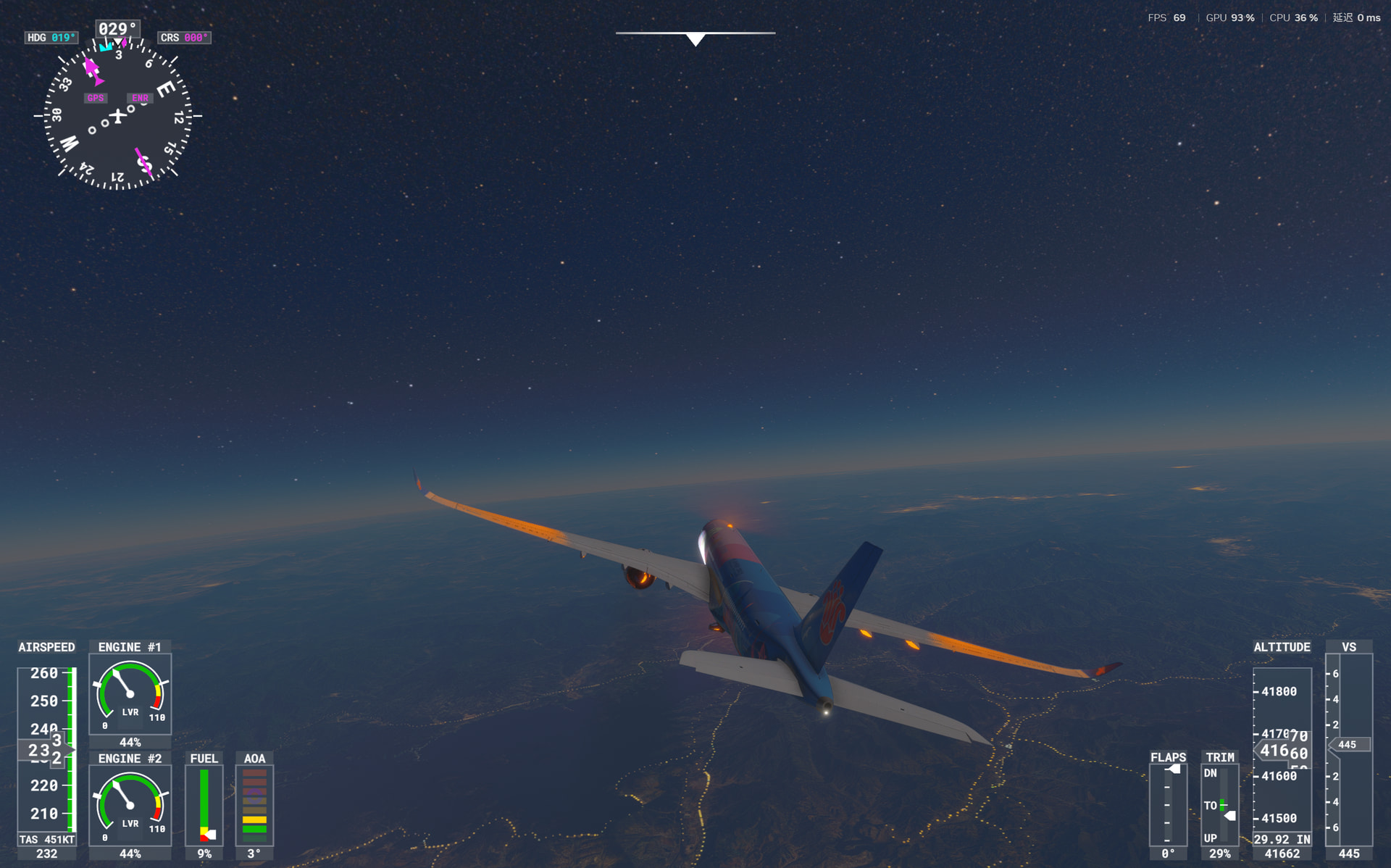
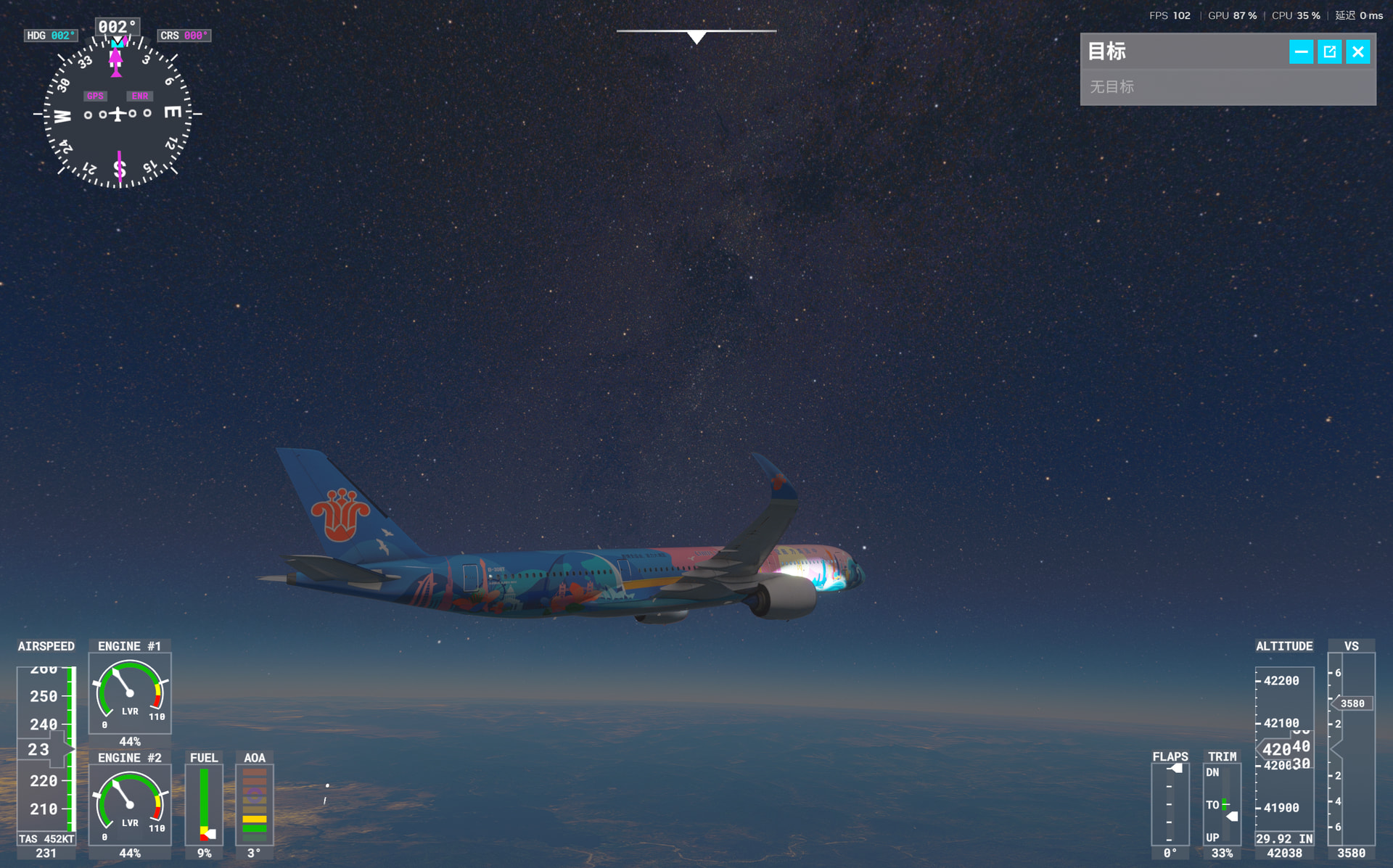
Actual: the night sky is clearly brighter and covered with thousands of tiny blurred dots. Measured on full-resolution PNG captures, sky region:
- night sky mean luminance: 44–52 / 255 (captures taken before SU16: ~15 / 255)
- pixels more than 8 grey levels above the local background: 4.07%–6.58% of the sky area
- clusters: ~40% single-pixel, ~60% of 2–3 px, median peak only 11–14 grey levels
- identical result with an empty Community folder (4.31%) as with add-ons (4.07%) — add-on independent
Already excluded
- Full content integrity check: 539 packages / 122,684 files match their layout.json manifests (0 missing, 0 size mismatches)
- Cleared the NVIDIA DXCache/GLCache/D3DSCache (16.3 GB) — no change
- Steam “verify integrity of game files” — no errors
- No add-ons loaded for the isolation test
- No GPU driver resets / TDR / WHEA events; GPU temperatures normal
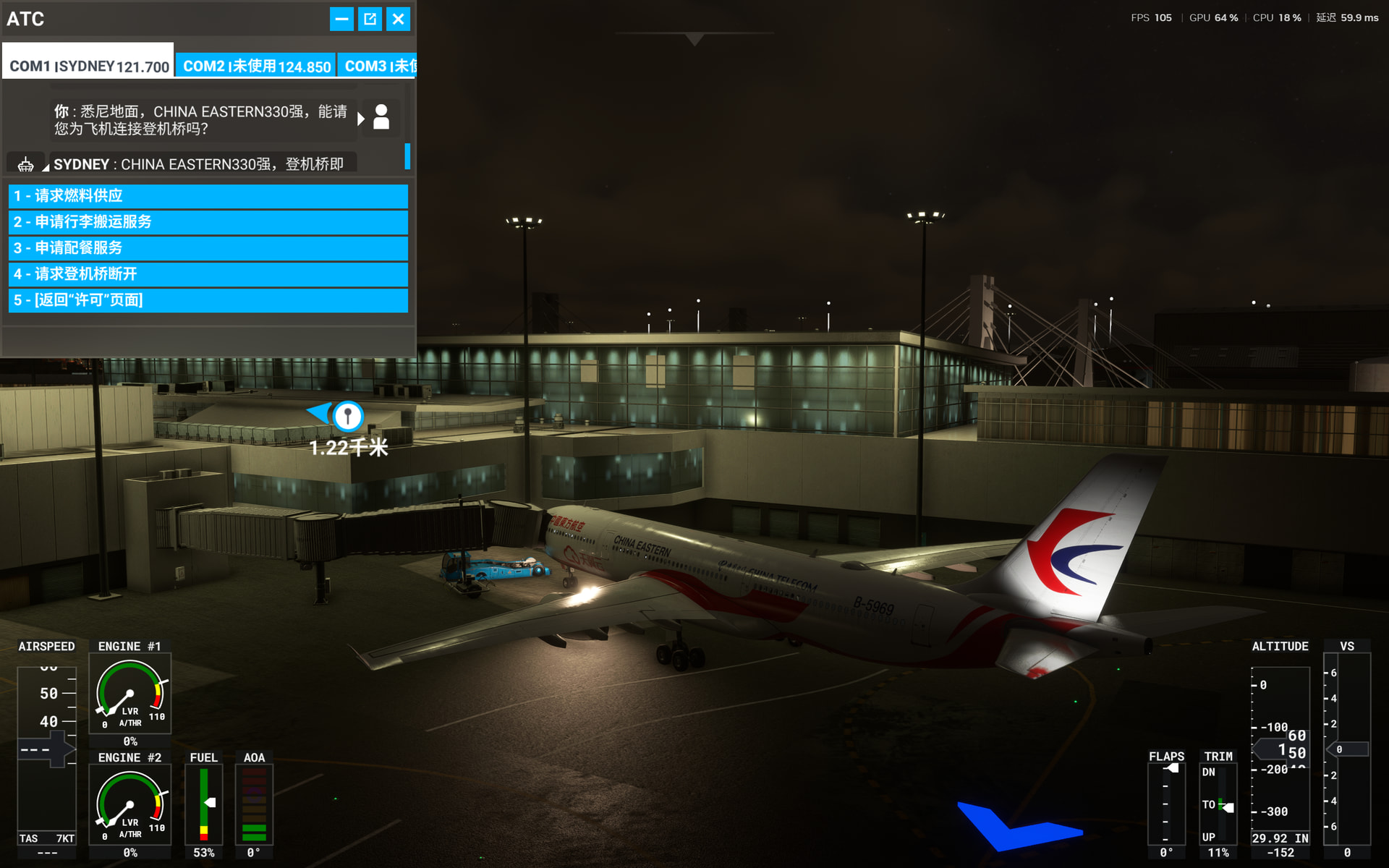
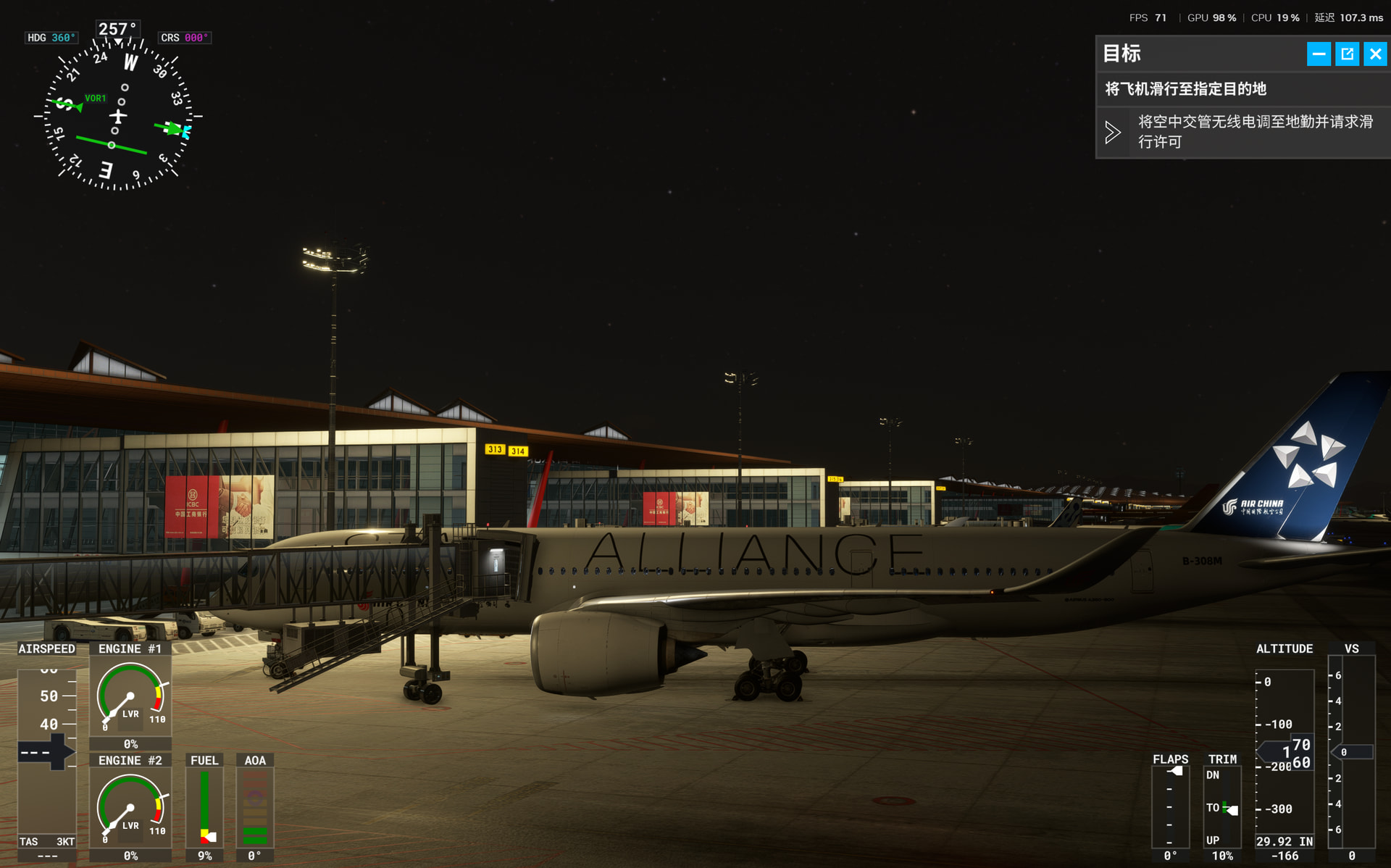
Comparison captures — before SU16 (black sky, no star noise)
Comparison captures — after SU16 (dense dot field)
Additional context / related reports
This matches the report in the SU16 & 16.1 feedback thread (“after SU16 night sky is too bright and stars look very blurry”) and the long-standing star-dome reports (stars rendered on a small sky sphere: too bright at dusk/dawn, unnaturally blurred, visible in front of clouds). The star dome itself appears unchanged; what changed after SU16 is the overall night-sky brightness and the way the star layer is blended, which makes the whole star field visible.
Please consider logging this as a regression with a bug-logged tag so it can be tracked.
Thank you for this report. We’ve moved your topic into the User Support Hub.
The Bug Reporting Hub is for posting suspected or confirmed bugs that other users are able to reproduce without duplicating an existing bug report.
If you are not sure if your issue is a bug or need further input from the community to reproduce the issue, please use the User Support Hub category.
If the community can replicate your issue, first search the Bug category to see if there’s an existing topic. If it already exists, contribute to that report. Duplicate bug reports will be closed, multiple issues must be submitted individually.
If you believe it is a new report and no duplicate exists,create a new bug topic using the provided topic template, and/or include all the requested information about your bug and sim setup
This is required in order to provide valuable information, feedback, and replication steps to our test team.
All issues caused by or involving third-party addons/mods should be reported to the third-party developer. Assure that no addons/mods are used when reporting issues in Bug Reports.
Update: further isolation tests — this is engine-side, not settings or content
I ran two more experiments to rule out the remaining suspects.
1. Ambient occlusion is not involved.
With SSAO fully disabled, and then forced to maximum quality (edited the {SSAO} block in UserCfg.opt to Enabled 0 / Quality 3), night captures are unchanged — same sky luminance, same dot field. So this is not an AO or dither artifact of the shading pass.
2. There is no replaceable star asset, and post-processing cannot mask it.
I scanned the complete official content set (539 packages / 122,684 files, including the 12.97 GB fs-base package) for any star map, sky-dome texture or cubemap: none exists. The star layer is drawn by the engine itself (shaders are packed inside Shaders\SHADERSPAK.*.PAK).
As a control I injected a ReShade luminance crush. It does remove the dots, but only by crushing every pixel below the sky’s luminance at the same time — which also destroys terrain detail and cockpit shadows. MSFS exposes no depth buffer to ReShade, so there is no way to isolate the sky and leave the rest of the frame intact. That confirms the dots are baked into the sky/star pass, not a texture or post-process that can be swapped.
Conclusion: the regression is in the sky and star rendering itself — not add-ons, not graphics settings, not content packages. Content integrity still verifies clean (539 packages / 122,684 files, 0 missing, 0 size mismatches) with an empty Community folder.
Happy to provide raw captures or run any additional test you need. A bug-logged tag would really help others find this report.