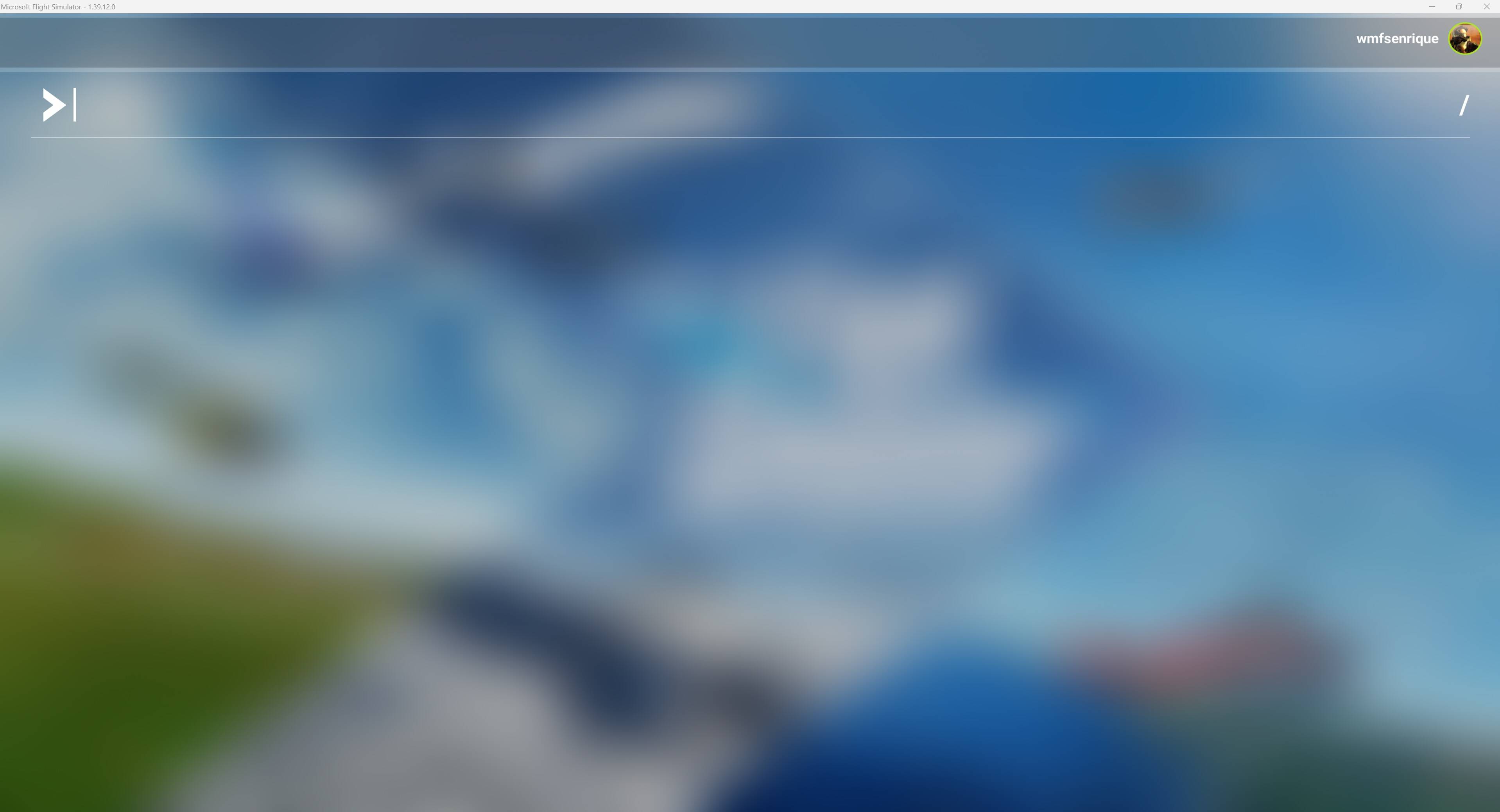
I am using the PC version of MSFS 2020. It is asking me to carry out an essential update. When I click to start the update, the screen freezes and nothing happens. Can someone please help me resolve this issue? I am using version 1.39.12.0. Thank you
1 Like
This is the latest version for MSFS2020, not MSFS2024.
2024 is using version 1.6.34.0.
I’m agreeing with bigcow.
The screenshot you’ve shared is from Microsoft Flight Simulator 2020. You probably need to get the update from the Windows Store (if that’s the version of the sim you own.) before you update on the sim itself.
Thank you for your reply. Sorry for the confusion it is 2020. How do I resolve the issue?
Thank you for this report. We’ve moved your topic into the User Support Hub.
The Bug Reporting Hub is for posting suspected or confirmed bugs that other users are able to reproduce without duplicating an existing bug report. Using the template or providing all the relevant information about your bug and sim setup is required in order to provide valuable information, feedback, and replication steps to our test team.
If you are not sure if your issue is a bug or need further input from the community, please use the User Support Hub category. If the community can replicate your issue, first search the Bug category to see if there’s an existing topic. If it already exists, contribute to that report. Duplicate bug reports will be closed.
If you believe it is a new report and no duplicate exists, then create a new bug topic using the provided topic template.
All issues caused by or involving third-party addons/mods should be reported to the third-party developer. Assure that no addons/mods are used when reporting issues in Bug Reports.
Try uninstalling your xbox app and reinstalling.
Make sure all your email addresses are the same in msfs and Microsoft etc.
Make sure you physically have the space to download that file
I’m having the same issue - FS2020 loads with accessibility screen, then asks me to choose graphics settings, then resets my controls and notification settings, then asks me to install two essential updates. If I allow updates, it just hangs with the same screen the OP posted. If I don’t allow the updates, it will load but with the default settings, and with a nice X-box keys splash screen.
I’ve been having the exact same issue for weeks now. Tried all sorts of solutions suggested on various forums, including reinstalling several times, but no luck. If you manage to figure it out please let me know! 

Im also having this exact same issue. Tried everything i found online to fix but no cigar! I have logged a call on Zebdesk.
On Zendesk’s suggestions (three so far), I have so far uninstalled/reinstalled both FS202 and XBox app twice, logged out and in of XBox app, did the age verification dance… still exactly the same situation.
Try uninstalling xbox app and reinstalling. Make sure all account emails match ie MS and game etc. Make sure time zones match (might be automatic but check anyway).
Aah, saw you did the xbox app, sorry.
Can you clear the cache?
There currently is no cache as I’ve uninstalled the sim twice now. Just tried again this morning in safe mode, and it actually loaded - hurrah! Of course, I have no custom aircraft or sceneries loaded, so now begins the long road of customising it back to how it was.
1 Like
Same problem, tried un-reinstall game services but no difference
let us know if you get a solution pls
did you get a resolution?
Yes, deleting/reinstalling the XBox app and going through the age verification process (which I’ve never had to do before) seemed to do the trick. Just spent all day reinstalling FS2020 again as I forgot to change the packages install location to my D: HDD and it filled up my C: SSD. 
Now I have to go and install all my add-ons AGAIN! 
2 Likes
thanks I’ll try that soon, good luck with the reinstall
1 Like
just went through age verification, restarted xbox app and it synced fine. all history and settings restored…phew, wonder if I’ll get a birthday card off Microsoft 
3 Likes
Age verification sorted it for me as well. Reinstalling the XBox app didn’t automatically prompt it either - I had to Google and do it manually. Thank god for these forums eh. Thanks everyone!
2 Likes