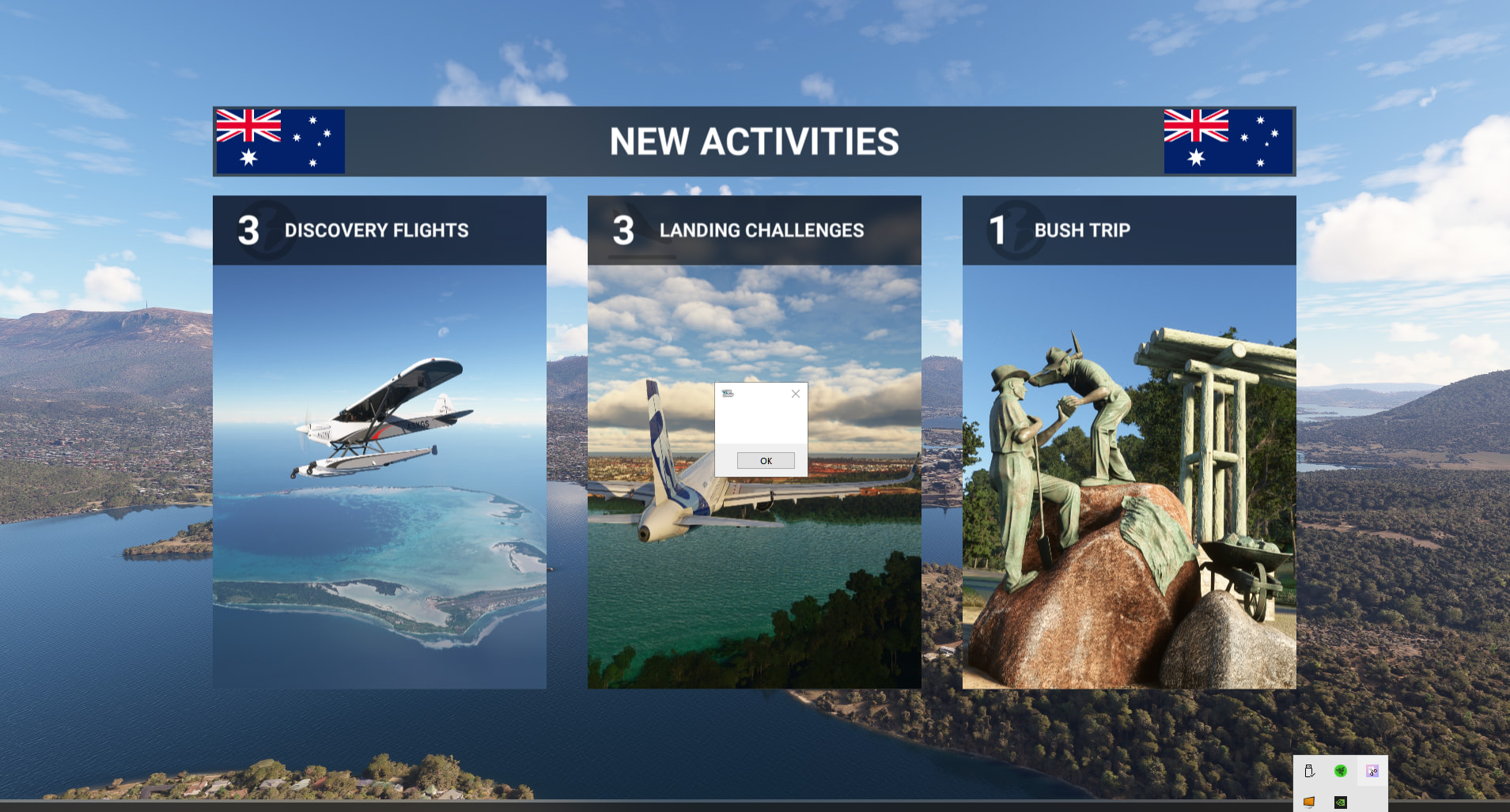
I am getting an msfs-2020 CTD on this screen with this very small window, close it or click on it & the sim goes to desktop. I have cleared all addon’s in community folder & tried both normal mode & safe mode sim boot. This issue has only just happened in the last couple of days.
Has anyone else come across this? There is no actual error code, just this small box?
I can normally find a solution but this one’s got me…
Open the Start Menu in Windows and search for reliability. Open the Reliability Monitor and look for the red error markers that correspond with the time of the crash. Dump info should be contained there.
I experienced the same issue, but without the small popup window.
The fix was forcing MSFS 2020 to use DX12 instead of DX11. Here’s how I fixed it:
- My MSFS is installed on D:\ (yours is likely a different location)
- I looked for the UserCfg.opt file, which in my case is located at D:\WpSystem\S-1-5-21-3293508496-1043230678-3064920140-1001\AppData\Local\Packages\Microsoft.FlightSimulator_8wekyb3d8bbwe\LocalCache
- In the “{Video” section, I edited “PreferD3D12 0” to be “PreferD3D12 1” (changed the “0” to “1”)
- If the line doesn’t exist, then you can add it.
My app started OK after that change. If it doesn’t work for you, then it is easy to change the setting back to the way it was.
I am getting an msfs-2020 CTD on this screen with this very small window, close it or click on it & the sim goes to desktop. I have cleared all addon’s in community folder & tried both normal mode & safe mode sim boot. This issue has only just happened in the last couple of days.
Has anyone else come across this? There is no actual error code, just this small box?
I can normally find a solution but this one’s got me…
I ended up having to reinstall flight sim. I wonder why the DX11 has created an issue, that kind of makes sense too as it ended up getting to a stage where on loading I would get all of the sounds but only a black loading screen, that’s when I decided to do a reinstall. Luckily nearly all of my in sim settings were saved & I only had to re-enter the monitor based graphics settings. I fly in VR & all of my settings stayed as they were. This one really had me stumped, normally I can find a fix.
Uninstall Razer software and restart PC.
What will this do? Does it cause issues with MSFS? I used to have a gaming keyboard & mouse, that’s why it is on my system. I no longer have either so really don’t use the app.
It won’t. I have a Razor mouse and keyboard and I don’t have an issue with MSFS 2020 nor X-Plane-12.
Yes, on some hardware setups, software from ASUS, Razer, MSI and apps like Nahimic have been known to cause CTDs in MSFS 2020. I discovered this years ago during troubleshooting and even MSFS Support has referenced these applications as potential sources of instability.