It is essentially a military airbase - but we have loads of those in MSFS 24. Additionally, according to AI google, it also serves a civilian need and hosts VIP’s. I suppose though, a private individual could develop it 

Identifier: 03B
Name: Mansfield Municipal
Category: Grounds and Facilities
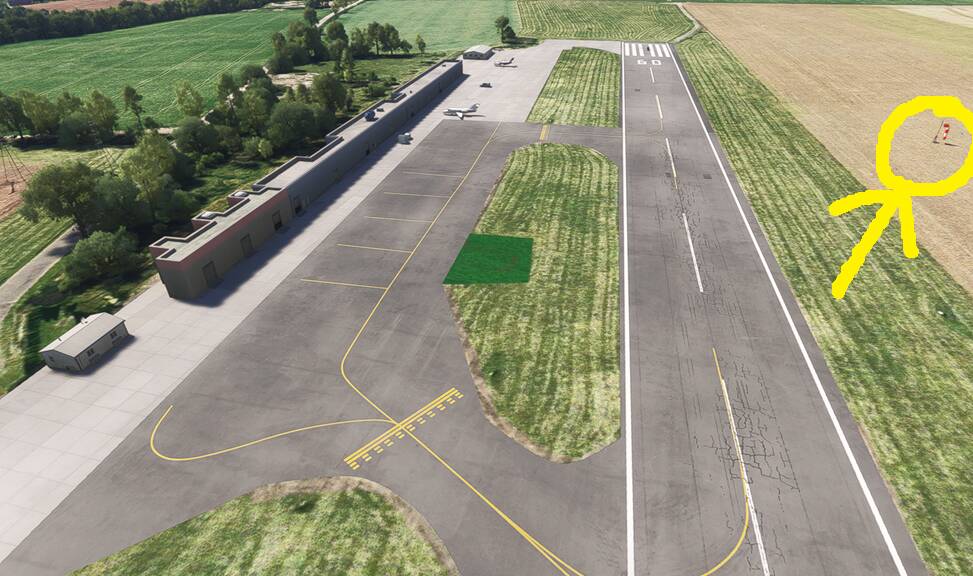
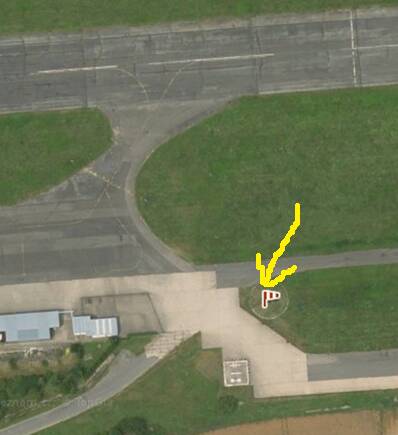
Description: Rotating beacon is on runway and windsock is in not in the correct location.
Identifier: O07
Name: Westheimer (Houston, TX)
Category: Airport Closed
Description: Airport closed in 2015 and is no longer extant.
ISSUE DESCRIPTION
Preface:
This airport is featured in the training activity, and the bug can cause the plane to flip, even when plane is handled correctly. (Especially in the VFR training approach). With the PS5 just releasing I think this bug deserves both priority and its own post instead of the big post of airport bugs by @XeOperator .
Description of the issue:
There is an invisible bump which flips smaller aircraft when carrying some speed. It can flip aircraft both when landing and take off. Especially frustrating because the VFR training activity “Approach” ends there. (Small digression, but that training activity wrongly states Sedona as the airport which is used in the activity, while it is actually KFLG)
Coordinate or location of issue:
At KFLG Runway 21 between the aiming point (aka thousand footers/two largest stripes on runway) and the following runway touchdown zone markers, very slightly to the right of center line
FREQUENCY OF ISSUE
How often does this occur for you (Example: Just once, every time on sim load, intermittently)?
For me it appears every time, I’m on PC. I’ve had 3 other users test it out, 2 on PS5 and 1 on PC, and 2 of them couldnt reproduce, while 1 other on PS5 could reproduce. The one who could reproduce is in North Europe like me, while the 2 others are NOT in Europe.
REPRODUCTION STEPS
Please list clear steps you took in order to help our test team reproduce the same issue:
-
Spawn with a Cessna 172 at runway 21 at KFLG
-
Do a normal take off, try to stay slight right of centerline so that your left main wheel is on centerline
-
Observe as you’re about half way between the aiming point markers and the next set of large markers.
YOUR SETTINGS
If the issue still occurs with no mods and add-ons, please continue to report your issue. If not, please move this post to the User Support Hub.
Tested with ultra and low graphics settings, and with CF emptied and rolling cache reset.
What peripherals are you using:
Honeycomb alpha and Bravo with saitek rudders.
[PC Only] Are you using Developer Mode or have you made any changes to it?
No
[PC Only] What GPU (Graphics Card) do you use?
3090
[PC Only] What other relevant PC specs can you share?
5900X
MEDIA
First time I encountered, this is landing
I tested again while taking off on PC:
And the PS5 user who could reproduce:
Discussed with @Zadma, and if I turn photogrammetry off in the online settings, I dont have the bump anymore. It reappears if I turn it back on. I still think the Bug report is valid.
Identifier: XBRO
Name: Broadford Airstrip
Category: General
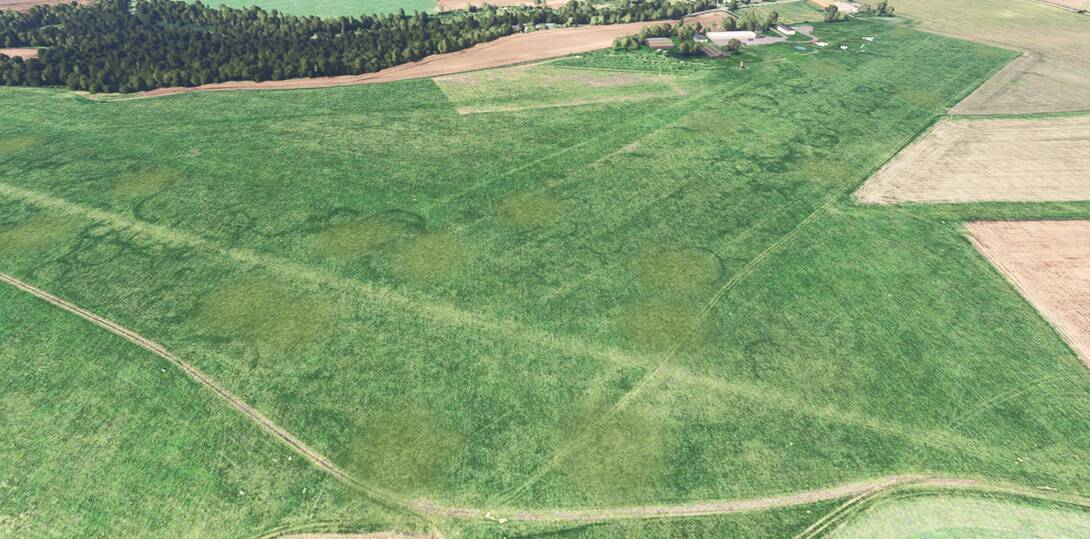
Description: This airstrip has an ICAO designation of EGEI. Could this be applied please?
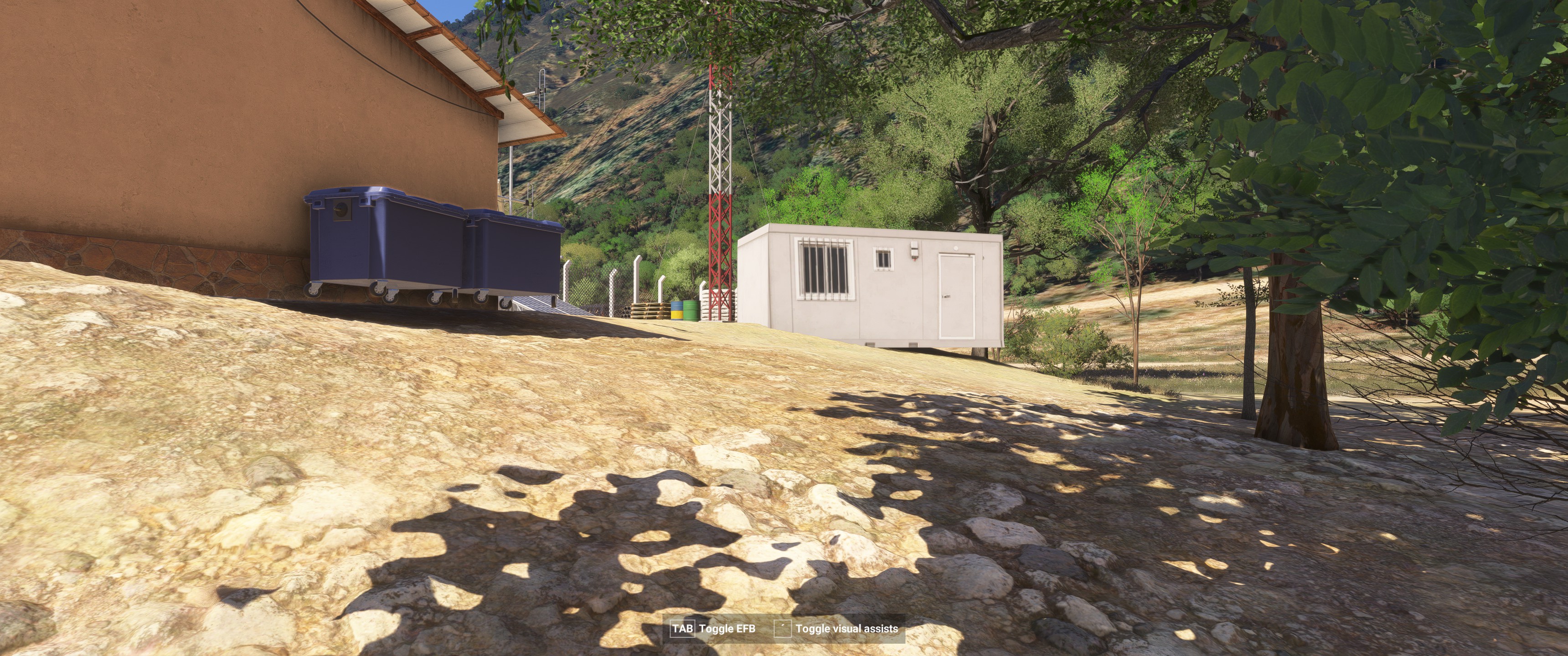

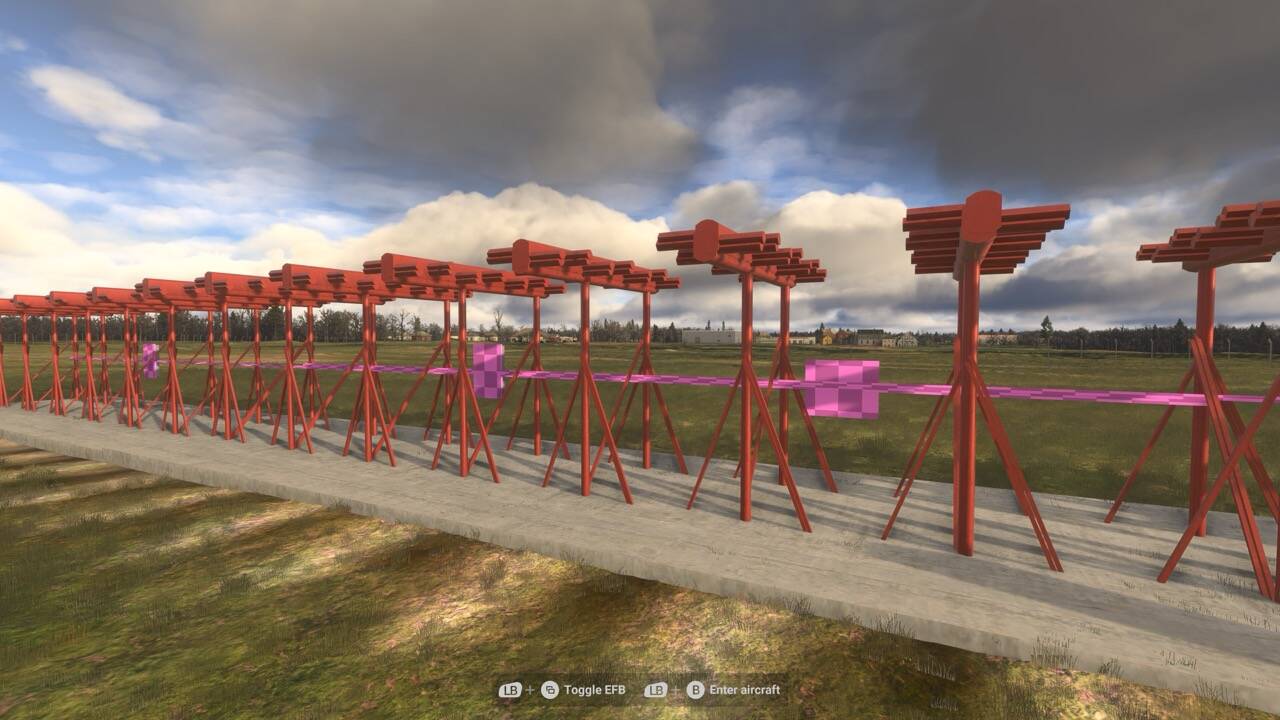
How often are fixes being implemented into the sim?
Where can we see a list of corrections that have so far been implemented?
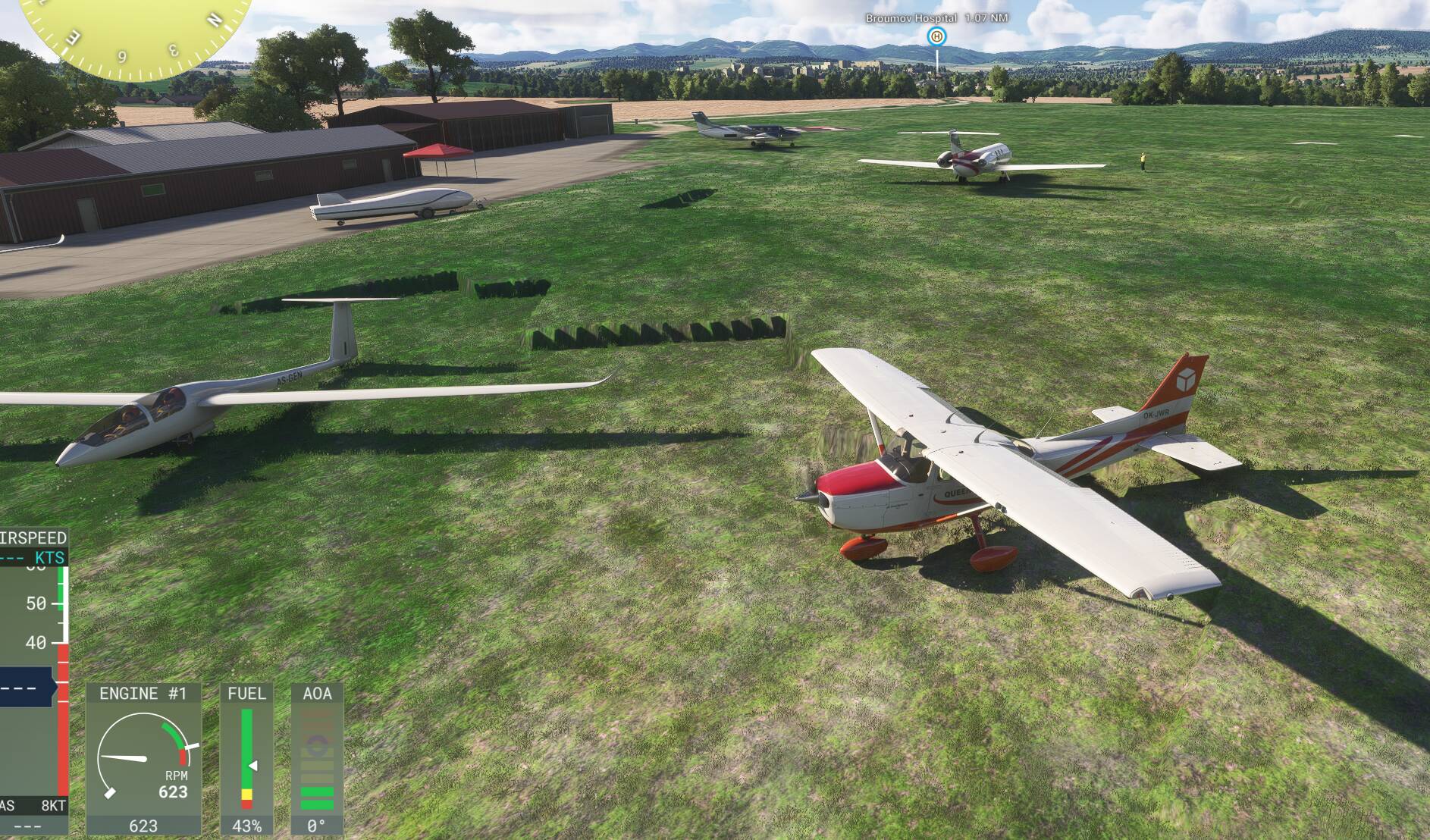
Updates are made with WU, SU, and CU releases. Release notes from each address what has changed. Here is an example.


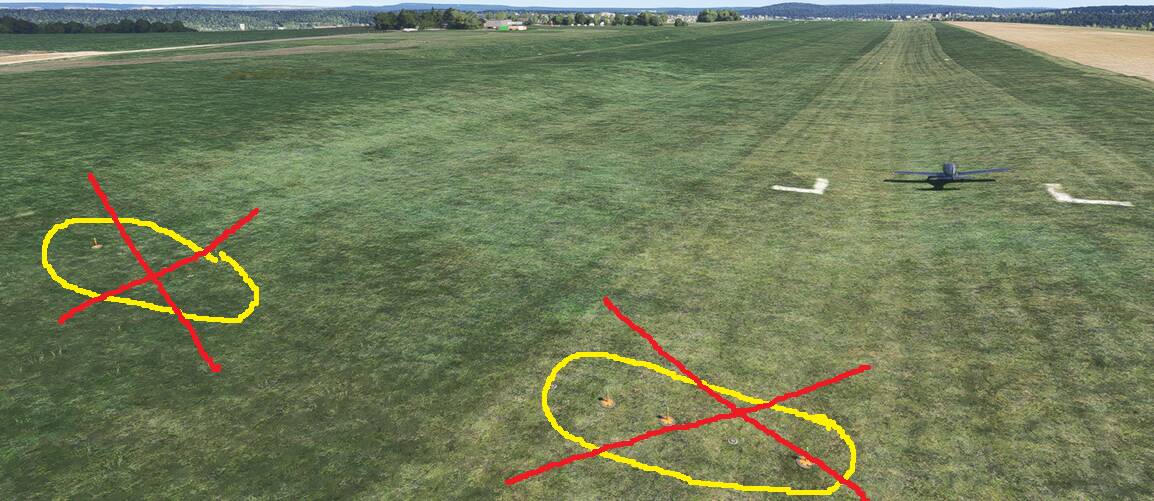
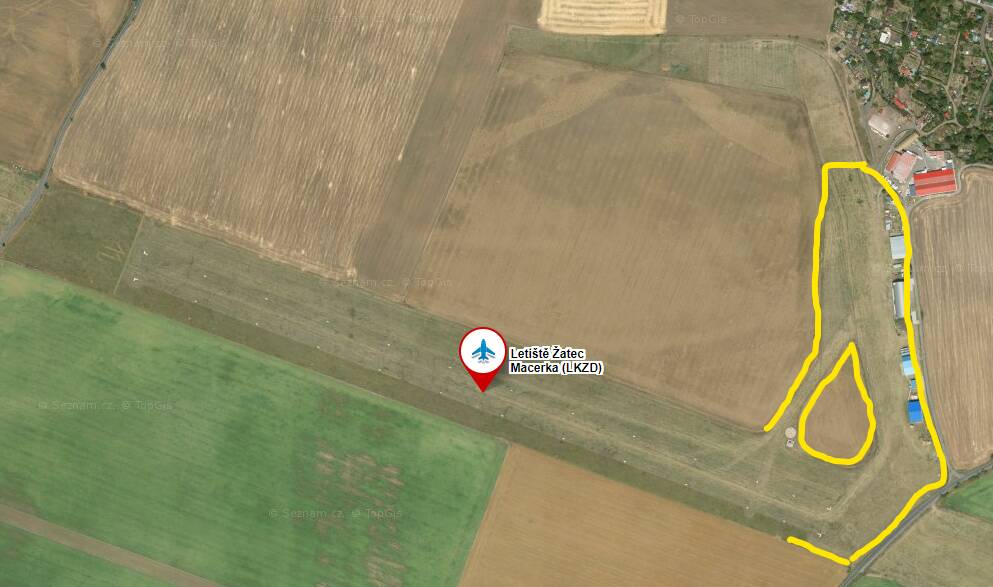
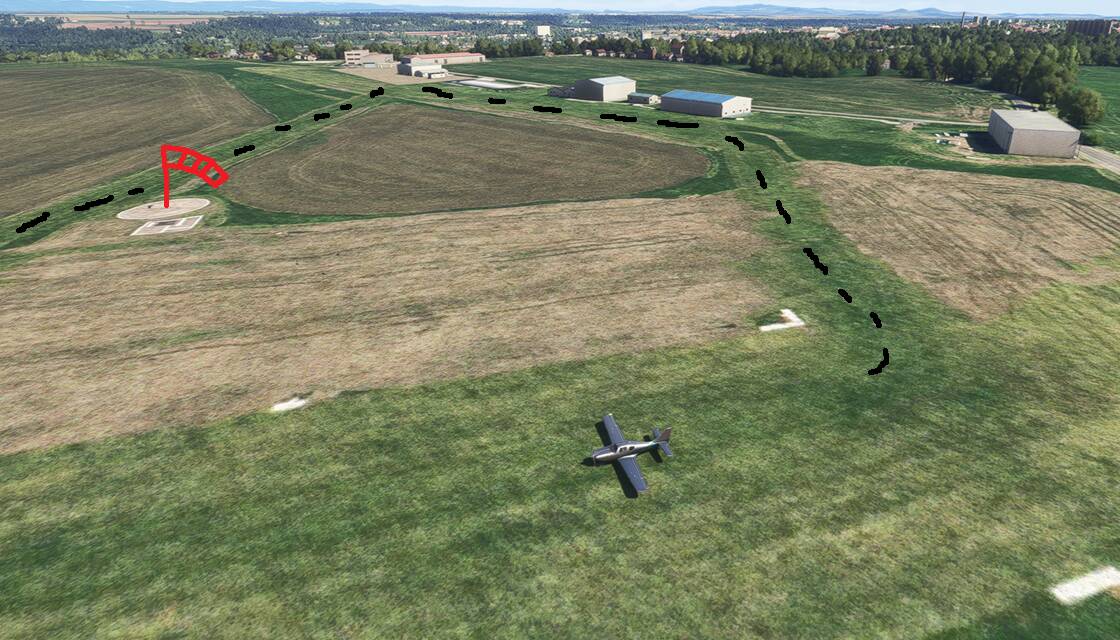
ISSUE DESCRIPTION
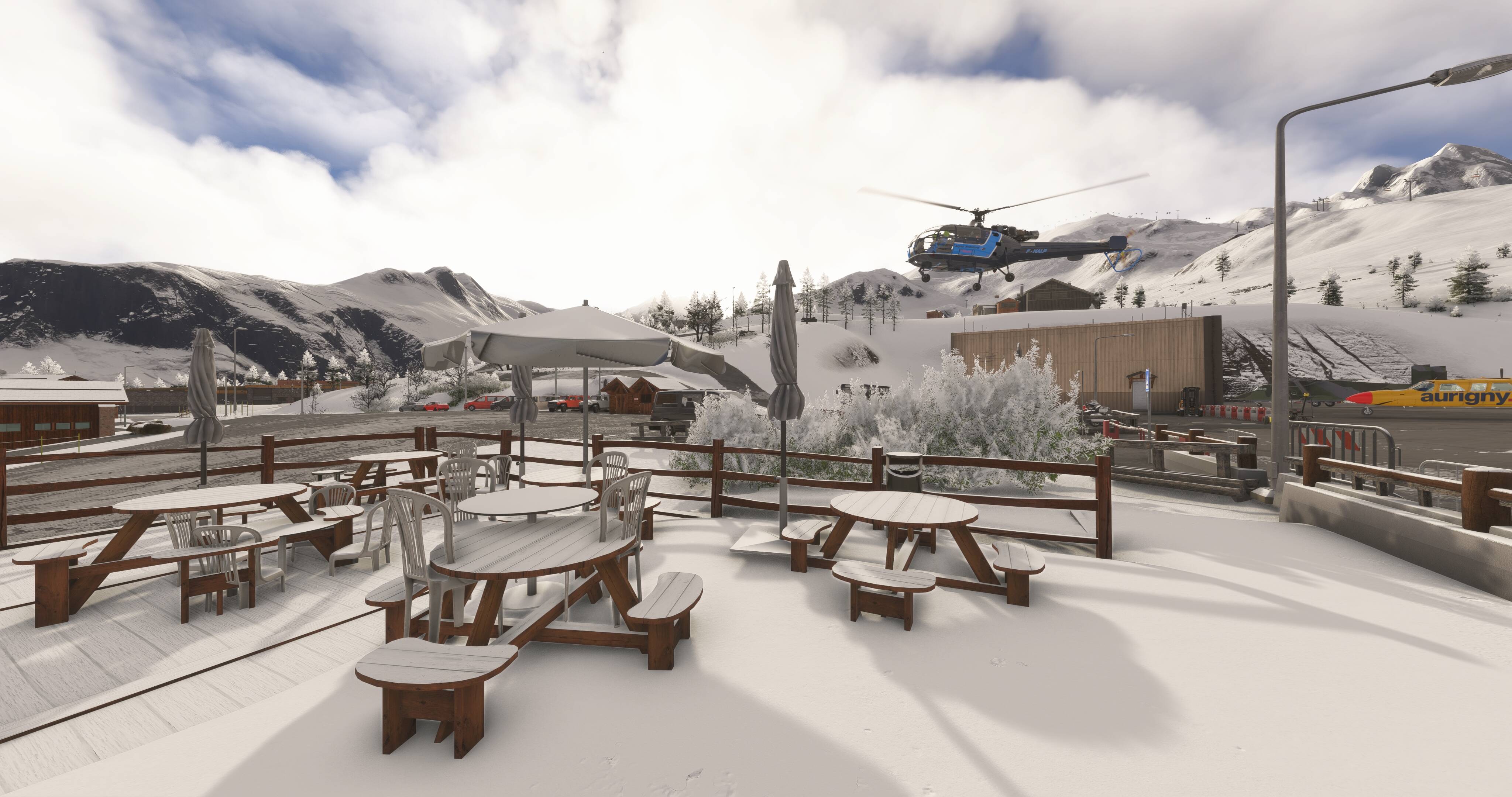
The terrace of iconic Courchevel LFLJ airfield has been spoiled by TWO NESTED, different types of seating (plastic and wood), and unfortunately the umbrella is buggy as well. See screenshot.
Coordinate or location of issue: LFLJ
FREQUENCY OF ISSUE
always
REPRODUCTION STEPS
go there
MEDIA
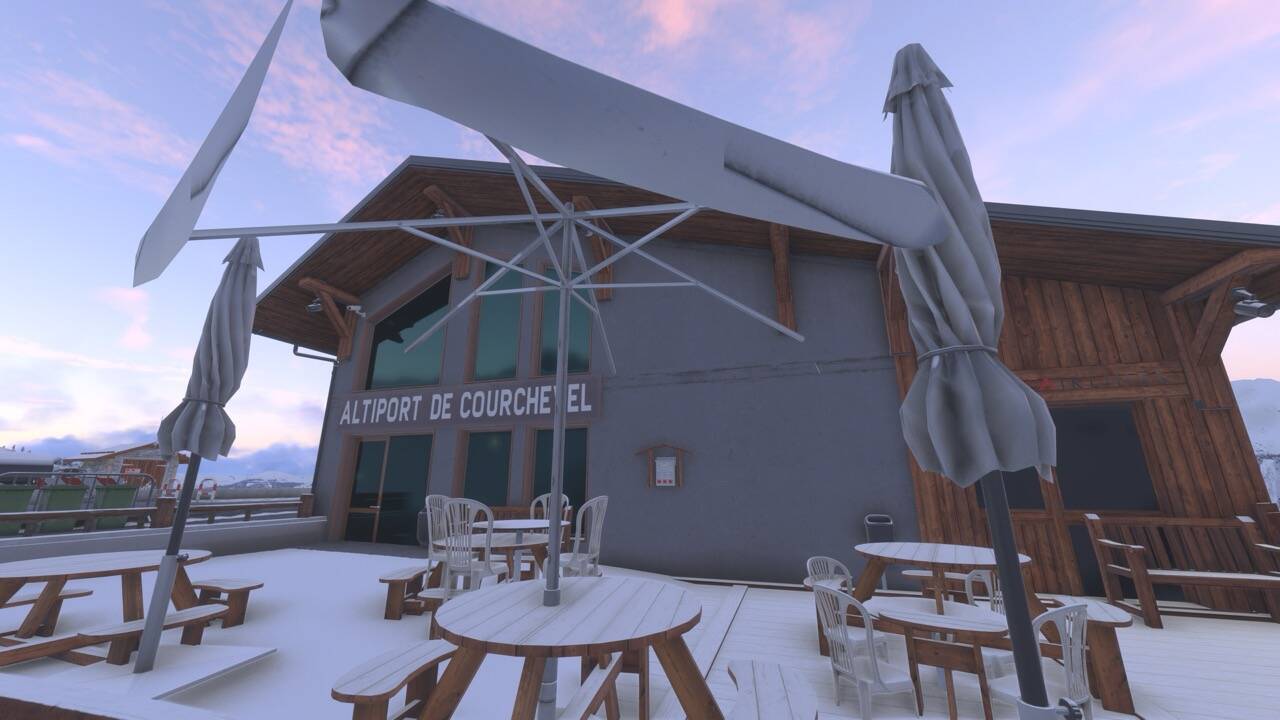
ISSUE DESCRIPTION
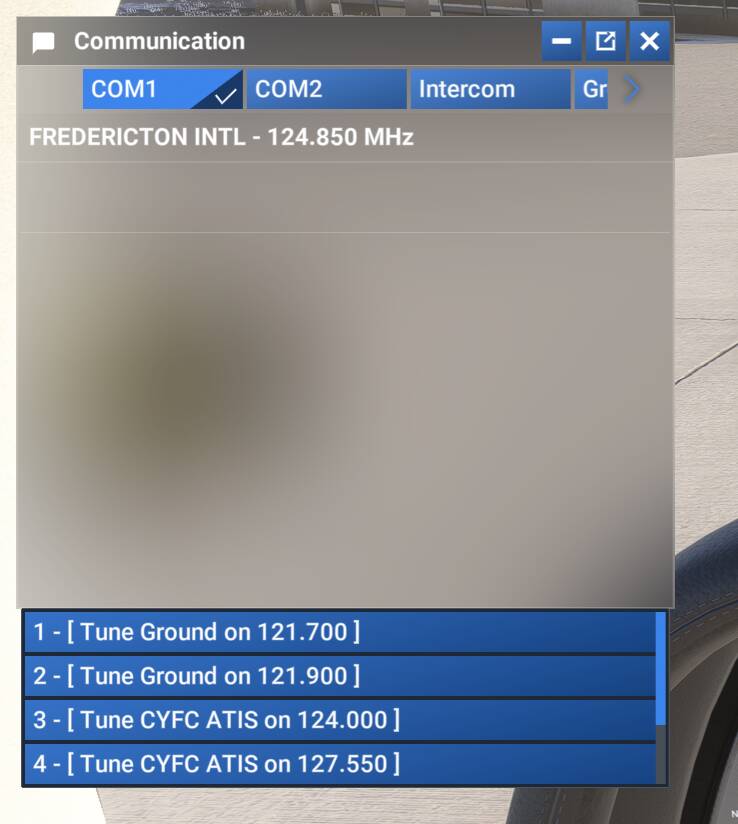
Wrong Frequencies for ATIS and Ground.
FREQUENCY OF ISSUE
Every time on sim load.
REPRODUCTION STEPS
Please list clear steps you took in order to help our test team reproduce the same issue:
-
Start your aircraft on the ramp at CYFC.
-
Select ATC COMMUNICATION window (Pull down menu at the top of your main monitor).
-
Observe items 1 to 4. Correct frequencies are 127.550 and 121.700 as shown in second pic from SkyVector.
YOUR SETTINGS
What peripherals are you using, if relevant: N/A
[PC Only] Are you using Developer Mode or have you made any changes to it? No
[PC Only] What GPU (Graphics Card) do you use? N/A
[PC Only] What other relevant PC specs can you share? N/A
MEDIA

ISSUE DESCRIPTION
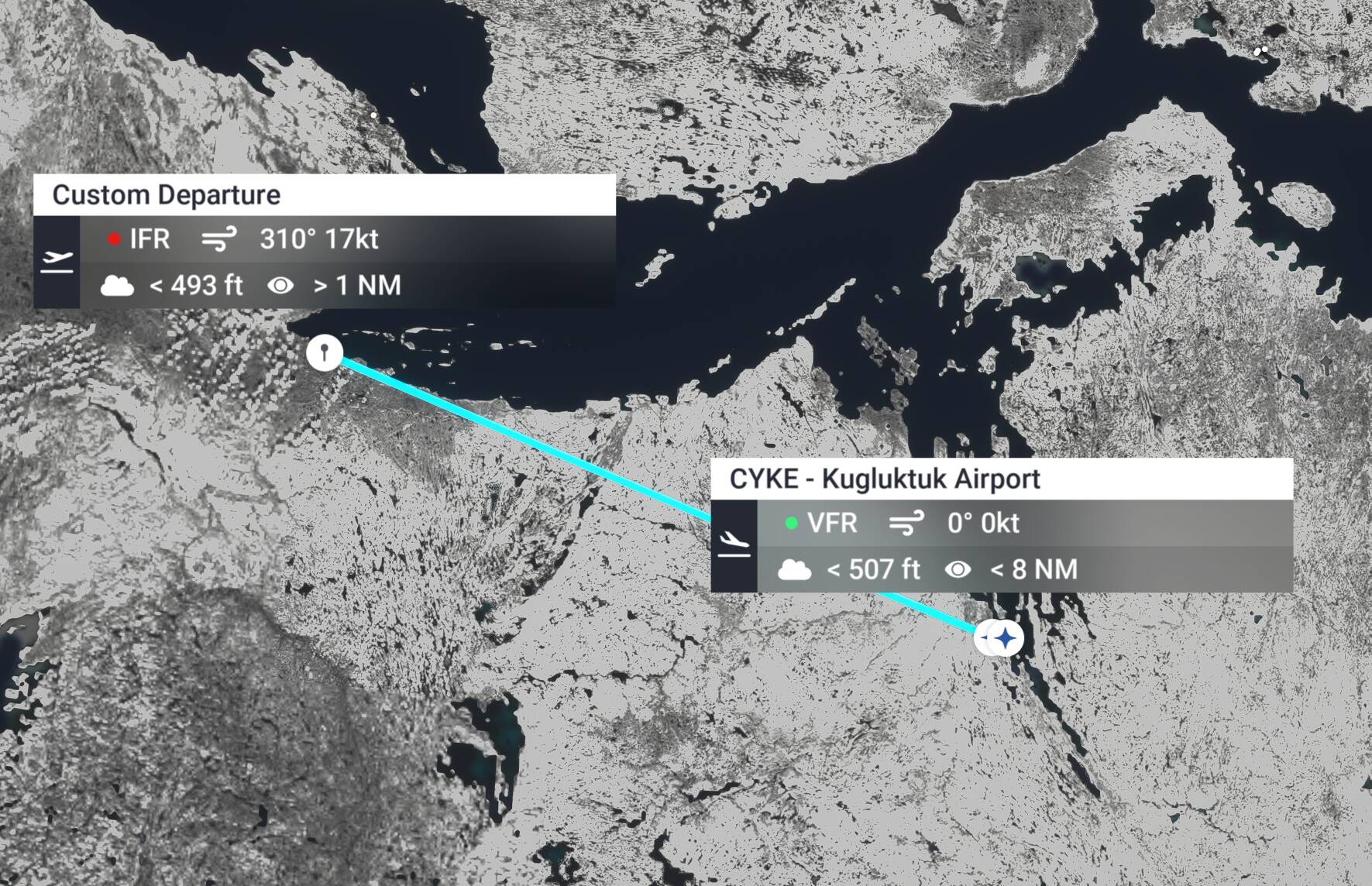
Description of the issue: There is a missing airport called “Kugluktuk Airport” that should be at 67.816667, -115.143889, but isn’t recognized by the game. (You can sort of see where the airstrip is though.) Meanwhile, at 66.836870, -108.012488, “Bathurst Inlet Airstrip” is incorrectly labeled as “Kugluktuk Airport”
Coordinate or location of issue: 67.816667, -115.143889 (Where Kugluktuk Airport should be located) and 66.836870, -108.012488, where “Bathurst Inlet Airstrip” is incorrectly labeled as “Kugluktuk Airport.”
FREQUENCY OF ISSUE
How often does this occur for you (Example: Just once, every time on sim load, intermittently)?
Every time, this is just a mistake in the map.
REPRODUCTION STEPS
Please list clear steps you took in order to help our test team reproduce the same issue:
Either fly to or examine the World Map at the coordinates listed above. Then, look at the real-life airports on any map/website.
Media
Custom Departure is the correct location for Kugluktuk Airport, and Kugluktuk Airport should be named Bathurst Inlet Airstrip.