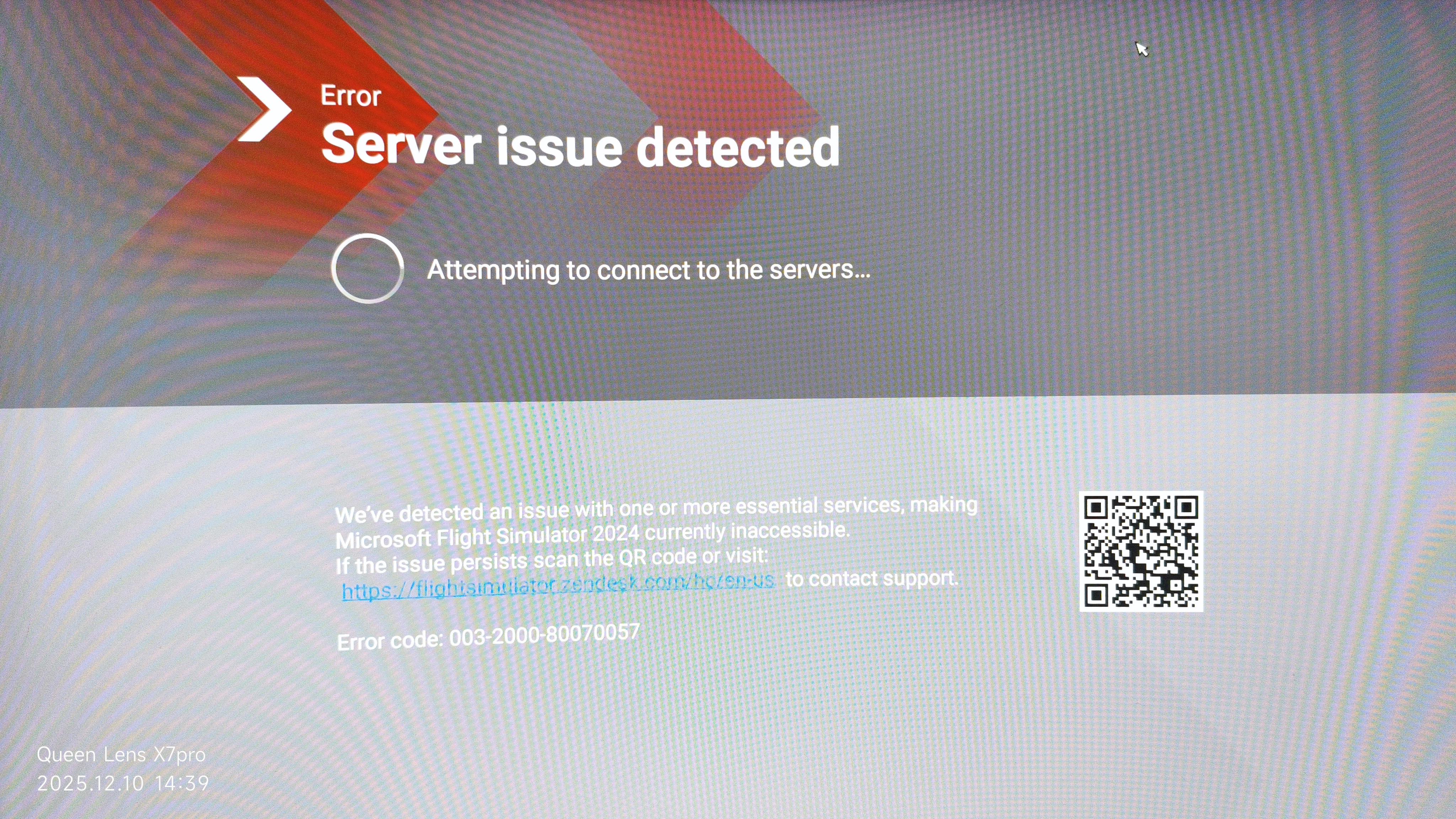
I’m facing a persistent issue when trying to start Microsoft Flight Simulator 2024.
Right after launching the sim, I get the following error message (screenshot attached):
English translation of the error message:
Error – Server problem detected
“It is attempting to establish a connection to the servers…
We have detected a problem with one or more essential services, which is why Microsoft Flight Simulator 2024 is currently not available.
If the problem persists, scan the QR code or visit the support page.” Error code: 003-2001-80070525
What I have already tried:
Xbox App: logged out → logged in again
Microsoft Store: logged out → logged in again
Restarted both Gaming Services in Windows services
Deleted all XBL-related entries in Windows Credential Manager
Checked Xbox Live status (all green, no outages)
Restarted PC multiple times
Stable internet connection (fiber)
No VPN, no proxy
Despite all this, the sim always stops at this error during startup and never connects.
Question
Is this a known issue?
Does anyone have a fix for this error code or additional steps to reinitialize the server/authentication connection?
I just wanted to thank you! Your hint about checking the hosts file solved the issue immediately.
Some old 127.0.0.1 entries were blocking essential services.
After cleaning them up and rebooting, MSFS started without any problems.
I just wanted to thank you! Your hint about checking the hosts file solved the issue immediately.
Some old 127.0.0.1 entries were blocking essential services.
After cleaning them up and rebooting, MSFS started without any problems.
Really appreciate your help!
Best regards
Something changed the HOST file and after deleting the entry, everything worked again.
Almost same (Error 003-2000-80070057) problem here for 2 days now. Zendesk ticket posted. Hosts file is clean. Nothing really helps. Some backend server token thingy needs a reset? Have no clue at all.
I've been having this same error for 5 days now. I've already contacted Microsoft and they've done everything they could on my system, but nothing has worked. Now all I can do is wait :(
Well a solution, you can not call it a solution, rather a desperate attempt to fly again. What I did is to make another Windows account with admin rights. You can start MSFS there without re-installing. That worked but man what a monster job that was. Eventually you will have to migrate all your stuff to the new account. Or leave as be but that it rather cumbersome. Zendesk hasn’t been able to provide me with a solution yet. If they do I will post that here for sure. I wish you a lot of wisdom on this one. If you find something please do share.