MSFS 2024 spawns default passenger stairs and jetway logic despite disabled Airport Services

Platform
PC (MS Store)
MSFS 2024 (SU4 Full Release)

Description
I am experiencing an issue in MSFS 2024 where default MSFS passenger stairs and jetway service logic are spawned automatically, even though all available Airport Services are disabled in the simulator settings.

Although I am using a third-party add-on (GSX), this report is not about GSX malfunctioning. The core issue is that MSFS 2024 continues to spawn or trigger its own default ground services, which cannot be fully disabled by the user.

This results in visual conflicts and breaks immersion, especially when third-party ground handling solutions are used.

Observed Behavior
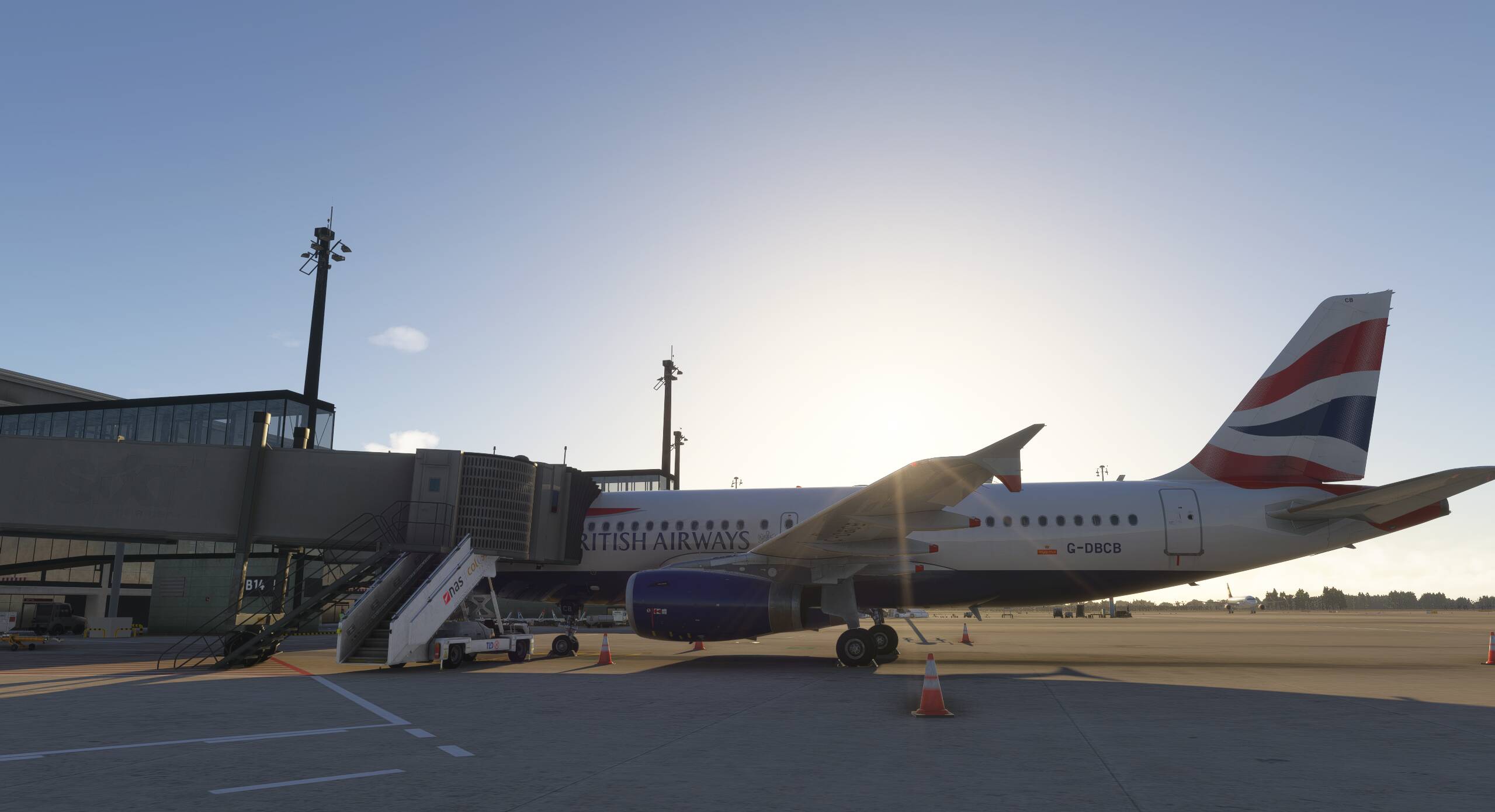
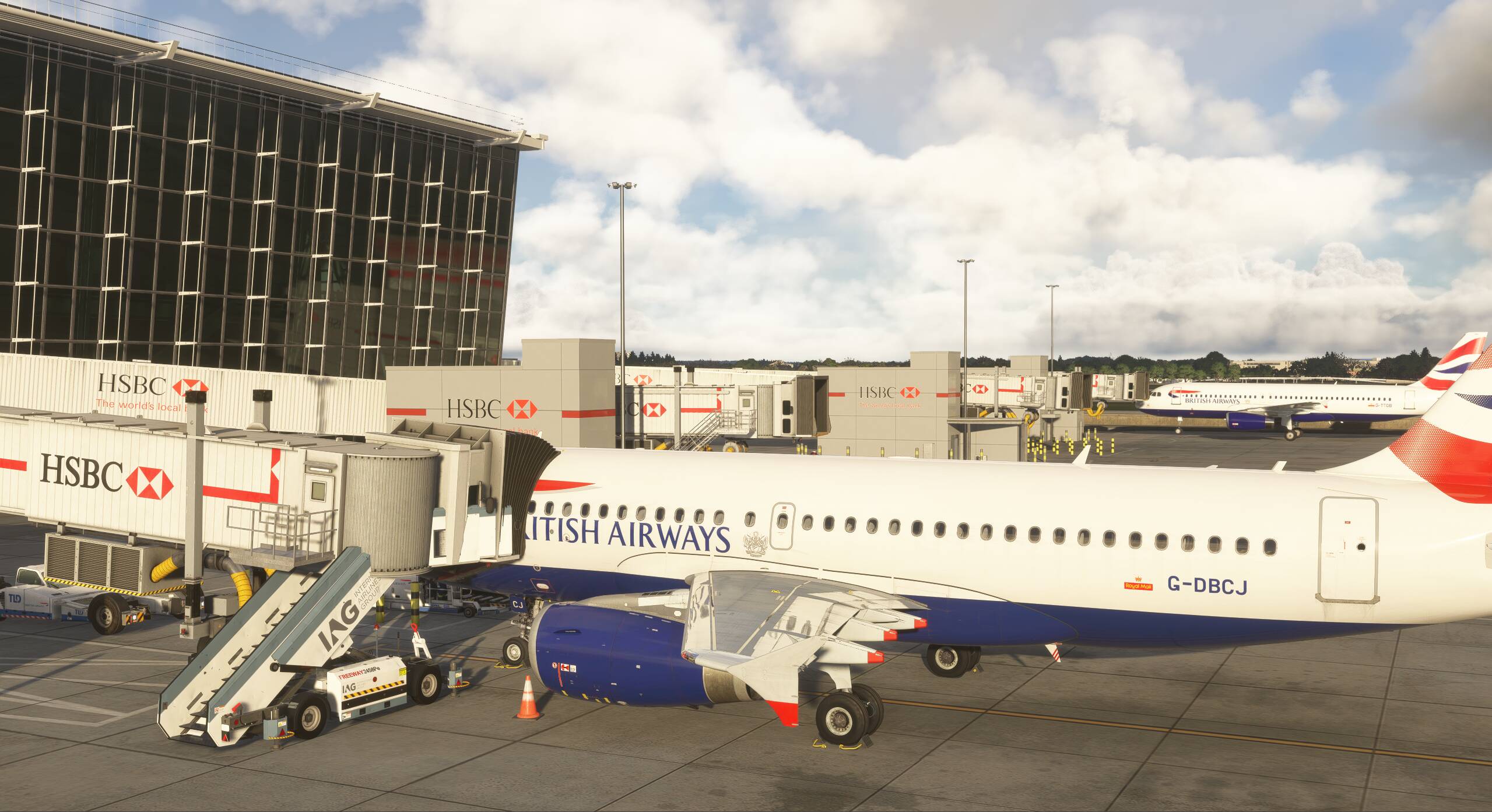
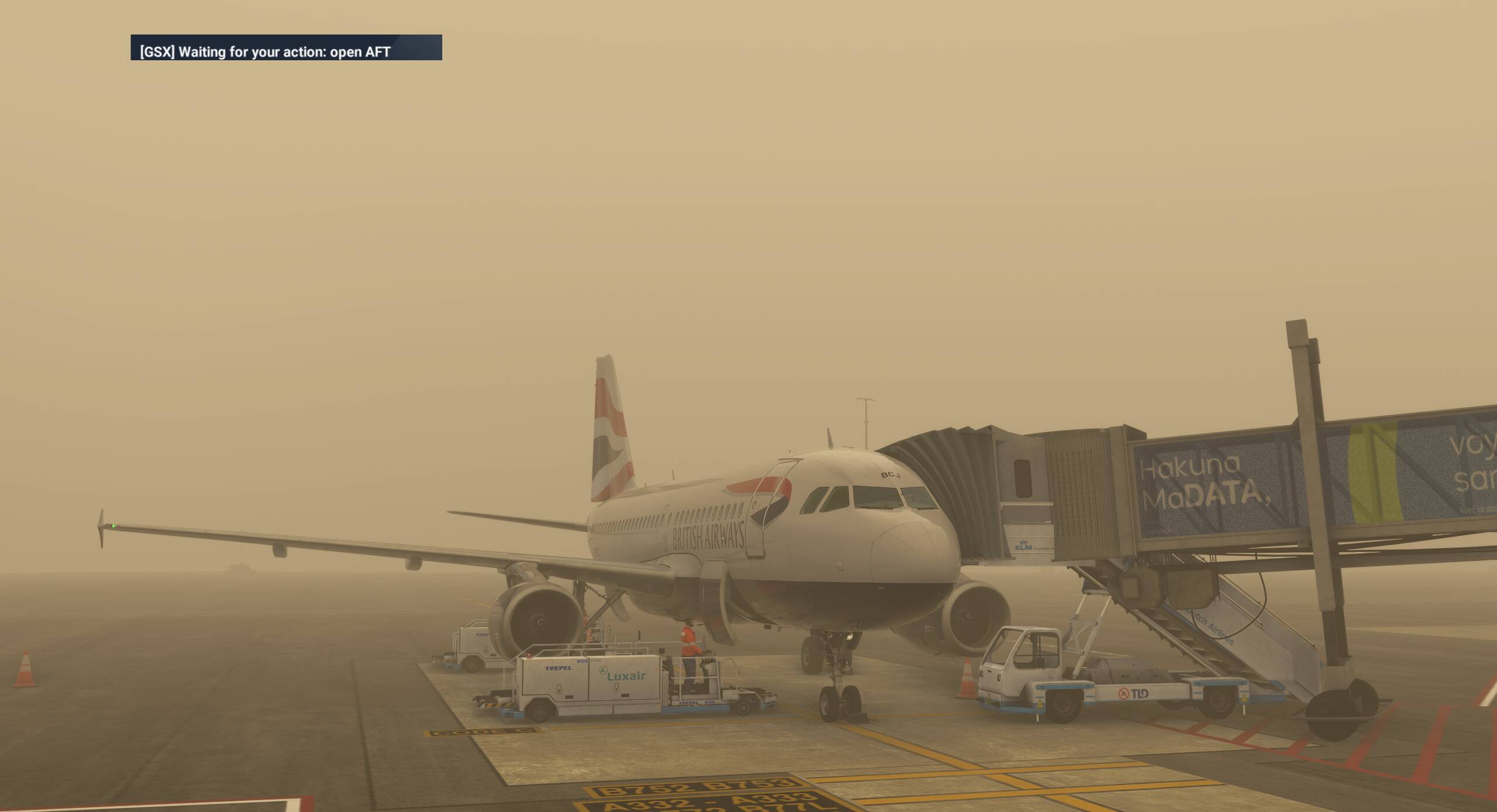
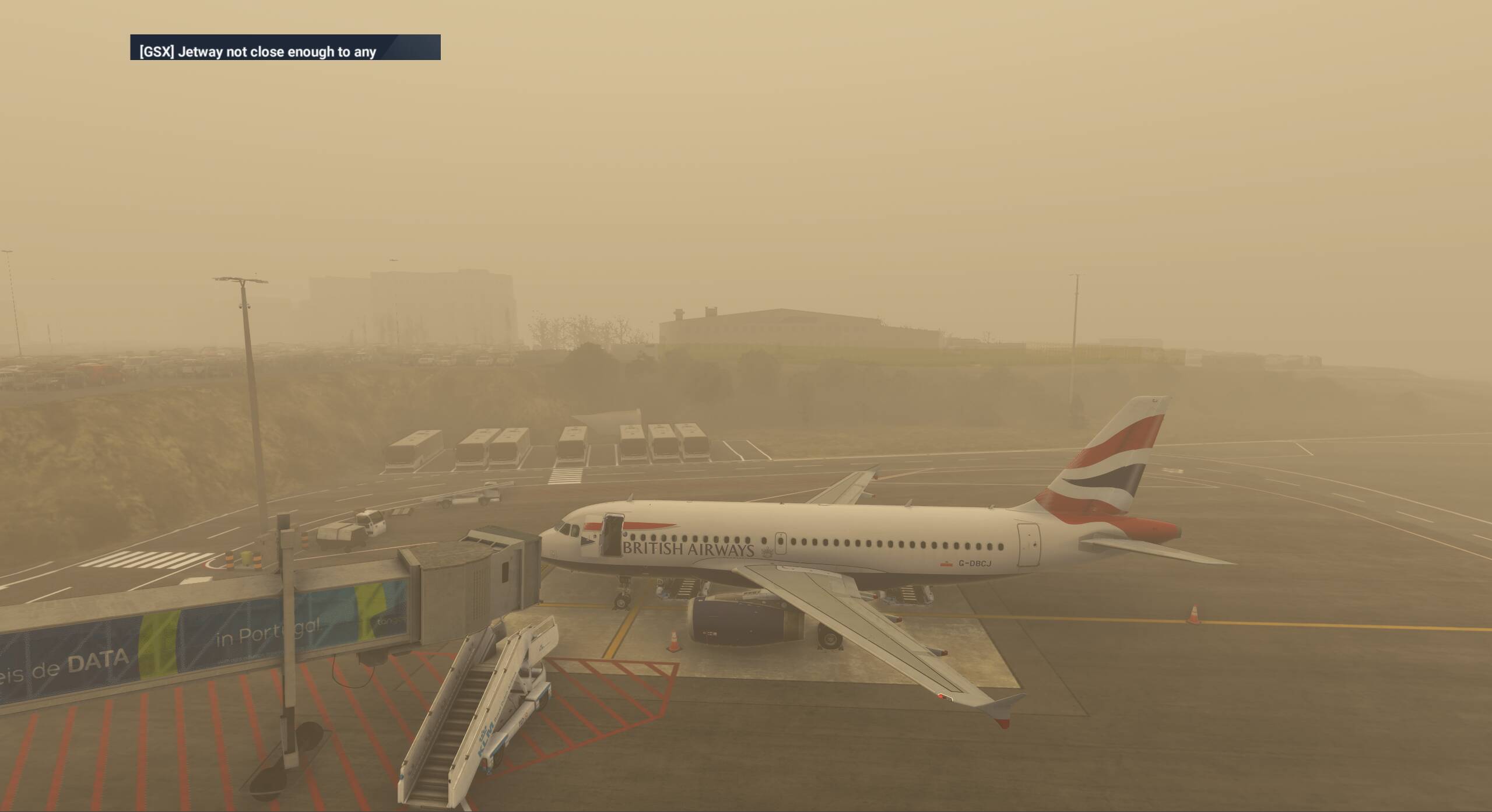
Default MSFS passenger stairs appear during boarding or deboarding
The stairs are not GSX stairs but MSFS default ground vehicles
This happens at jetway gates as well as at remote stands
In some cases the stairs approach the wrong side of the aircraft
MSFS appears to service doors that are not intended for passenger boarding
GSX may report messages such as “Jetway not close enough” while MSFS spawns its own stairs anyway
Disabling all Airport Services in MSFS settings does not prevent this behavior

Expected Behavior
When Airport Services are disabled in MSFS settings, no default MSFS passenger stairs should spawn
Jetway logic and default ground handling should be fully suppressed
The simulator should respect user configuration and allow complete deactivation of default services

Steps to Reproduce
Disable all available Airport Services in MSFS 2024 settings
Park at a jetway gate or a remote stand
Start boarding or deboarding
Observe that MSFS default stairs or jetway logic still activates

Additional Notes
This behavior did not occur prior to the SU4 Beta or Full Release
The issue occurs with multiple aircraft and airports
Even without third-party ground handling, MSFS appears to internally decide to spawn stairs based on door positions
There is currently no reliable way to fully suppress default MSFS ground services

Why this matters
MSFS 2024 currently offers no reliable way to fully disable default ground handling services. This breaks immersion, causes conflicts with third-party solutions, and ignores explicit user configuration.

This may be a regression compared to earlier versions or an incomplete implementation of service control in MSFS 2024.

Request
Please clarify whether this behavior is intended, a known issue, or a regression, and whether more granular control over default airport services is planned.

Thank you for your time and support.

Stefan


Personal comments:

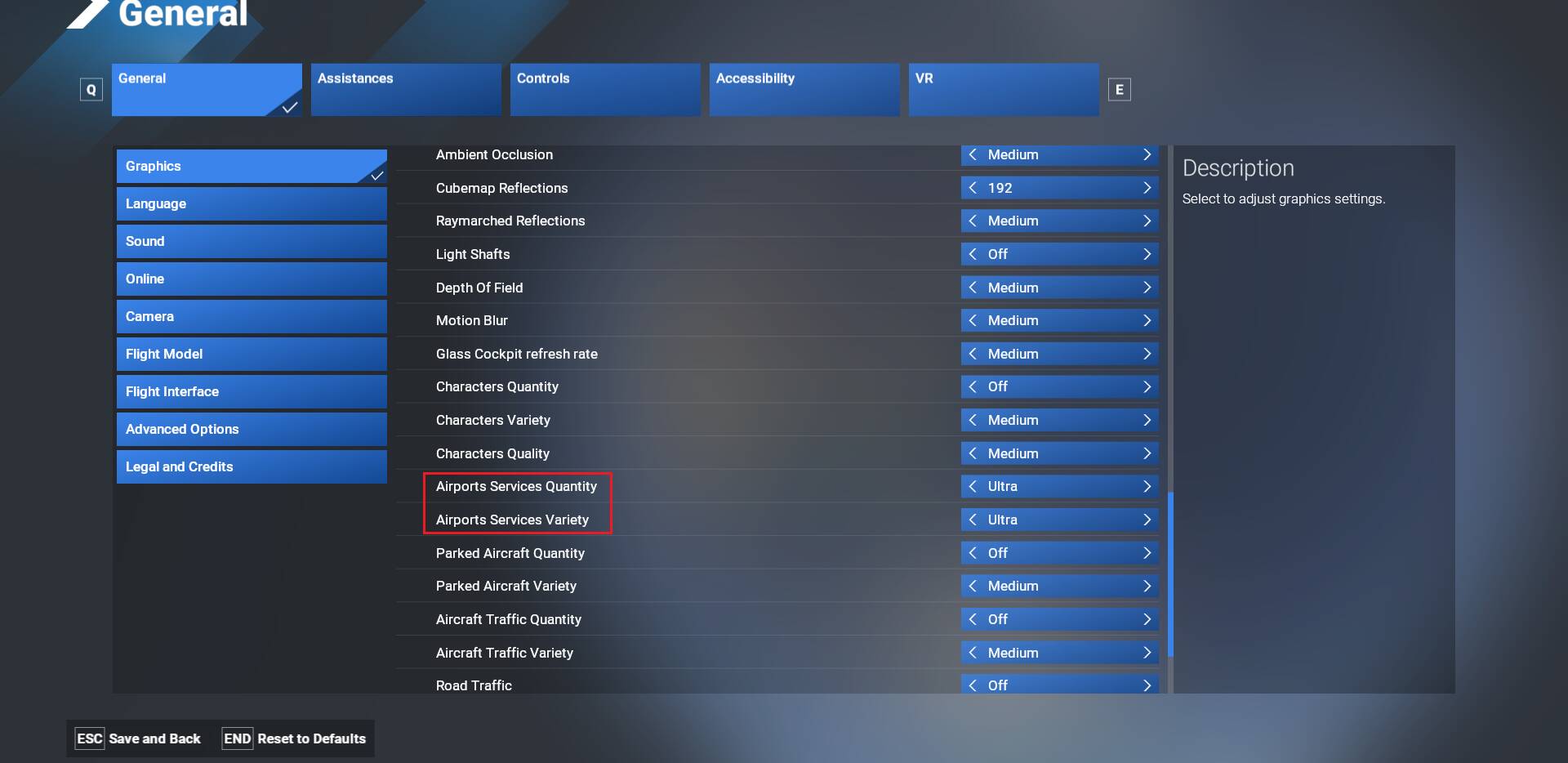
I don’t think the option you are referring to (if I am not mistaken) is related to the ground services for your aircraft

I would say it is related to vehicle moving around the airport:


There is not an option to disable vehicles used for ground services (or jetway) that serve your aircraft. Maybe developers have an option to do so through the SDK so that they can implement their own objects/services. I would say it is not a bug in the base game.

Thanks for your reply.
I currently have these settings set to Low because I can’t disable them completely.

I don’t see other people experiencing this kind of issue, which makes it very strange.

I’m quite sure I first noticed this problem after joining the SU4 beta. Before that, I never had any issues like this.

Why can’t you disable them completely ?, the interface does not let you to do so ?
As mentioned above, even if set to “OFF” this option will not disable ground services for your aircraft. It only impact service vehicles moving around the airport.

Yes, one of them can only be set to low but not off.

I see, the “Variety” one, it makes sense the lowest setting is Low but the “Quantity” one can be set to OFF. If you choose this option then you should not see service vehicles moving around the airport.

The Quantity setting is set to Off.
The stairs I’m referring to are not present from the beginning; they appear later, seemingly at random. My guess is that they spawn when the simulator thinks boarding has started, or they are triggered by something else that I’m not aware of.
I also don’t see other service vehicles moving around the airport. However, the default pushback truck is visible.

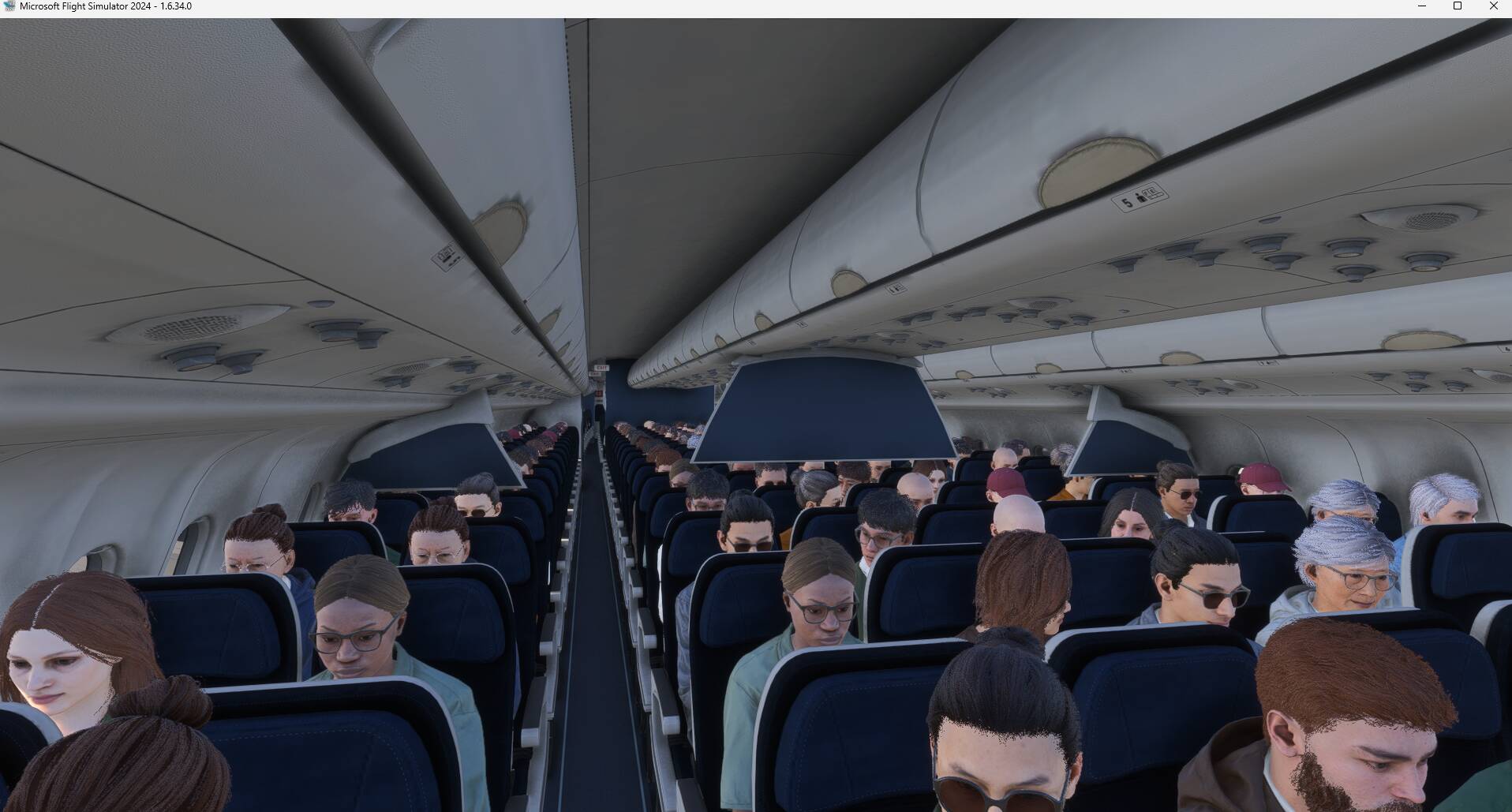
What is the “Set Characters Quantity - option” used for ?

Those characters options are used to control passengers in your aircraft cabin:

That is correct, when you request passengers boarding (through ATC), depending if you are at a ramp or are at a gate, stairs will move to your aircraft door or jetway will connect to the door.

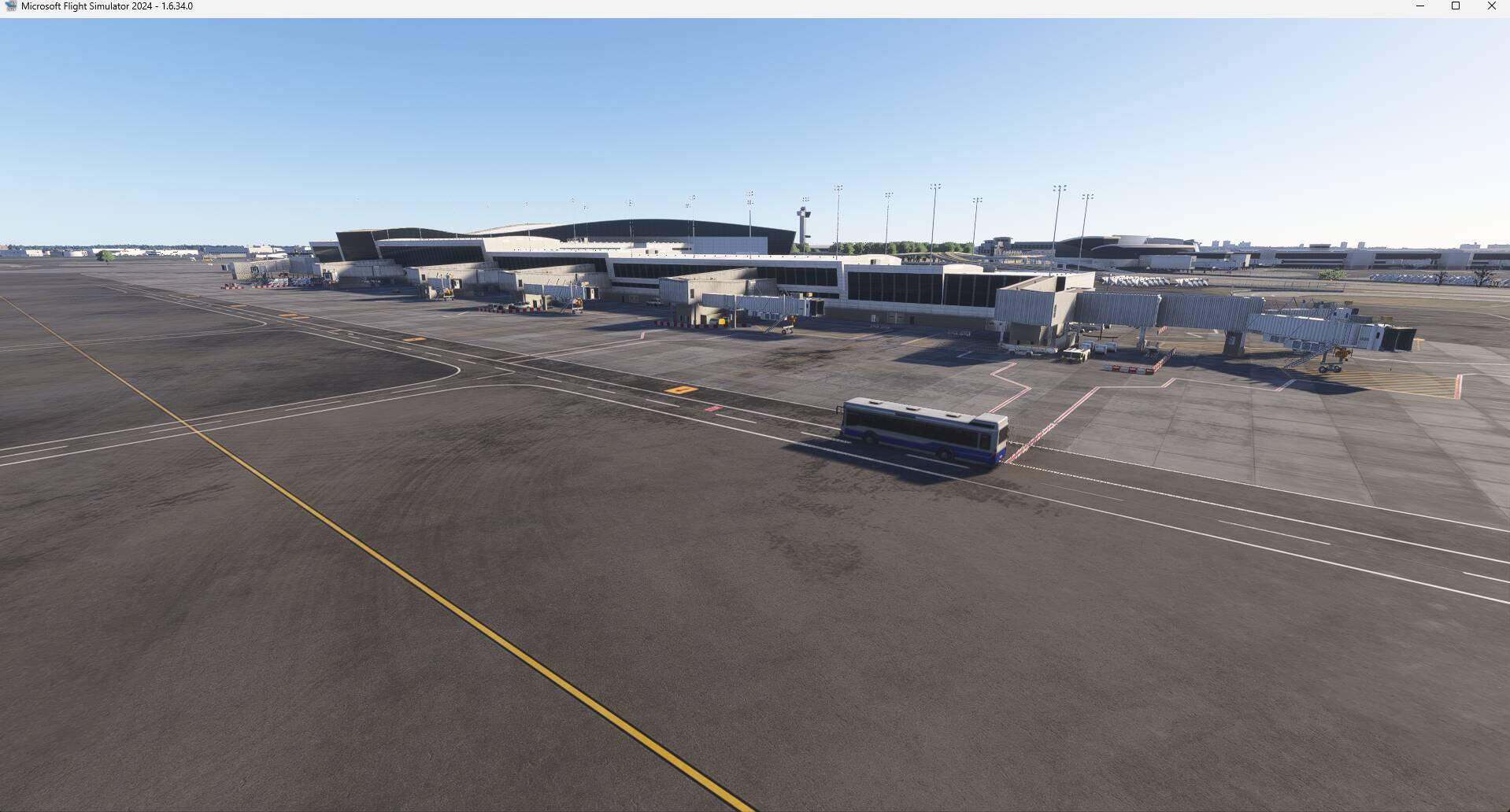
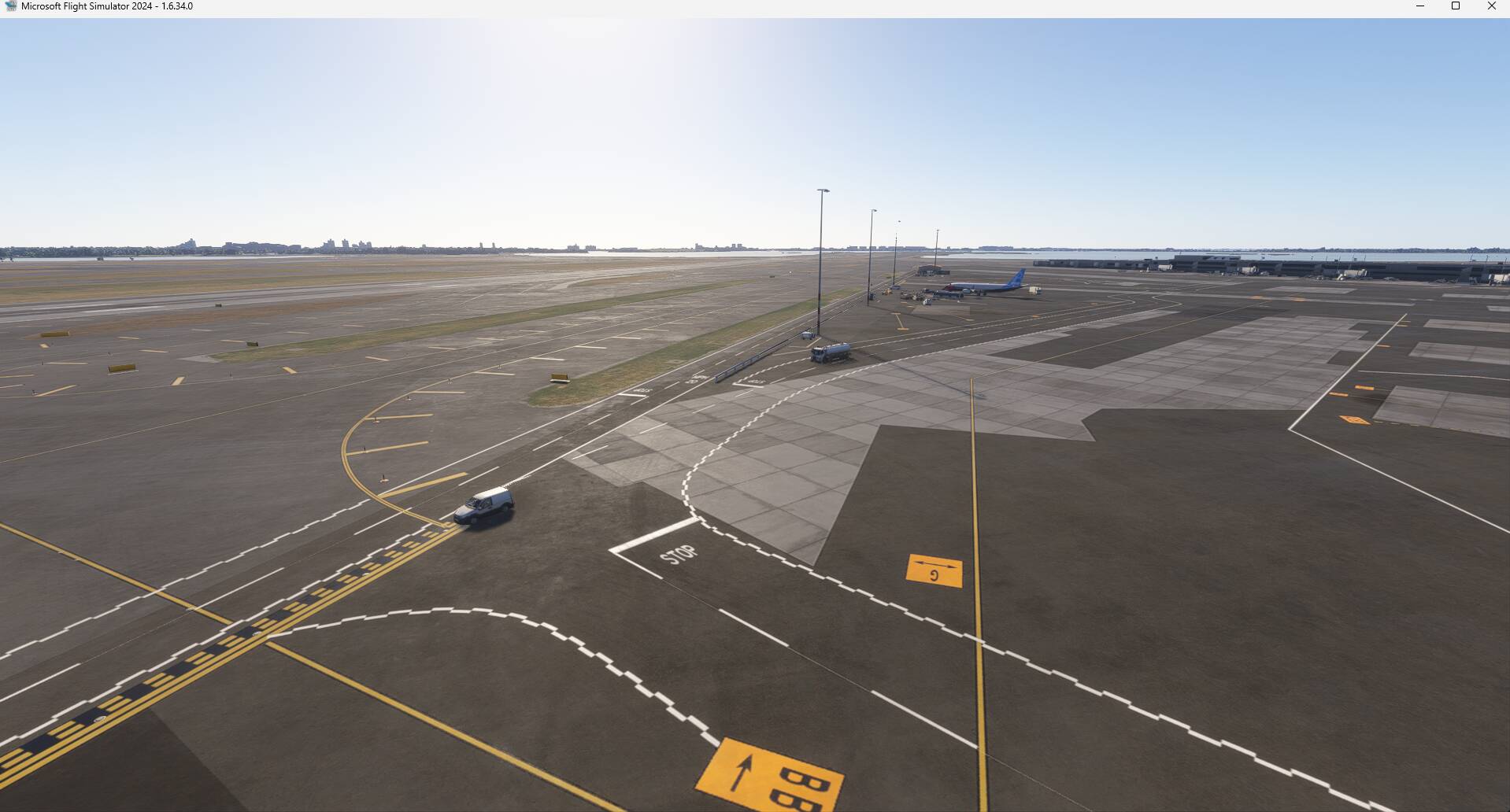
Spawn at a large airport (like JFK) make sure you have the option "Airport Services Quantity"enabled (preferably to Ultra for testing purpose) and use the drone camera to move around the airport. You should see vehicles in movement.

Pushback truck will always be there, it is part of the ground services vehicles and not part the “Airport Services” vehicules that are trucks, buses, cars, etc…

Moved to User Support Hub since it involves GSX addon. You should report the issue to their support forum.

Some things need revision. A towing tractor is not needed at parking ramps where the aircraft taxis forward on its own. You have to taxi through it.
Cars driving along taxiways don’t give way to the aircraft.
The ATC doesn’t warn you about them any more (and almost always since few Beta updates back ATC does not inform about planes on taxiways), cars don’t become transparent when you taxi over them, and sometimes the plane (a small one, like C208) flips over when it hits them.
How shall a pilot get into the cockpit of a Boeing or Airbus? Upon spawning, he’s standing right next to the door, and there’s no ladder or a Jetway connected to climb up (AI aircraft spawns at a Gate with Jetway connected). The pilot has to play a Harry the Potter with a magic Shift-C wand.

Also this summer with one of the Beta updates (when they remade the way passengers board from the bus) passengers de-boarding is broken - no way to do this in Free flight, there are no such an option in the ATC any more!!! This is a huge regression.