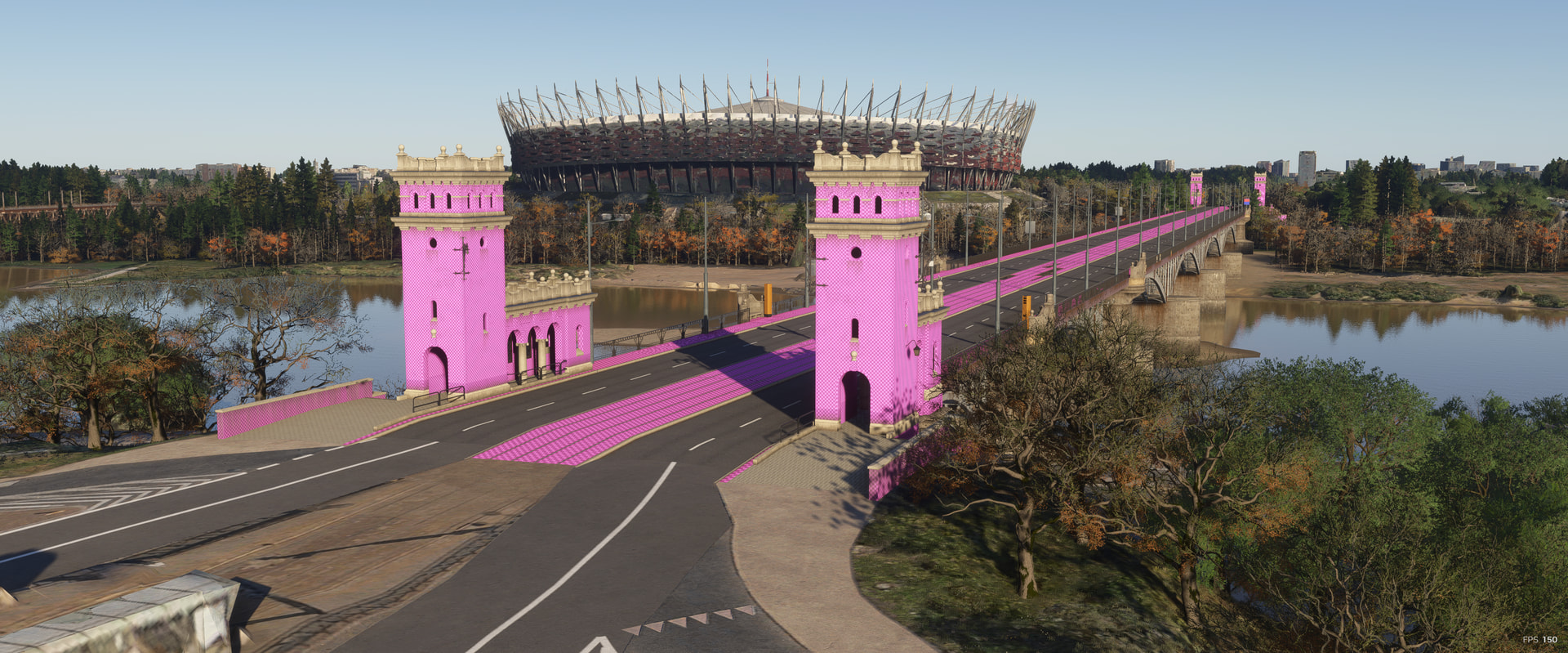
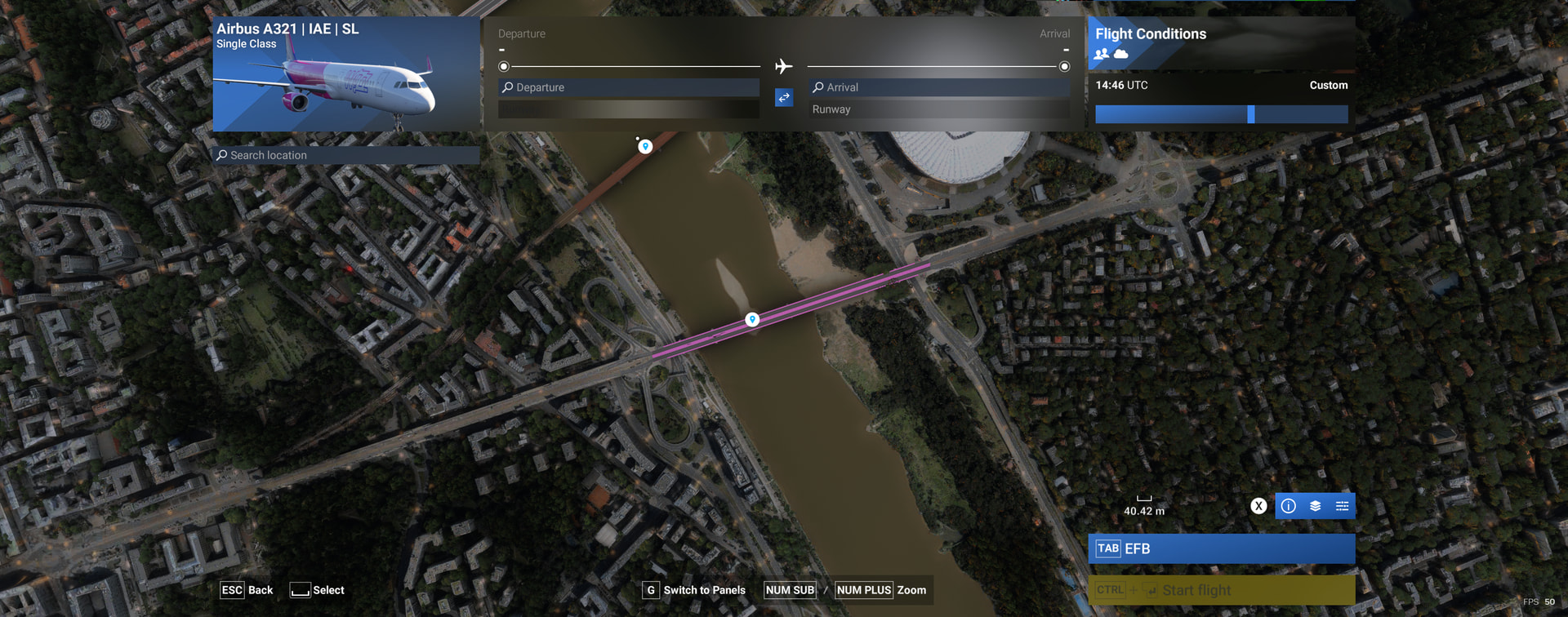
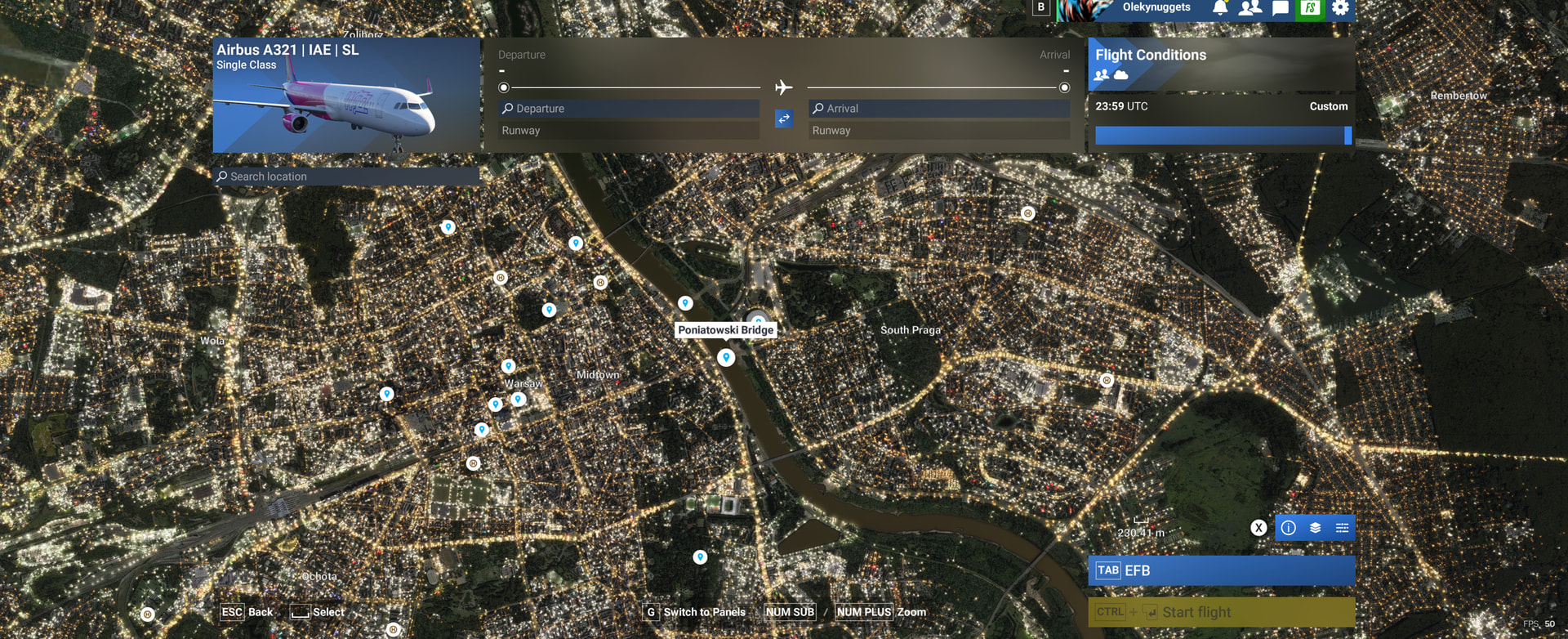
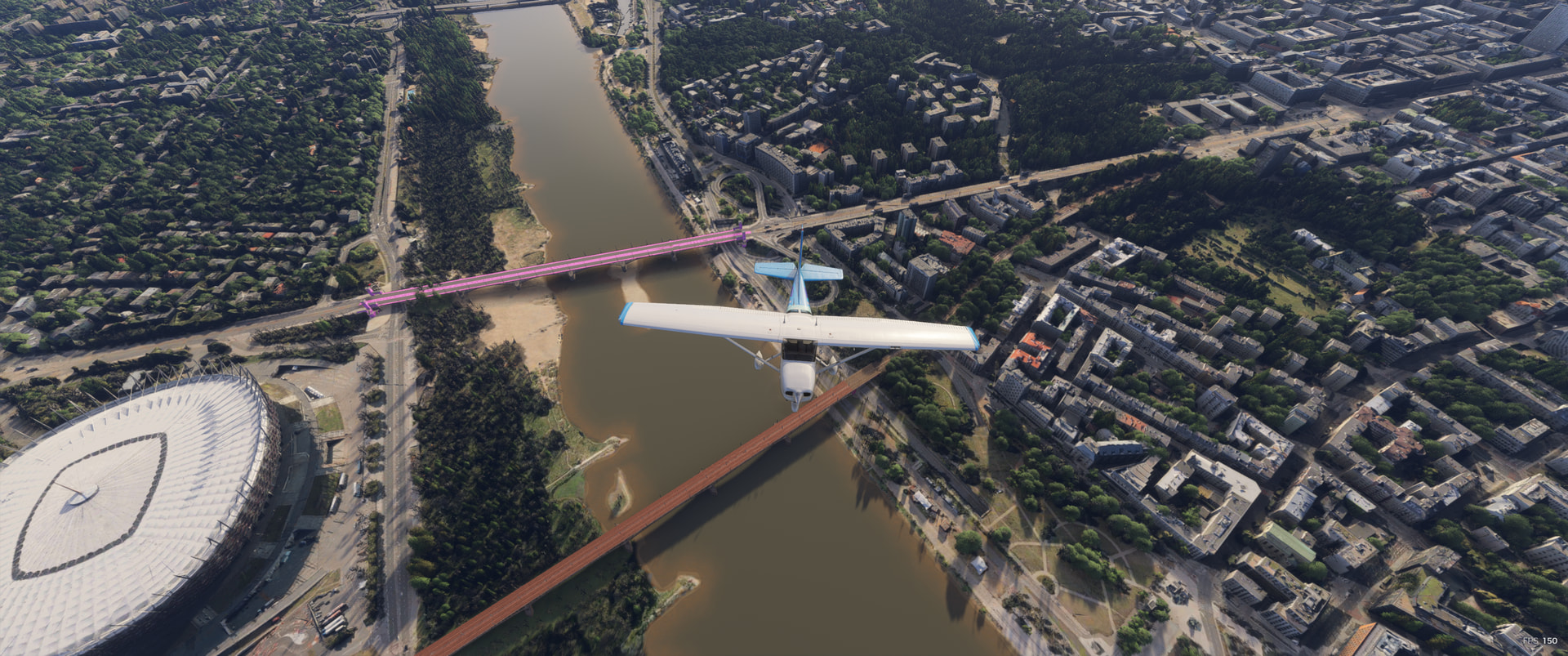
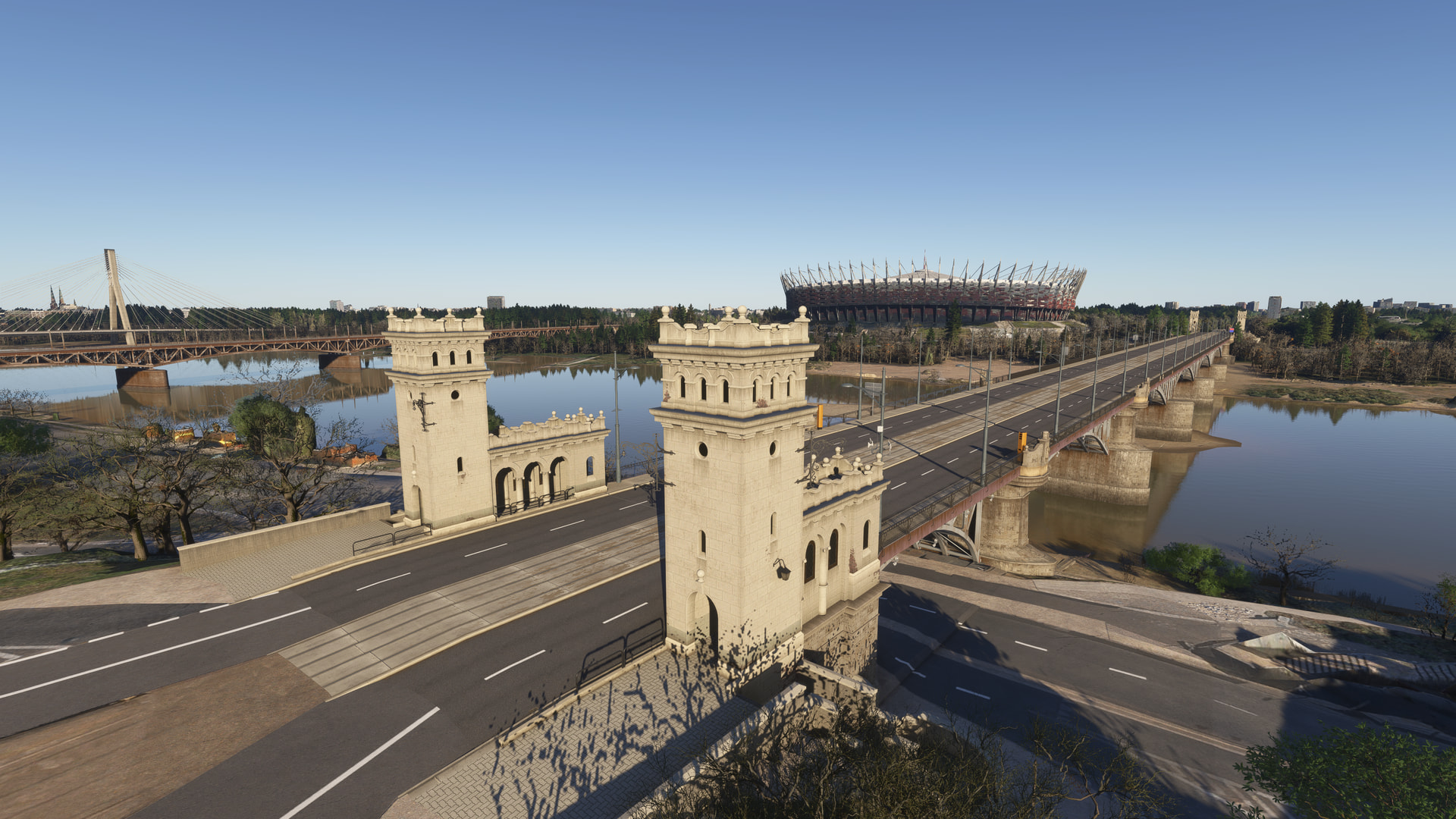
since installing world update 23, i have noticed one bridge in particular, the poniatowski bridge in central warsaw displaying bright pink/magenta textures.
What i’ve tried:
disabled and re-enabled world update 23, then restarted the sim.
disabled Drzewiecki design EPWA and checked again.
the bridge remains pink with EPWA disabled
deleted rolling cache file and regenerated again
for what i have noticed so far, its only with this one bridge
i’ve attached three screenshots showing the affected bridge
Can not replicate. Just tossing ideas… Did you restart after deleting rolling cache? What is streaming or installed? Any poi or landmarks installed other than default, goes for any type of scenery too. Disable Community folder and try, maybe something in there?
whilst the sim wasnt running i went to my rolling cache location loacted in the file location;local disk (D:) then in the custom folder named MSFS_rolling where i deleted the 64gb file and regenerated in the simulator. My WU23 is streamed so i disabled it, restarted the sim and re enabled it with no effect. No custom warsaw landmarks only my Drzewiecki design EPWA
there is no effect with all addons disabled.ive renamed the community folder temporarily to community.old which left me with the base game with no third party addons but had no effect and the bridge is still broken
Download and fully install WU23 first, then quit to desktop. Delete everything from the StreamedPackages folder. Launch MSFS 204 and increase your rolling cache size by 1GB. Then check if the issue is resolved.
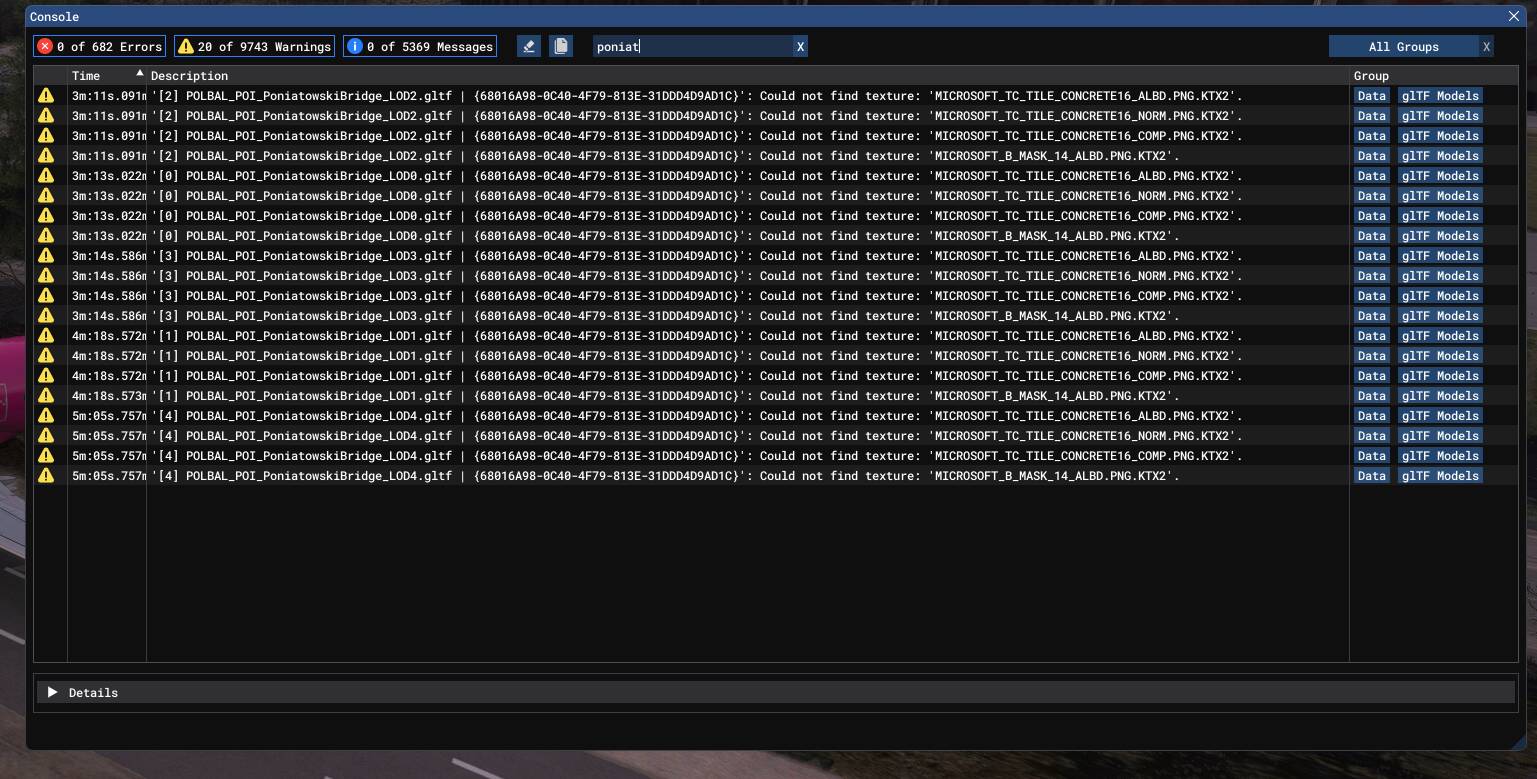
also,in the debug console i typed poniatowski and it brought up these warnings stating that it ‘could not find texture’ does this relate to the problem at all?