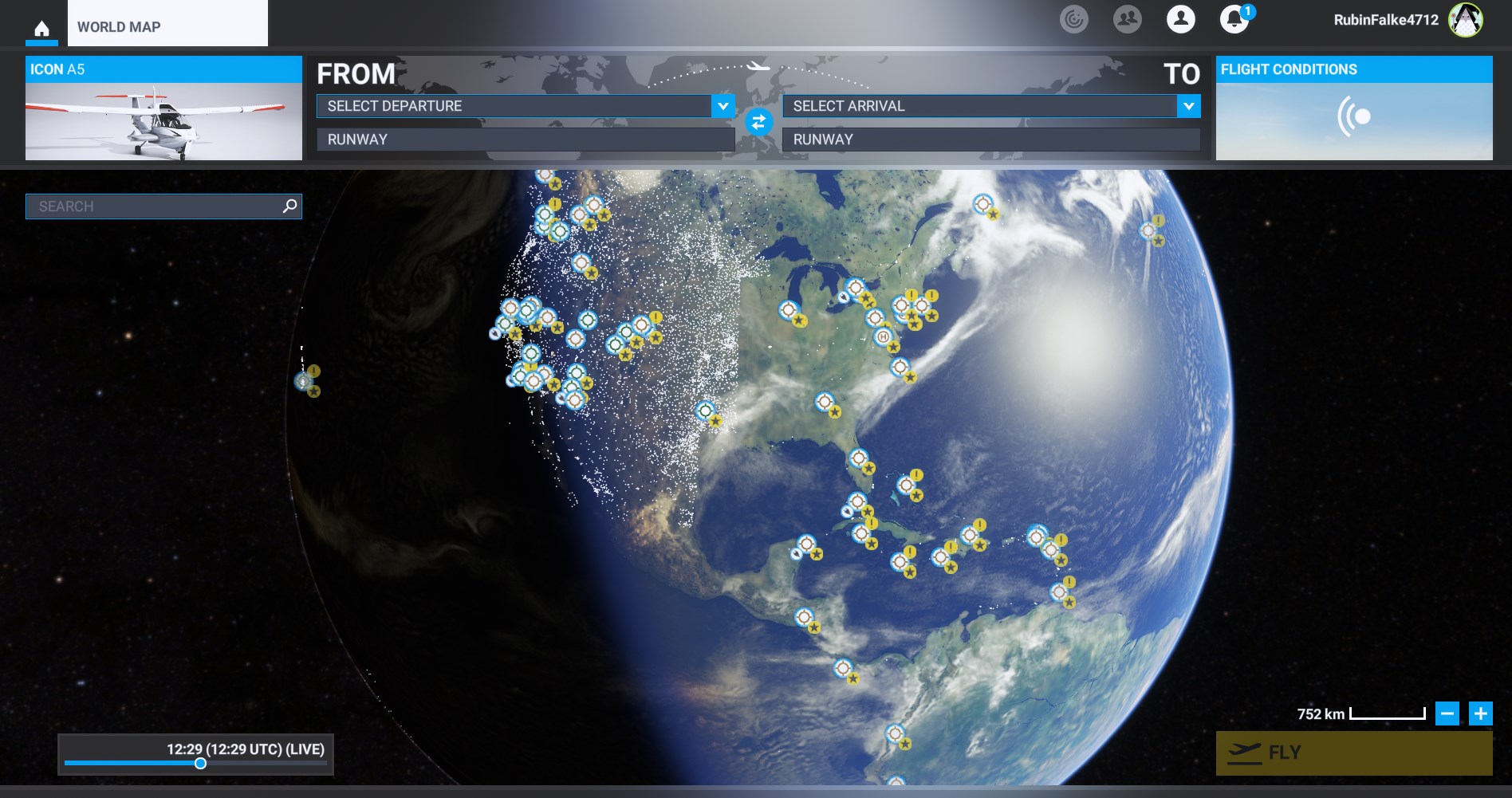
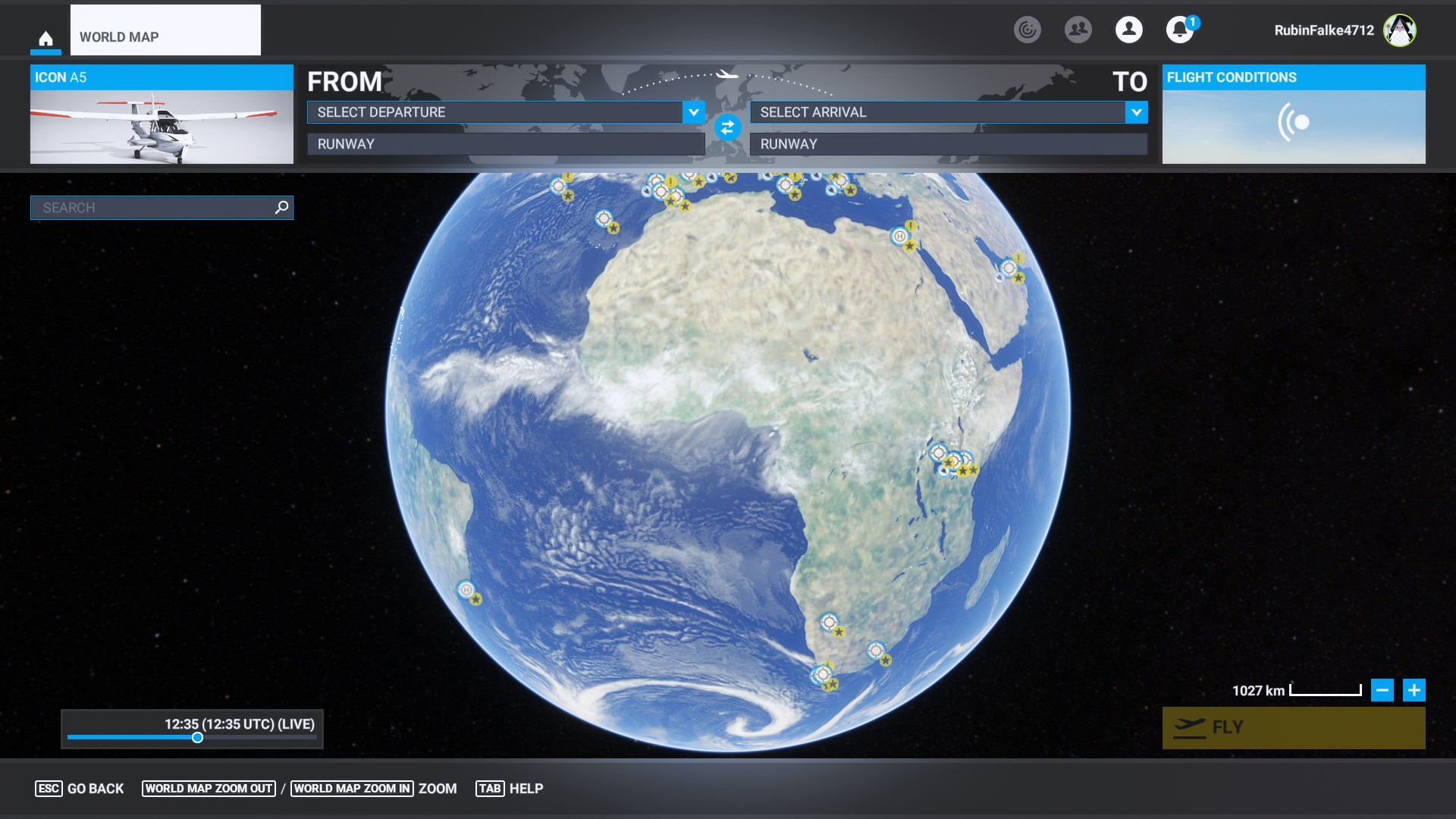
I’m having a really strange issue. One day I started MSFS and poof… All my airports have disappeared. I’m impressed by this magic trick but I would like it to be reversed. As you can see in North America, only the westside is populated by airports and for some reason there is a cut going the eastside. (This is the only region having airports, the other part of the world doesn’t have any airports). What I already have done:
Delete Mapcache
Delete rolling cache
Reinstalled WU13/14/15
Reinstalled Navdata
Turned off Devmode
I have found a solution! I deleted all .dat files in the Microsoft Flight Simulator/SceneryIndexes folder and let MSFS regenerate them. All of my airports are back
 . There are many other posts around this issue in the