I got an update of the SIM about 30 minutes ago. Is it one step to solve our problems?
No it is Topgun related. Not an hotfix or anything.
They can load Top Gun today but not fix the memory issue. Dumb. I just had the memory crash 10 mins ago. First one of the week. Glad a had Volonta. Loaded my saved flight in 3 mins. Sad it has come to to getting backups in line. Fix this Asoba/MS!
1 Like
Yeah update looks like for Top Gun content only. Bug is still there. I can’t fly for more than 2 mins- if it even loads at all. Shelving this game until the next update. Have spent 20x more time debugging than flying. Ball bag.
1 Like
Turning off all online data yields no better performance though. Although with modern DRM and ‘always on’ internet connections I’m aware that it’s probably not possible to divorce data from the game.
That said:
-
A loss of internet connection or online Data issues should not cause a Memory read error/CTD. IT should just give you a pop up, at worst.
-
My internet is 200Mb Fibre to my router, and I rely on this connection for work and it is otherwise 100% stable. I transfer GB’s a day with no issues.
-
I get this fault on multiple PC’s including ones with different NICs, and running off wifi or Ethernet. So it’s persistent across different hardware.
So if this is the problem it’s still an Azure/MS/Asobo problem.
And there we have it. 5 flights in a row without a problem, and the 6th gave me another memory could not be read error in the middle of it.
1 Like
Interesting observation that your Problem does NOT seem to be associated with External Data (Internet) - that was my 1st “Guess”.
I have had my fair share of CTDs, but for some strange reason, its been over 2-3 month since I had one, despite spending most of my time in Dev Mode, editing content & reloading via the dev panel, while flying.
When I did get CTD, they were always the same .. (at least the crash dumps indicted so), Null Pointer … so I must now not be doing what used to evoke them. Namely running a selection of external Simconnect apps, like Map programs, data logging apps and recording of flight apps.
While it may seem a little selfish, now I am not getting CTD’s, I need to get on with Aircraft Dev work, and therefore am taking the attitude "If it ain’t broke (for me), don’t fix it – but - I have the strong feeling that once I start using some of these external SimConnect programs, my CTD’s will return. and I will be back in that large and unfortunate group of those who cannot complete a flight without a CTD.
During the period I have NOT been getting CTDs I
(1) Only have World Update USA loaded.
(2) I only have the basic Asobo Planes loaded, without the their additional liveries.
(3) I seldom, if ever use external Simconnect Apps
(4) Only test fly in a limited area, although I do do some automated long 8-12 Hours flights, up and down the East Coast USA
But the above is NOT the way one should be forced to use MSFS, and as a former Professional Software Developer, I cannot imagine why there are still CTD (Null pointer) errors being allowed to crash the App.
4 Likes
I would love to collect broad base data to try and work out the commonalities here. Some people claim never to have the issue and I don’t doubt them, so what’s up? What can I change to make this sim work?
I run the sim very vanilla, and at this time it’s a <week old fresh install with only World Updates and no other add ins /mods
Win10/win 11: both crash
intel/amd Win10/win 11: both crash
Nvidia/AMDWin10/win 11: both crash
DDR4/DDR5/16/32/64GB/XZMP on or off: All crash
Modded/unmodded: both crash
Honestly it’s driving me nuts, one of those problems you just fell compelled to solve. I’d care a lot less if I didn’t have a broken collarbone, and therefore cannot do a lot except attempt to test and fix the sim: I just want to fly!
Constantly being told it’s a ‘me’ problem doesn’t help. As far as I can see this is not within the agency of any user to fix, and is down to Asobo to fault-find and fix their code - or at least tell us which module/add in/hardware combination causes this.
1 Like
What I find amazing (and very difficult to understand) is that Asobo keep claiming (in Q&As) that they cannot reproduce these CTD issues… That alone is a RED Flag.
I’ll ship them my PC if they pay postage.
Scratch that: I’ll build them a 2nd PC that crashes and ship them that instead.
I’ve decided to change it up: ive thrown together a test bench which has no commonality in parts or software environment: i5-12600, 32GB e200MHz ram, rtx 3080, win 10. Got a different keyboard and mouse even. Asus mobo not msi.
If this is stable at least i can fly, and use the comparison with my main pc to investigate whats different.
I get the error also on long flights so about after 4 hours
fortunately this time after landing at the taxi
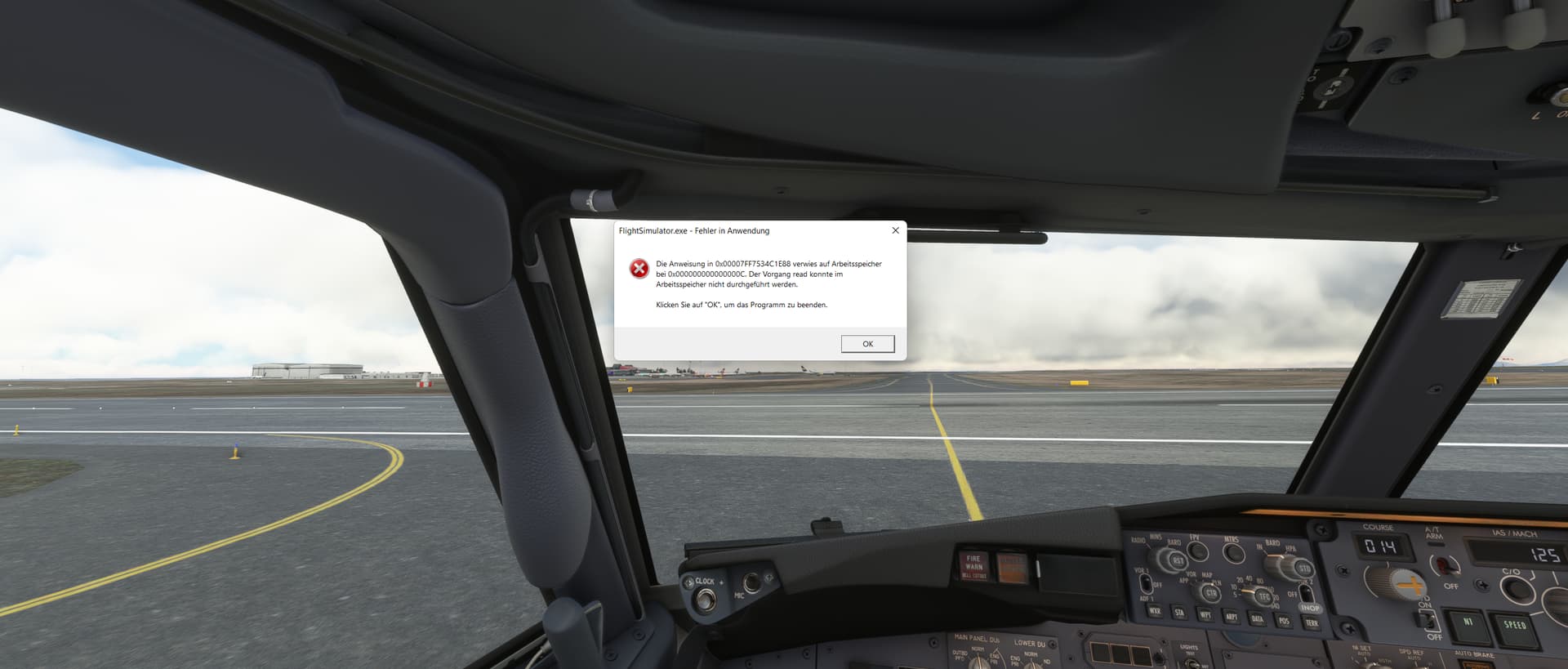

It must surely be telling that this doesn’t seem to have been a prevalent issue before SU9. And now it’s exploded. Surely by that logic it must be a sim issue? So why do Asobo seem to think the best course of action is to wash their hands of it?
Are you really surprise, IF you actually were tracking all those aircraft in MSFS, that you are having issues with slow down over time, as more and more tracked aircraft are added ?
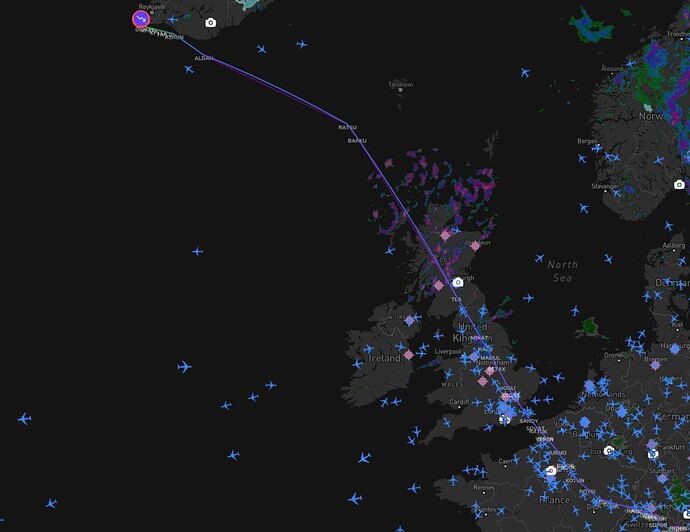
this happens even if you use MSFS without other apps it has nothing to do with Volanta before SIM Update 9 and in the Betta of SU9 the problem was not present
The problem was clearly introduced to me with the release of Sim Uptate 9
The first message came with me after leaving the SU9 Betta at the first loading without addons
after that only with long flights over 4 hours
it’s easy to ignore the error and say it’s a problem of addons Asobo makes this a bit too simple
Well, early indications are that my Test bench is stable (2hrs flight,I get this error within 15 mins on the other PC) - but it is a very stripped back install of Flight Sim, Win 10, and no other peripherals/add ins installed.
I stripped all add in content including world updates out of my main install and still got the error 15 mins into Patagonia Leg 2.
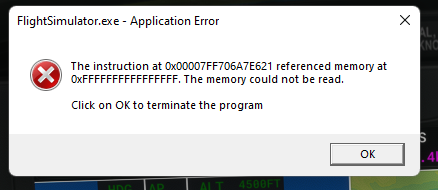
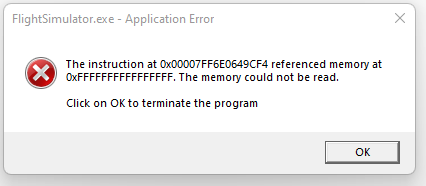
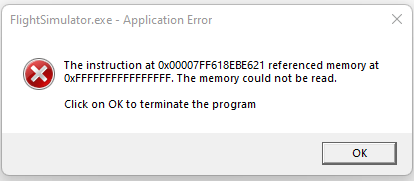

Todays crashes.
2 Likes
Thats does look familiar – a pointer of of -1, as opposed to a Null Pointer.
Nothing that more thorough error exception processing could not handle –
OH wait – WASM cannot do exception processing !!! - but the MSFS kernal code should be able to .. assuming it was written in a more robust style.
Today I got a new SSD. Fresh install of Windows 10 with all updates, fresh install of my GPU driver.
I do not install anything and do not plug any devices.
I got the error “The memory could not be read” DURING MSFS installation…
So…
3 Likes
That error is more than annoying. I am unable to even get past the menu since yesterday. Before that it worked like a charm. I even uninstalled everything and did a fresh install. Even during the install it messed up a bunch of times, which makes me wonder if it has something to do with the servers.
Just tried to boot it again. I managed to get to the menu but then a minute later it crashed. Sometimes it even just closes without any error message.
I really don’t know how they manage to constantly break the game to a point where it’s completely unplayable.
2 Likes
Asobo and Microsoft have other priorities, but you don’t earn money by fixing bugs.
1 Like