Not really related to them matching though. It is about the device specified in Windows Settings Sound being a valid output device like a monitor or headphone.
Following my previous text regarding this memory read problem. I have now gone through almost all the recommendations listed by other users to overcome this problem. I have even replaced my ram with modules I have used in my old Flt Sim PC I know to be perfect and its made no difference. At the moment I cant fly a complete flight before the sim CTD usually within a few minutes of use, with the same error experience by others. For reference I am running Windows 11 using a I7 12700 with a Votac 3060ti and 16gb Ram. The Sim is the Full DVD Box version. For me this has been a very expensive upgrade from a windows 10 running an I7 7700 PC a Gforce 1070 Graphics card 32mb ram which ran without the problems. As there has been a large number of reports regarding this problem it would appear that a program fix is the only solution for me and I hope you can solve the problem quickly
I hope that there is a program fix.
But, I had the same problem and went through the same steps trying to find a solution.
Finally, my PC stopped doing it. CTDs, read errors, freezes.
Unfortunately, I don’t know exactly what got changed to resolve it for my
PC.
But, right now, I can set the Windows 11
“Hardware-accelerated GPU scheduling” to “On” (GTX 1660 TI)
and I will start getting read errors.
So, I don’t know if there is a program fix.
I know how frustrating it it for you.
Do you have the same issue if you follow the OP’s steps to reproduce it?
Provide extra information to complete the original description of the issue:
If relevant, provide additional screenshots/video:
What is your input? @CPTKLUTZ8221
I had the same error tonight,as to the curcumstances,they might be different.I’ve just re-installed after a crash.Having flown from EGHI TO EGLF I then tried EGHL to Gatwick and was just flaring my landing when the error bit me in the glutimus maximus.My system consists of a MSI MAG X570S MAX WIFI mobo running a Ryzen 3700x CPU and an Asus geforce dual RTX 3050 gpu with 32 GB of Corsair CMK32GX4M2Z3600C18 VENGEANCE LPX (2 x 16GB) DDR4 DRAM 3600MHz .
I haxe not had a CTD like this before.I tried windows 11,the less said the better in that regard…
not sure about that. I was getting the crashes when Windows was set to my speakers but MSFS set to my headphones.
Do you have the same issue if you follow the OP’s steps to reproduce it?
It just happens when i fly for a long time.
Provide extra information to complete the original description of the issue:
I get a similar error after. It only occurs on long flights. On average, it crashes around 8 hours into a flight but it can happen as early as 4 hours and can last as long as 9-ish hours. This occurs both on my laptop and on my desktop. Over the last week, my desktop has started to crash to desktop without giving this memory box, but I still get this memory error on my laptop.
If relevant, provide additional screenshots/video:
Great, now I’m down to getting it every 2nd or so flight. Not sure why…

Hello, I would like to join this club.
With SU9 this error became common for me and since the patch a few weeks ago I have this crash every time I start MSFS. Sometimes even in the main menu.
It’s really frustrating that I can’t complete a single flight.
I’ve tried everything, changed RAM, rollback to older GPU drivers, even a completely new clean Windows install (RIP free time…). Always the same.
I can’t believe Asobo hasn’t addressed the problem yet and doesn’t even comment on it. After all, there are already >500 comments here.
I hope for all of us that at some point a solution is in sight.
EDIT: Oh, and for the statistics:
Ryzen 5900X, Radeon 6800XT and 32GB ram
Same problem after updated the pmdg 737-700. I have everytime an memory freeze. First time after departing from EBBR and the last time after a flight of 2 hours. Verry strange! Before the updated I didn’t have this problem.
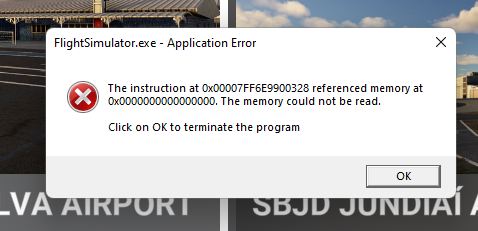
I haven’t done a flight at all last week. I just can’t be bothered with getting this every other flight, it’s so frustrating.
They really have to fix this.
I’ve had 3 CTD’s with this Memory management issue today… Can we get some feedback from the DEV team on this Please. @Jummivana @OlieTsubasa443 @SeedyL3205
Im getting very frustrated with these issues. They were raised during SU9 Beta. Nothing has been done about them. A hotfix to fix this please. Its not good enough to have to wait for SU10. I can see 3rd Party Devs pulling there collective hair out with CTD reports…
Thank you.
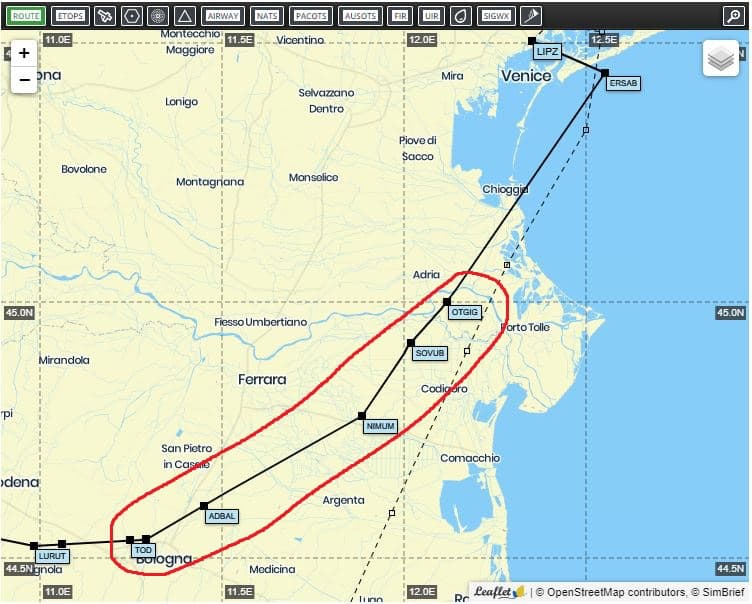
Me and a friend yesterday where flying around Venice, me in Fenix with a lot of community mods, my friend with 737 and a perfectly clean community folder (nothing other than pmdg files btw).
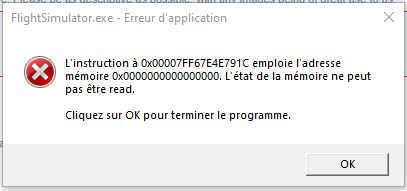
I crash the first, with a direct freeze and CTD with this window
Few minutes later my friend arrived at the same place (we where doing the exact same flight in two different plane with two differents PC) and crash with this
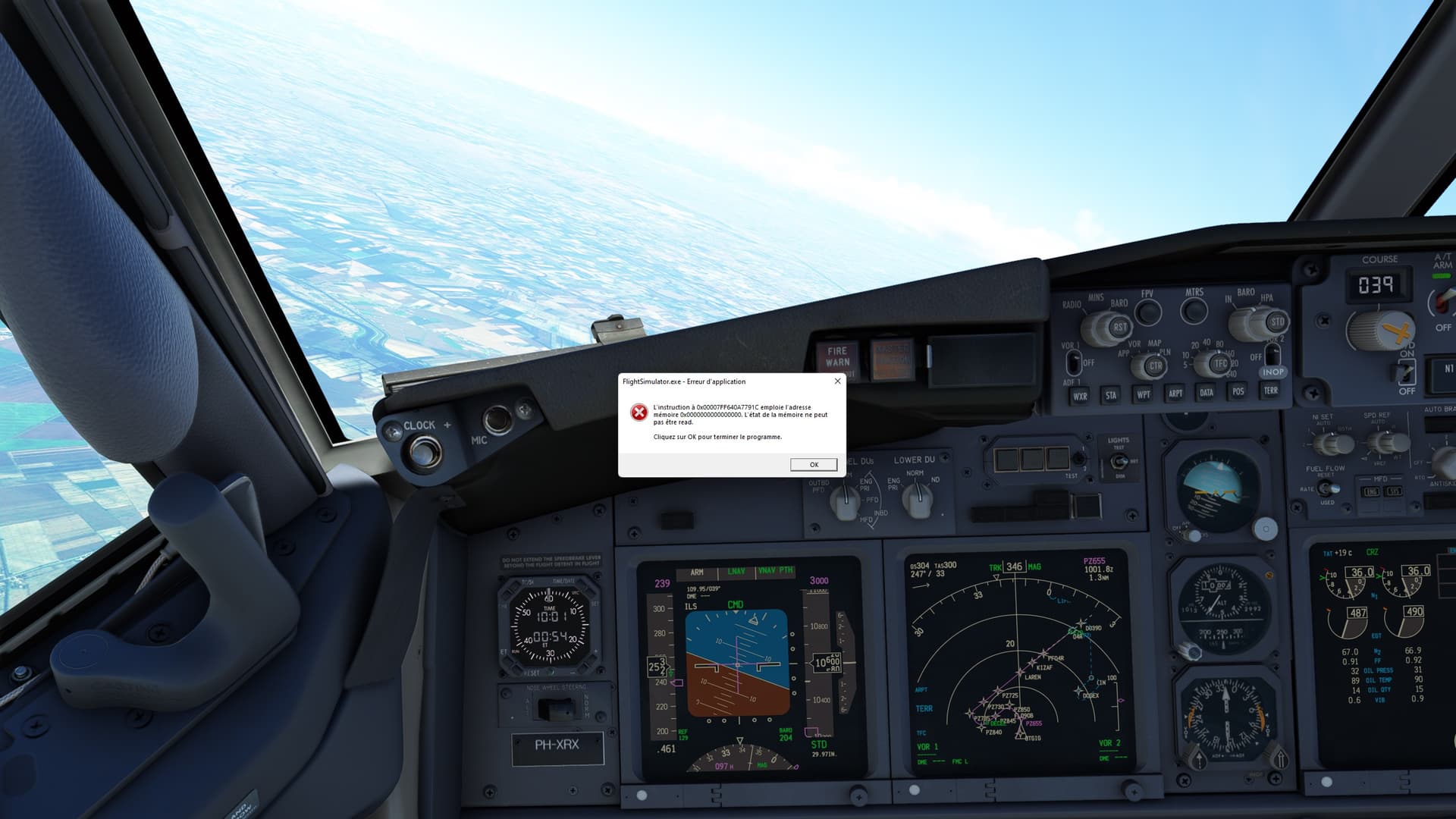
For him he can put the window in a corner and land,
All of this happen in this red circle
Not so glad to join this club but the more we are the more we can be listened… I hope
Happened to me today during loading of a flight even before I got a chance to fly around MM Simulation’s Tromso, a 3rd party airport BTW-in a default C152 :
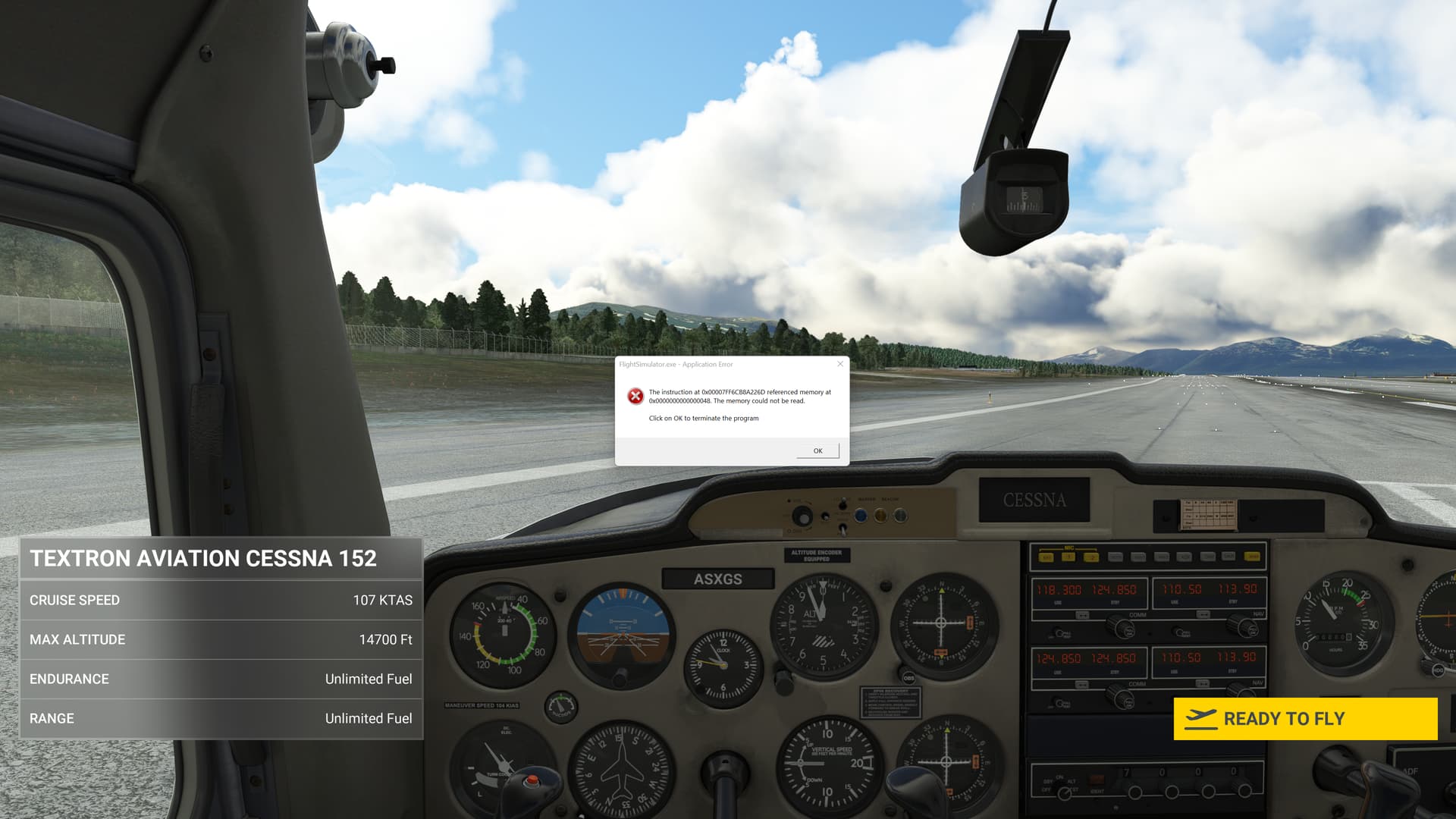
Asked about this memory issue in the live chat of last month’s dev Q&A btw-Jorg, Seb and Martial didn’t address the memory issues we all have been having.
Could we please get some answers from the dev team @Jummivana @OlieTsubasa443 @SeedyL3205 on whether there will be a hotfix or will we have to wait for Sim Update 10?
After a busy schedule, I havent been playing for a while, I finally had the time to fire up MSFS again. Updated the game and received the crashes. Reinstalled windows afterward, drivers to the most recent version. Wanted to do that anyway and now I thought to have a real reason to do so. As I thought the problem was on my end.
Started MSFS both vanilla, normally with addons and lateron in safemode with addons, resulted in the same the error. All the written ‘solutions’ in this topic I’ve applied. Pagefile adjustments, GPU acceleration, Gamemode disable, System File Scan. However, none of them seem to change the result.
I’ve downloaded all my addons again anyway while I wait on a hotfix, as that would reduce the time lateron. The screenshot is made after this, so that this would comment have a screenshot with the mentioned pointer error.
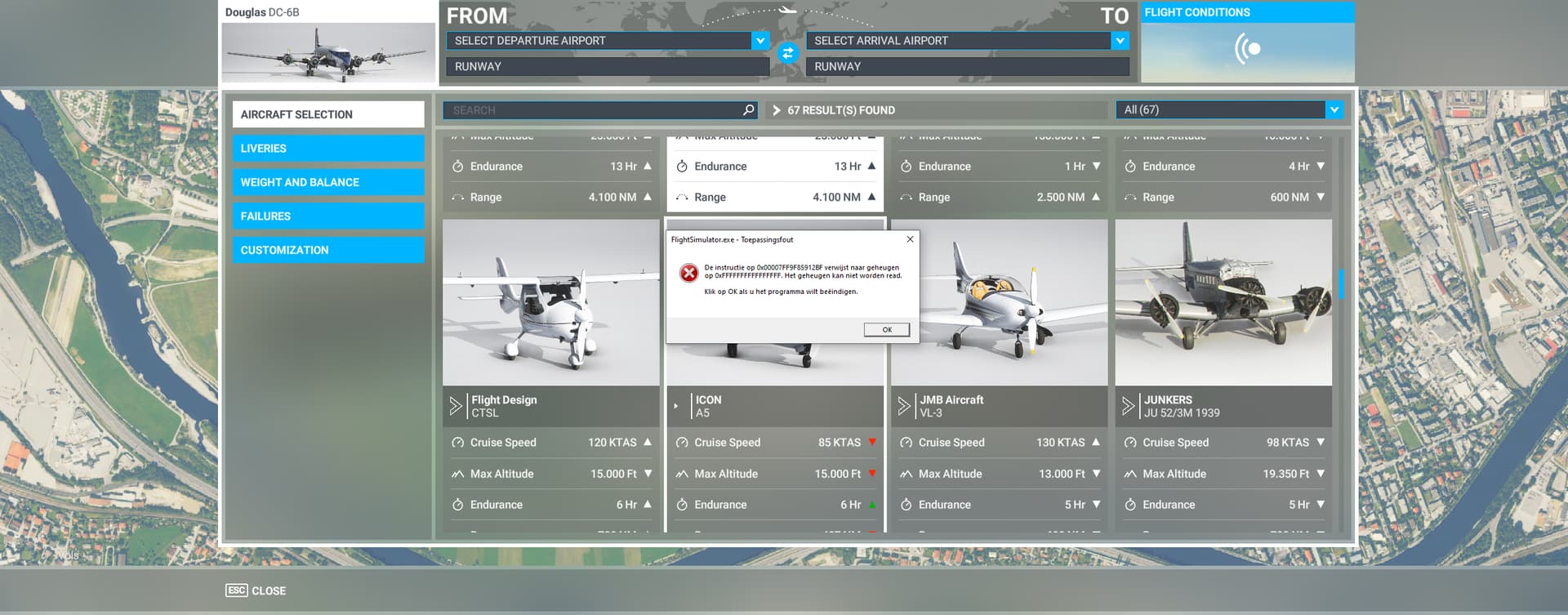
It’s such a bummer, finaly had the time and was wondering how much MSFS had improved with a the recent updates that I had missed. Never had these error before.
System:
AMD Ryzen 7 2700X Eight-Core Processor
32GB Ram
1660TI
EDIT: Fixed the issue by readjusting XMP profile. Later after testing and reinstalling all the addons one by one (which was a pain on the *** cause of the volume and time for testing) got another culprit that caused it: Aerosoft Simple Traffic. Removed it, issue has not returned since yet.
(IF you have these 2 (two) add-ons installed together: LVFR Static Traffic, and Aerosoft Simple Traffic (OR any other traffic add-on), REMOVE the LVFR static traffic temporarily.)
IF you haven’t already, Try these 2 things:
In the general settings change the DX mode to DX12, make sure it sticks!! (Then close the sim)
And in this folder:
C:\Users<username>\AppData\Local\Packages\Microsoft.FlightSimulator_8wekyb3d8bbwe\LocalCache:
delete this file “Content.xml” and restart the PC and the sim, see what happens.
It MAY not work, BUT, I have had about 10 successful flights since I did this. and I never reinstalled the sim or windows in about 2 years.
Hello there, I am now a member of this fantastic fun club… never had problems before SU9, at the end of April I started having CTD due to memory error, in order I have changed my RAM upgraded my RAM from 32 to 64GB overclocked, removed overclock, changed PSU reinstalled the sim, reinstalled win11 updated driver done a memtest86 done several sfc/scannow cleaned the registry items… today i have modified the sound setting sas suggested and removed auto sleep on the usb devices… I am loosing my will of chasing the errors of this game. I this try will not be succesful i think i will leave flight simming until this software receive either a patch or an update… anyway i will now add my vote to this topic hoping it will be read by developers even if i think that this will not happen… sorry for the bitter tones but i am very frustraded on loosing all my free time in tring to fix this program…