I don’t know if it is a bug. As of today my sim has decided to use Turkish as language. All my settings were zeroed.
I want to know how to select English.
Hello! 
Is your default device language set to Turkish? it’s not a new thing for settings to reset, but if it’s switching to Turkish it may be defaulting to the language the device is using (if that makes sense?)
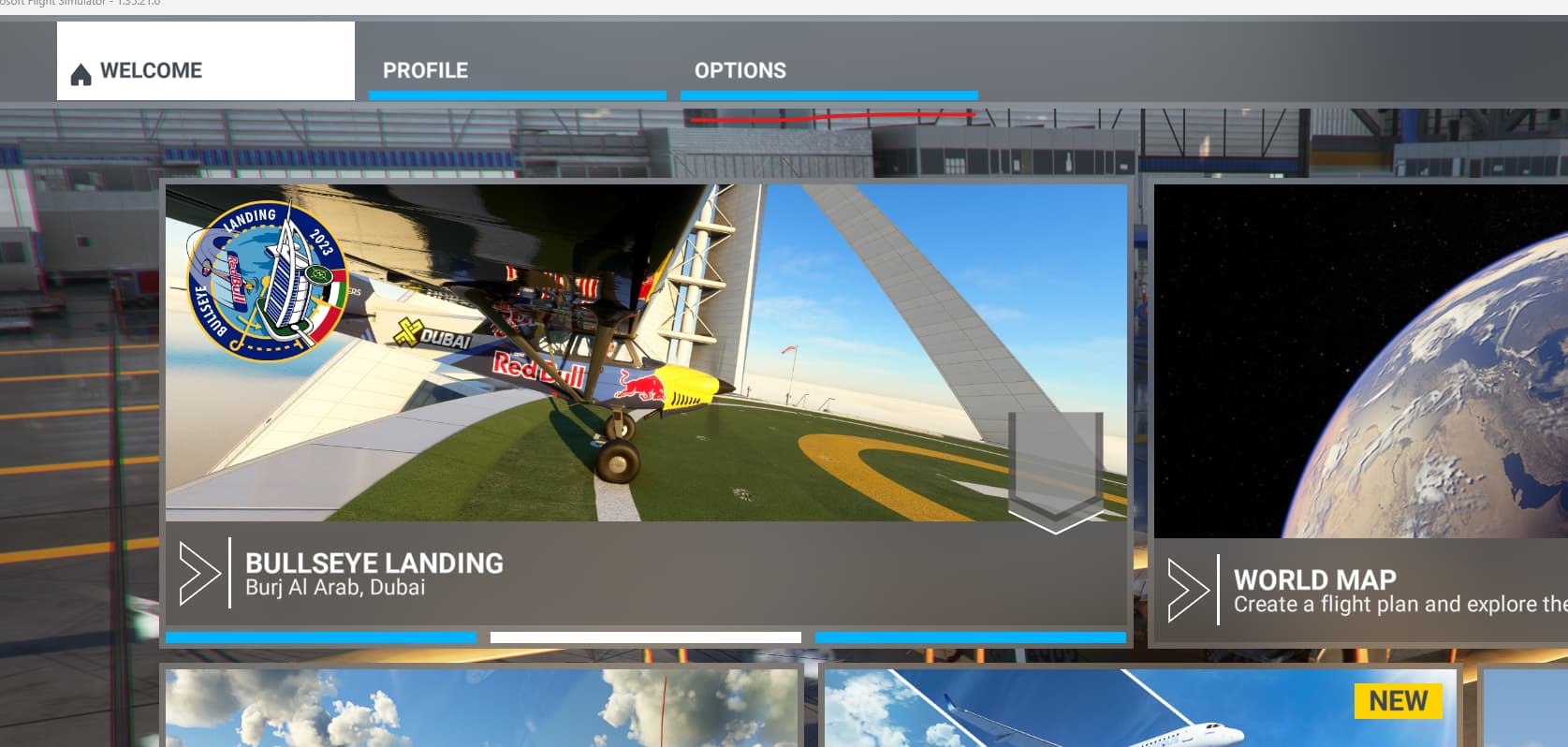
To switch languages, go to “Options”
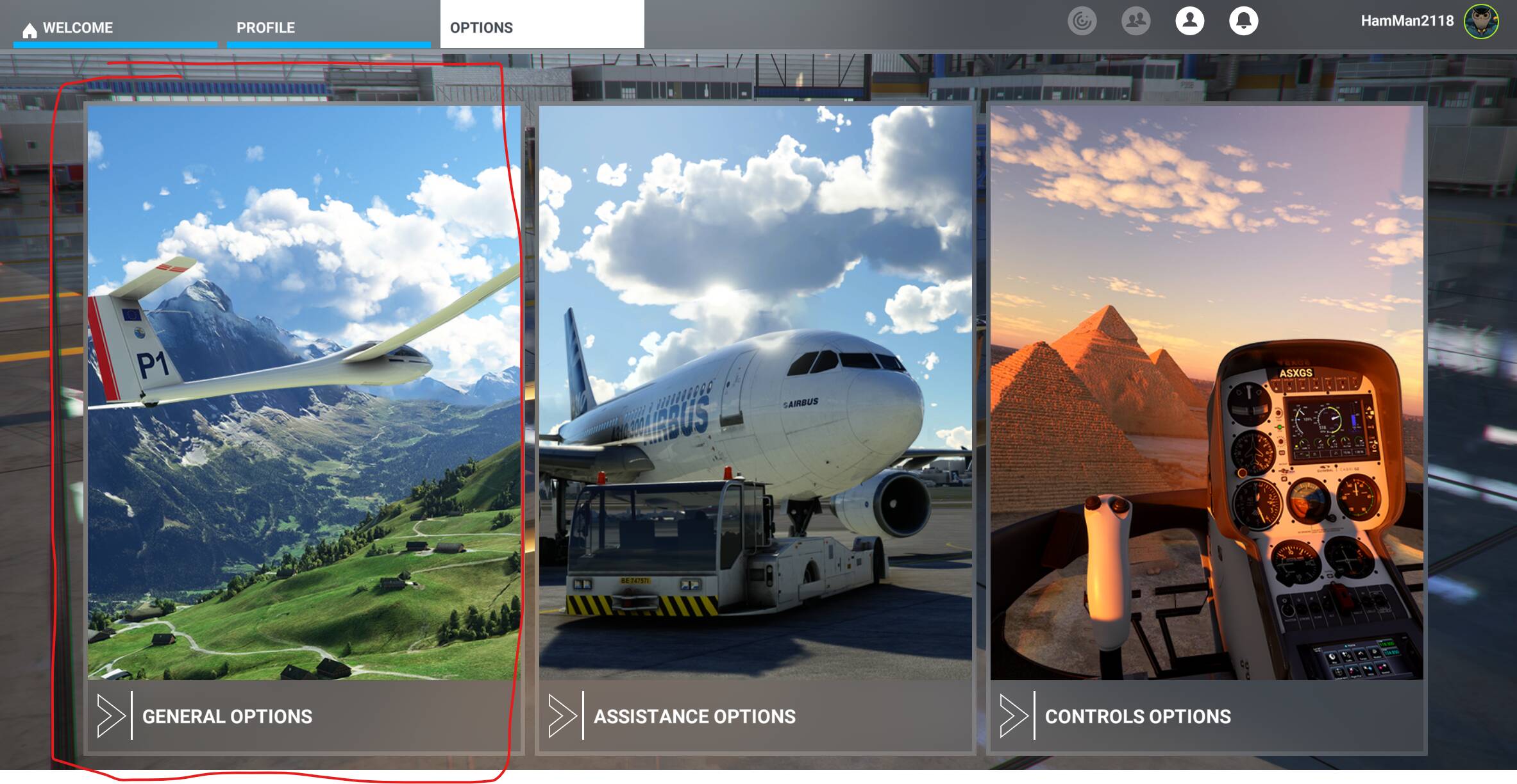
Then “General Options”
Then “Misc” and “Langauge”
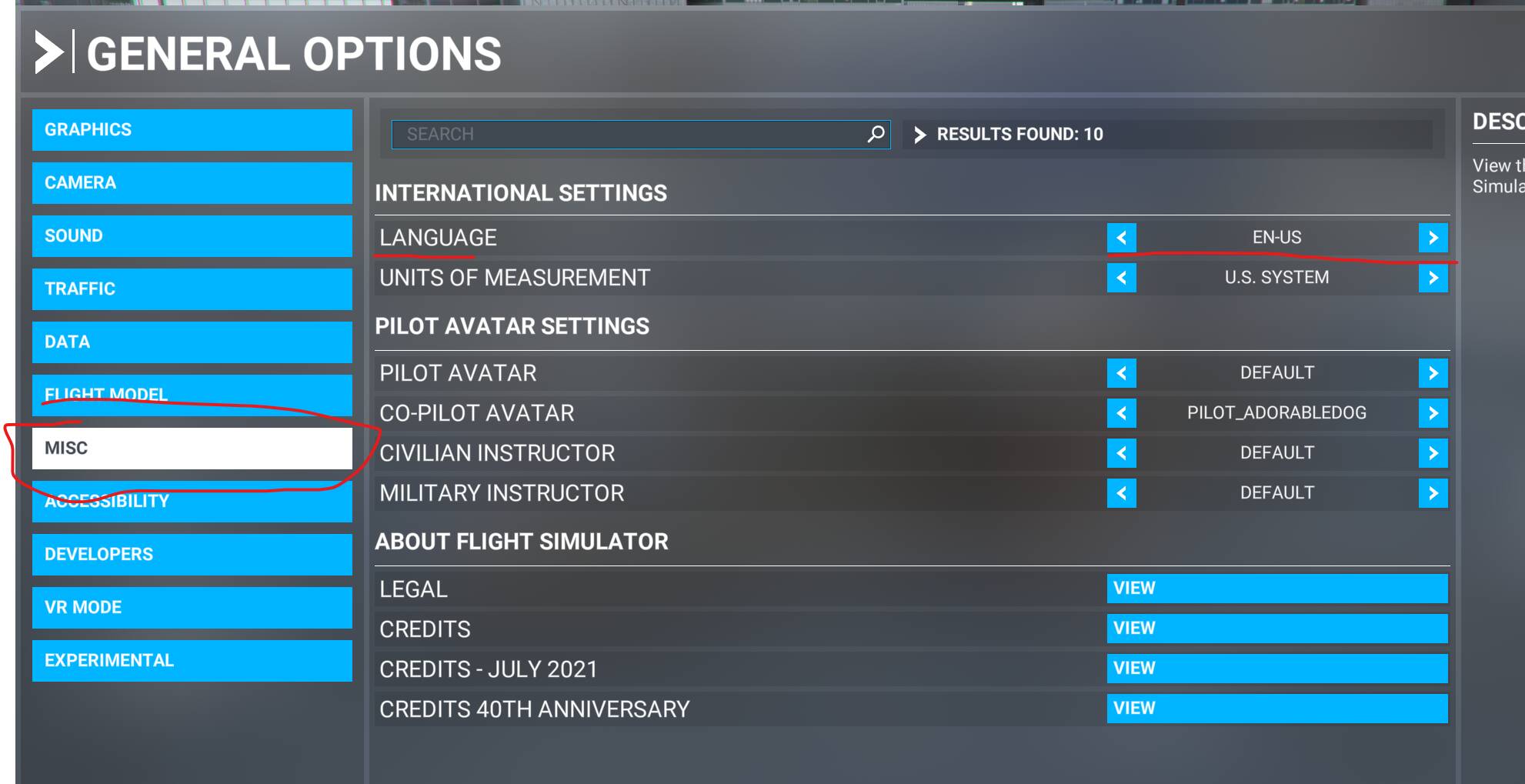
Switch the language to “en-US” and it should return back to the English Language 
3 Likes
Thank you.
I am using a hybrid setting. OS is US English, and date/time and currency formats are in Turkish.
I will go and change settings in the sim now.
Thanks again.
2 Likes
No worries! Glad this helped!
2 Likes
Hello again.
Unfortunately the problem continues. I am referring it as a problem because;
- Until a few days ago it was working OK, with OS in US English and date/time/currency in Turkish.
- When it reverts to Turkish all settings goes default.
You might say “continue in Turkish” but the biggest problem is the translations are awfully bad.
Whomever did it either didn’t get paid well and had his/her/their revenge, or he/she/they is not a translator at all.