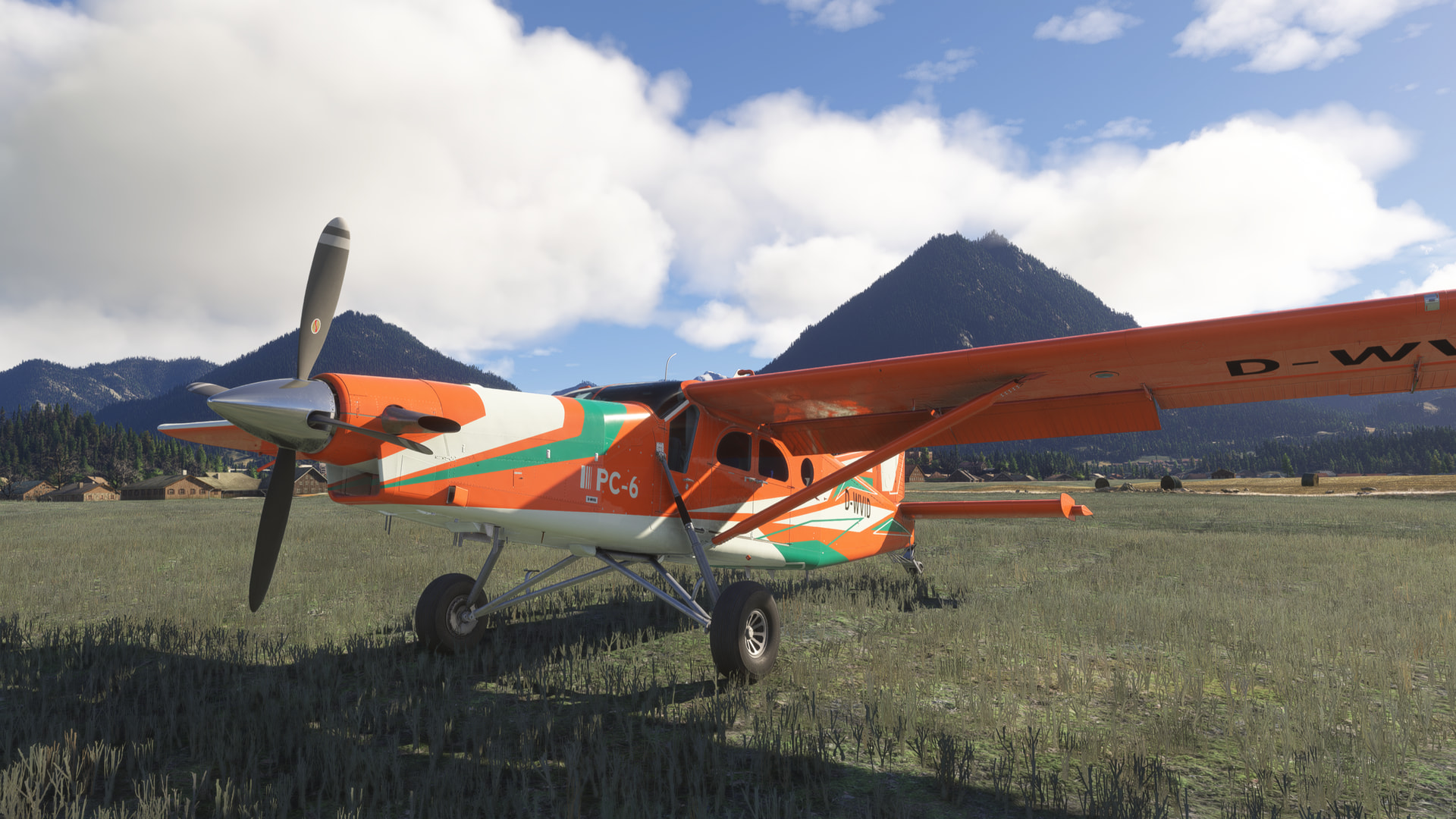
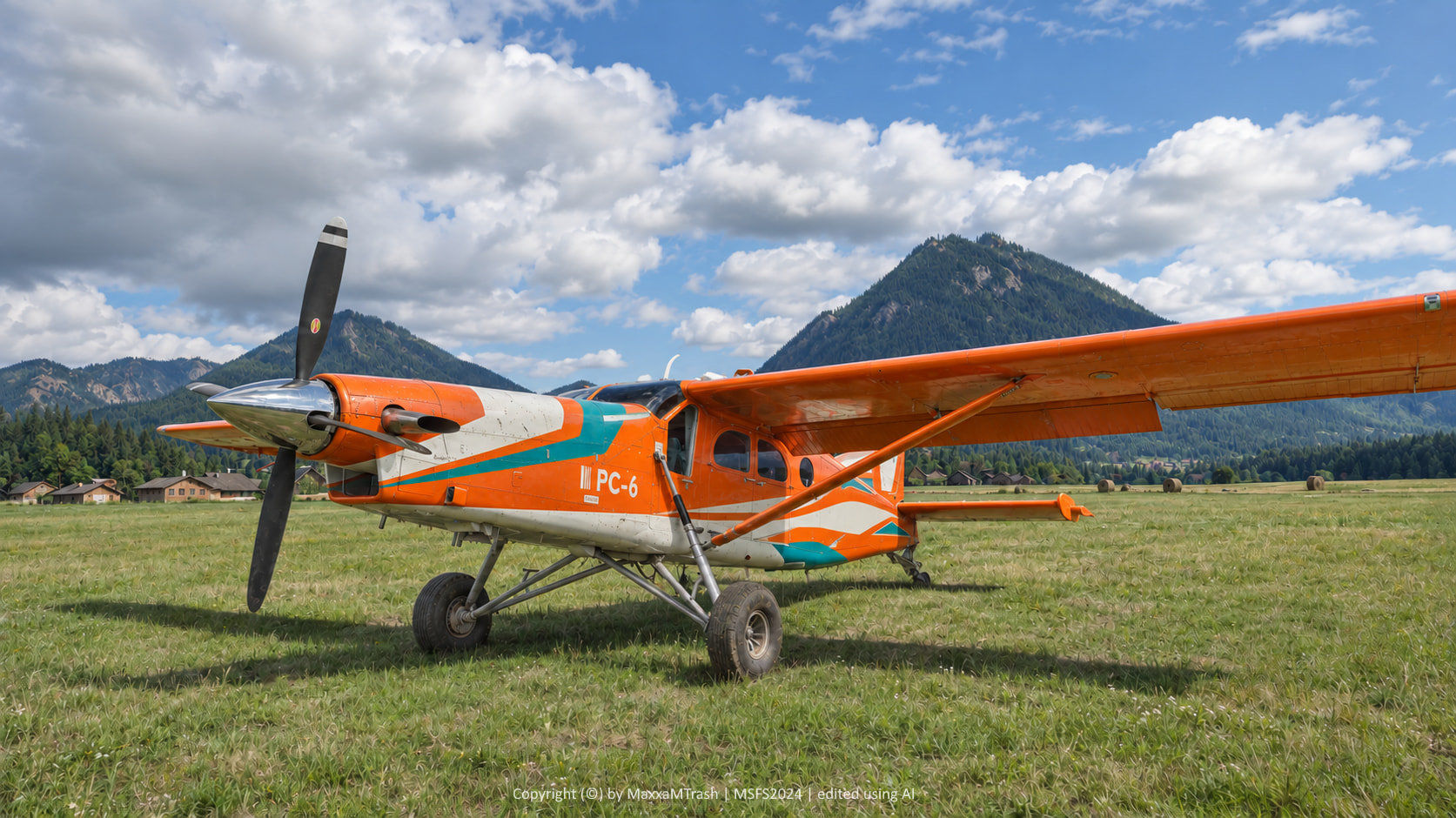
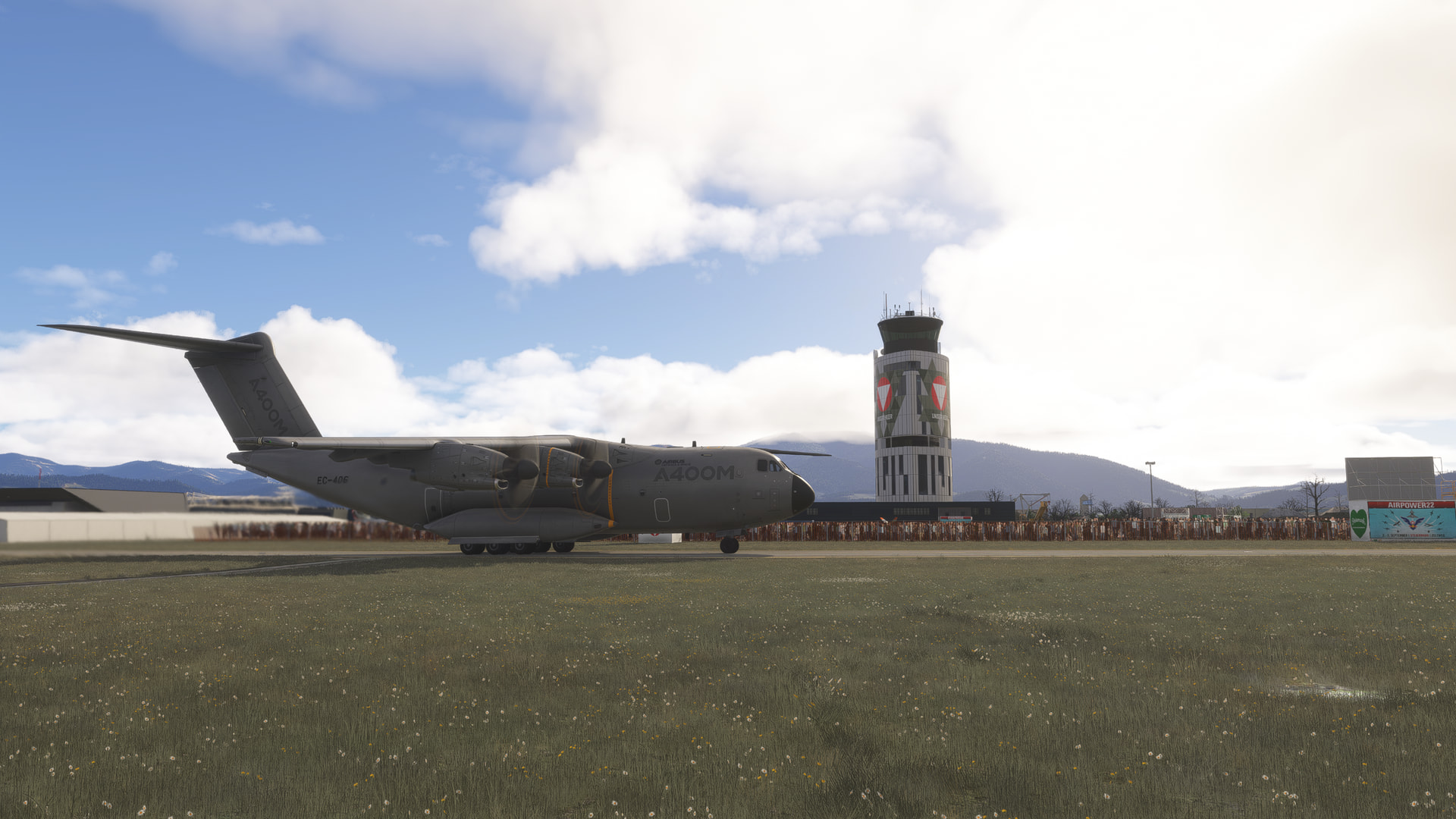
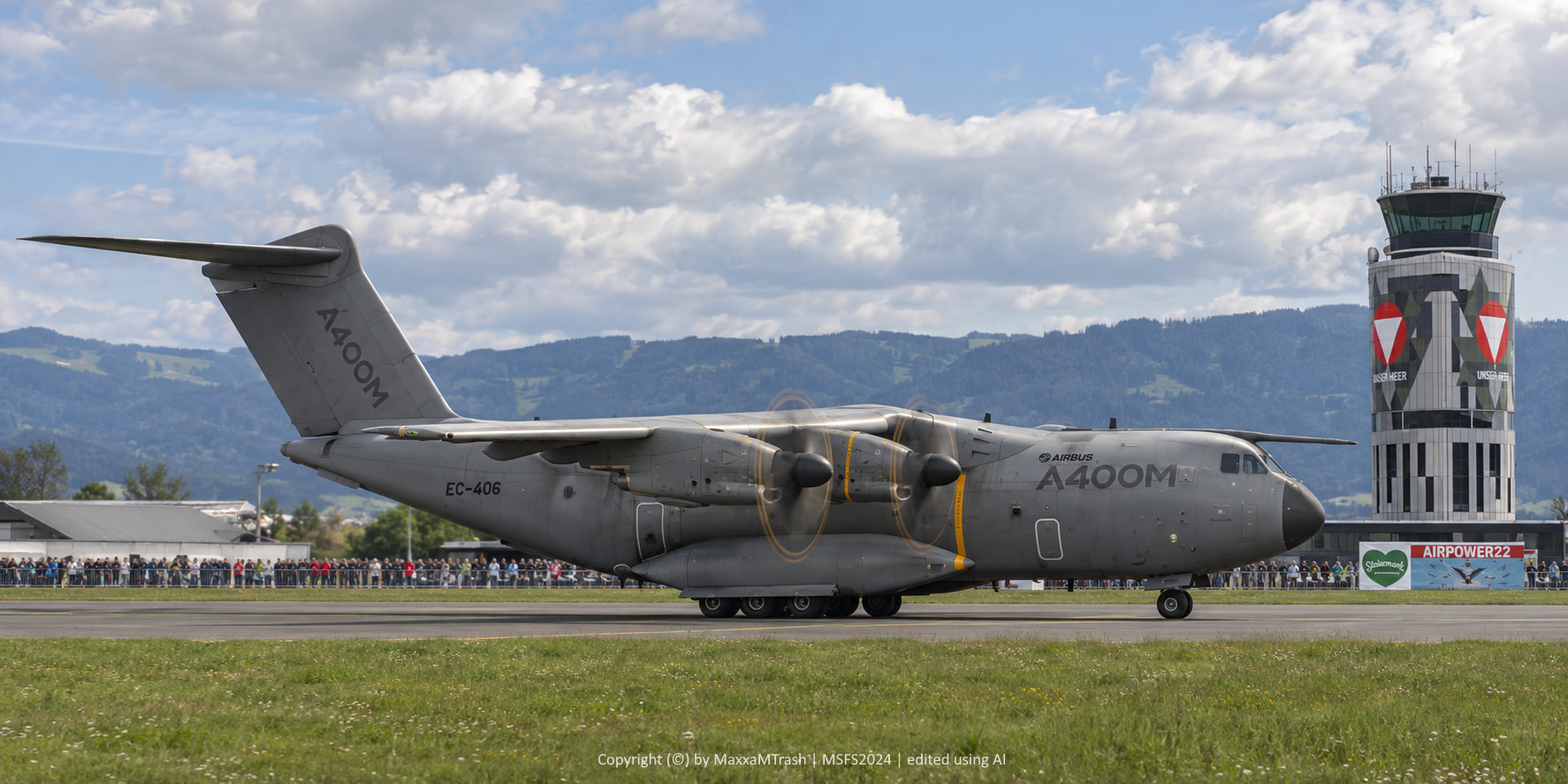
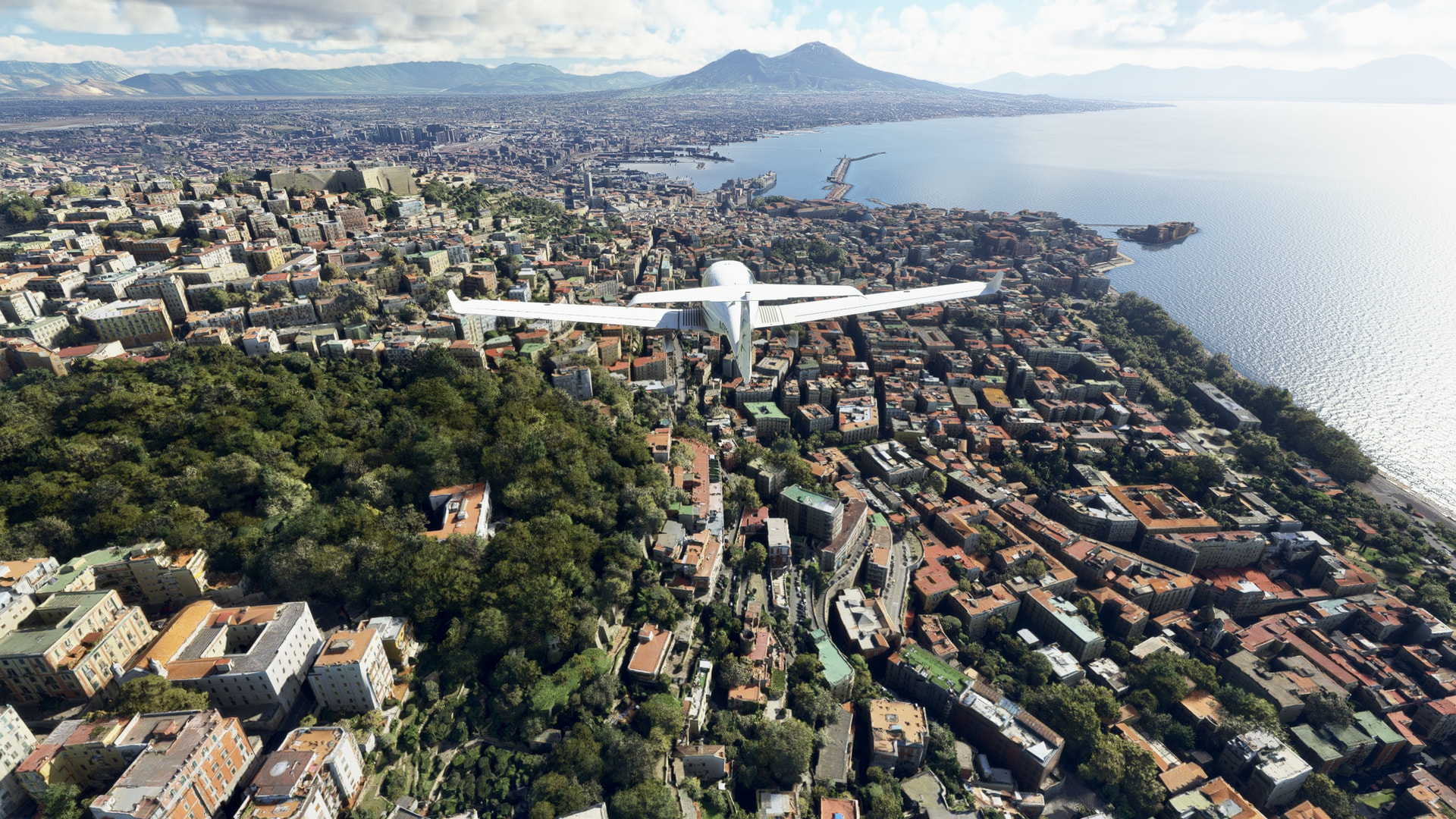
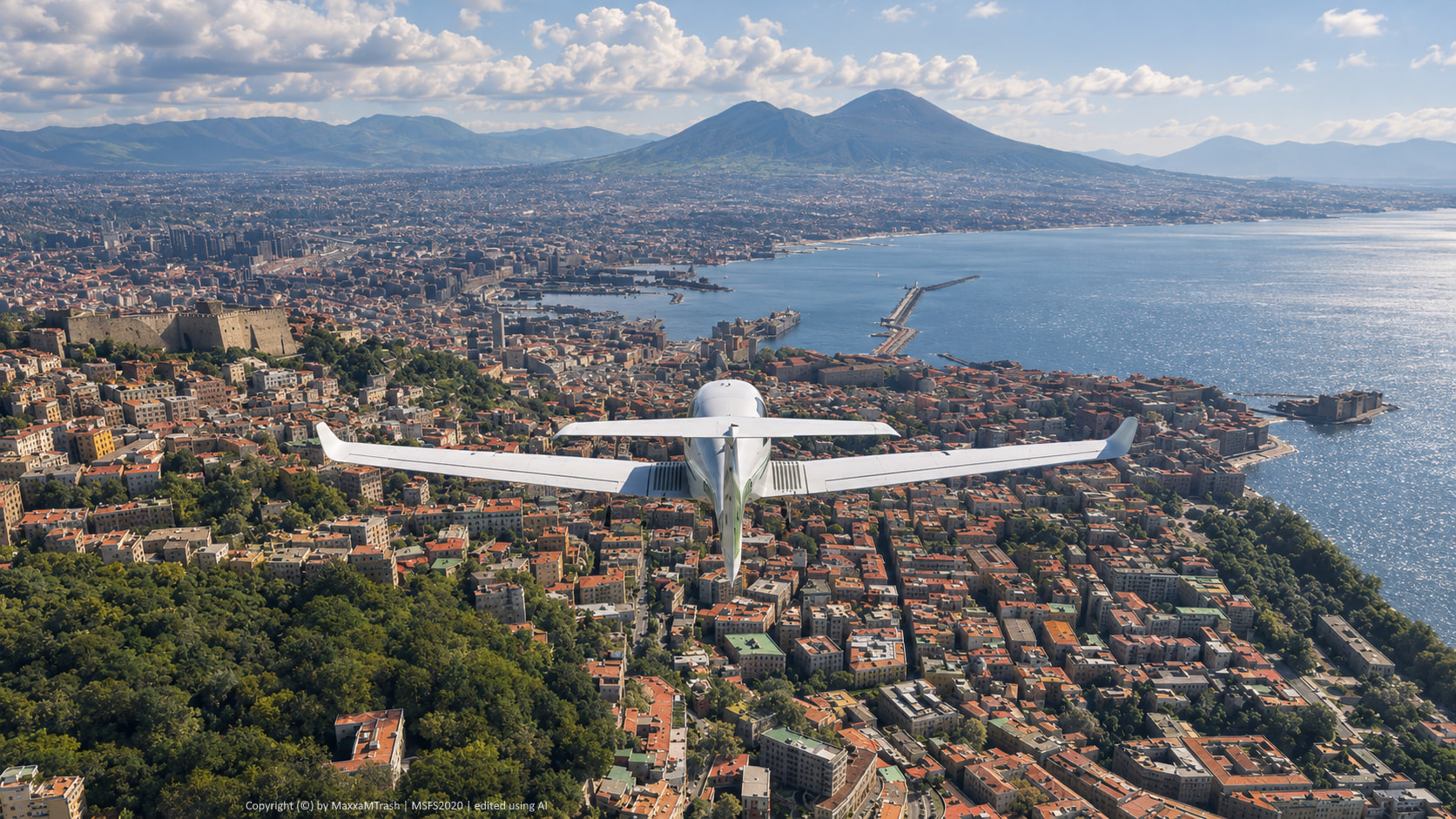
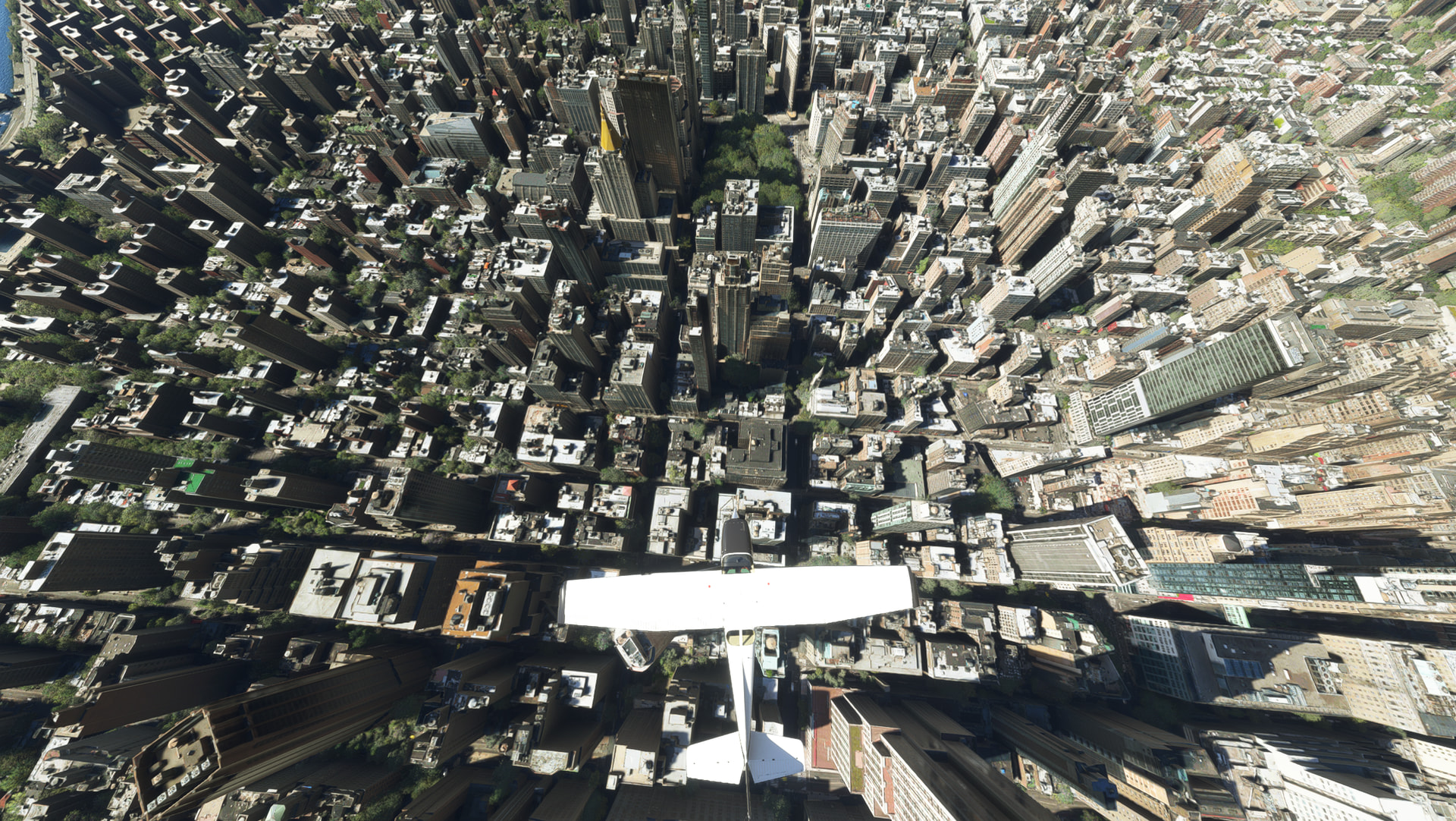
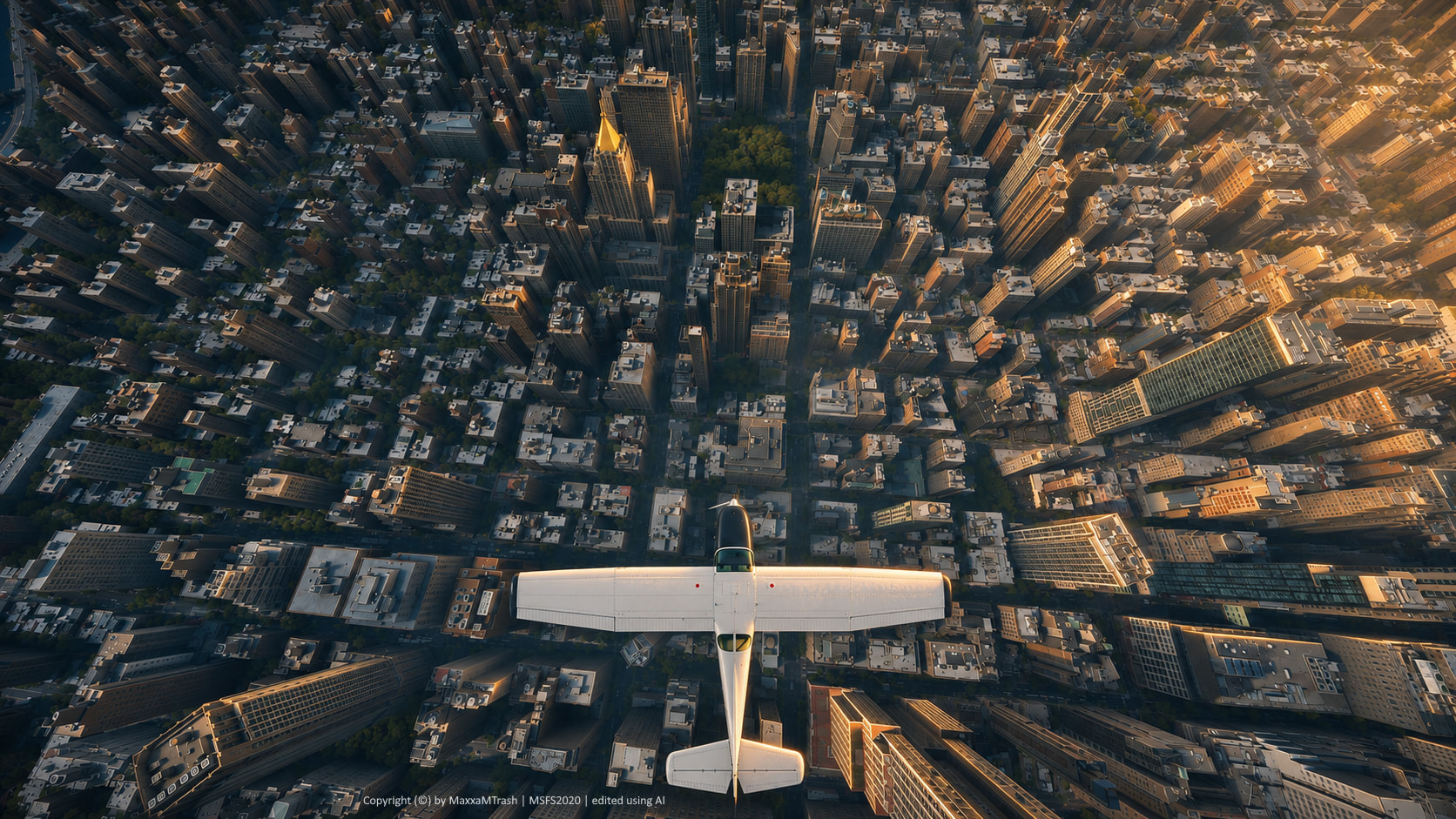
I’m starting this thread so everyone can share their already great Microsoft Flight Simulator screenshots and show what changes when they edit them with AI. I use AI to make screenshots look photorealistic. Please follow these rules when posting:
- Post exactly two images per post. Include the original, unedited screenshot and the AI-edited version of that same screenshot.
- Clearly label every AI-edited image with the words “edited using AI”. You can add a small caption at the bottom of the image or use a subtle watermark.
- The edited image must be based on an actual Microsoft Flight Simulator screenshot. Fully AI-generated images are not allowed.
- Simulator, platform, and add-on details are welcome but optional. Feel free to mention whether you used MSFS 2020 or MSFS 2024, whether you flew on Xbox or PC, and which add-ons you used.
MSFS 2024 | PC version | Pilatus PC-6 (included with the base sim) | Somewhere in Austria
MSFS 2024 | PC version | Airbus A400M (included with the base sim) | Hinterstoisser Air Base (Zeltweg), Airpower 2022 Airshow (free third-party add-on)
Interesting. Can you show a comparison between Low Graphics Preset and Ultra Graphics Preset? I am curious to see if the AI can compensate for Low settings.
Yes, I’d be happy to do that! I usually play at WQHD (2560x1440), with Ultra settings, DLAA, and Frame Generation enabled. However, I’m fairly confident that the AI I’m using can also compensate for Low settings and enhance or replace the missing graphical details accordingly.
Looking forward to the results. Which image enhancer are you using?
I was just reading up on this. Image enhancement required few parameters (compared to chat). So an 80,000 parameter model for image enhancement requires a small amount of VRAM (40MB is one number I saw). Theoretically, with the right model, a simulator could produce a frame with low details and the video card could transform it into photo realistic.
Right now, and correct me if I’m wrong, the way it works is the simulator does a lot of hard work creating the best image it can. DLSS super resolution takes the frame and “damages” it by reducing the quality of the image. Then DLSS runs a bunch of transformations on the lesser image to produce an improved frame without aliasing. I’m wondering if some day the sim could just produce a simple frame and have the GPU turn it into photo quality.
I’m not entirely sure if I explained myself clearly: I simply take a regular screenshot in the flight simulator and then use AI to make it look photorealistic afterward. In the simulator itself, I see the same “normal” graphics as everyone else. The AI enhancement process takes about 30 seconds.
Yes, I tried it myself a few times. I could take a Low graphics shot myself and try it again. Don’t worry. Ignore my ramblings. 
Can you give a step by step instruction for PC dummies like me please?
Just google AI image enhancer. You drag one of your screenshots on the page, and out comes an enhanced image. You only get a few tries before they ask you to pay.
I position the aircraft in a suitable spot. Then I get out and place my character exactly the way I want for the shot. After that, I take a screenshot, upload it to an AI tool (there are many different providers for this), and describe in plain natural language how I want the image to be edited. And that’s it — the photorealistic image is ready.
I do like the results but sadly I don’t think they are allowed for the photo comps.
Thanks, I meant how to do it exactly in the AI tool but I do get the idea now 
MSFS 2020 | PC version | Diamond DA40NG (included with the base sim) | Discovery Flight Naples
MSFS 2020 | PC version | Cessna 172 Skyhawk (included with the base sim) | Discovery Flight New York
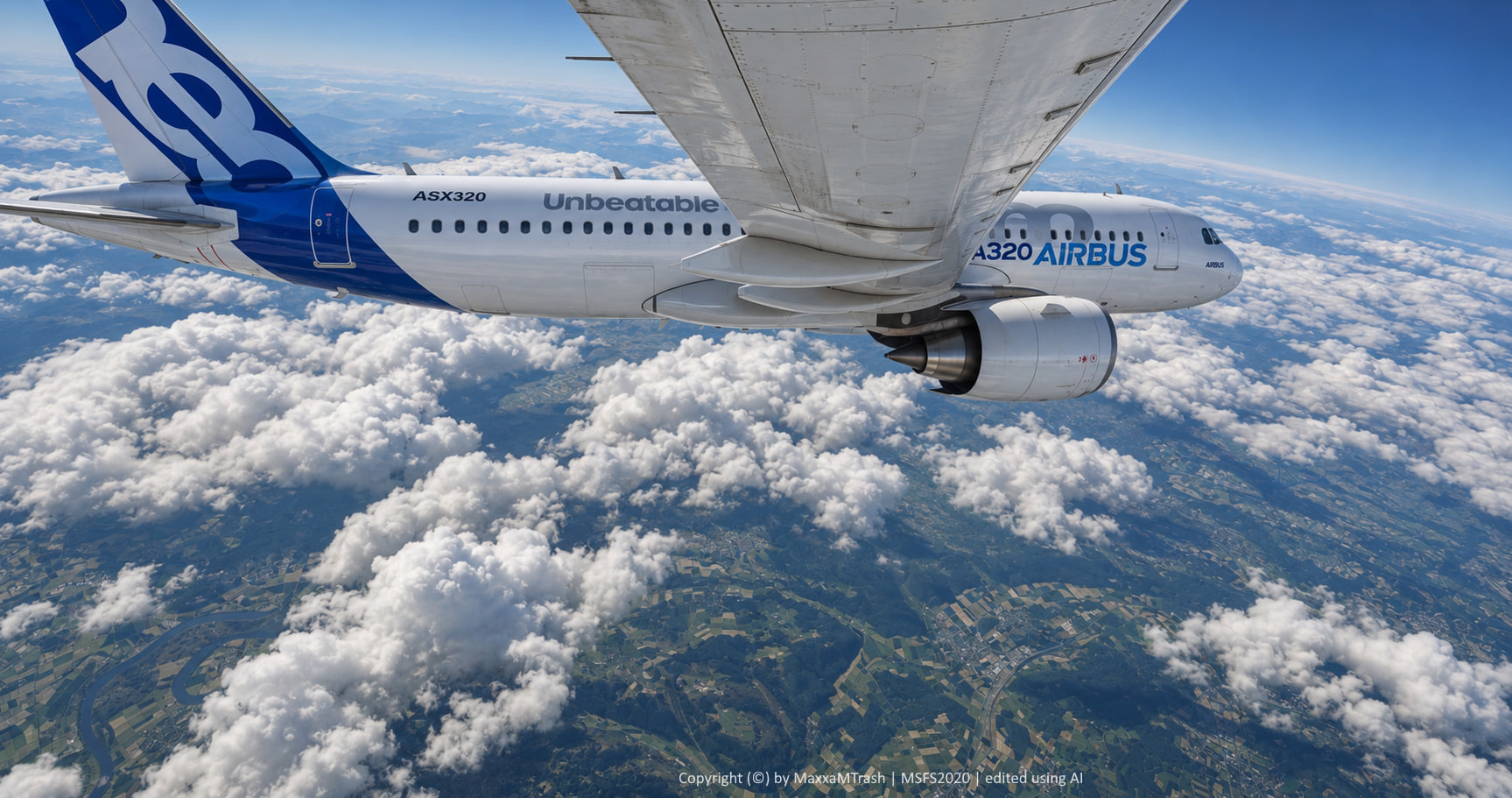
MSFS 2020 | PC version | Airbus A320neo (free third-party add-on) | Somewhere over Germany
If AI can fix these shots like this, why can’t it fix the entire sim’s cityscapes and landscapes? Why can’t MS/Asobo apply these fixes to improve graphics as a standard feature?