I searched for my answer but didn’t find anything definitive on it, so here goes…
This is my current setup:
C: Windows (SSD)
D: MSFS (HDD)
If I’ve learned anything from you guys here its that clearly that’s not the best way to go, so today I ordered a new 2TB NVMe drive. I know over the last few years I’ve seen a few posts discussing whether MSFS should be on the same drive as Windows, so I as wondering what your experiences were. Specifically if you had the chance to do it again, what would you do?
The easiest would be to just copy/clone my HDD over to the new NVMe drive and leave Windows where it is, but I’ve always been a software guy (programmer many moons ago) so I’d like to hear what you think about it.
I welcome your advice or alternative ideas… thanks.
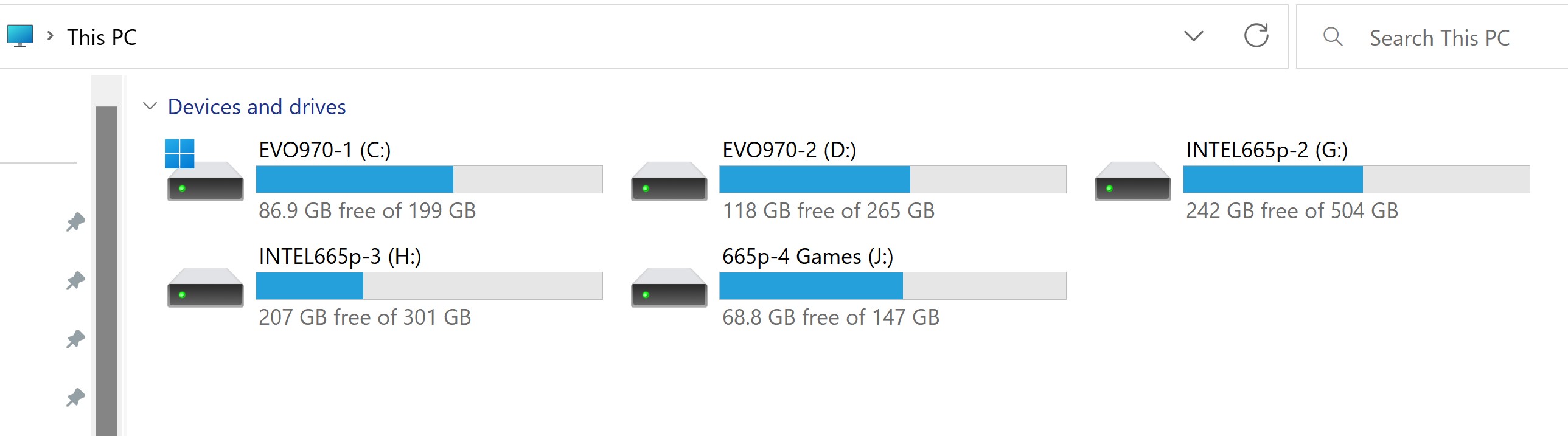
I have my Samsung 500 GB 970 EVO Plus configured with 2 partitions.
Win 11 on C:\ and FS2020 on D:.
Apps load on G:\ if the App will allow it.
Some have to stay on the boot drive (they don’t give you an option).
I had the chance and did the same thing again as last time: the executable of MSFS is installed on the same HDD as Windows is as well as all standard packages and market place content. Freewares and other third party packages are installed on another disk and linked with addon linker.
I personally think the discussion on what to install where is a bit of snake oil - if you have two fast M.2 SSDs these won’t be a limiting factor imho
The only thing which could play a role is caching being done by the OS and being consumed by MSFS (like streaming of data), however the most limiting factor here is the connection speed to the server and not the internals of your system (Mbit/s vs. Gigabit/s).
main reason for me to install games on a second drive: I let my system-drive more “healthy” . Speed-wise is with the new nvme drives no longer a reason for a second drive.
What you put on each drive / partition , also comes into play when considering backups.. especially if you are also considering Image backups. (and Restores)
I somehow knew this would get a instant “Heart” from Ron – took all of 10 seconds from when I posted it
Well I liked it to make up for having the rug pulled out from under you like that…
Thanks to all of you for the replies and advice. It appears to be the consensus that I’ll be fine with keeping my setup as C:\Windows and D:\MSFS as long as both of them are on fast SSDs, and they will be.
a note: my point about “healty” was related to two different hardware drives, not about the same piece of hardware where two partitions are configured
If you use the same ssd, creation of partition is basicly not realy necessary. May be only reason is the “virtual split” because of easier backups, as @N6722C mentioned.
I have 2 x M.2 drives, one is my C: boot drive, the other has MSFS on, have not encountered any problems, and I have no plans on changing that setup in the future.