question; the folder structure shows it as a livery, it’s that just the folder name? or does the cockpit translation only work with a certain livery?

question; the folder structure shows it as a livery, it’s that just the folder name? or does the cockpit translation only work with a certain livery?
There’s a mod on Flightsim.to for this, but it’s 2020 only. Perhaps you can share it with them.
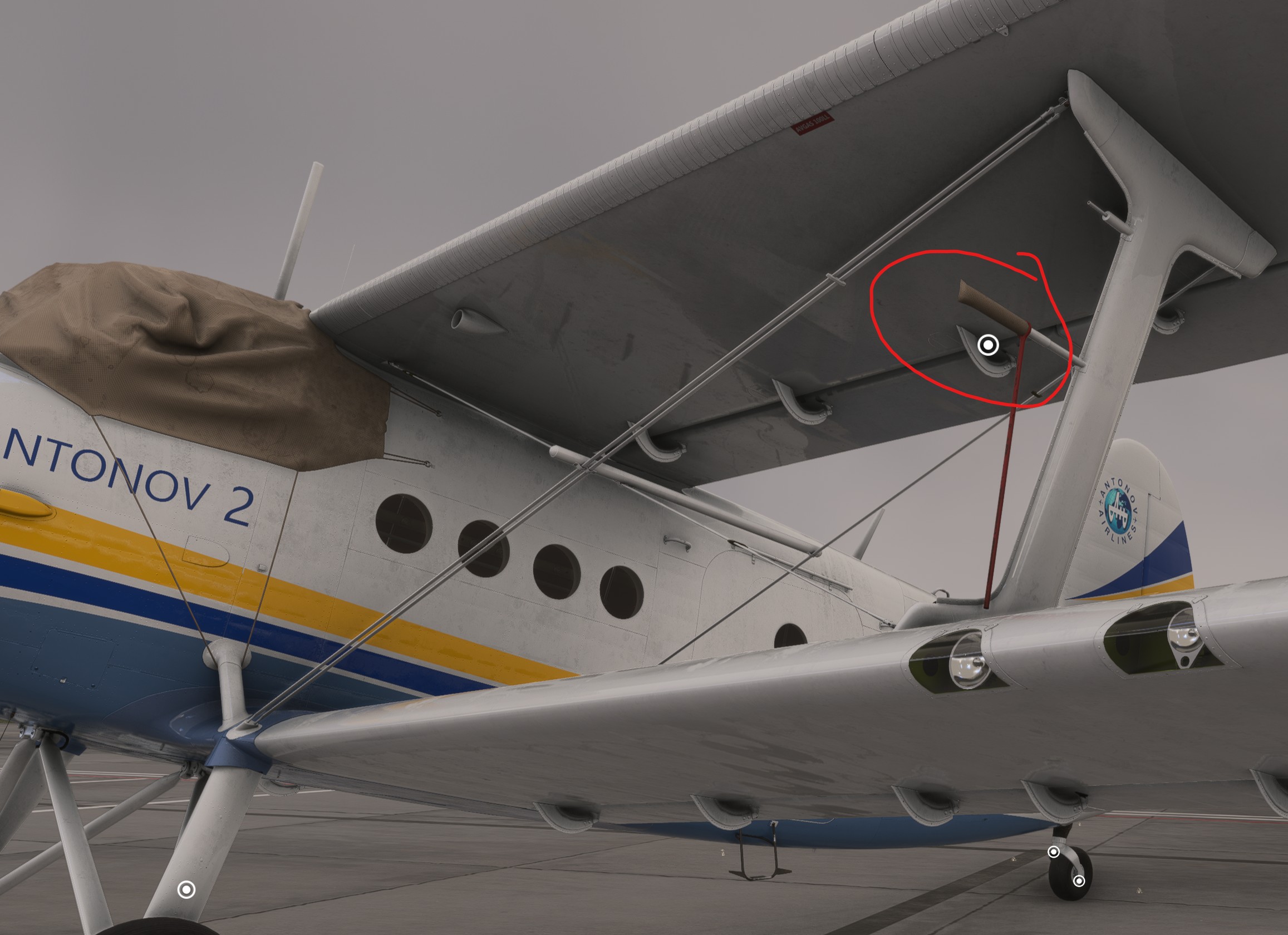
You have to open the oil cooling flaps, next to the cowl flaps. You have to hold it UP for quite awhile to get them open 100%. The oil temperature will remain in the green after that.
I know. But that’s not my screenshot.
Also, even with cowl flaps and oil shutters all open temps don’t go back to even yellow at 65% power and 1800 rpm.
Ah, so the issue is, once they heat up, they never cool down.
Or maybe I’m doing something wrong.
No, I failed to open the oil shutters on my first flight, and the temp went into the red zone. This morning, I opened them first thing, and the temp stayed green.
Ok, so if I open them before start it will be ok?
Well, as soon as you have power to them.
i have startup issue, icant hold the inertia switch, it jumps everytim back too neutral.. anoye else ?
Yes for starter issues, please vote here:
On 2020 is it me or is the trim not correct at all ? I could not maintain level flight without my pitch trim being at 15 degrees up or above, anyone else experience this ?
Oh that’s good stuff. Appreciate the link
does this mean the cargo variant is impossible to start?
Hi! Why is that the speedometer gauge doesnt work when i start from cold and dark but it is fine when i spawn ready for fly? Thx for the help!
CTRL+E quickstart might work, didn’t try it. But it does not work the normal way as intended at least.
Edit: yes you can start the cargo version via CTRL+E quick start, but not the normal way (PC)
Many standard control bindings like “toggle landing lights” are not working with this plane.
Any ideas why that is?
They don’t seem to have special functionality like folding in/out.
Thanks! I guess for those of us who like cold and dark can go through all the steps and then do the hardware magneto start or ctrl e for that final part. Hopefully it gets a fix soon, I voted on the bug report!
My guess would be the custom nature of the aircraft. You have to power the lights, then turn them on. So, toggle doesn’t quite fit.