Maybe don’t use it? Just a guess here, but 24 was said to be developed using Unreal Engine, for what I can only assume would be physics for objects on the ground like rocks and such. If this is the case, one wonders if, upon touchdown, an aircraft model is now governed by the Unreal Engine physics rather than flight model physics. Could explain why some pilots are reporting strange occurrences on landing rollout, some of which are difficult to replicate? Just a theory, I have no inside information on how they coded all this, would seem to explain some very strange (from the perspective of MSFS 2020) behavior of aircraft models once on the ground.
Thanks for your reply. The reason for using the msfs2020 787-10 is that I feel that this model has been optimized. When flying, I feel that the frame rate is higher than that of the msfs2024 787-10. The flight performance during ILS approach is also more accurate, and the model looks better. The wings will swing up and down according to aerodynamics. The msfs2024 787-10 feels that more optimization is needed. 
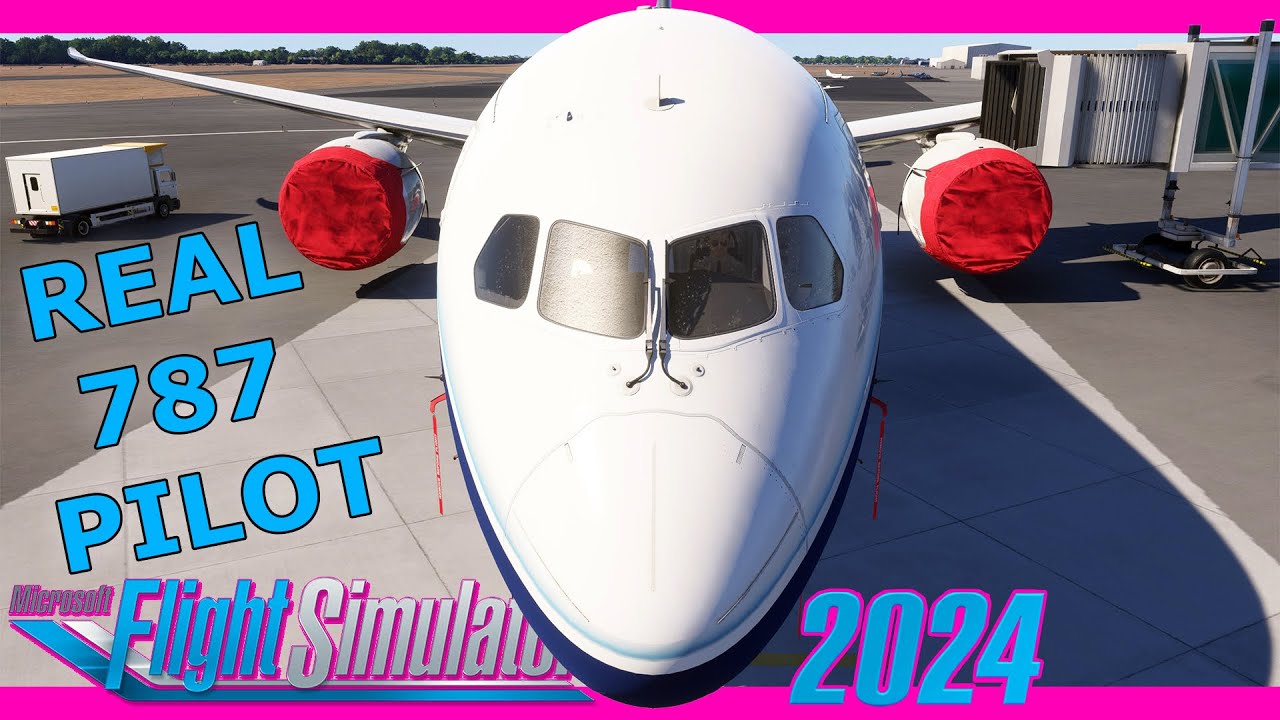
great review here.
Asobo modelers shall watch this carefully and make notes of every word he says
4 Likes
I would like to ask if you have solved it? I have the same problem, thank you.
The trim is the same one used on all the Aeroplane Heaven modules. It works by shifting the center of gravity. Once you get used to that, it’s easy to fly the 787’s.
The Dreamliner experience in 24 is quite good right now, especially with the new (to an Xbox user) ability to upload a MS2024 flight plan exported from SimBrief directly into the web based Flight Planner. Once this is done, I do not open the EFB until on the flight deck during the CDU preflight phase when I open the EFB, Load the Flight Plan/Send to Avionics, then close it. From there, continue on the CDU to inspect and make any corrections.
To minimize the chance of any unwanted changes to be introduced by the sim, I am not opening the EFB during the Free Flight planning phase, as it is not necessary for the 787. (Caveat here, I do not use ATC in MSFS so YMMV.) What is necessary is to set the SimBrief Block Fuel in the sim during aircraft selection and configuration. The rest of the weights gets set in the CDU Weight + Balance, Pax count and Cargo weight. I am NOT using the EFB on the flight deck to set weights, only CDU.
On my third successful Dreamliner flight right now following this abbreviated procedure, so far, so good!
3 Likes
Why are the strobes and beacons of the 747 and 787 still completely wrong and generic? Unbelievable, over 4 years and still no one bothered to do anything about it. Embarrassing
First flight in the Dreamliner in a few weeks while waiting out the stability issues for Xbox in SU1 beta. Now in 1.3.13.0 which was stable on this flight.
KIAH-KORD, both defaults, live weather, no traffic, on flight plan imported to the FMS via the tablet from the web based Flight Planner. Some weight and loading discrepancies there, topic for another day (or another pilot LOL). The flight completed as desired/expected.
Performance was satisfactory in-flight and minimal on the ground, which was much worse on the arrival end when frame rate and stuttering tested this pilot’s patience. There was a brief but transient avionics black out on the blocks at the gate, but I was able to complete shutdown to my satisfaction. Enroute there was flickering on the horizon in external view, will have to look out for this on next flights. WIP but at least flyable in beta 1.3.13.0.
1 Like
KORD is terrible on Xbox. KORD + 787 = disaster…
Not a disaster for me, just not great, but good feedback for the development teams as clearly further optimization is needed here. Cheers!
1 Like
Next flight in 1.3.13.0, KATL-KEWR, live weather, no traffic, was better with acceptable performance on Series X. No flickering horizon outside, no black screens inside.
note that in career mode, the 787-10 Dreamliner is said to have.. 44 seats.. and being able to land anywhere/mountain…
Did anyone tried it at Courchevel ?? haha… 
I would have rather had the 787 8 version and just port over the 787 10 because the 787 8 had more liveries and you can’t go into the passenger cabin yet on the 787 10
1 Like
Just done a flight with the latest beta using this plane and fps & stutters aren’t very good just like the 747 & 737 default on Xbox Series X.
1 Like
Beginning with SU1 beta 1.3.24, I am now flying on PC. While the Dreamliner is of course smoother to fly on a PC; I am truly impressed how good it is on Series X! I have no frame of reference how it flew in the 24 public release on PC coming from Xbox, but it is very good now in 1.3.24. Hope the same holds true for the Xbox pilots in SU1 beta. Cheers!
1 Like
Does anyone know how to import simbrief flight plans into the default Boeing’s?
I can’t find the option in the FMC like it was in 2020?
Here is what I have been doing in the Dreamliner and adapting for the Max 8:
Flight Planning/dispatch
- Generate SimBrief FP on laptop
- Download as FS2024
- Upload into Flight Planner & save
During preflight onboard aircraft
-
 Flight performance, CG
 -
 LOAD FLIGHT PLAN, wait
 - SEND ROUTE TO AVIONICS
Continue with FMC preflight, etc.
1 Like
After downloading to 2024, where do you upload to flight planner and save? Is this in the EFB? Doss this work on Xbox?
Issues I’ve Encountered with the 787:
- No Wingflex
- No Engine Wobble
- Incorrect Livery Materials – The liveries appear flat instead of glossy due to incorrect materials.
- Incorrect Livery Colors & Missing Decals – Liveries feature inaccurate colors, and some decals are missing (e.g., Boeing logo on the house livery, blue stripe on the KLM livery).
- No Tilted Landing Gear – The landing gear does not tilt during landing.
- Broken Control Surface & Rudder Pedal Animations – Control surfaces and rudder pedals don’t animate properly; 50% input shows as 100% in animation, and 100% input reverts to 0% in the animation.
- No Passenger Cabin Lighting at Night – The passenger cabin remains unlit when flying at night.
- Light Bleed into Cabin – Beacon and strobe lights bleed through into the passenger cabin at night.
- Incorrect Top Beacon Light Position – The top beacon light does not illuminate in line with its actual physical position on the aircraft.
- Engine Fan Blades & Spinners Wobble – The engine fan blades and spinners exhibit unnatural wobbling behavior.
- Invisible Cargo Doors on Underside – The cargo doors are invisible from the underside of the aircraft.
- LOD Issues – There are LOD (Level of Detail) issues around the engines, navigation/strobe lights, and liveries, especially where the wings meet the fuselage.
- Overhead Panel Lighting – The overhead panel lighting cannot be dimmed; it is either fully on or off.
- Fire Test Not Working – The fire test feature is non-functional.
- EFB – The EFB is too small and it clips through the side cockpit window.
- Doors – The door doesn’t open when connecting the jetway or stairs.
- Inconsistent United Branding in the Cabin – All liveries feature United branding inside the passenger cabin, even though the United livery is missing from the aircraft.
- Missing Liveries & Limited Selection – The United livery, which was shown in one of the trailers, is not available in-game. Additionally, the selection of liveries is very limited. Since the aircraft is encrypted, players cannot create custom liveries, so it would be great to see more liveries from airlines currently operating the 787-10.
Conclusion:
The current state of the 787 is disappointing. I paid extra for this aircraft, and the issues above significantly detract from the experience. I sincerely hope these issues will be addressed in the upcoming SU1.
10 Likes
In the online flight planner, open the icon that looks like a file folder, Select Flight Plan then tap the Upload button. Select and open it. Good idea to inspect it and make any changes needed, then save it with a filename. The flight plan will then be available in 24 both in the sim and in the EFB. You can then LOAD FLIGHT PLAN and it will be the top on on the list. Proceed from there. And yes, works exactly the same on Xbox as PC, it is all based on one’s Xbox account.
1 Like