Can you elaborate a bit on this? Not sure I get it?
WT made the avionics in this. The Honeywell system is WT’s work. And yes my understanding is just like WT’s Garmins, this is available for any add-on dveloper to use.
1 Like
I’m also unable to start the engine. Anyone know if there’s something obvious that I’m missing? I’ve been through the normal checklist and it will never start.
That is really good news and sounds more than promising.. !!
Are you moving the engine switch on the overhead to run?
I’ve had no problems starting by following the checklist. Not sure what you might be missing but I’d say go through the checklist so you don’t miss anything. That’s what it’s for 
any good link for a good checklist or even AOM for the ngx?
There is one on the EFB in game (though that won’t work in VR so I was practicing in 2d)
Ah, ok, get it. However having that thing cluttering half of the screen is not exactly fancy. I whish they had done a tablet, just like in many other AC. Thanks anyway for the hint.
I am scratching my head with that one too!
In general, the more I dive into this plane, the more pleased I am but also the more I wonder how this guys did QA check, its insane how many promising doors you open with broken stuff behind.. soo sad..
1 Like
Hello, Could you please help where this should be directed.
The Pilatus PC-12 that was transferred from msfs 2020, panel lights don’t come up. Doesn’t matter where the dials are positioned
Nothing in Community Folder.
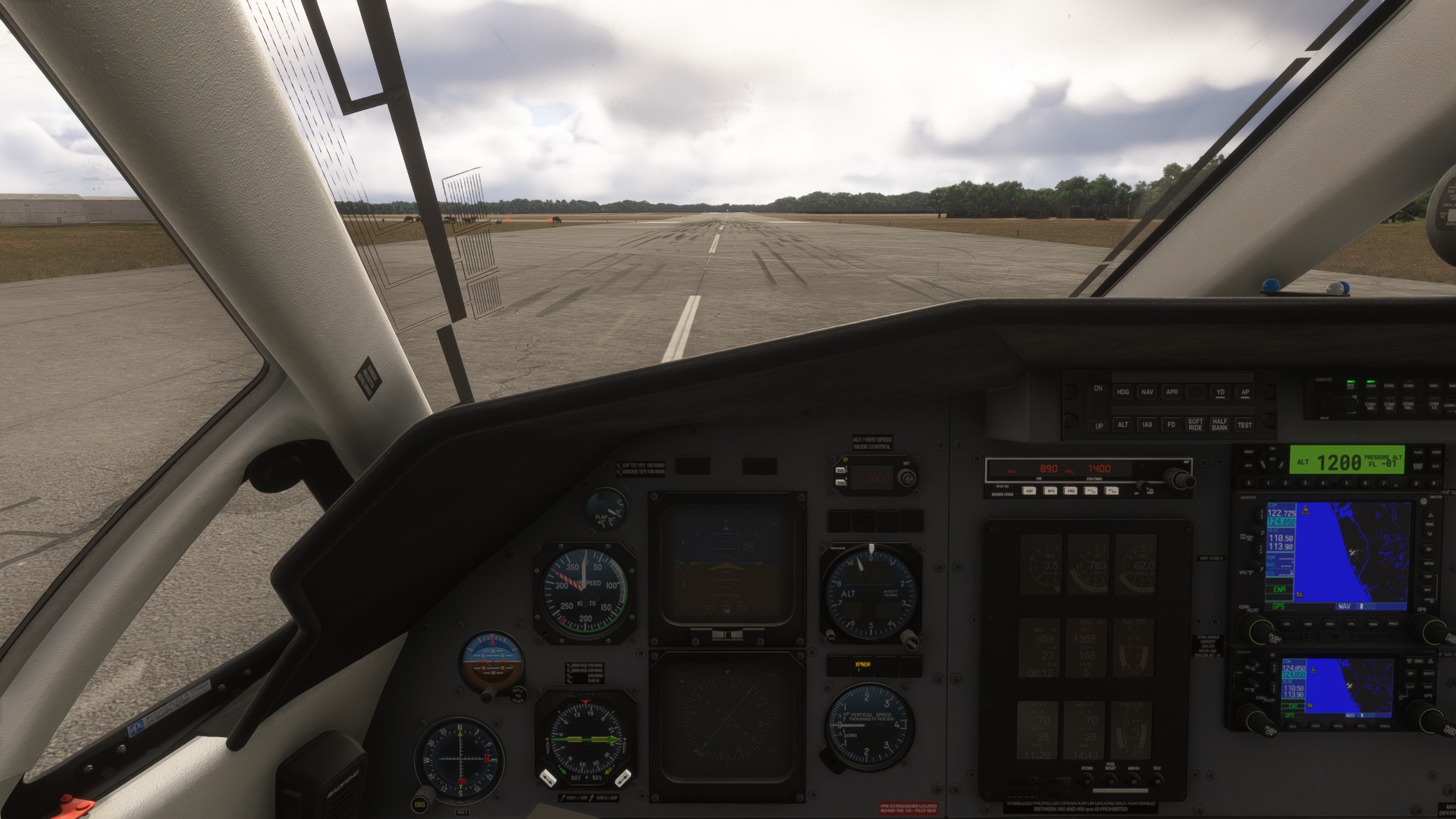
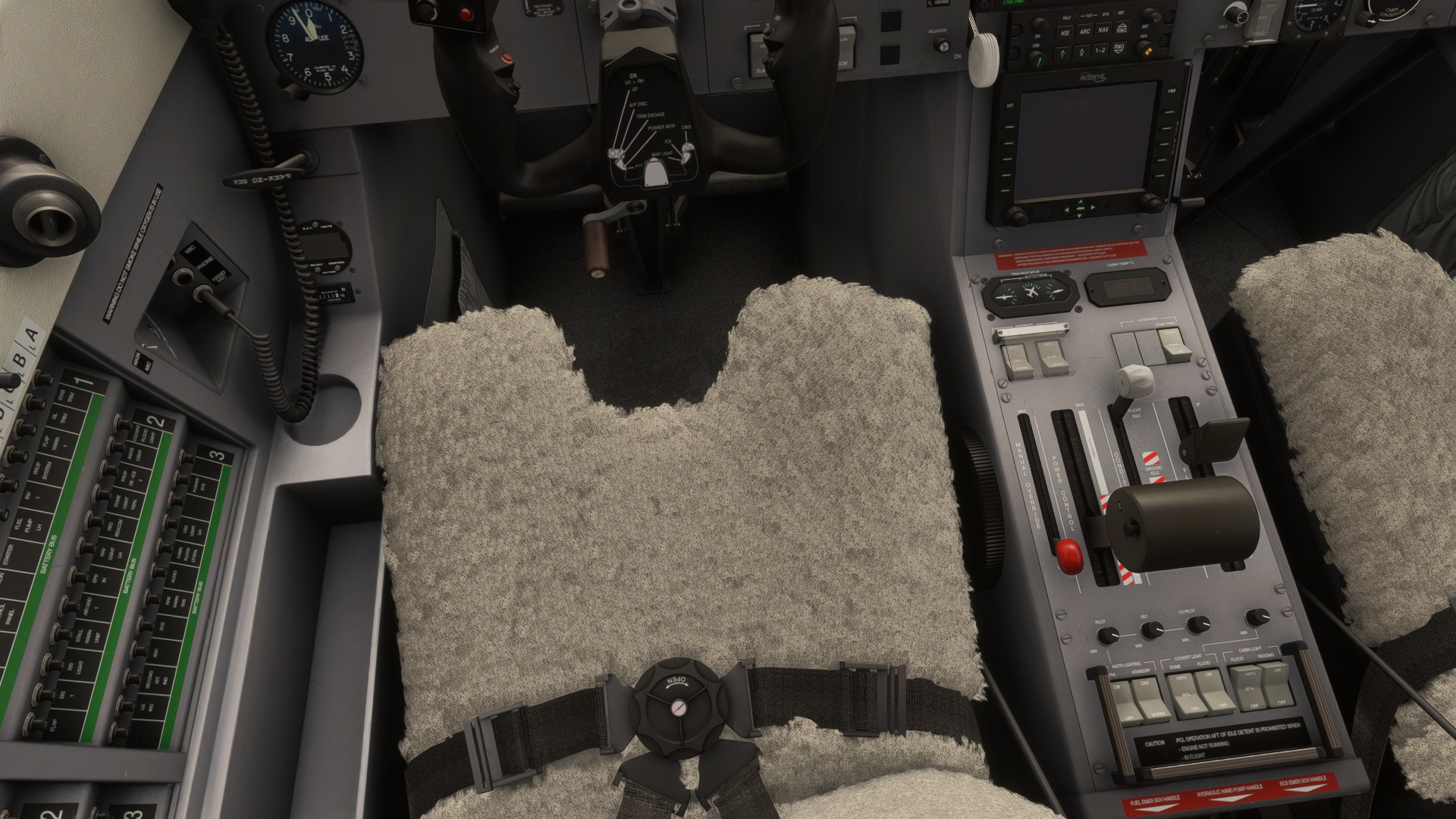
OOOPs…this isn’t the NGX…it’s the PC12 they automatically brought over from 2020. The Carenado PC-12 basic from 2020
Me I didnt try Canerado on FS24 I bought it on P3D and I was very disappointed, I opted instead for the one from Simworks which met all my expectations. I don’t understand Asobo’s policy of choosing competitors to distribute them for free on its platform, I could talk about many other similar cases but that is not the subject of the discussion here.
I was following the checklist, and I could never get it to start from cold & dark (worked fine if I started on the runway). Tried it again today, doing exactly the same procedure as I was doing before and it worked. Not sure why or what changed, I guess it’s just part of the fun of a new sim.
Call me crazy but I honestly think some switches can be in different spots when you load in. Not specifically this aircraft, but I was unable to start the C172 yesterday and I found the fuel cutoff was in the cutoff position, despite it always being in the flow position before. Or I’m just crazy.
that would explain why when doing some Landing challenges, sometimes the same challenge the plane starts in the air with its engines shutdown
1 Like
I haven’t spent a ton of time with this plane yet, but I can’t seem to create a flight plan from the sim map loading page and have it load in plane. I didn’t try the EFB as I didn’t see it in the plane, I guess you just have to use the keybind to pull it up??
I guess I’m just trying to ask for the proper process to load a flight plan from the sim.
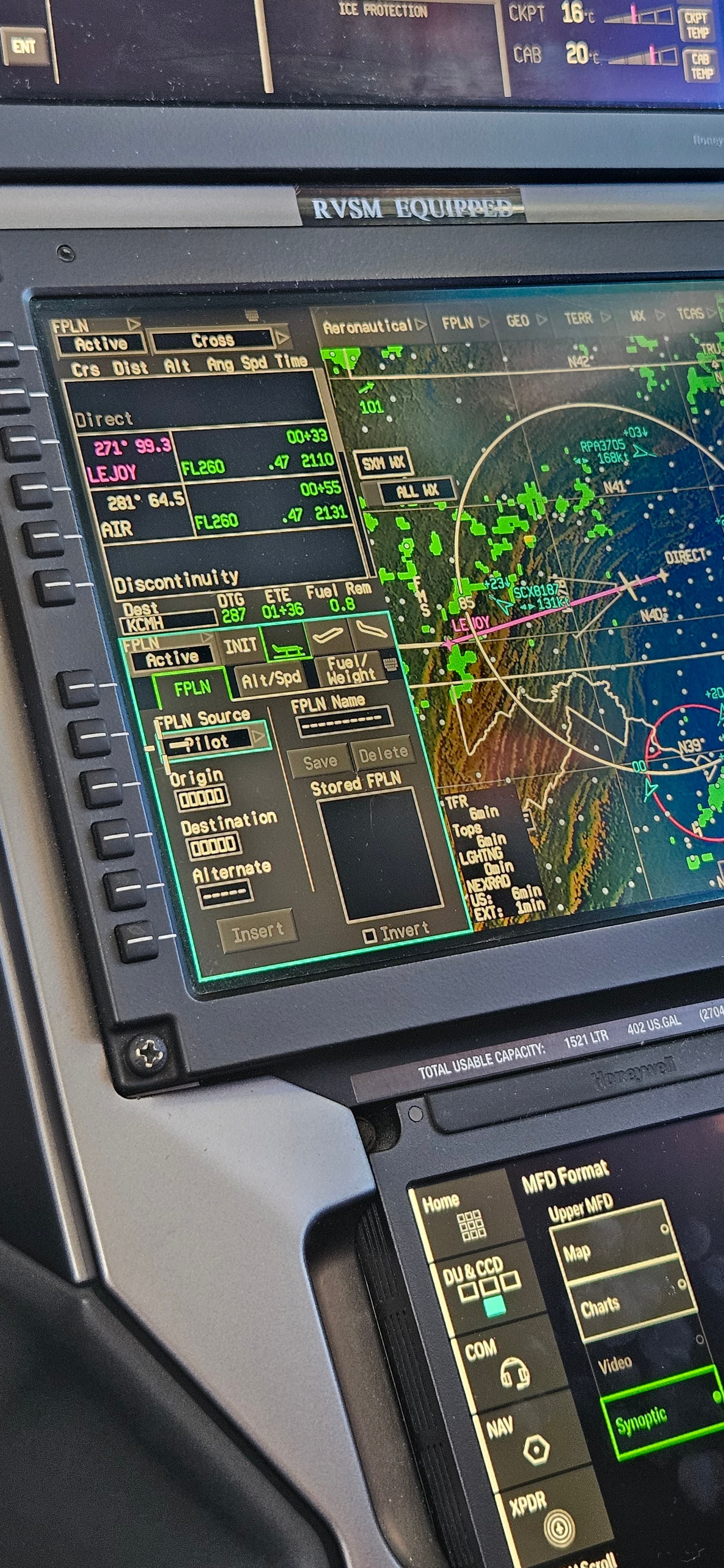
You use this. Load the origin and dest in the boxes and then itll allow you to type in your waypoints and airways.
1 Like
Thanks! Worked just fine that way. So, no way to use the sim planner or EFB to load a flight?