ISSUE DESCRIPTION
Description of the issue: MSFS2024 sometimes freezes during flight, but the sound remains. MSFS2024 does not crash to the desktop, only the image freezes, but the sound remains.
I have to close the game manually through the task manager.
FREQUENCY OF ISSUE
This happens every 2nd flight, it happens every flight.
REPRODUCTION STEPS
Please list clear steps you took in order to help our test team reproduce the same issue:
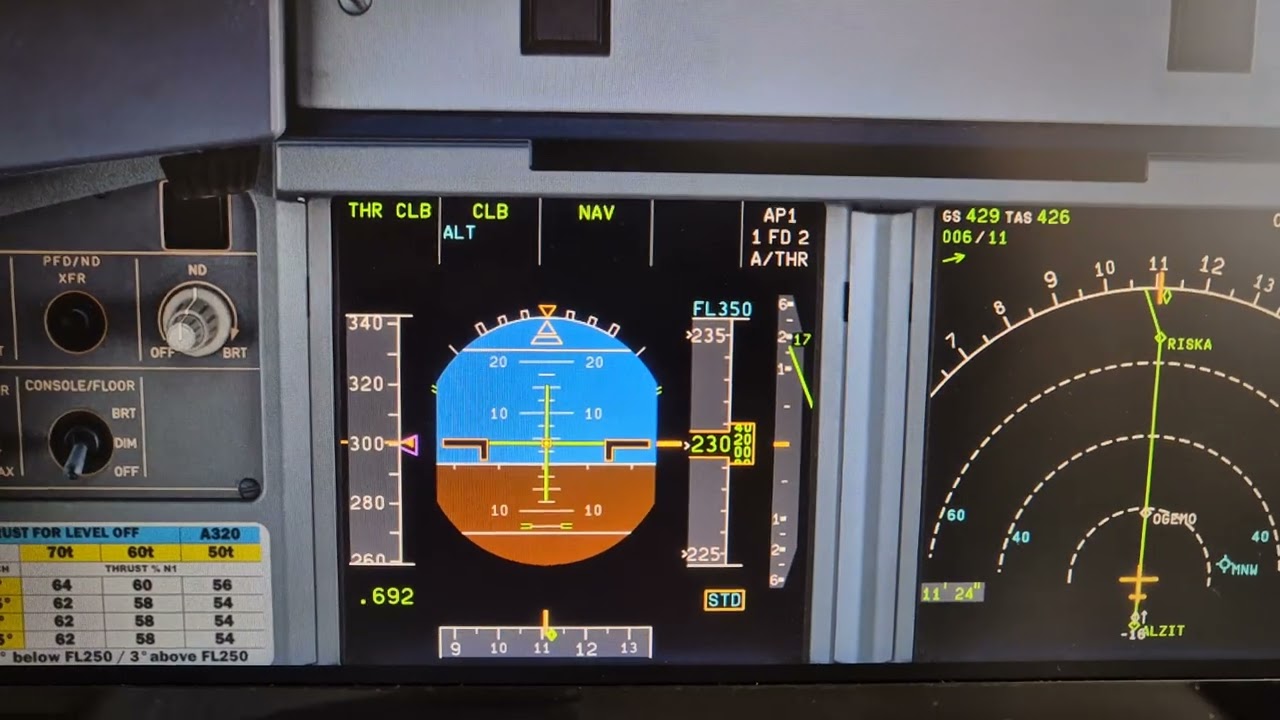
This happens at any stage of the flight, even during climb at cruising altitude. It can happen at any time. I don’t do anything special; the plane can be flying on autopilot, and the MSFS can freeze, but the sound remains.
[PC ONLY] FAULT BUCKET ID
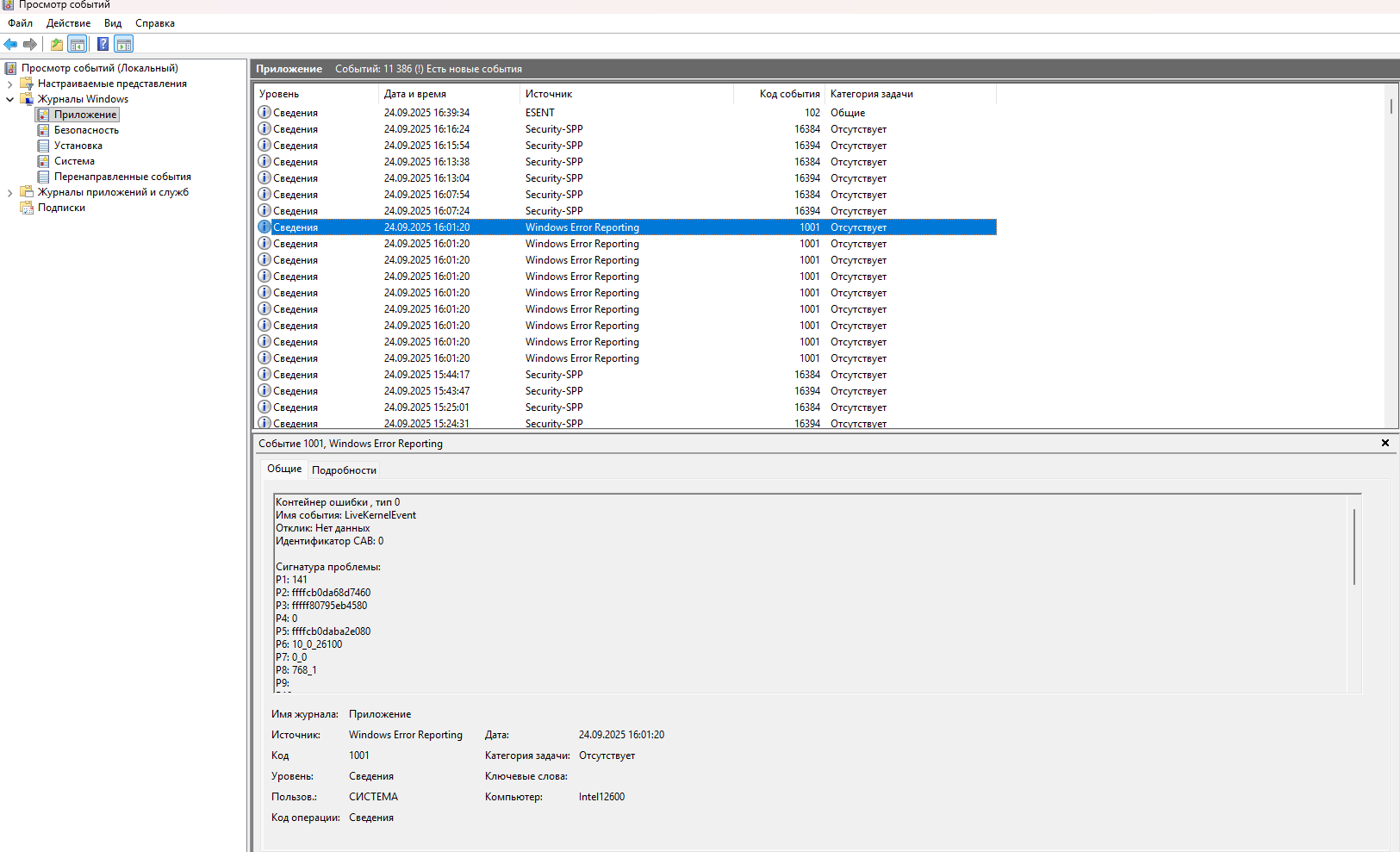
If you experienced a crash on PC, sharing your Fault Bucket ID would be extremely helpful. You can learn how to find that ID here: How to find your Fault Bucket ID after a crash [PC]
YOUR SETTINGS
If the issue still occurs with no mods and add-ons, please continue to report your issue. If not, please move this post to the User Support Hub.
What peripherals are you using, if relevant:
[PC Only] I’m not using Developer Mode
[PC Only] RTX5080?
[PC Only] 12600K, RAM32gb, SSD
MEDIA
Please add a screenshot or video of the issue occurring.
MSFSReport.txt (26.1 KB)