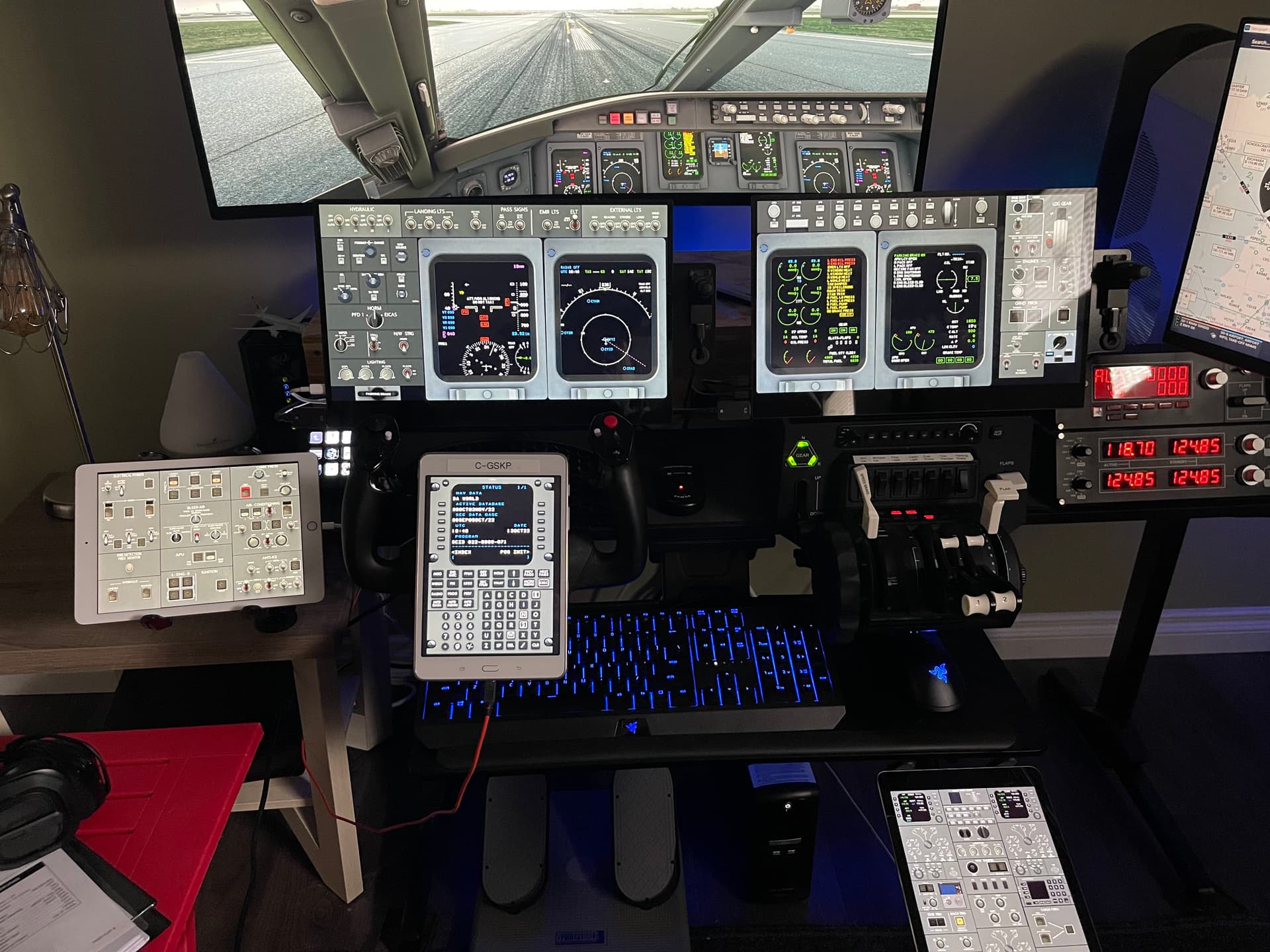
Here is my setup.

GPU is a 3090,
Main monitor - GPU (Display port)
2 Lower Touch Panels (15.6" WIMAXIT) mounted on brackets that attach to the Honeycomb Yolk and Throttle - GPU (HDMI)
24" Monitor On Right - GPU (HDMI)
iPad on Left and Right - Space Desk
Tablet on yolk - Space Desk
Tablet on far left - Charts via WIFI
I have another 24" touch monitor on the way to mount as a true overhead, I will put this on the GPU has HDMI and move the monitor on the right to a HDMI to USB.
Performance wise (USB to HDMI) is hit and miss, some get quite a bit of FPS loss, others get none, may depend on quality?
The better option, install a secondary cheap GPU to drive non main monitors this is what @Crunchmeister71 is doing now.
CJ4 Setup:
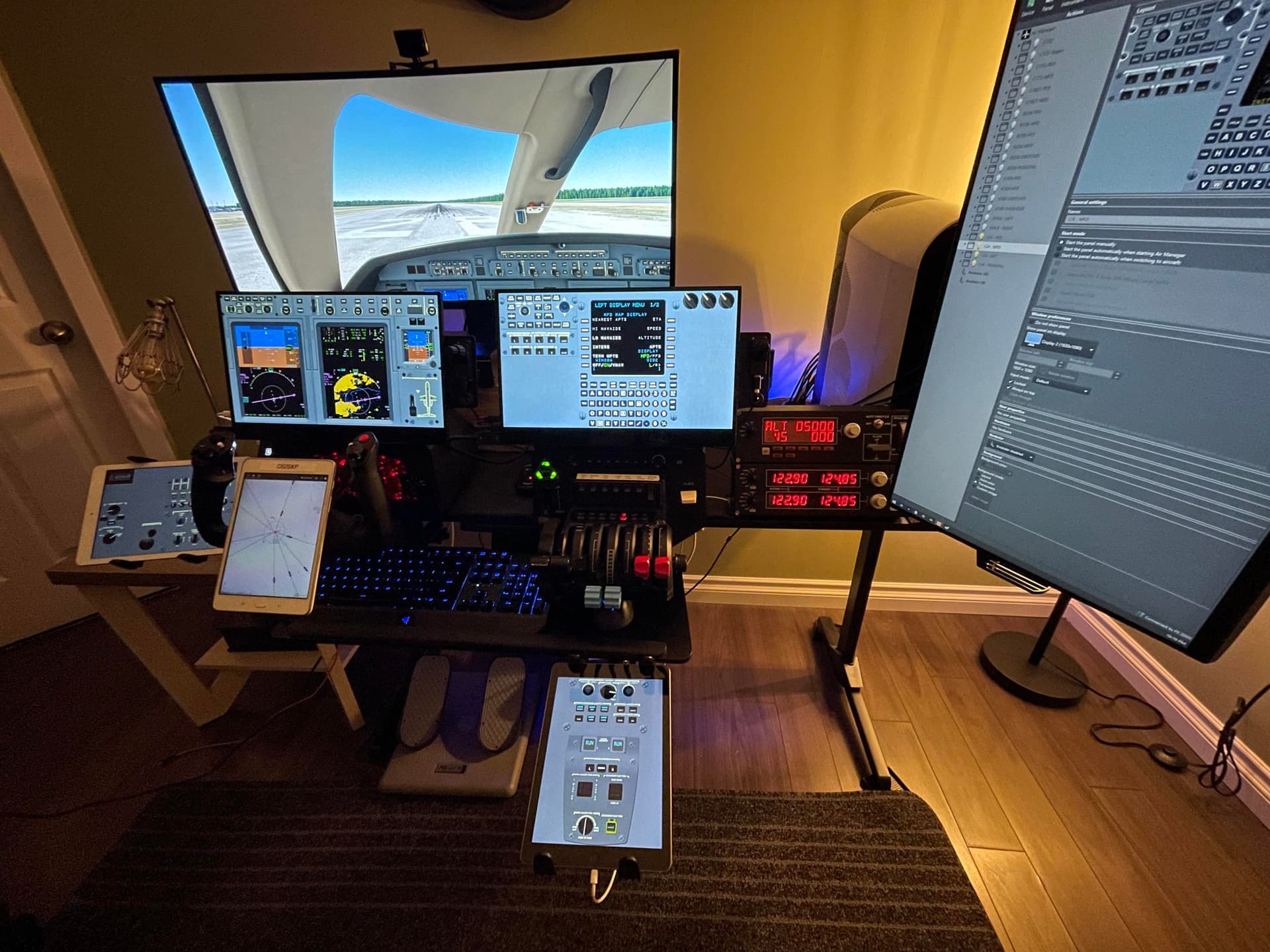
CRJ Setup: