Now with DLSS 3 (Frame Generation) Multi Monitor Support is cool.
It would be nice to have cokpit view on one monitor and passenger view on a second monitor.
I switch this views a lot inflight.
Example:
First monitor:
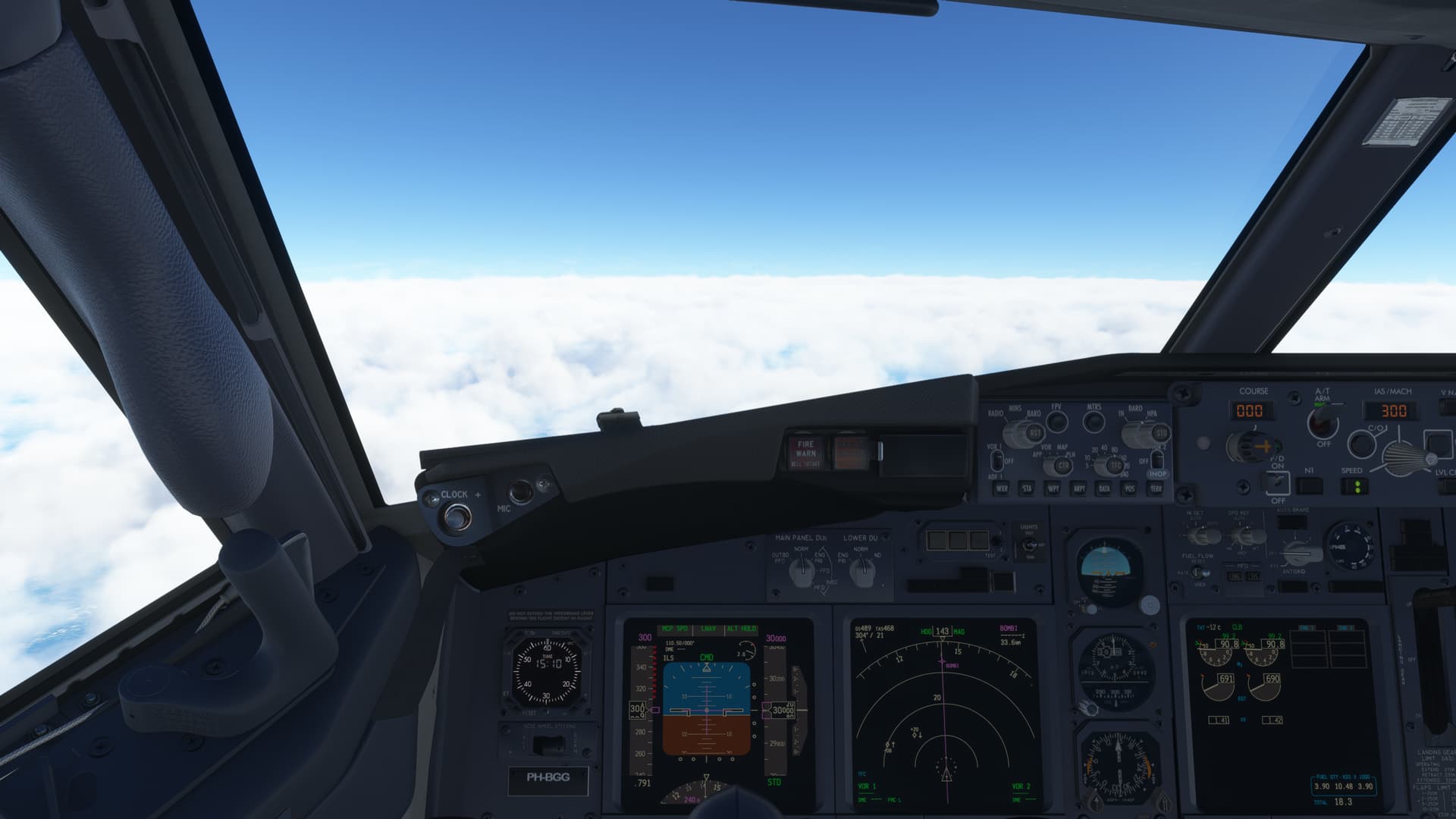
Second monitor:
Now with DLSS 3 (Frame Generation) Multi Monitor Support is cool.
It would be nice to have cokpit view on one monitor and passenger view on a second monitor.
I switch this views a lot inflight.
Example:
First monitor:
Second monitor:
OR, have a cockpit view inset into the main screen (i.e. in one corner)
Allow two concurrent views on separate monitors.
This would allow pilot to fly the plane from the cockpit on monitor 1 while on monitor 2 the showcase camera would give another view of the plane using the showcase camera at the same time.
Why?
It would allow for control of the plane (aerobatics, landing, takeoff, flyby, etc.) while the showcase camera follows and or is stationary and locked on to the plane or some target). The pilot would not have to switch cameras which is difficult to do and still fly the plane in complex maneuvers. Switching back and forth is disorientating .
Streamers can then use the two views to switch back and forth for their stream without leaving the cockpit and better maintain control of the plane.
VR streamers could set up the showcase as a static view either inside or outside to stream live instead of using the VR cockpit view which is not good for streaming.
Headtracking. Same applies as for VR. Streamer could set showcase camera as a copilot for streaming and viewer will get that fixed view for example.
The fixed views could be cycled through or chosen for the second monitor during live flight and streaming as well
I am sure other ideas for use exist as well.
This would not be difficult to do if MSFS opened up the Camera for just one additional veiw to be active concurrently instead of switching. As it is the two views do exist concurrently only they are switched between. When in the cockpit, the other views are all available just at a key press, for example End key for external, or Insert for Showcase.. All that would need to be done is create an option to assign the showcase camera to a second monitor.
The load on the graphics card would be no more than as if you had a triple screen set up. The load on the CPU would likely increase though as it would have to prepare two different views at the same time, one which is From the cockpit view.
We used to be able to do that on fs98 from memory
I recently watched a YouTube with a cockpit pilot landing view, and there was an inset view in the right upper corner of the screen which was an external view which showed the aircraft making a perfect touchdown, and I now I want to know how those two views were created in MSFS 2024. I think this discussion thread indicates it can not be done, right?
Most likely…the video producer used the replay function to record the plane’s flight twice from different camera positions, then sourced the two camera view recordings onto the same canvas in OBS and recorded it once again. Or you can use editing in other programs to combine separate videos.
The idea here was more directed at a live stream scenario where you would combine the two live camera views onto one canvas and switch those camera sources as desired, while always flying in the cockpit vr view. Interestingly enough with the Quest 3 and its ability to cast and apply motion smoothing you can stream in VR, but it’s still too much movement and having a fixed camera view would be better..
Asobo… Is it really that hard to understand that your Flight Simulator 2020 supporters are looking for this? Come on Asobo…
I first complained about this when Flight Simulator 2020 was released and in the update schedule that was promised, it was on the schedule to be added and what was done was not like the additional View Windows that was like in Flight Simulator X(FSX)
It was also possible in FSX.
Only 18 votes. That’s not going to vault this excellent idea into the priority list.
Thanks for bringing it back under attention
Voted so it is at 19 now