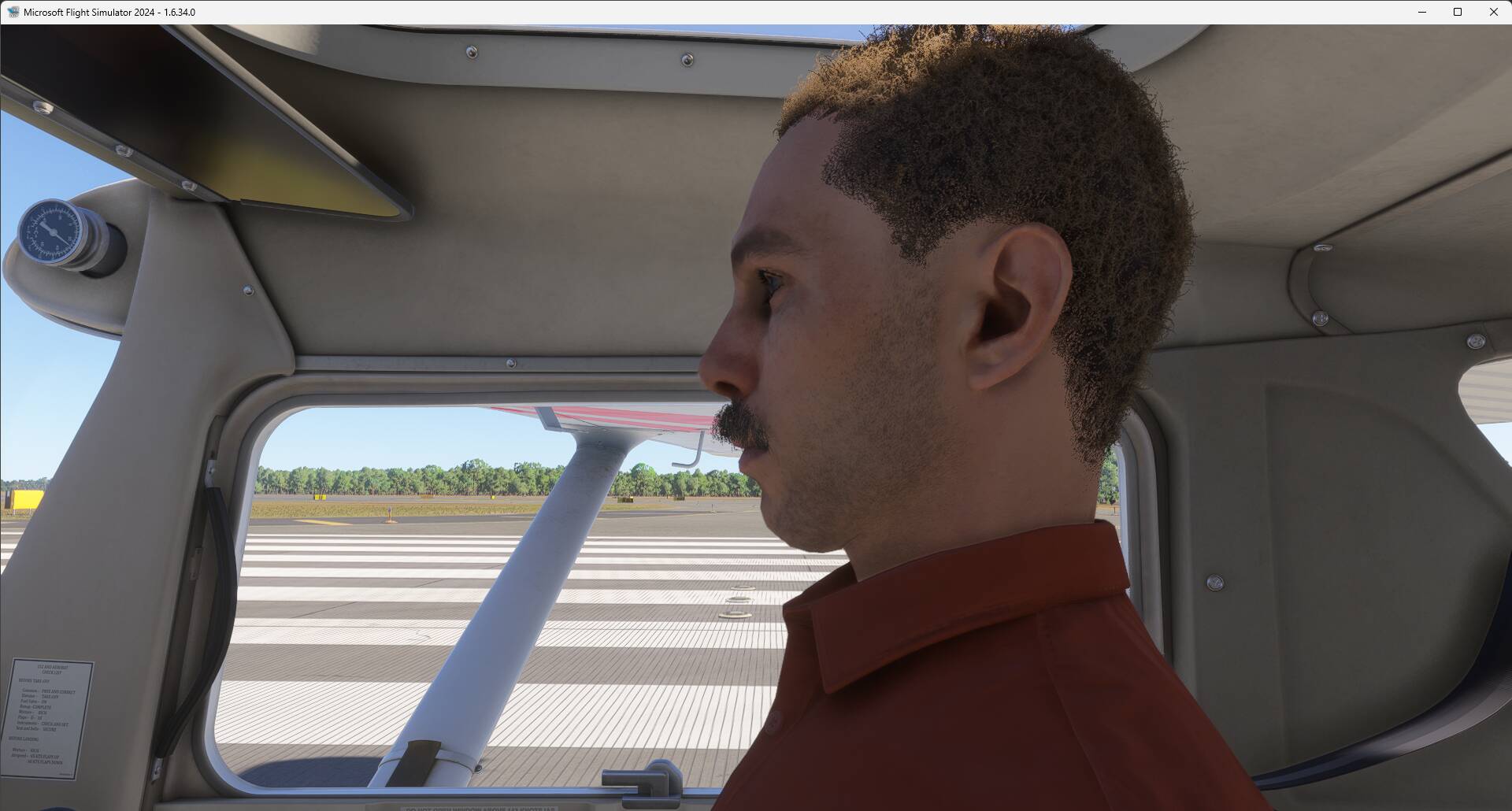
Several aircraft such as the Cessna Aerobat, 152 classic and Baron G58 do not have the copilot / Pax sitting in the right seat following prior selection of the SR22T aircraft.
FREQUENCY OF ISSUE
Repeatable - Every time on sim load.
REPRODUCTION STEPS
Please list clear steps you took in order to help our test team reproduce the same issue:
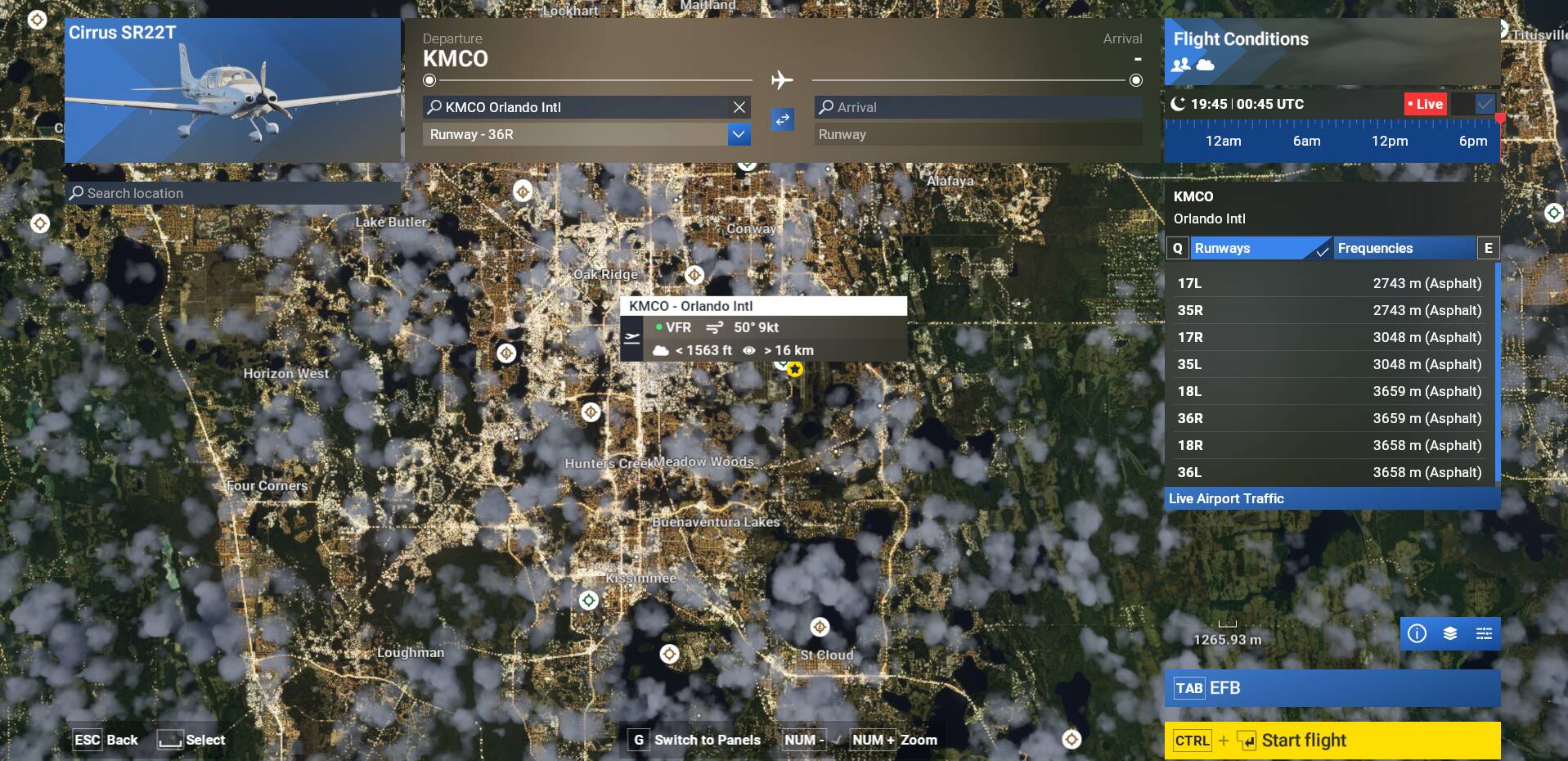
Load MSFS2024 and at the Main menu click at the top right of your screen at your ID plate (pic below right red arrow).
Navigate your way to the “Customize Identity”.
Ensure you have a copilot selected and not a blank (left red arrow).
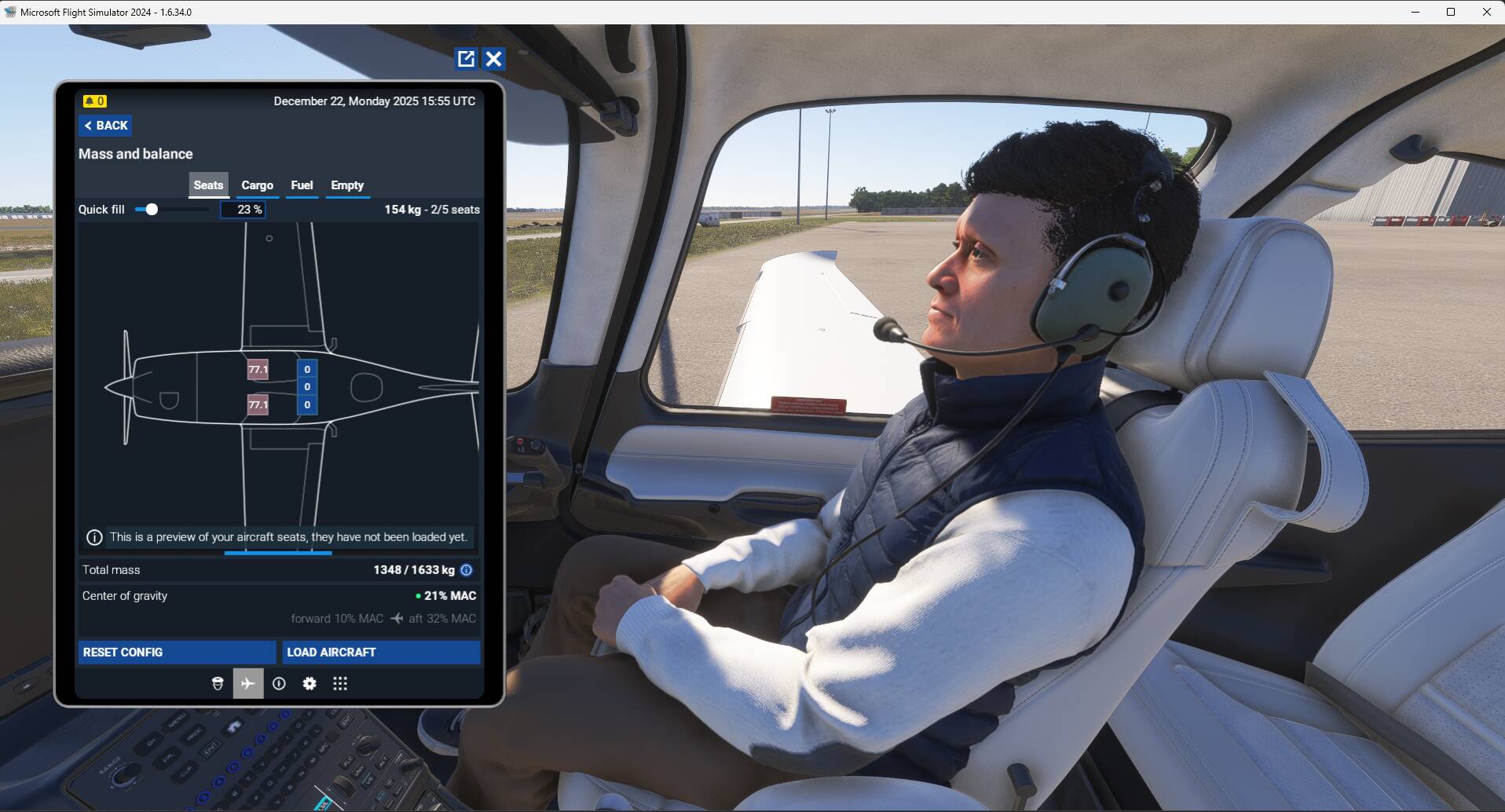
Next, in Free Flight, spawn the SR22 at an airport parking spot and observe copilot in the right seat of the SR22T. You can either remove the covers or press Shift-C to get in the cockpit… all normal so far…
Then “End Flight”, select the Cessna Aerobat, classic 152 or G58 and spawn at the same airport location. You should see the copilot character/avatar somewhere “out of place”. See picture below.
NOTE: There are likely other aircraft affected but I did not test them all !
YOUR SETTINGS
No mods and add-ons.
What peripherals are you using, if relevant: Not relevant
[PC Only] Are you using Developer Mode or have you made any changes to it? No
[PC Only] What GPU (Graphics Card) do you use? Not relevant
[PC Only] What other relevant PC specs can you share? Not relevant
Cannot replicate but I am seeing a different issue: when adding the co-pilot weight, I am not seeing the avatar co-pilot but a passenger avatar, starting on the runway or cold & dark. @UppishWind75631 : do you have some specific steps maybe to follow to get the proper co-pilot avatar ?
I just booted up my pc and did not change any settings from last night:
Picked same airport, same parking spot and selected the Aerobat. The result was the same as you; no co-pilot / pax in the right seat.
I then “End FLight”, selected the G58, same results; no co-pilot / pax.
I “End Flight”, selected the SR22, and noted that I have a co-pilot / pax sitting in the right seat at proper location. BTW, This has been the default SR22 dark cockpit, no need to go through the EFB unless you need to change the config; remove him entirely, change the weight or add/remove other pax. Furthermore, even if I select “Characters Quantity” to “OFF” (pic below) the Sr22 avatar always appears.
I then went back and selected both the Aerobat and G58 and the same “SR22 co-pilot / pax avatar” has appeared and is located at the wrong location!!?? This replicates what I observe last night.
The plot thickens…
I “Quit to Desktop” and re-loaded MSFS2024. Repeated the steps above to see if I could replicate your situation. The answer is yes, I could add a co-pilot/pax in the right seat at the proper location. I did not try to change the type of avatar/characters.
I then selected the SR22 (right seat avatar correctly appears/located).
I then re-checked the Aerobat and G58 and the “SR22 avatar is now present at the wrong location again!!
SUMMARY: It seems that the SR22 avatar supersede/interfere with the config of other aircraft…
NOTE: My “General” setting are “Low” per attached pic.
I cannot reproduce what you are experiencing about the co-pilot misplaced (but still having the issue with the co-pilot avatar in the C152 Aerobat and also the C152 Classic). I did the following test:
Starting the sim, load 1st the C152 Aerobat with a co-pilot weight, I am not getting my defined co-pilot avatar but a random passenger character:
So the issue for me is with some aircraft that are displaying a passenger character instead of your co-pilot avatar. No issue related to the co-pilot/passenger position wrongly located inside or outside of the aircraft.
If I remove the co-pilot from my profile and select a “blank” identity per red arrow in attached pic, the SR22 does not spawn with a co-pilot and subsequently the Aerobat and G58 are also free of erroneous avatar display location.
Could the BUG be associated with the Co-Pilot Identity selection?
Why would a co-pilot, once selected, only show up on certain aircraft and in some instances at the wrong location in or out of the cockpit?
My personal comments:
I think the FS2020 native aircraft that have been ported to FS2024 can be a hit or miss regarding the new avatar functionality in FS2024. Not sure if all those aircraft have been migrated by the same team or different ones and in some cases the new functionality not correctly implemented.
I am still wondering what I am doing different of your steps since I cannot get the character misplaced in/out of the aircraft as described in your 1st post. Are you running the sim with the Dev mod activated ?
Can you select a copilot via the “Customize identity” and subsequently see that copilot in the right seat of the SR22T?
If so, then “End Flight”, select the Aerobat and spawn at the same airport location. You should see the misplaced character.
A new twist, out of curiosity really, I selected the next parking spot from where I had spawn the SR22 and behold, you can see the copilot sitting in mid-air.
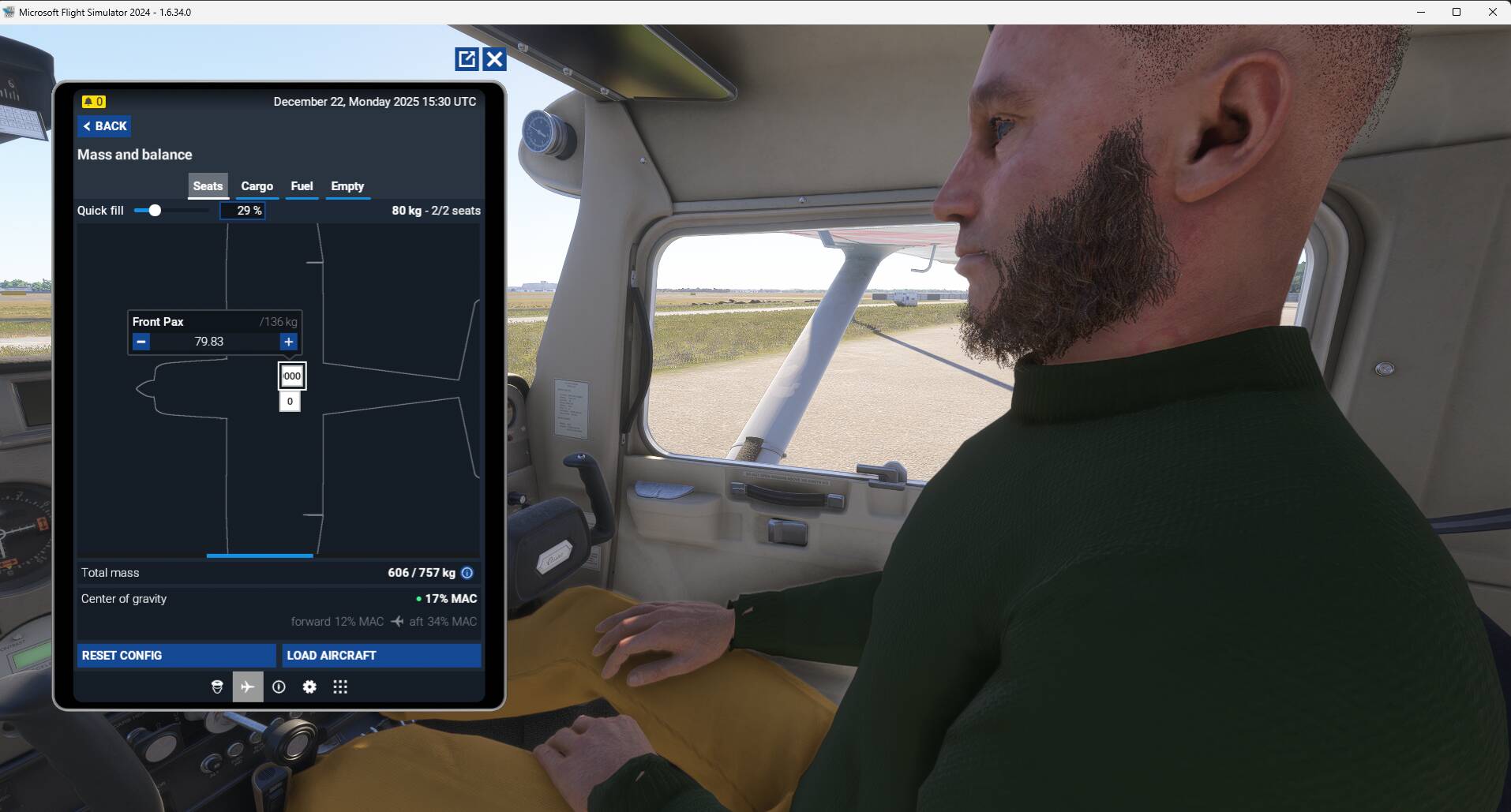
Also, it seems a character is loaded as your copilot because in the EFB, the copilot weight is referenced as a “Front Pax” weight, should be"Co-Pilot" weight:
I think MS/Asobo need to clean this up a little bit.
Unfortunately, the EFB is the same for all types of aircraft and depending on the aircraft i.e. requires pilot and copilot, the right seat may be defined as copilot. Conversly, in small GA aircraft it would normally be a passenger.
Out of topic: Is your G1000 PFD displaying the correct UTC time? Mine is not regardless if I change the selection in the MFD AUX page…
Agree that for GA airplane right seat is more often a passenger than a copilot. It is up to the devs to define this point. But if they decide to use in the EFB the “Co-Pilot” weight box it should be your copilot avatar that should be displayed.
If they decide to use in the EFB the “Front Pax” weight box it should be a random character that should be displayed.
I would recommend to update the title/steps to reflect that the issue also happens with the C152 classic and add steps to have previously loaded the SR22 (or equivalent where avatar works) and spawn at the same parking spot with the C152.
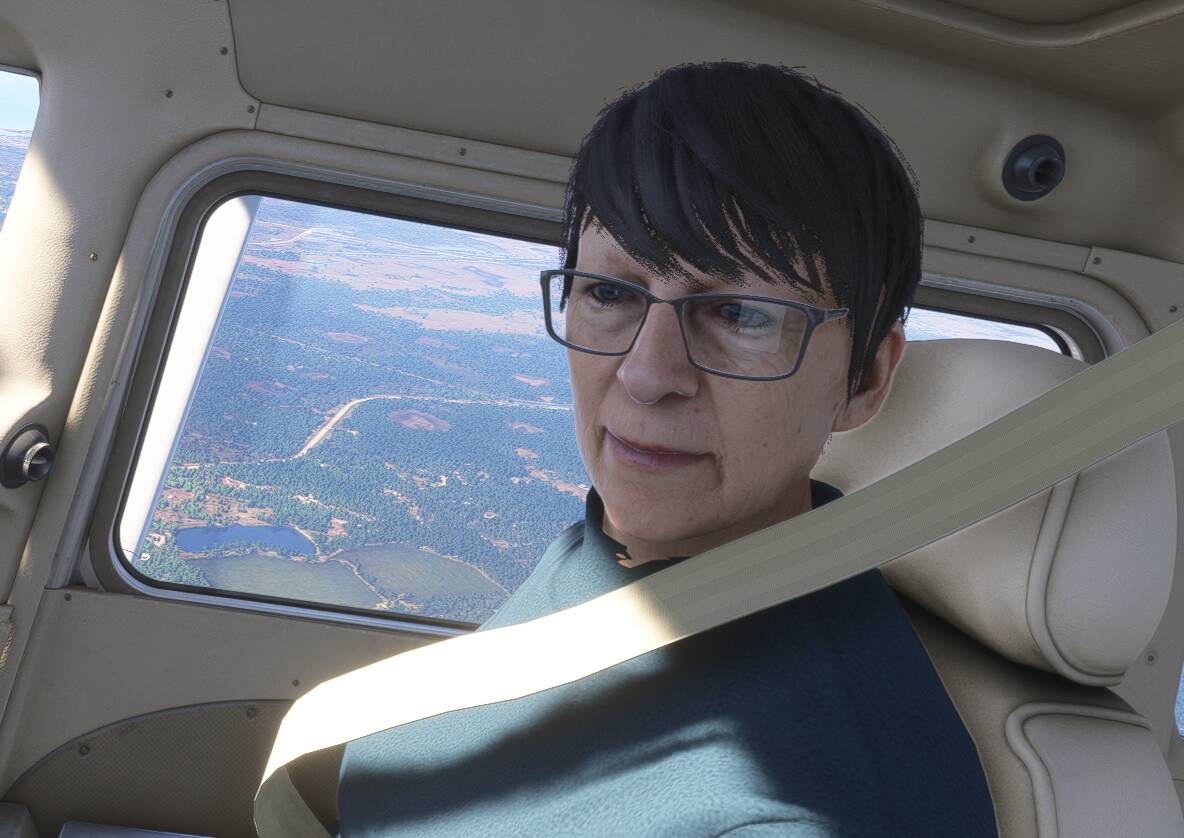
I am in the Standard Asobo 172 with the Co-pilot turned off; then this lady appears as my PAX .
Not sure what is going on, after ending flight, she’s gone. cannot repeat this.
Subj Bug has somewhat been fixed at some point during the development. The Pax/Co-pilot no longer appears at various locations in and around the aircraft using the REPRODUCTION STEPS above.
However, there is a small glitch at times (see pic) that corrects itself when Ready to Fly is pressed.
NOTE: The C152 and G58 selection of a co-pilot do not work, i.e. no co-pilot in the right seat after Ready to Fly is pressed. I did not try other aircraft. is this a new bug?