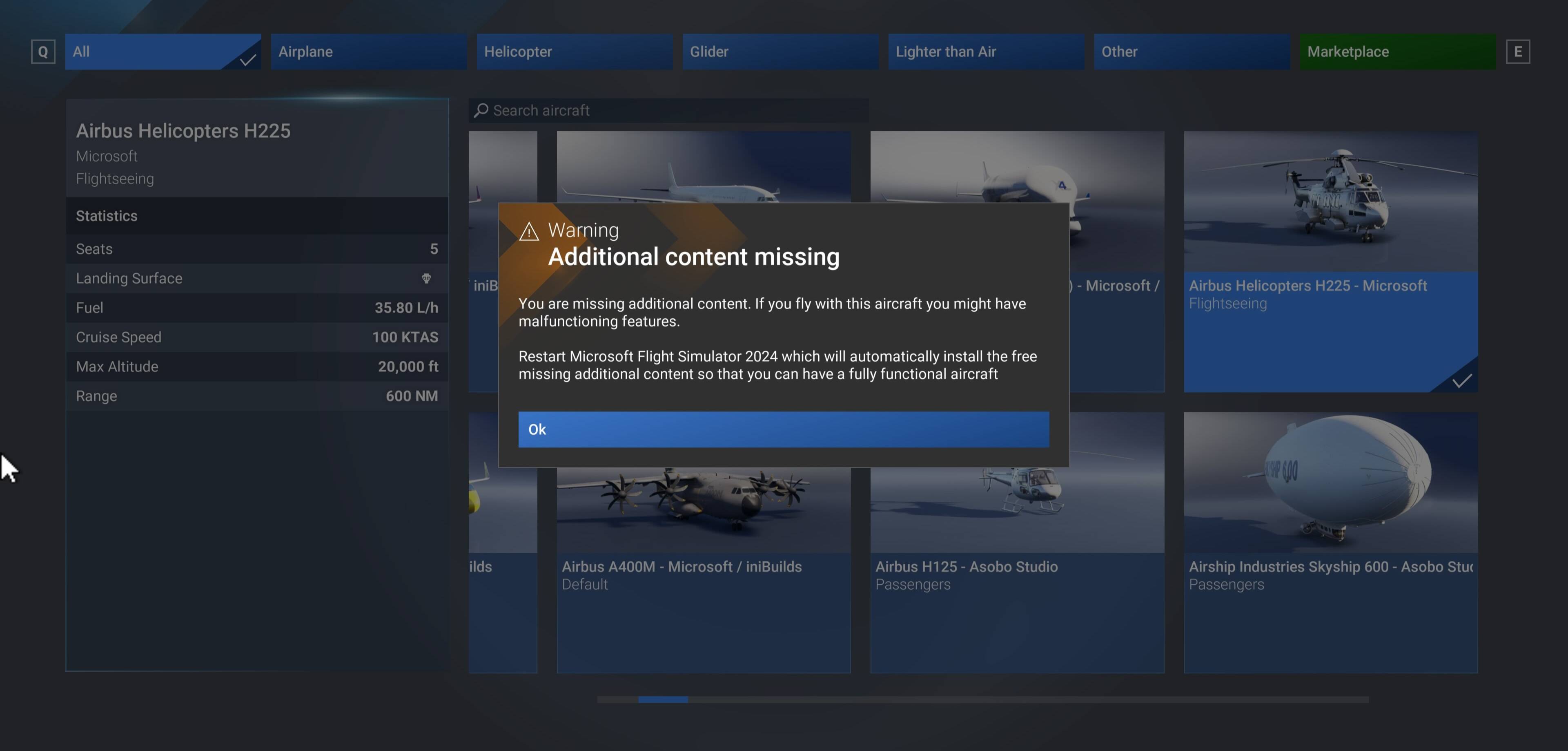
Recieving a notification stating Additional content is missing when selecting the Airbus H225 or Volocopter and to restart to download the free additional content.
However on playstation I have the following successfully downloaded and currently on the following version.
Game update version - 1.007.027
Airbus H225 version - 2.0.5
volocopter 6.14.0
The reason for the report is either a false flag notification or something hasnt ported over correctly.
FREQUENCY OF ISSUE
How often does this occur for you (Example: Just once, every time on sim load, intermittently)? Every time when selecting the 2 aircraft in Freeflight mode.
REPRODUCTION STEPS
Please list clear steps you took in order to help our test team reproduce the same issue:
Get comfy
Load up MSFS 2024 on your ps5/ps5pro
Hop on over to freeflight and select either the H225 or volocopter and you will be met with the notification.
YOUR SETTINGS
If the issue still occurs with no mods and add-ons, please continue to report your issue. If not, please move this post to the User Support Hub.
What peripherals are you using:
[PC Only] Are you using Developer Mode or have you made any changes to it?
[PC, MSFS 2020 Only] Are you using DX11 or DX12?
[PC Only] What GPU (Graphics Card) do you use?
[PC Only] What other relevant PC specs can you share?
MEDIA
Please add a screenshot or video of the issue occurring.
Thanks fo confirming this issue. Was wondering why only two engines were running.
disable + reenable, even without restarting the game, didn’t fix it for me.
Description of the issue: I received an error message saying that I was missing content and needed to restart after I entered the aircraft selection menu in Free Flight. I restarted the sim, and my console, as instructed and still received the error message again.
FREQUENCY OF ISSUE
How often does this occur for you: happened twice so far
REPRODUCTION STEPS
Please list clear steps you took in order to help our test team reproduce the same issue:
load MSFS 2024 on PS5
go to the aircraft selection menu in Free Flight
Error message should populate
restart console and simulator app
go back to aircraft selection menu in Free Flight
YOUR SETTINGS
I have all AI assistances on, with graphics set to max
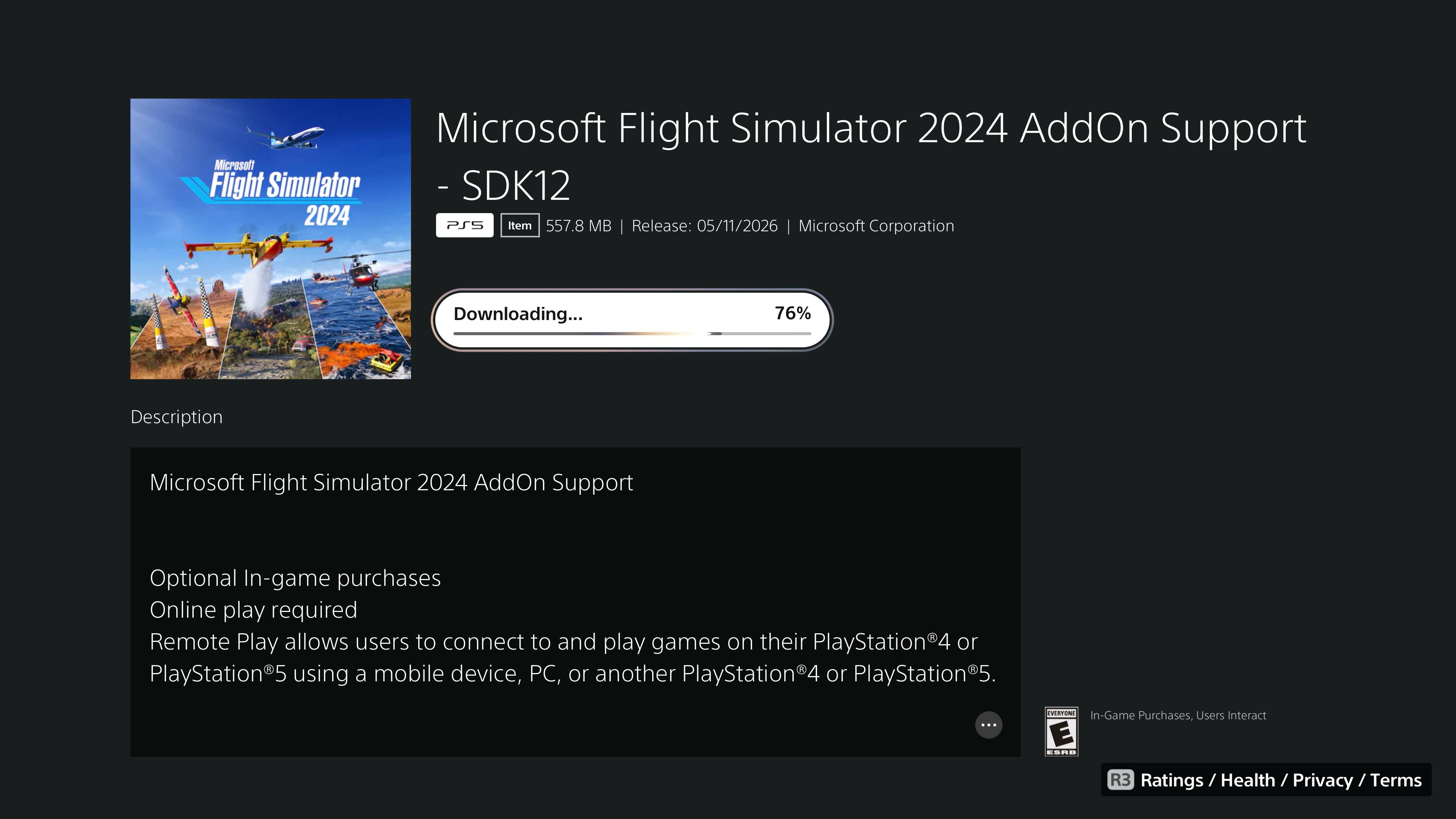
The 2024 AddOn Support SDK12 file has just shown up for PS5 Players, restart your sim and it should automatically download, this should fix the issue with missing content for the planes above!
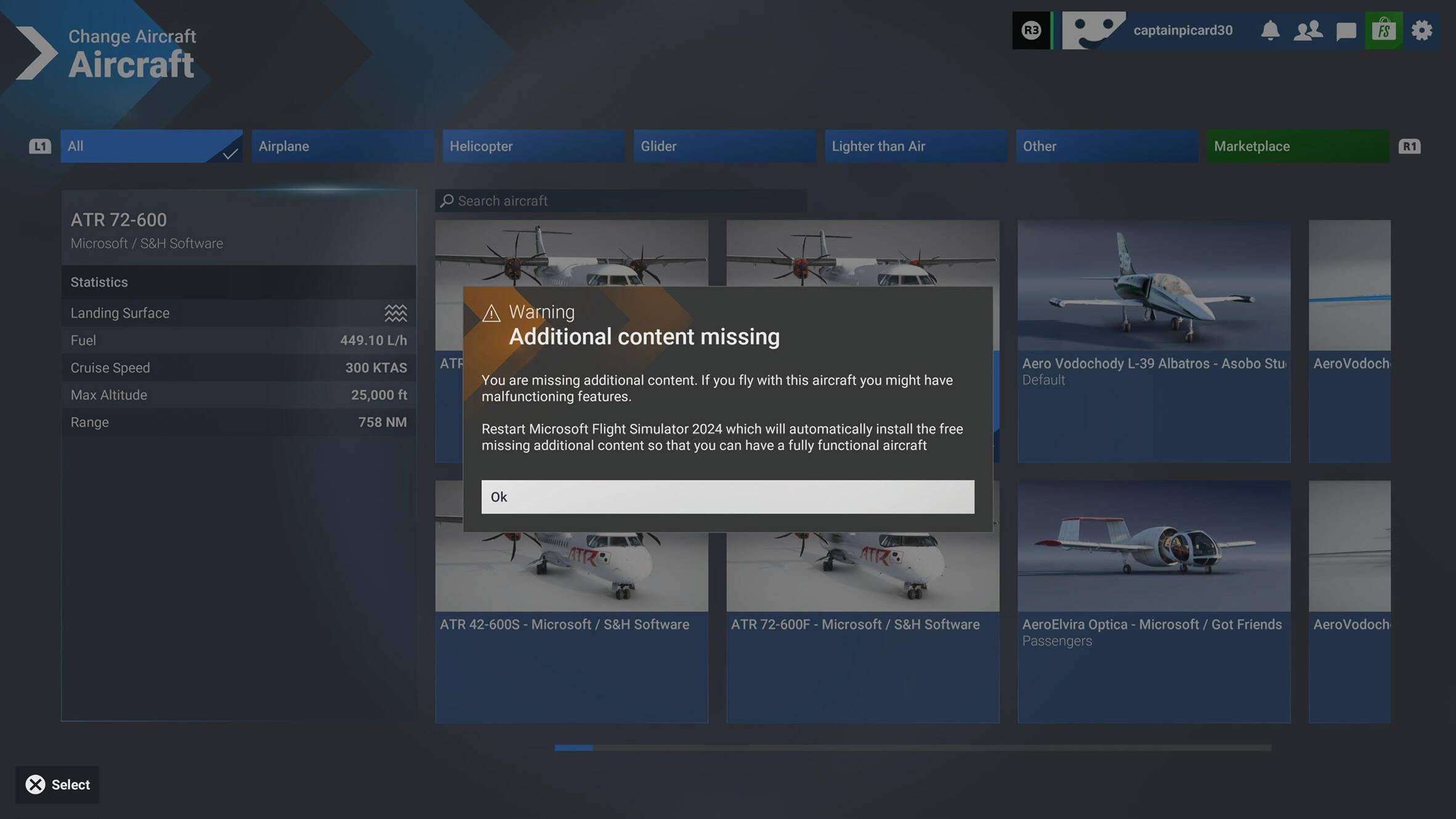
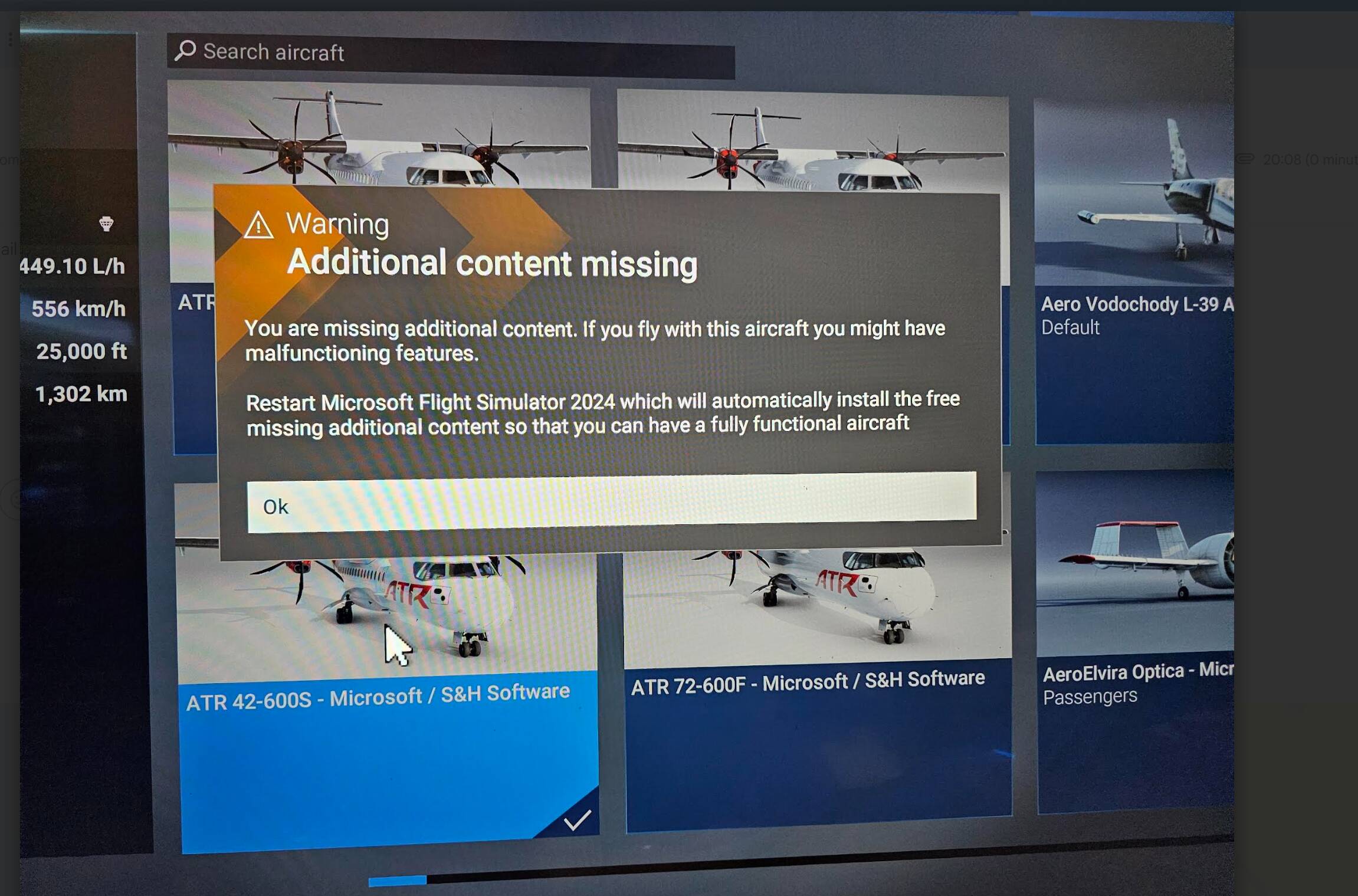
I can’t for the life of me get it working - I have applied the update that was released earlier today, restarted the sim, restarted the console, turned the console off then back on again after a while, checked for update to the game again, and still when I select any of the ATR planes I get that same missing content message
The ATR is still missing content (Pretty sure we’re just waiting on the upgraded version of it at this point.) But the H225, AN225, and Boeing 707 are normal now. As for the Volocopter, that thing is just a mess even with all of its content lol
Yeah it’s weird, I’m also getting the same missing content issue for the Volocopter. Not sure what the deal is, may just have to revisit it in the morning and hope something changes.