Hey Everyone, I’ve been pretty bummed out about this. I recently dialed in my graphics after weeks of trial and error, I was running about 60 FPS all green, bouncing back limited from GPU to CPU about 12.6 MS on both and reaching about 19-21ms with high sceneries(ORBX/INBUILDS),weather and PMDG planes. Running Smooth. A few days ago, my SIM completely reset it self ( all settings) and now when I fly the performance/Graphics are terrible while running the same settings I dialed in before. Ground textures are blurry and pixeled, I get stutters, VSYNC makes my CPU usage really high now. I did update my Nvidia Graphics to the latest Driver as well to see if that would fix it, but no.
I am running Intel(R) Core™ i7-13700F , RTX 4060, 32 GB RAM. I would highly appreciate all the help I can get please.
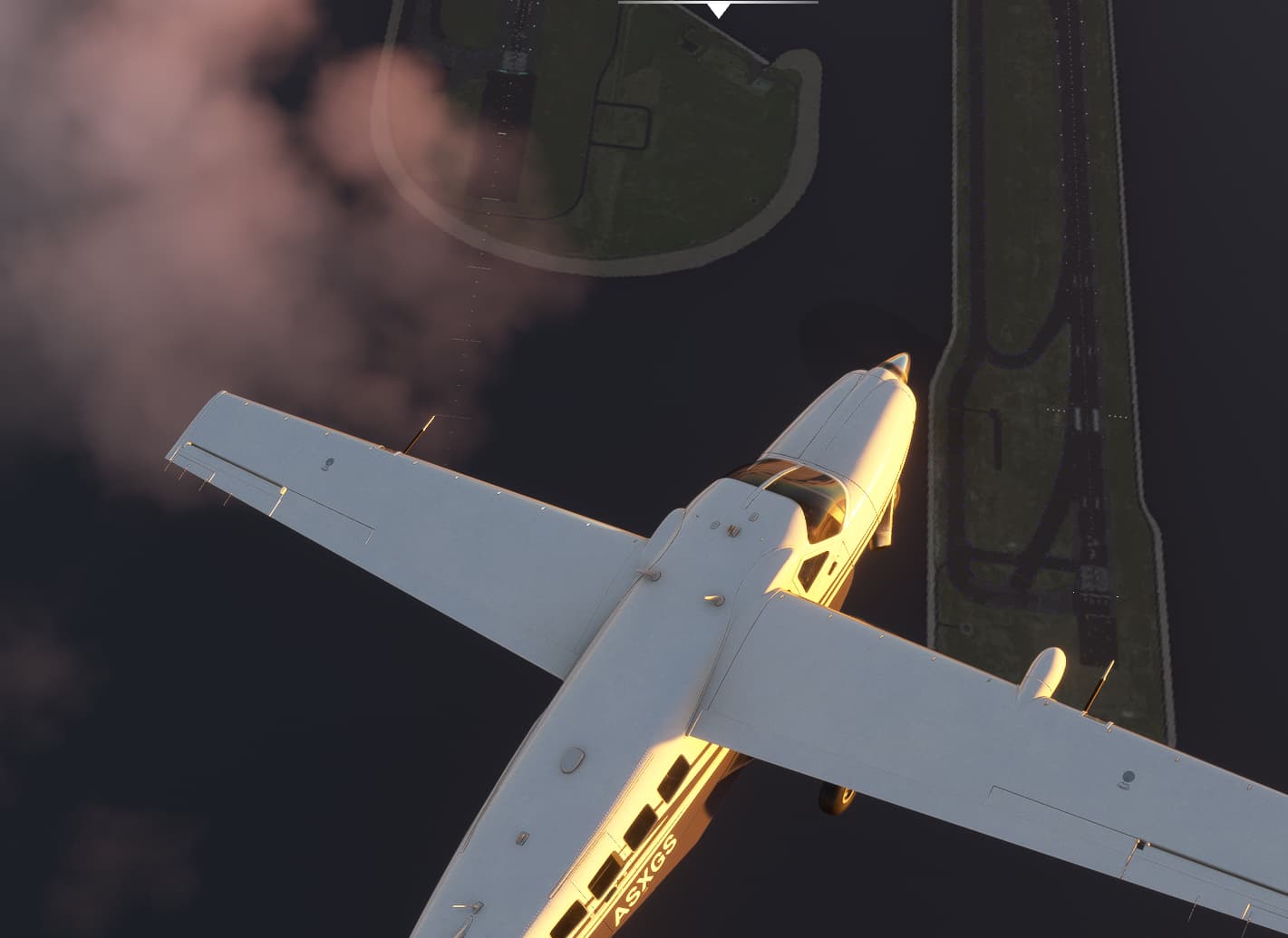
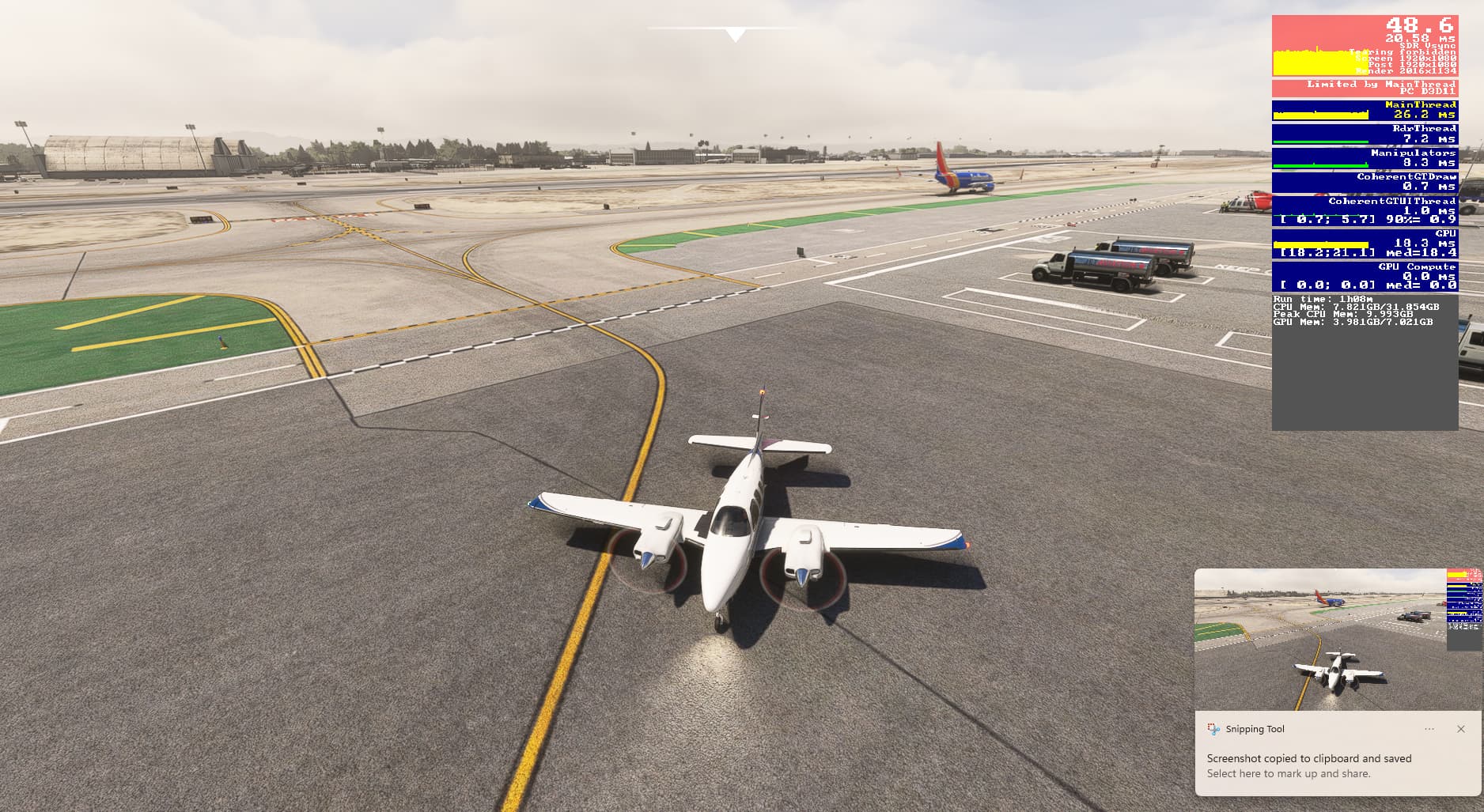

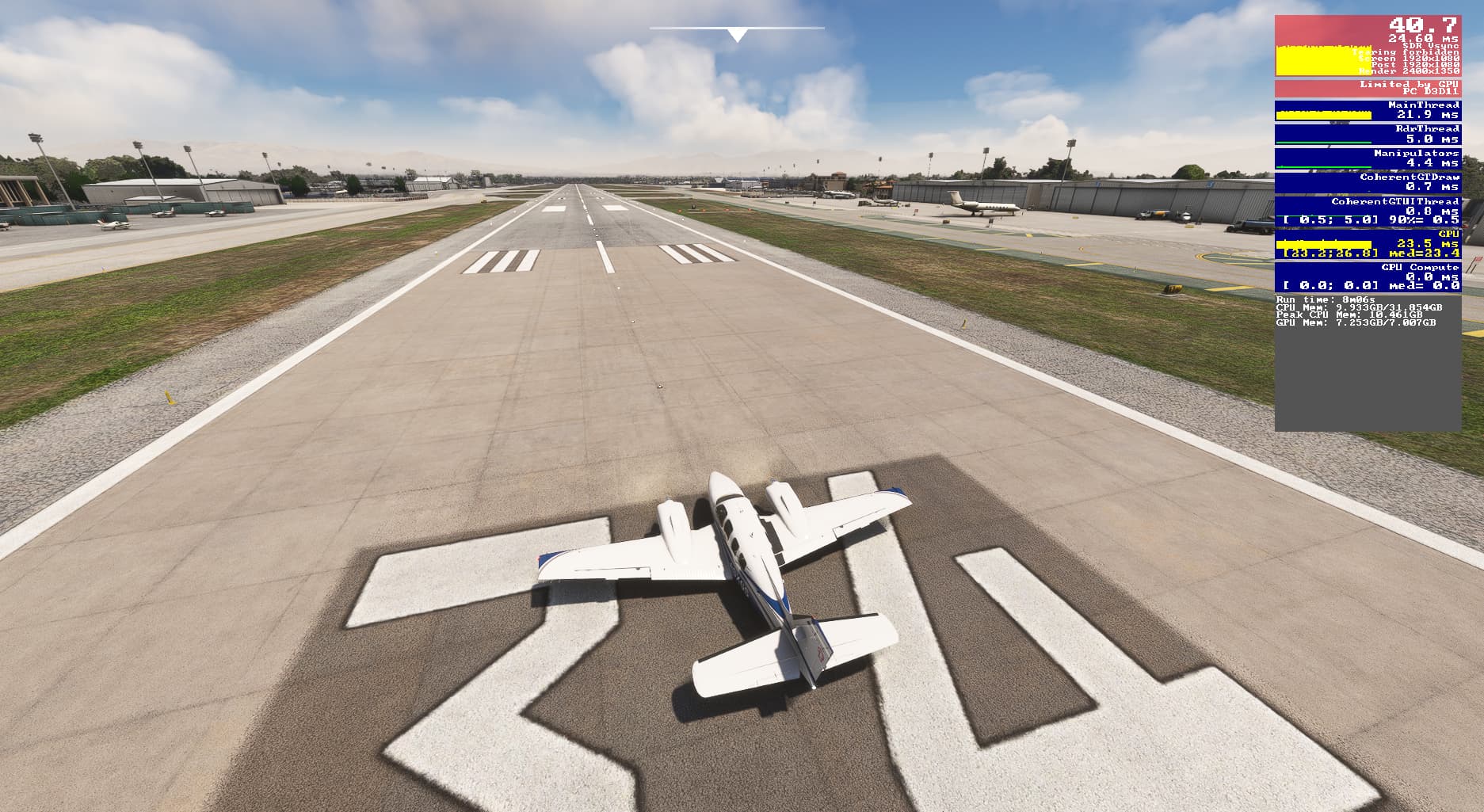
This is a very difficult situation~
Before completely resetting the system
I’ve also experienced situations where the entire MSFS settings are reset and all settings are requested as if this is a ‘first time’.
Some suggestions
- Run IPDT64 (Intel Processor Diagnostic Tool 64bit)
- You can check Windows installation status, CMOS settings, CPU stability, calculation function, etc.
- Uninstall third-party programs
- The growing scenery library also seems to have an effect.
I hope this helps.
I ran the The IPDT64 test, and it all passed. Will try to delete the scenery and see what happens. I don’t have many airports installed, just a few.
This is pretty bizarre. Did everything reset after a sim update? Or did you just do a normal sim start, and everything was vaporized?
What’s even more bizarre is that resetting things back to what they were has resulted in a (pretty severe) loss of performance.
I would run a full Defender scan just to rule out that possibility. Perhaps even download Malwarebytes Free and run that scan as well on all your drives.
And of course clear all the caches. Several users have recommended this tool:
https://flightsim.to/file/71729/corsten-s-cache-shader-removal-tool
Hey, UPDATE***
I was able to get my setting back to the state i had them in, I figured out the VSYNC problem. However, the visuals look a bit grainy than before some blurriness as I get higher and far from things. Do you have any idea what this could be? TLD is at 250 and LOD is 150
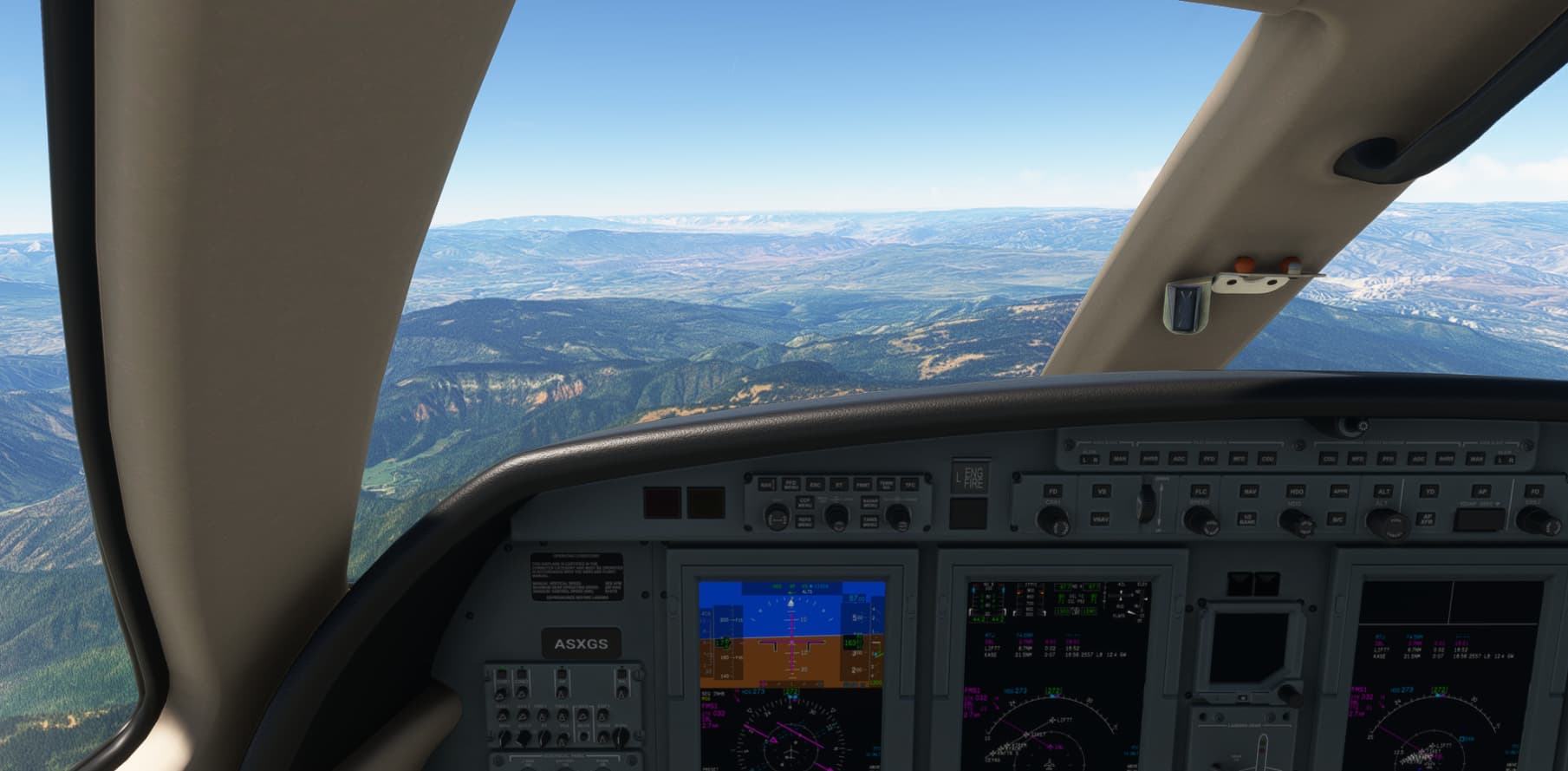
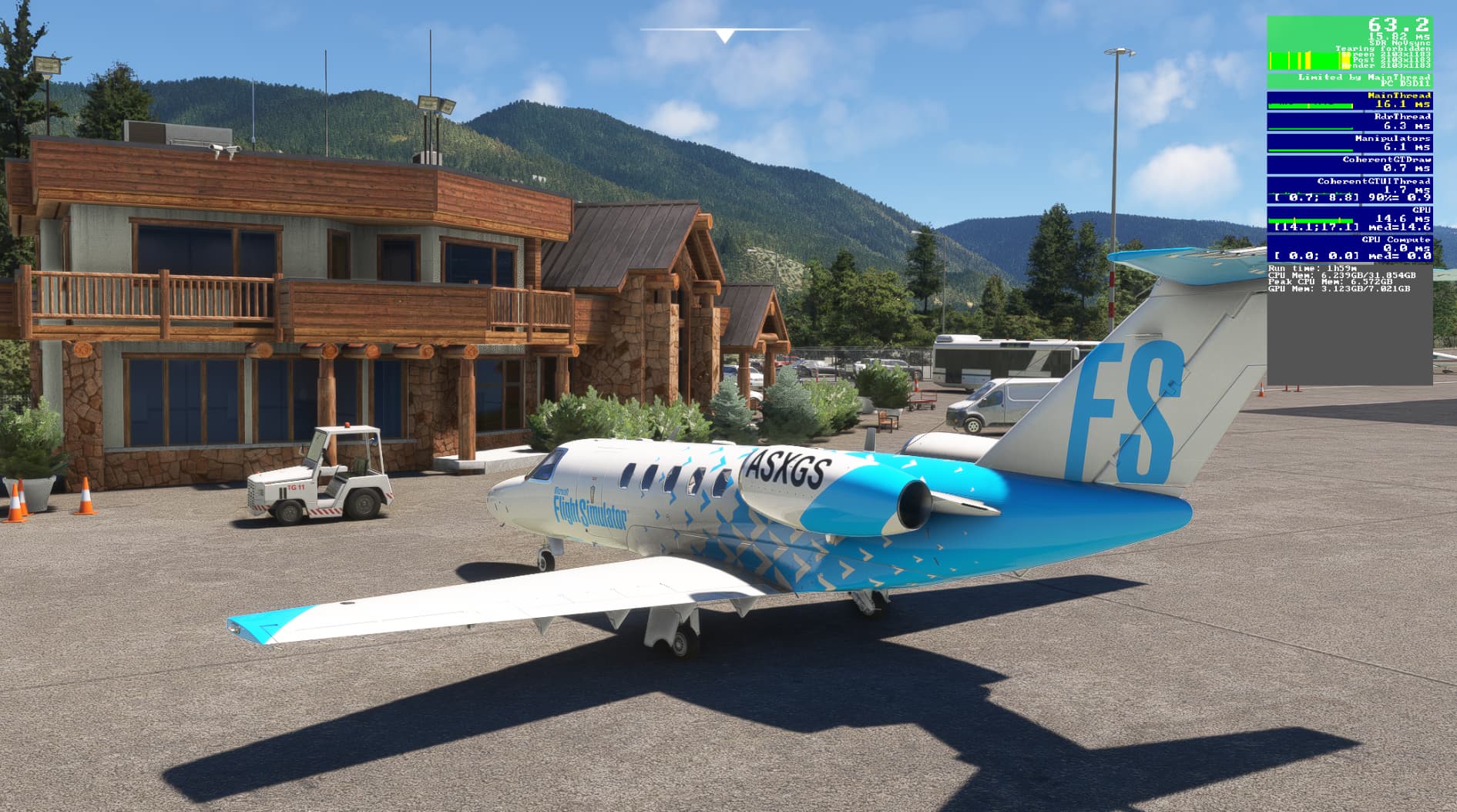
Happen to me a few weeks ago, I read somewhere it was due to a new Nvidia driver. Rolled back and it was fine again
I’ve been happy with 537.67. I’ve tried a couple of more recent drivers, and always rolled them back.
Glad to hear you’ve got it mostly sorted, OP.
Did you perhaps use the new DLSS file (manually or using the Swapper utility) and it reset that but you’ve forgotten to add it back in again?
Hard to tell from the screenshots or know what you have before to compare. Sounds like some sharpening is missing or different? Or a lower Supersampling resolution?
You definitely have all NVCP (or Profile Inspector) settings back correct?
No, I didn’t use the new DLSS file, I don’t know what that is actually.
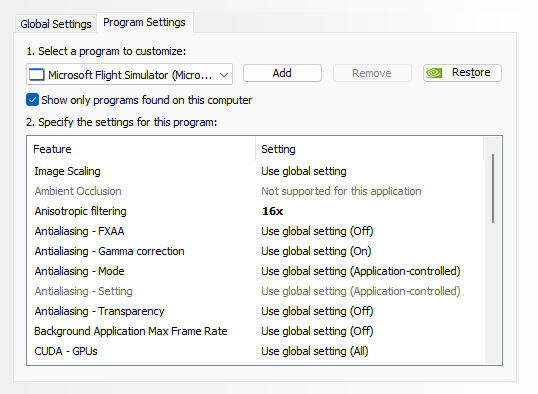
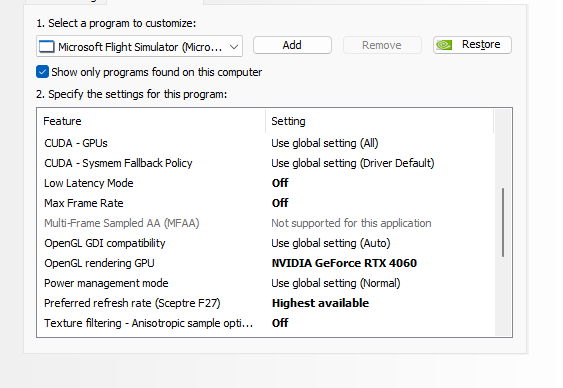
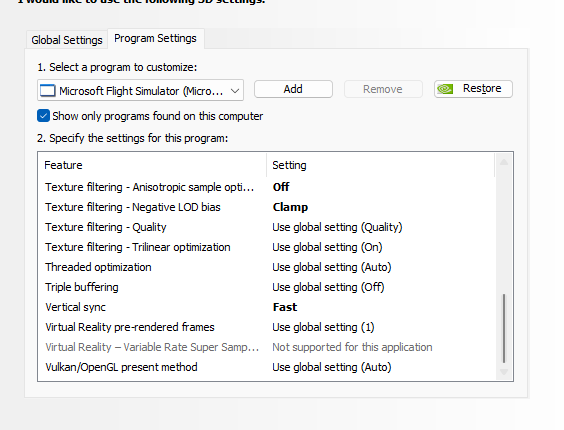
I am currently running these settings on my NVCP, it seems to be working really well with FPS and performance, but my textures can be grainy and blurry and definitely need some sharpening.
This topic was automatically closed 365 days after the last reply. New replies are no longer allowed.