Navigraph Charts Plugin - 2024 WT21 CJ4

If you are a Navigraph user and have been wanting Charts in the CJ4 – well here you go. I implemented a WT21 Plugin for Navigraph Charts that works in the CJ4.

Note it does work in the C90 but since the Chart Button is not enabled in that Virtual Cockpit you will need to use external software that can send B Events or H Events (ie SPAD.neXt or other binding software).

Enjoy!
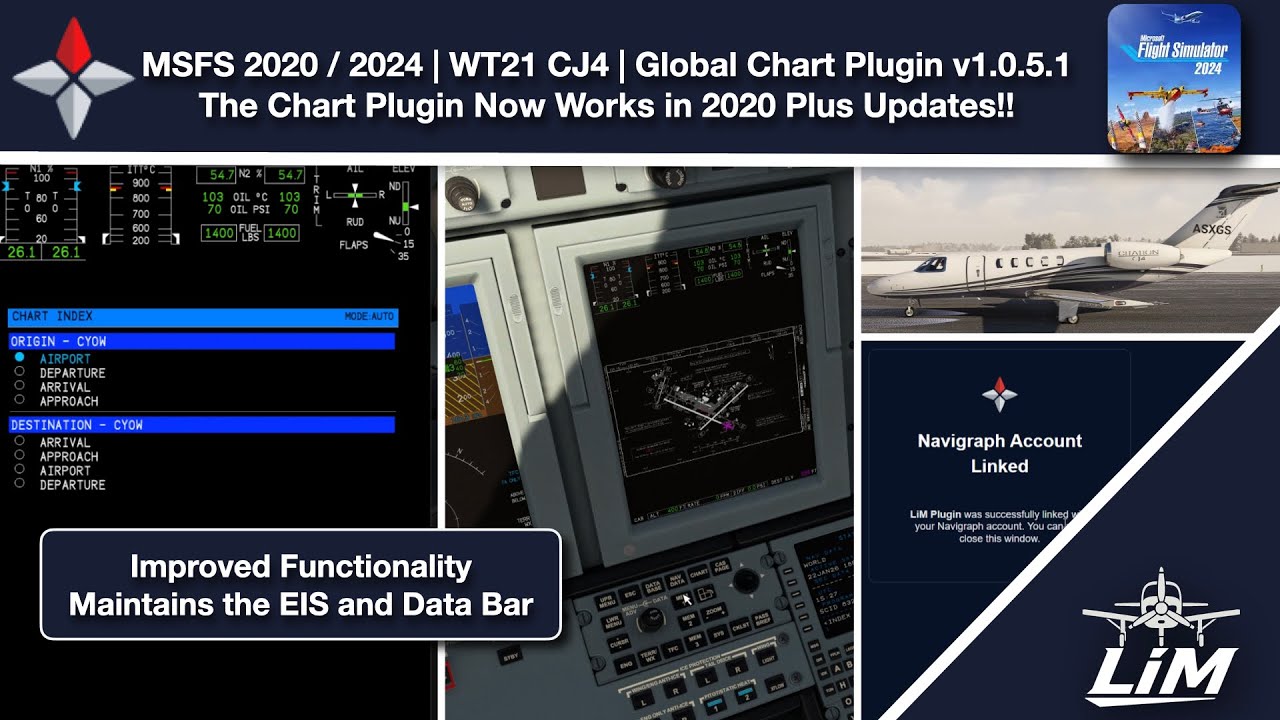
WT21 / CJ4 Navigraph Plugin Updated. Now supports 2020 (still need to bind charts button in hardware but plugin will now parse the route and display charts.)

Implemented retaining EIS and Data Bar when Charts are open. Fixed PFD H events being captured. Added improved Menu Navigation, Logout support and QR Authentication support.

And now with Simbrief import and support for the 2024 FFX P180 which added a Chart Button using a different Event than the CJ4 uses.

Note – the C90 still has an inop button for the charts so only way to bring it up there is to still use external hardware or software that can send an H event to bring up the charts.

Kudos to you for freely sharing your work with the community.

Thank you!

WT21 / CJ4 Navigraph Plugin Updated. Now supports 2020 (still need to bind charts button in hardware but plugin will now parse the route and display charts.)

Implemented retaining EIS and Data Bar when Charts are open. Fixed PFD H events being captured. Added improved Menu Navigation, Logout support and QR Authentication support.

thank you ! works so nice. long missed feature

And now with Simbrief import and support for the 2024 FFX P180 which added a Chart Button using a different Event than the CJ4 uses.

Note – the C90 still has an inop button for the charts so only way to bring it up there is to still use external hardware or software that can send an H event to bring up the charts.

Sounds great. But I can’t see the dropbox link to the plugin. Where to download it ?

the link is in the video

I know, but for some reason I don’t have the banner link in the video…

in Min 1:02 or so click to the upper right corner, more from Les O Rilley, the i with the circle
then below the video you see chapters, Music, then the transcript, there are the links
above the comments
sorry cannot just paste the link.

open the video details.

scroll down. That is where all embedded links are displayed in youtube videos.