I don’t think shader cache options are available for MSFS 2020 if you are using the MSFS 2020 profile supplied in the Nvidia CTL Panel. Please correct me, (someone) if I am wrong. I do not have this option for the Nvidia default MSFS 2020 profile however, it is available under the GLOBAL options within the Nvidia CTL Panel.
Personally, I would guess it is best to leave this setting at default. As far as I understand, increasing the shader cache size is supposedly designed to lessen initial stutters during a games launch only, you should not get any benefits in game performance as far as I know while playing. Deleting or making the shader cache smaller may induce stutters, especially if the cache has been deleted and stutters would reduce as the cache/shaders re-compile/fills again. I am writing this from memory and there are people who use this thread/forun who know a good deal more about these subjects than I do. Hopefully they might be able to give you some more detailed information about this.
I am currently getting painful stutters when moving my view point using TrackIR, (especially at the freeware EGKK Gatwick airport) with the latest display driver regardless of whatever graphics settings I choose to set within MSFS. I may have broken something. I don’t know if this is related to the 496.13 driver or if anyone else has experienced the same with this driver?
Thank you for the feedback. I am not sure which image you are referring to where you have noticed my FPS is being displayed, (if indeed you are referring to an image or just my writings?). I am using Z Shift Stats which only appears to display in red text? Does/can this display in green text then? I currently have my FPS locked at 30 FPS within the simulator. Only a few weeks ago my PC was replaced with a much higher specification PC which has allowed me to run full ULTRA at 1070P.
Ed, just PM me if you have any further advise otherwise we will side off-topic.
Strange that I did not have this with the previous driver and with my new PC build. I was enjoying great smoothness with negligible stutter using ULTRA. Setting my graphics settings to the lowest settings does not stop the horrible stutter when panning with TrackIR when looking around at EGKK Airport. As I said before, it’s terrible while using the last two iterations of the freeware Gatwick Airport. I will wait to see what tomorrows SU6 brings to the table and might re-install my display driver for the previous version. It just so happens that my ISP is performing maintenance tomorrow, I have asked them to reschedule with no luck! Just kidding!
Yes and it’s already causing havoc for the ‘well it works in Chrysis’ mob. Any proper OC’er I’ve known first gets it stable and then winds back a notch sometimes two just for moments like these.
SU6 appears to have fixed the problem with stutters while using TrackIR that I suddenly developed after updating to the 496.13 driver. I nearly re-installed the previous driver, I am glad that I did not and waited to see how the latest driver performed in SU6. The simulator is now running very smooth and I have been able to push my new extended LOD slider to 275 from 200 without any noticeable impact and set the ‘Cubemap Refelections’ to it’s highest setting. Asobo appear to have done a really great job in this latest update and the performance is amazing for such a complicated simulator! I will stick with the 496.13 driver.
I’m not sure which, but one or another of the most recent upgrades has reset all my custom settings to their default state. Does anyone have a good set of settings primarily targeting VR clarity and speed that you’re happy with?
With a win10 issue I had on an admin account..
I decided to break the golden rule, ‘don’t fix what ain’t broken’.
Anyhoo, went into safe mode and ran DDU to nuke the old driver and while I cannot attest to any msfs perf loss/gains..
I can definitely say that everything is running fine on my win10 PC, incl. my steam library.
Just thought I’d share my own findings since I know that PC simmers hate to change drivers, especially when there’s nothing there to fix.
Well since yesterday’s SU6 this driver’s got my 3060 (not Ti, not overclocked) pushing a smooth 28-35fps on full ultra including renderscale 200 on 1080p so it’s a big thumbs up from me … All temperatures very good and yes I’m on Windows 11.
Edit: Since this I have found a better solution for 1080p monitors … 40-50 fps. Secondary scaling set 1.333333 and DSR @ 2x - Basically it’s 1440p with improved antialiasing.
Yes, it’s quite amazing! I am keeping this driver 496.13. Some big changes in November including a pack of forty extra aircraft available to purchase/enhance the Reno Air races expansion. Around 60 USD for the largest pack as I understand!
I will wait for Win 11 to be offered to me through Win Update.
There is an update to MS Gaming Services in the MS Store today, not sure what the update addresses.
I’ve installed 496.13 (RTX 3060) right after SU6, so I don’t know which of the updates are causing the following issue: When starting MSFS, the resolution of desktop and all other apps are decreasing. I have nothing changed or adjusted. Any idea where to find the settings for this behaviour?
This new Game Ready Driver provides support for Marvel’s Guardians of the Galaxy, which utilizes NVIDIA DLSS to boost performance by up to 2x. In addition, this new Game Ready Driver offers support for the latest new titles and updates, including Age of Empires IV, Battlefield 2042 Early Access, Call of Duty: Vanguard, Chivalry 2, Forza Horizon 5, Grand Theft Auto: The Trilogy - The Definitive Edition, Jurassic World Evolution 2, and Riders Republic. Additionally, we’ve got support for 6 new G-SYNC Compatible gaming monitors, and 6 new GeForce Experience Optimal Playable Setting profiles.
Fixed Issues in this Release
[Doom 3: BFG Edition]: Visual corruption occurs in the game. [3405146]
[Tom Clancy’s The Division 2]: Flickering and visual corruption may appear after extended gameplay. [3369607]
[LG OLED C1 series]: The display may show random black screen flicker at 1080p. [3404999]
Windows 10/11 Issues
[Red Dead Redemption 2][Vulkan]: The game may randomly crash during gameplay. [3405911]
[WRC 8 FIA World Rally Championship/WRC 9 FIA World Rally Championship]: The games crash on launch. [3409320/3409312]
[Tom Clancy’s Ghost Recon Breakpoint]: Textures in the game may flicker. [3410593]
[Supreme Command:Forged Alliance/Supreme Commander 2]: Performance drop when there is mouse movement. [3405920]
[Deathloop][HDR]: TDR/corruption occurs in the game with Windows HDR enabled. If this issue occurs, toggle the Windows HDR setting.
YouTube: Video playback stutters while scrolling down the YouTube page. [3129705]
Sonic & All-Stars Racing Transformed may crash on courses where players drive through water. [3338967]
[HDR][G-Sync]: Mouse pointer gets stuck after turning on HDR from the Windows Control Panel or after toggling G-Sync from the NVIDIA control panel. [200762998] To work around, click the mouse (right or left button). The mouse cursor will be sluggish for a few seconds before returning to normal operation.
[NVIDIA Control Panel]: After setting the display multiplexer type to “dGPU”, the setting is not preserved across a reboot or resume from S4. [200779758]
I don’t think I have experienced the flickering lights, let us know if they are fixed. The driver is not available from the official source/website just yet as they are DCH drivers only.
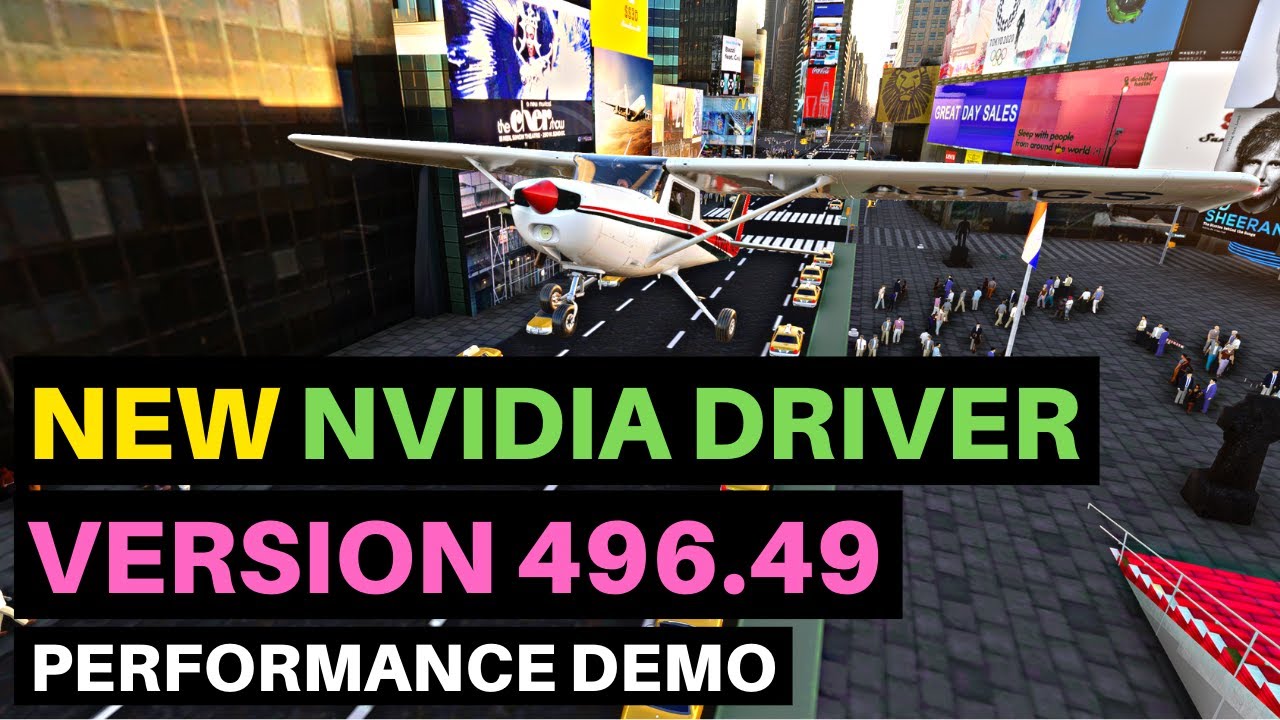
496.49 Clean Version for those users on a driver slimming diet!
If you are manually editing your driver by removing files as suggested by CptLucky8, you will find the DCH driver setup.ini/cfg is unlike the standard driver version and this driver might be the better option for you as the work is already done.
There is a DirectX runtime update now available in the Windows Store
Windows 10 KB5006738 (21H1) fixes memory leak, other critical bugs
The optional update also addresses a memory leak bug that could result in high memory usage. Another reliability issue with LogonUI.exe has been fixed. This bug affected network status on the credentials screen.